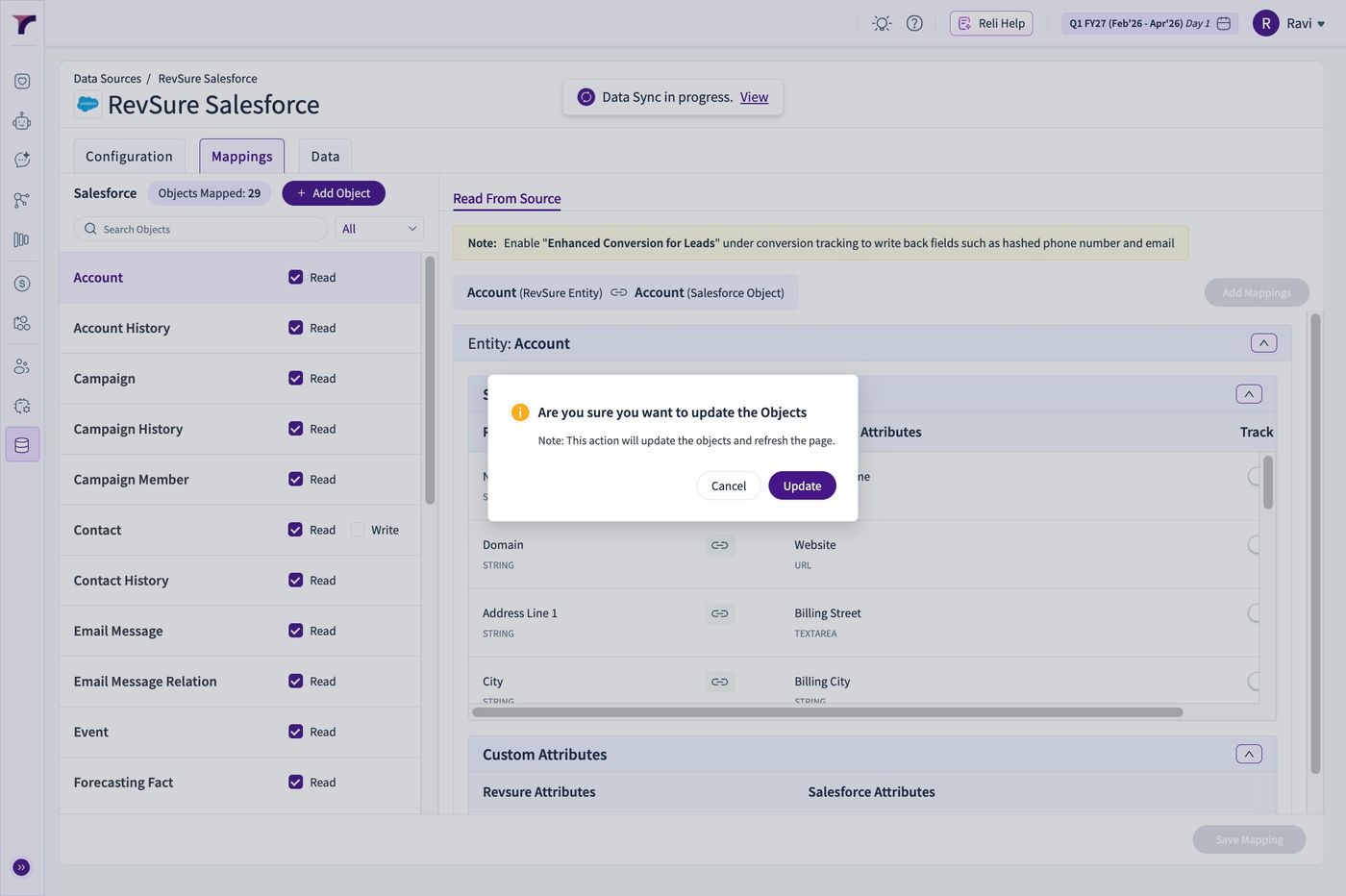
1. Navigate to the given Tenant
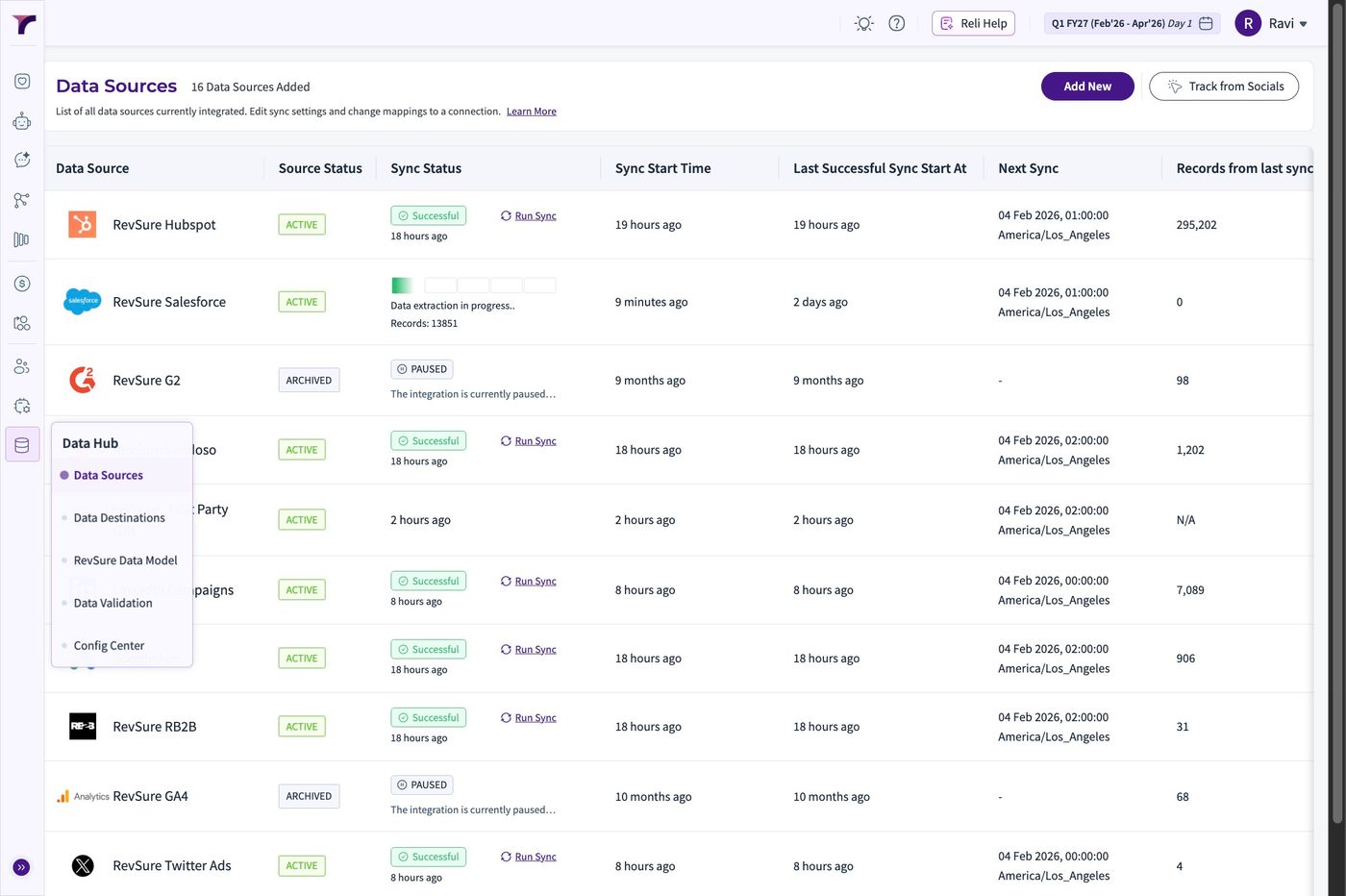
2. Go to Data Hub
3. Click "Data Sources"
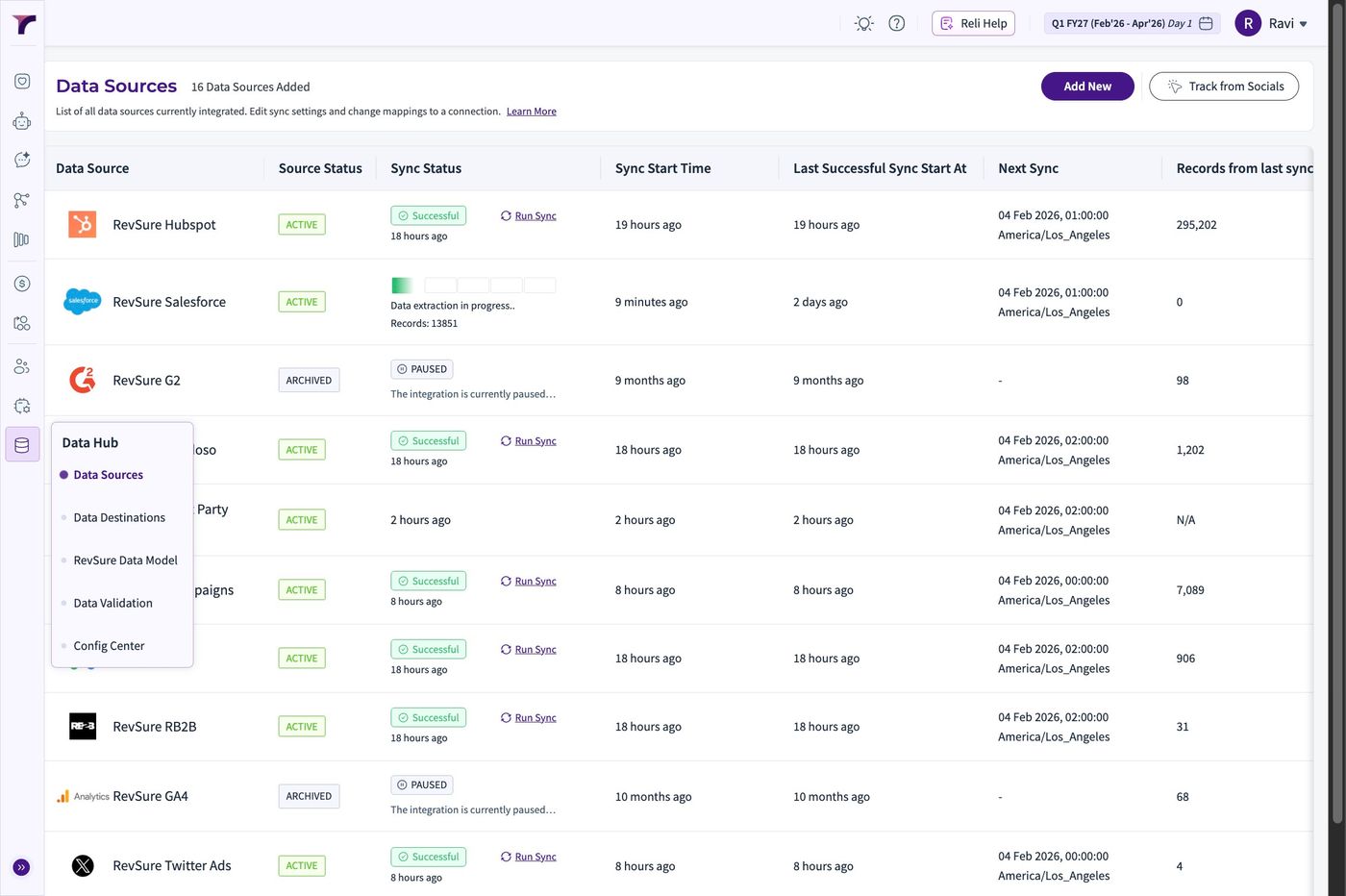
4. Select the Salesforce Connection we want to add the new Object
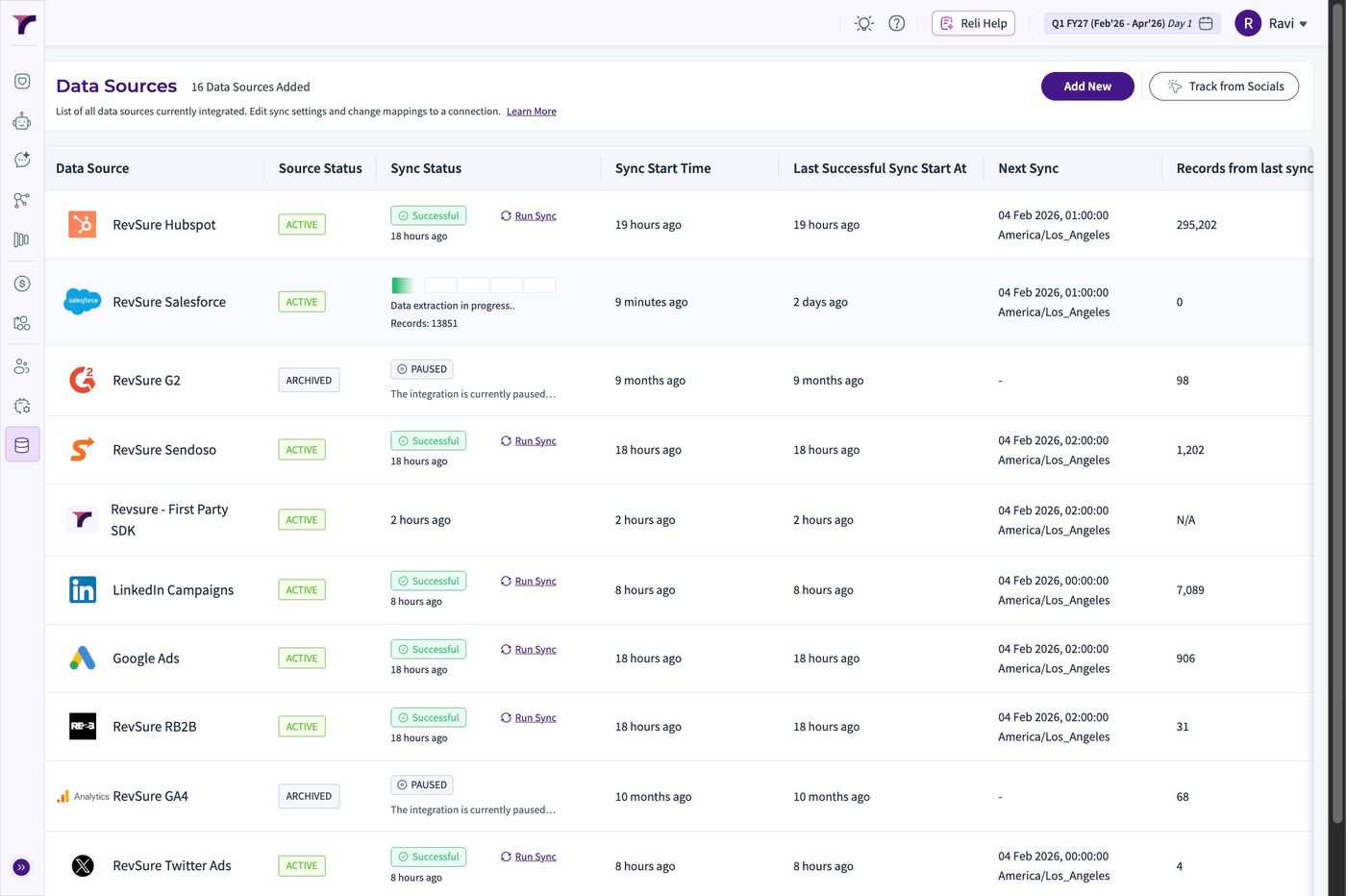
5. Move over to the "Mappings" Tab
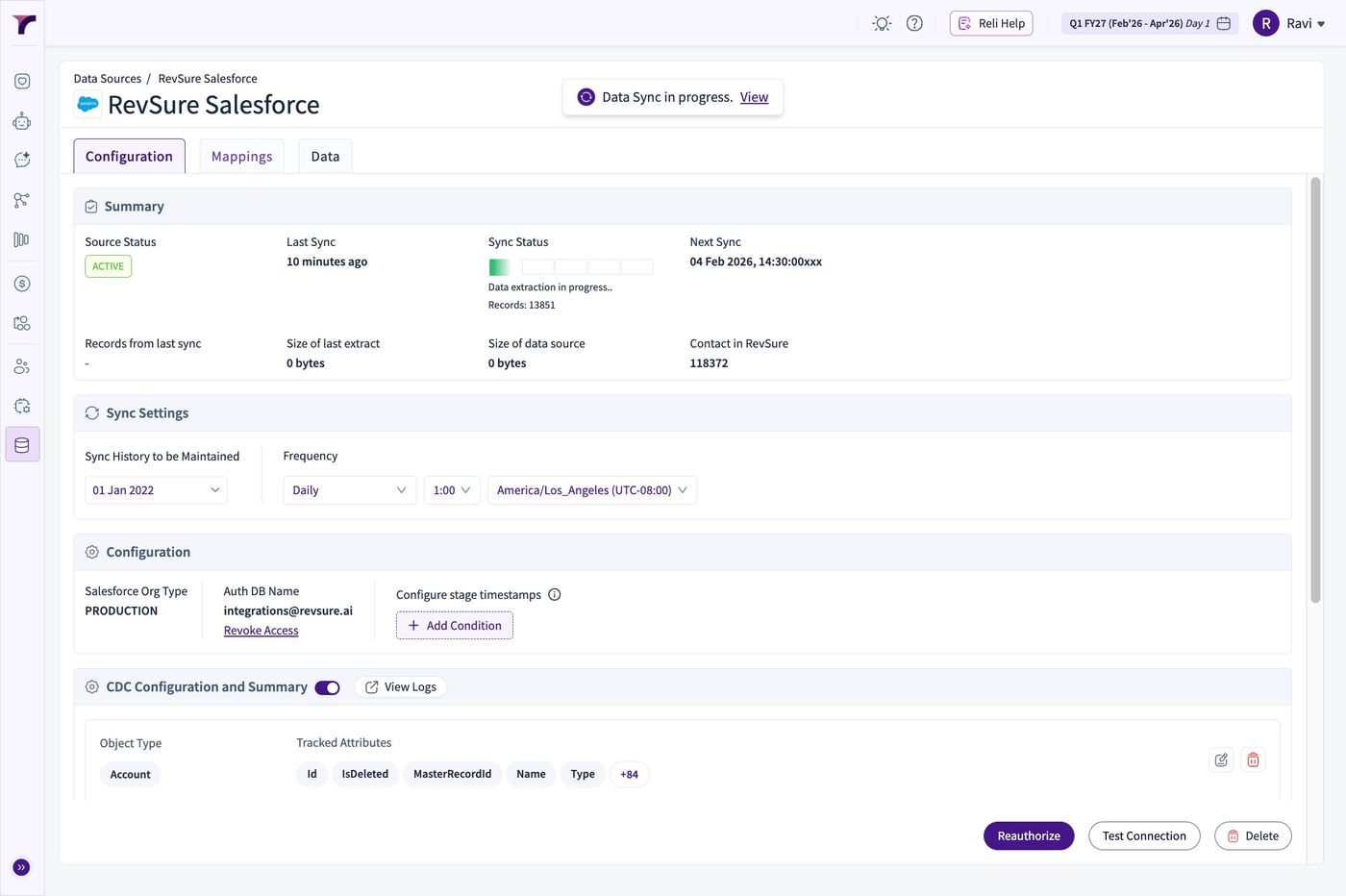
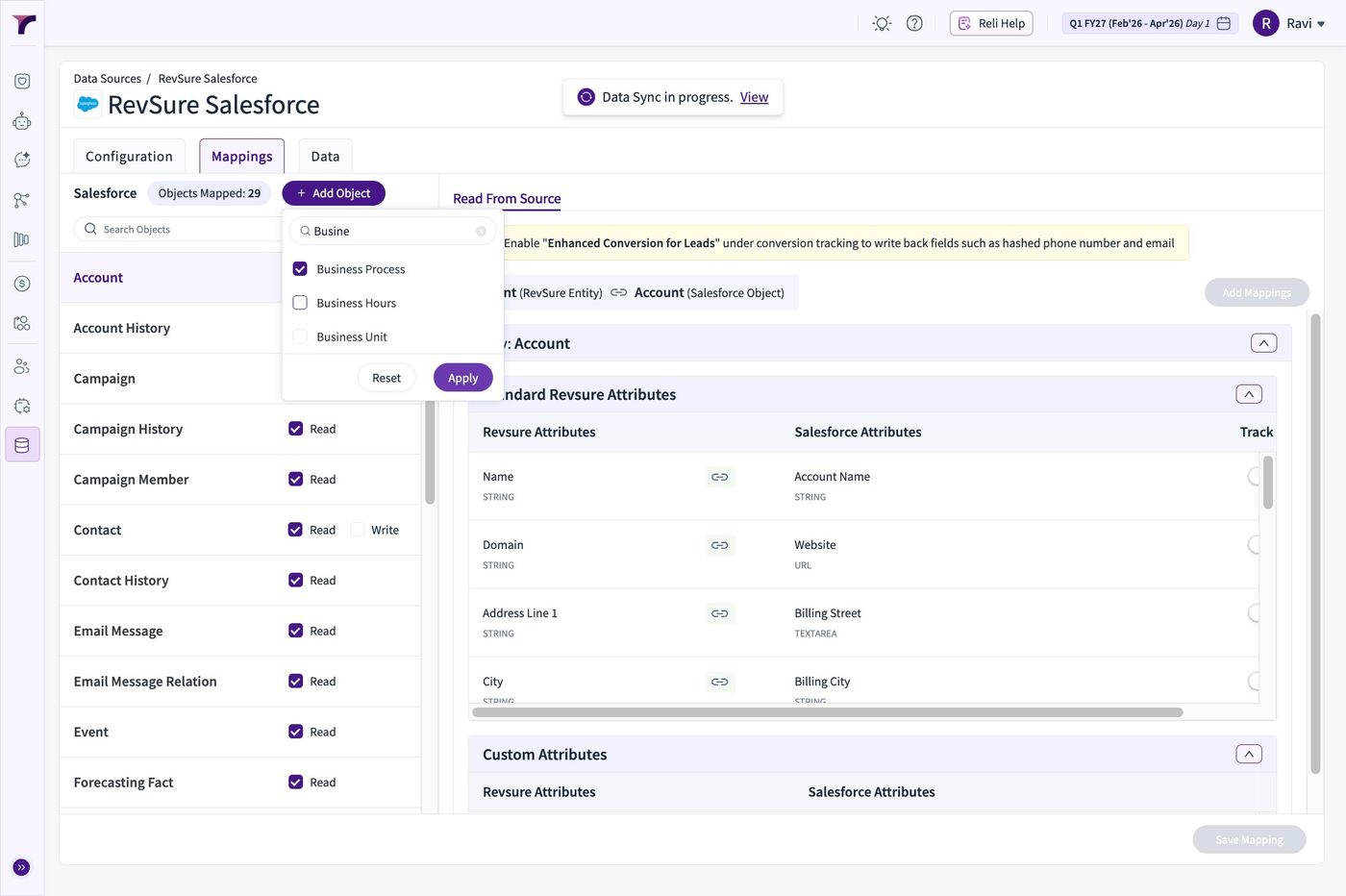
6. Click Add Object Button
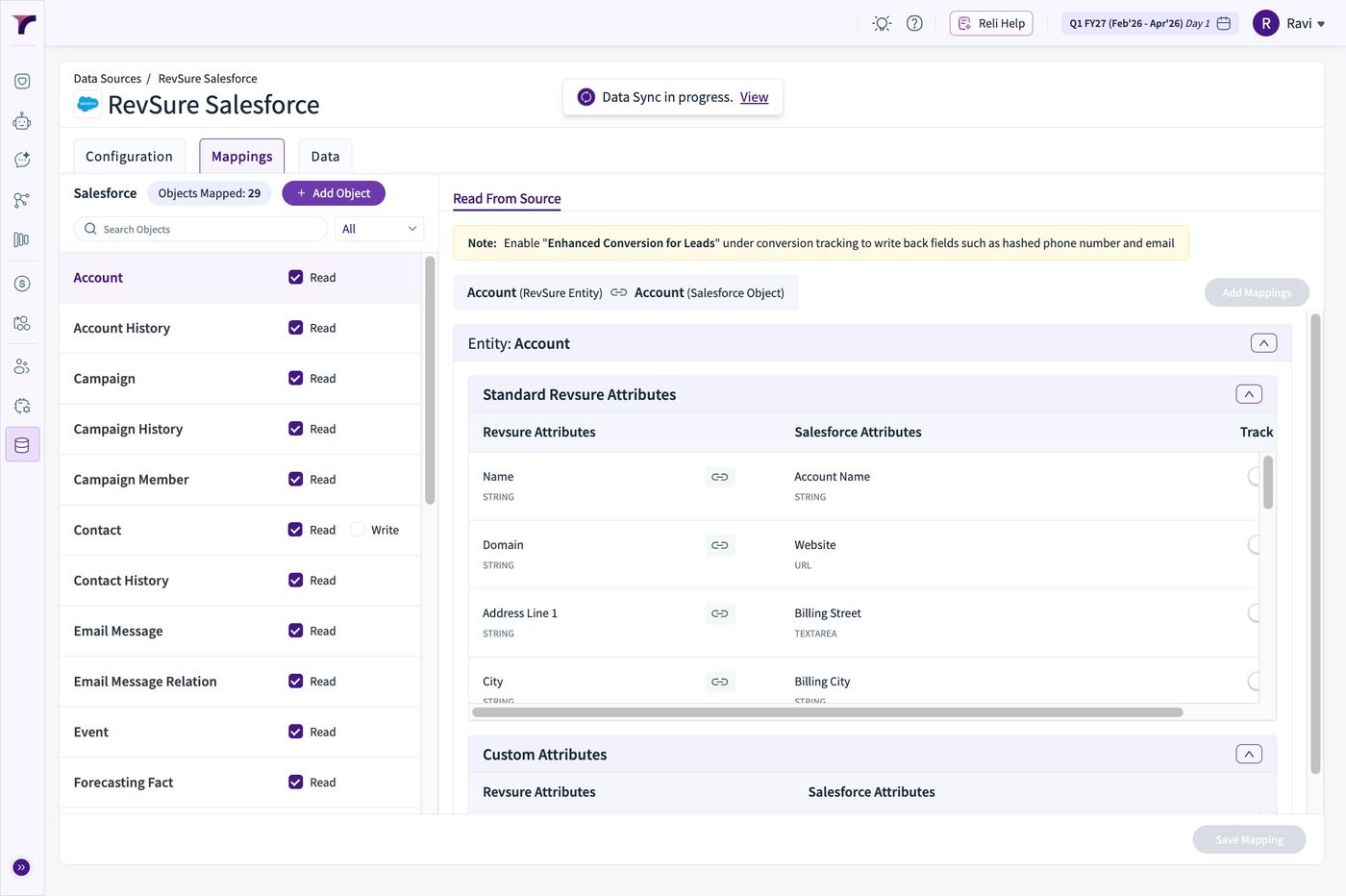
7. This makes a call to Salesforce and Fetches the available Objects to the connection
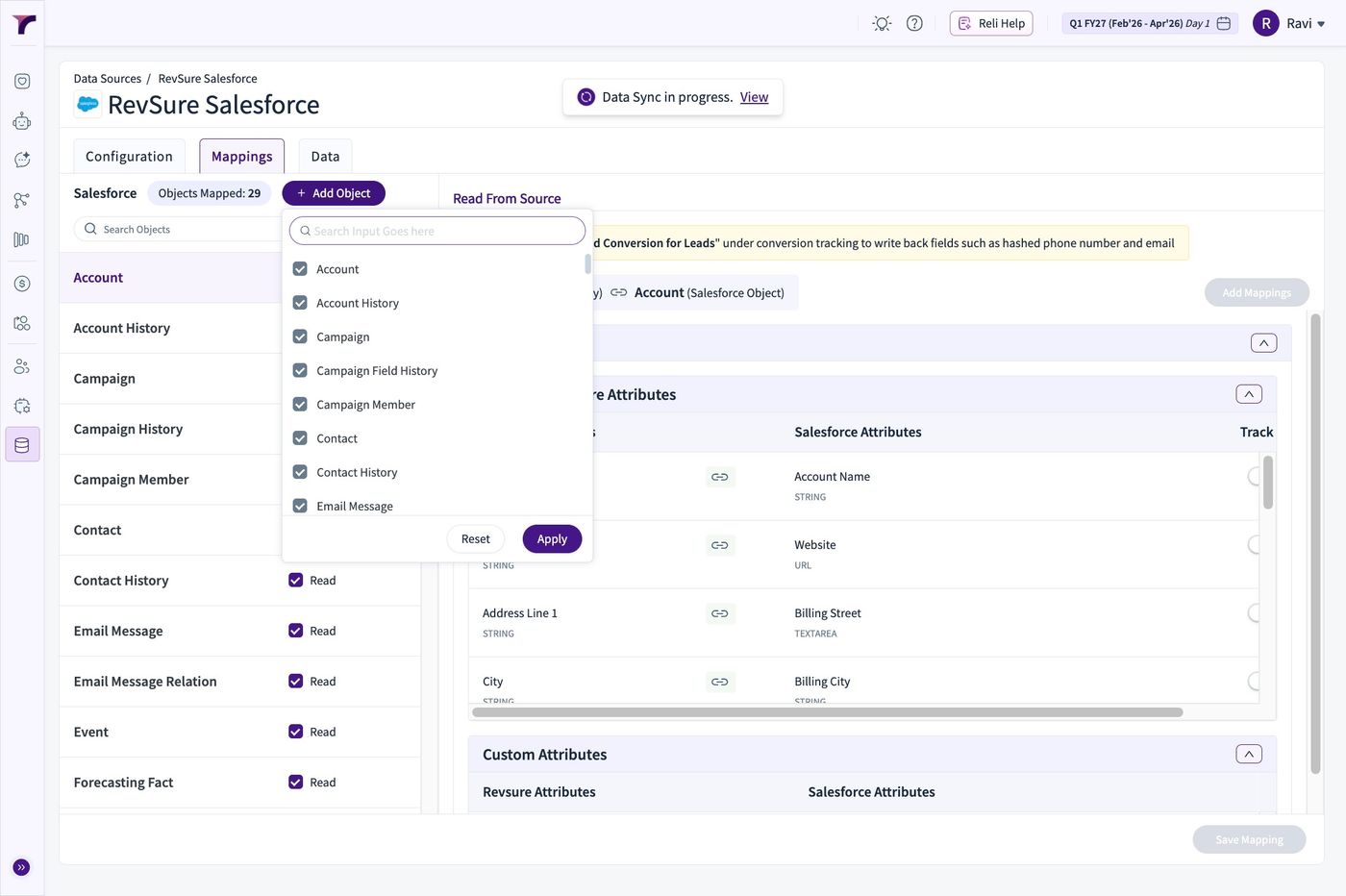
8. Use the Search box to find the object that need to be added
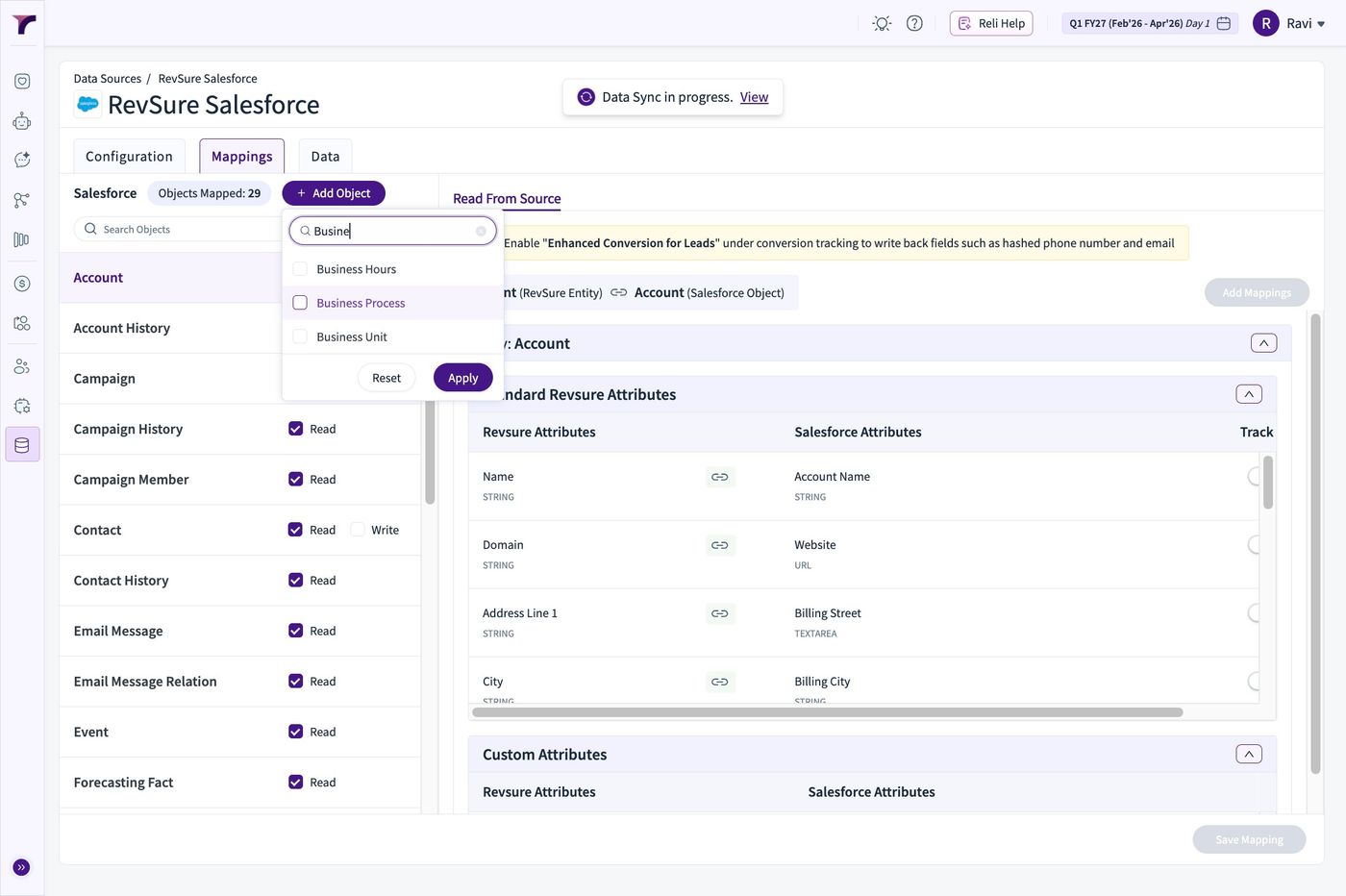
9. Select and Click Apply
10. Click Update to Confirm