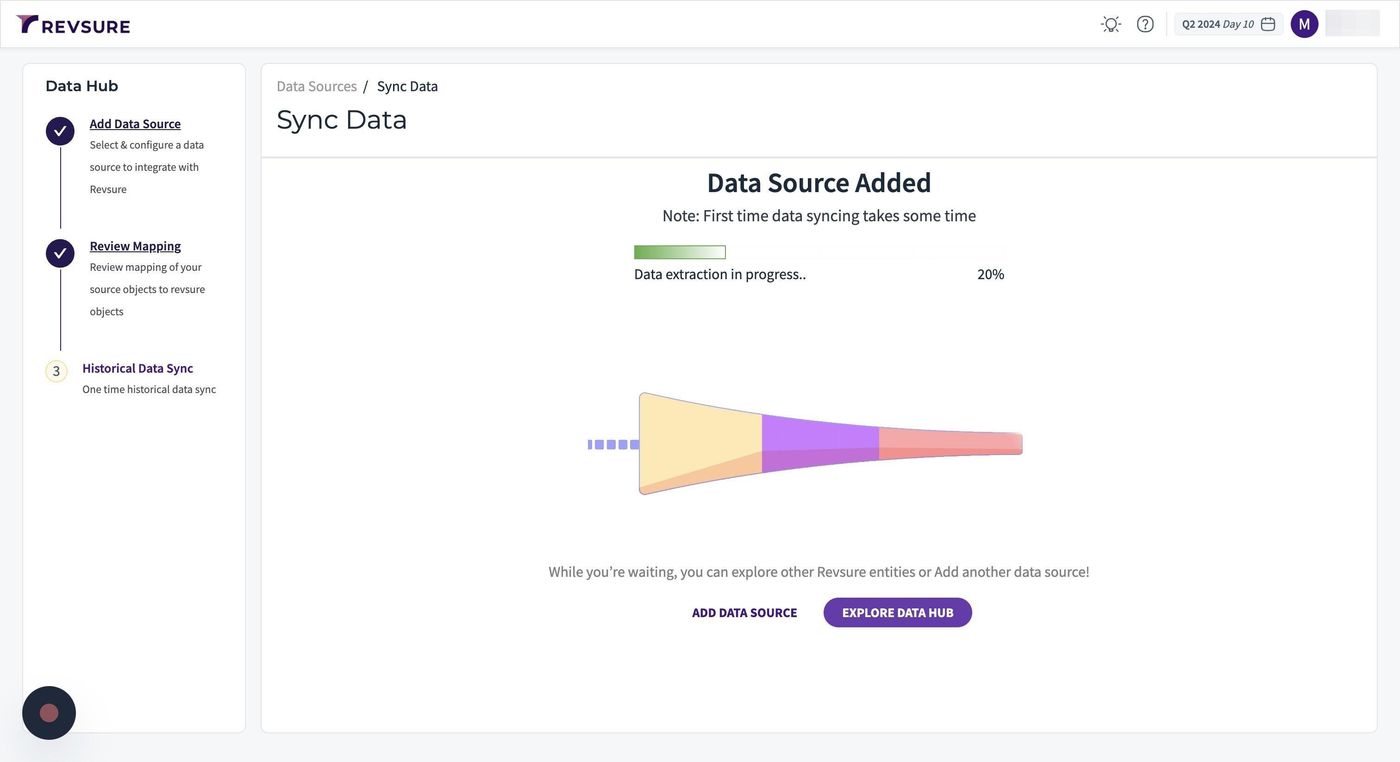
1. Navigate to the data-hub module in the RevSure account. Click on the Add data source button
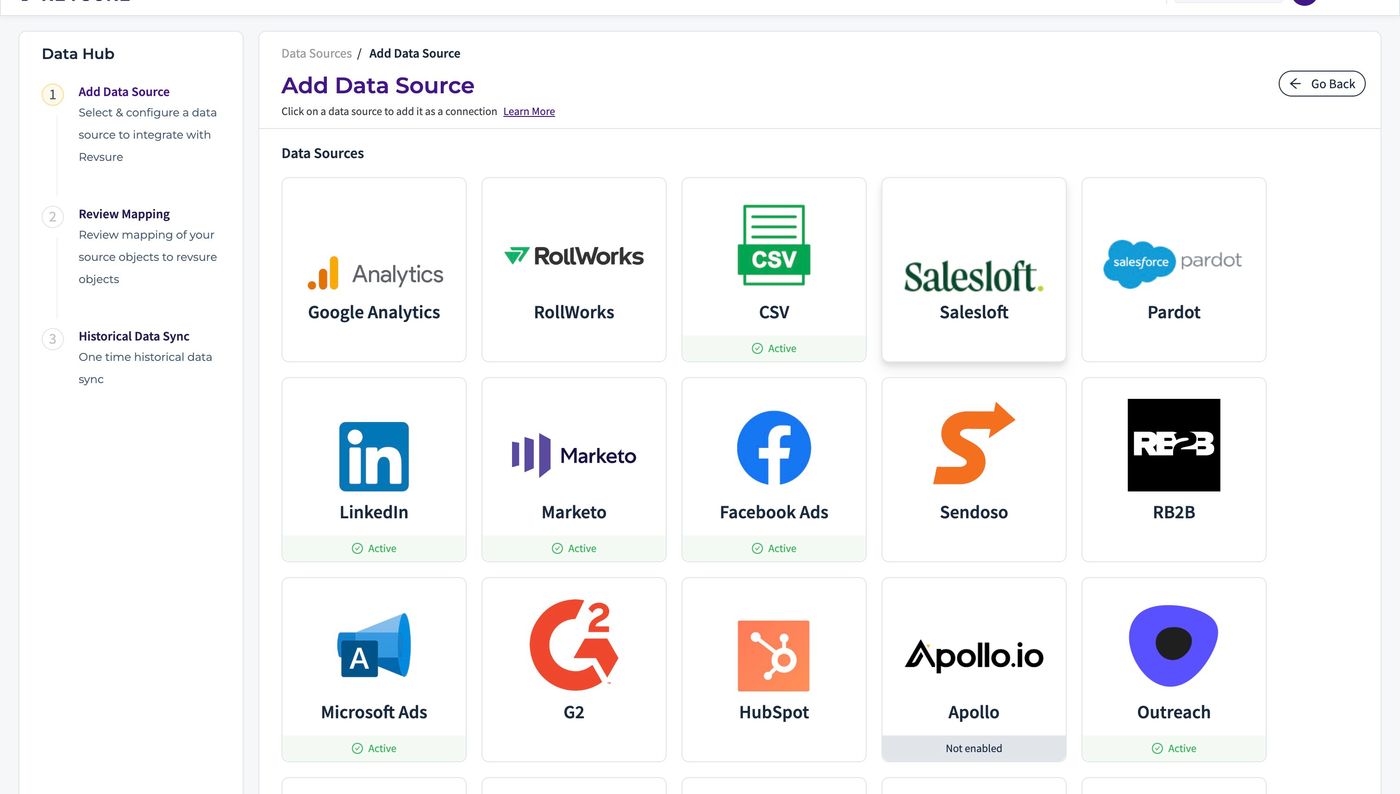
2. Select Salesloft data source, and it will open a sidebar to configure the connection details
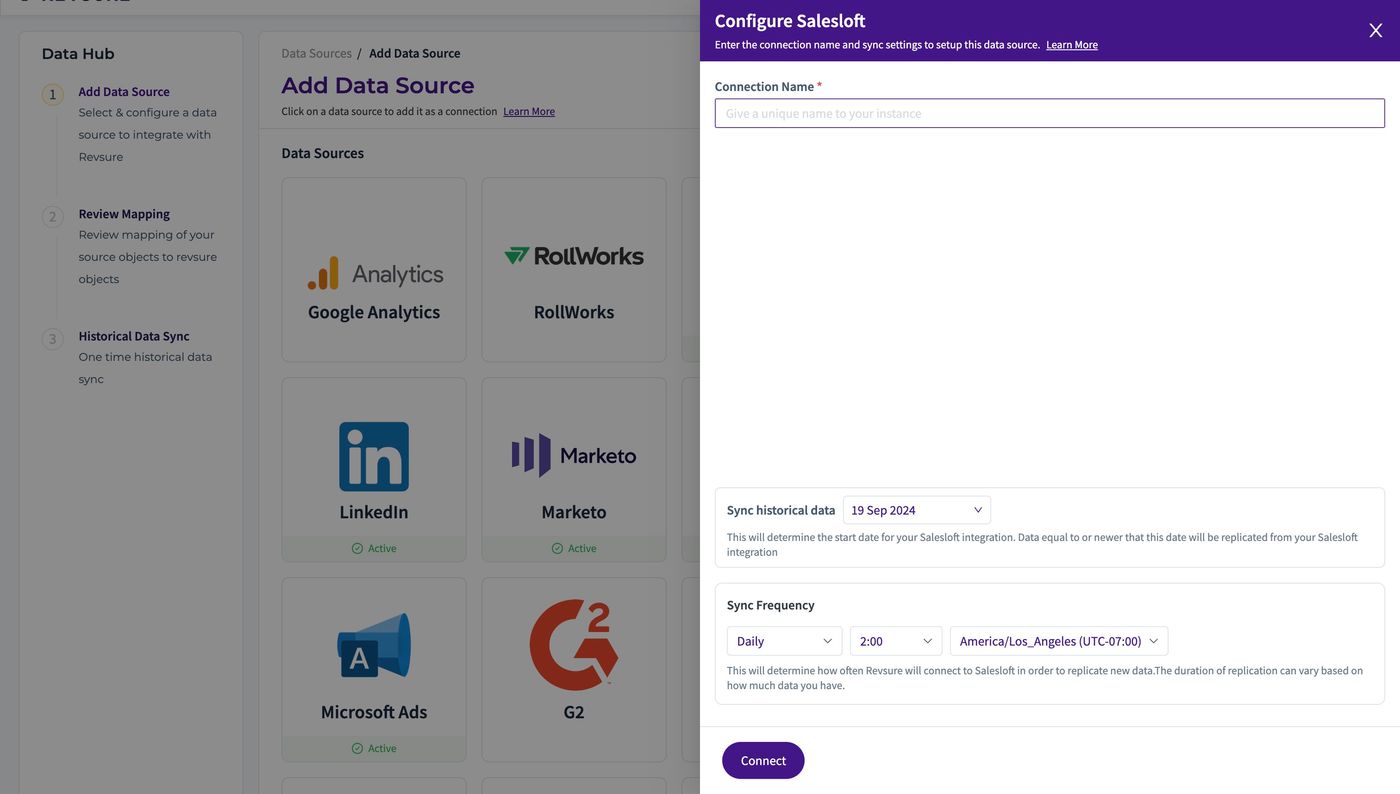
3. Enter a unique connection name to identify the connection
4. Select historical date to sync from
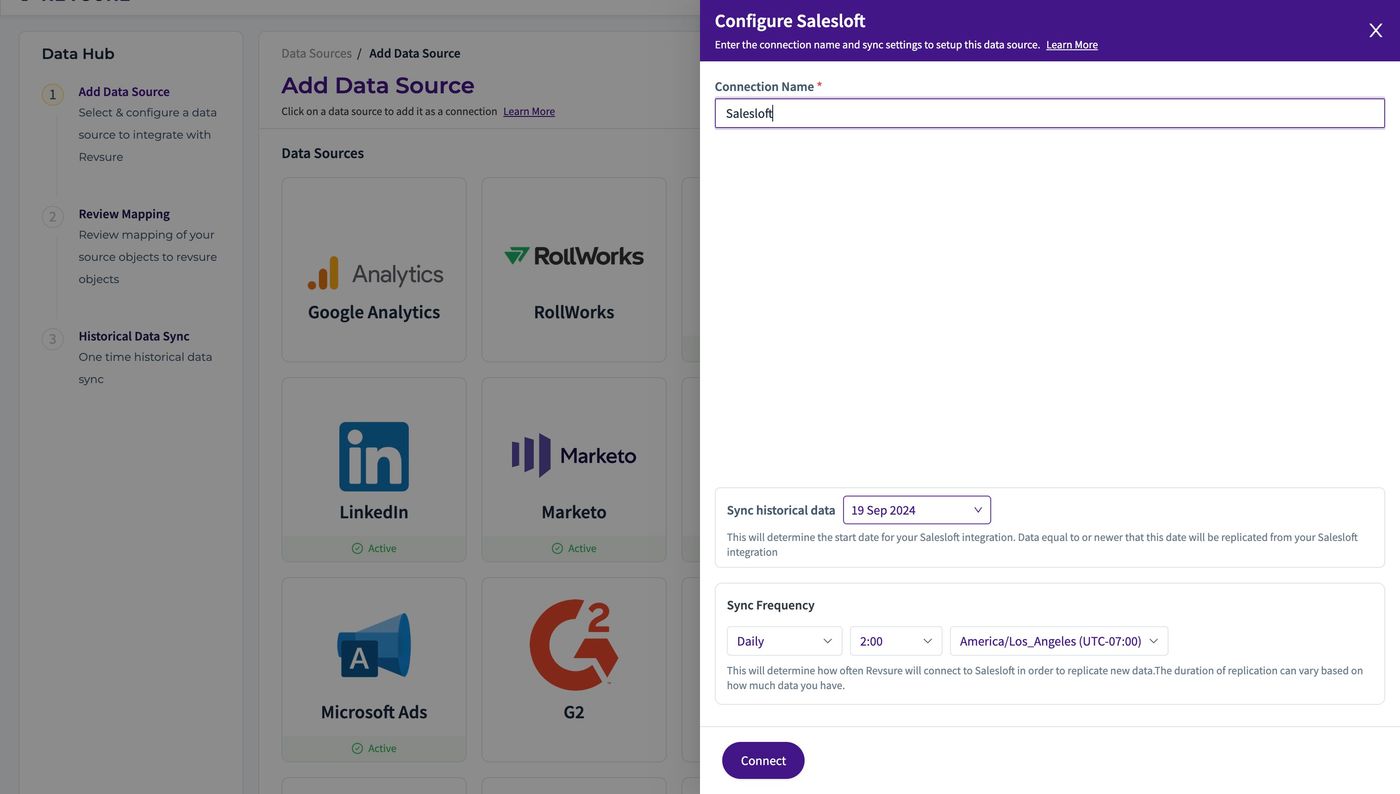
5. Select sync frequency, time and timezone to trigger
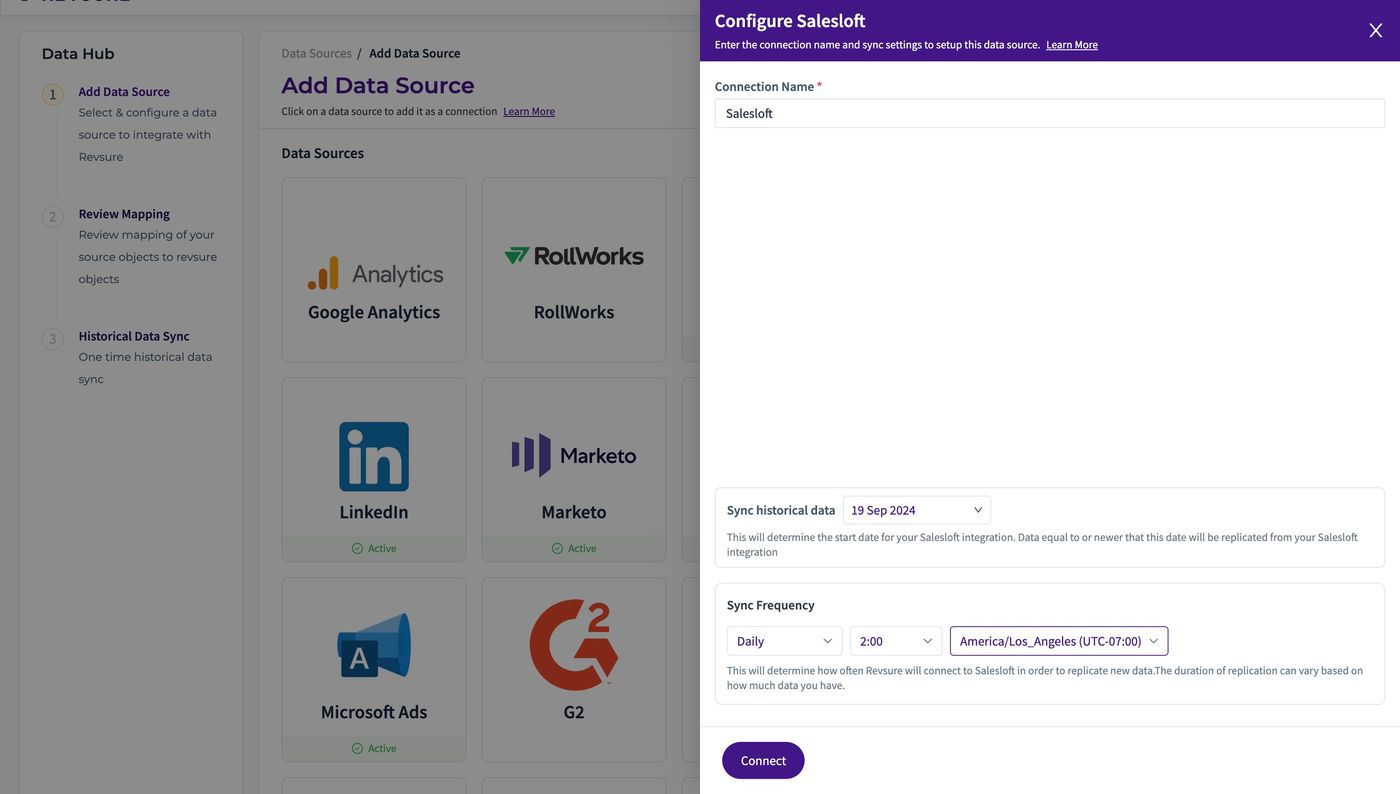
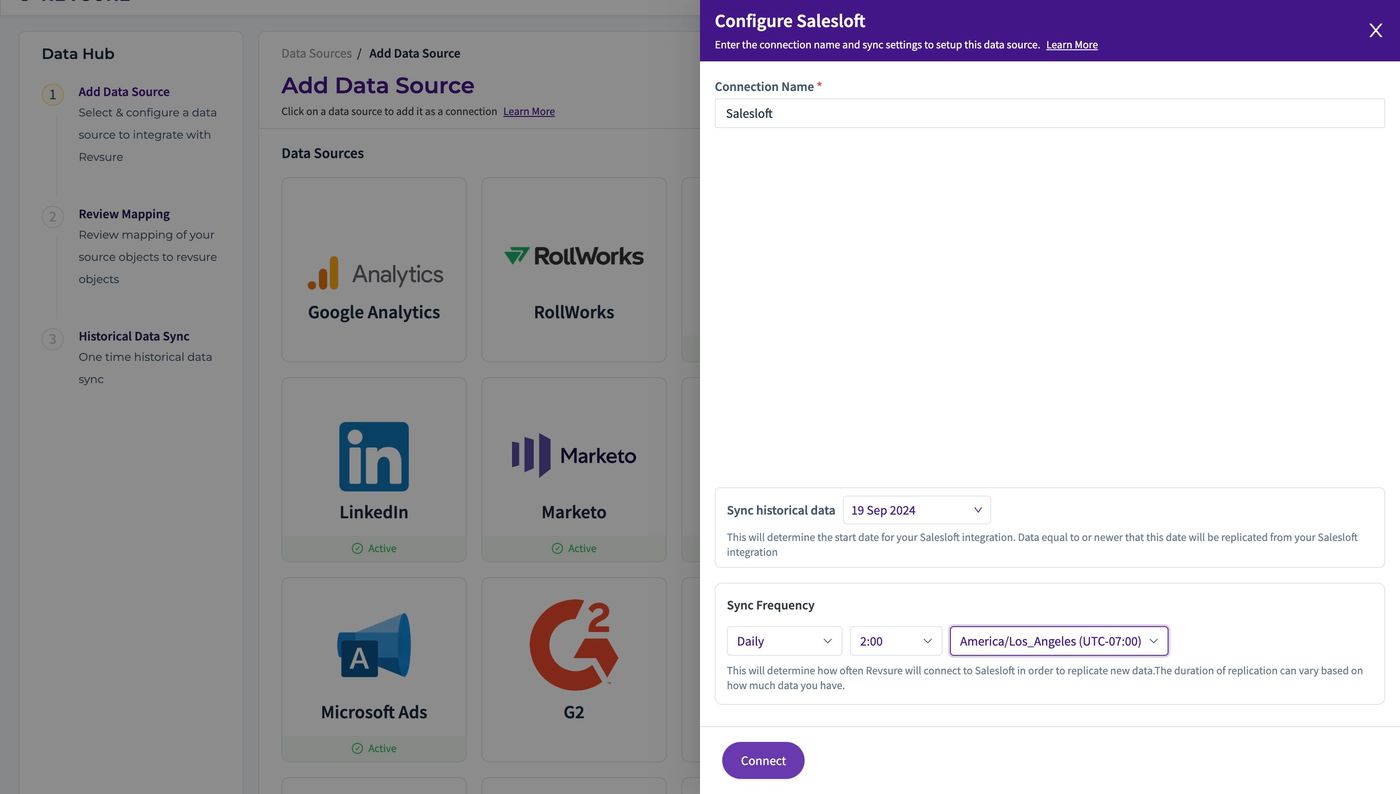
6. Click "Connect"
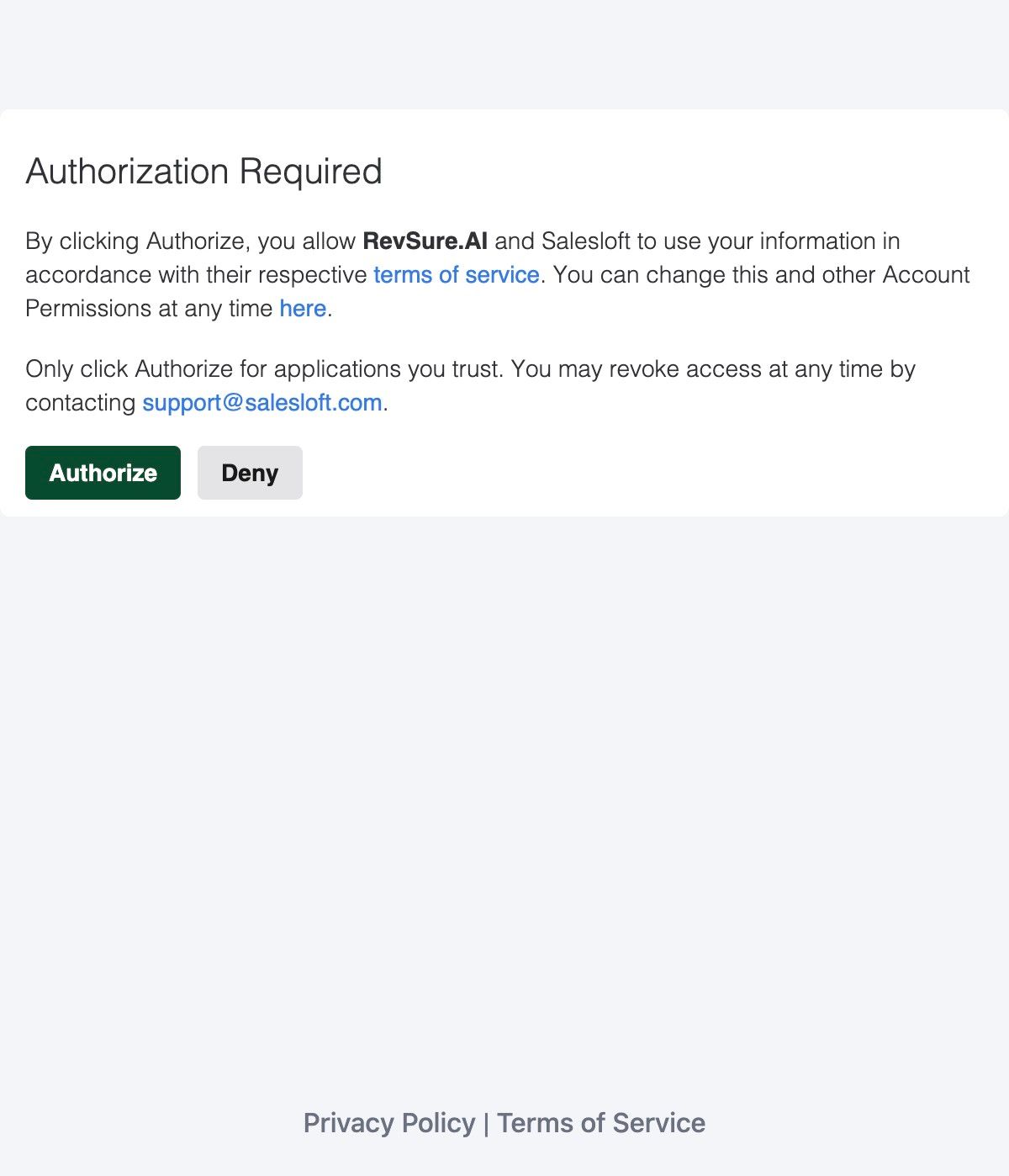
7. Login using your credentials in Salesloft SSO pop up
8. Click "CONFIRM MAPPING" to confirm mapping
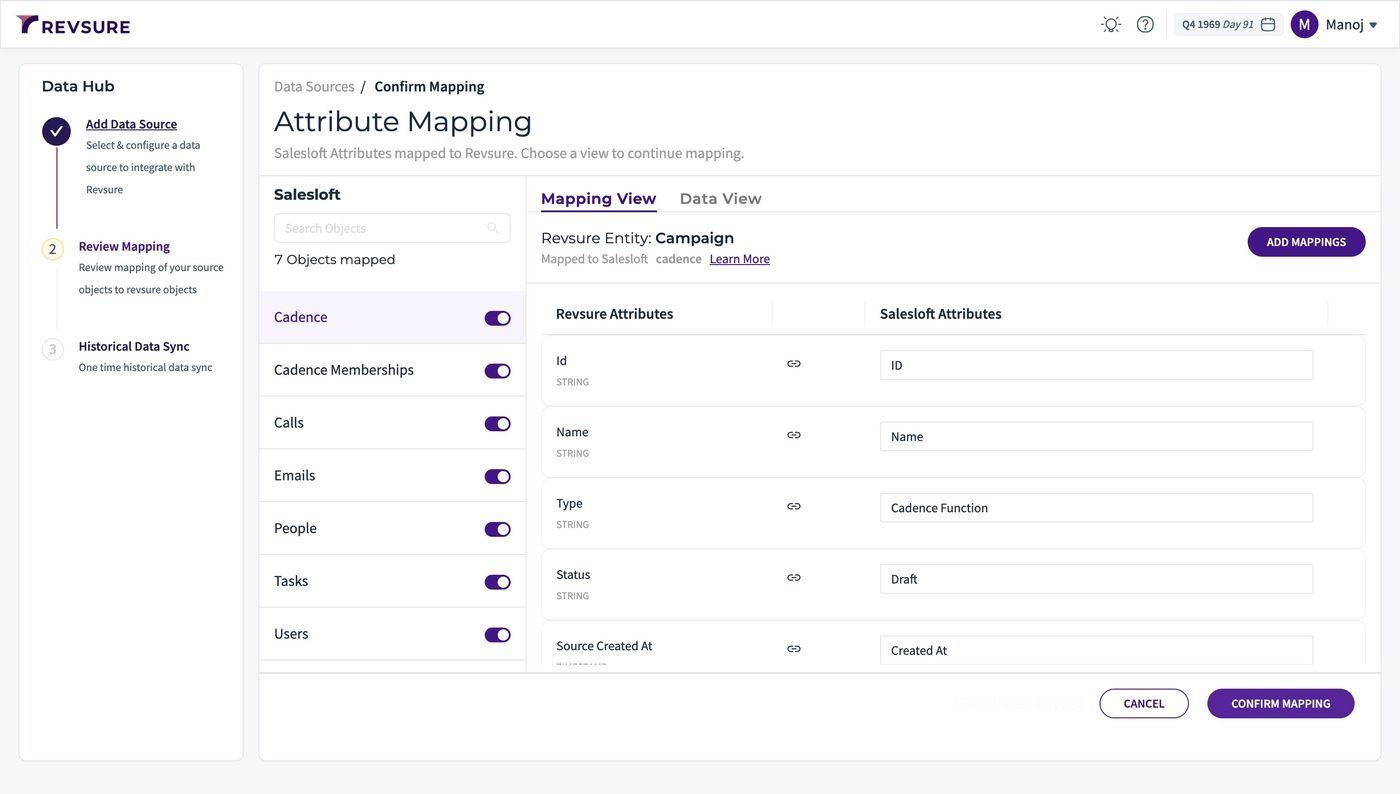
9. Data source will be added, and you will be able to view sync status