1. Navigate to https://rs.revsure.cloud/app/favorites
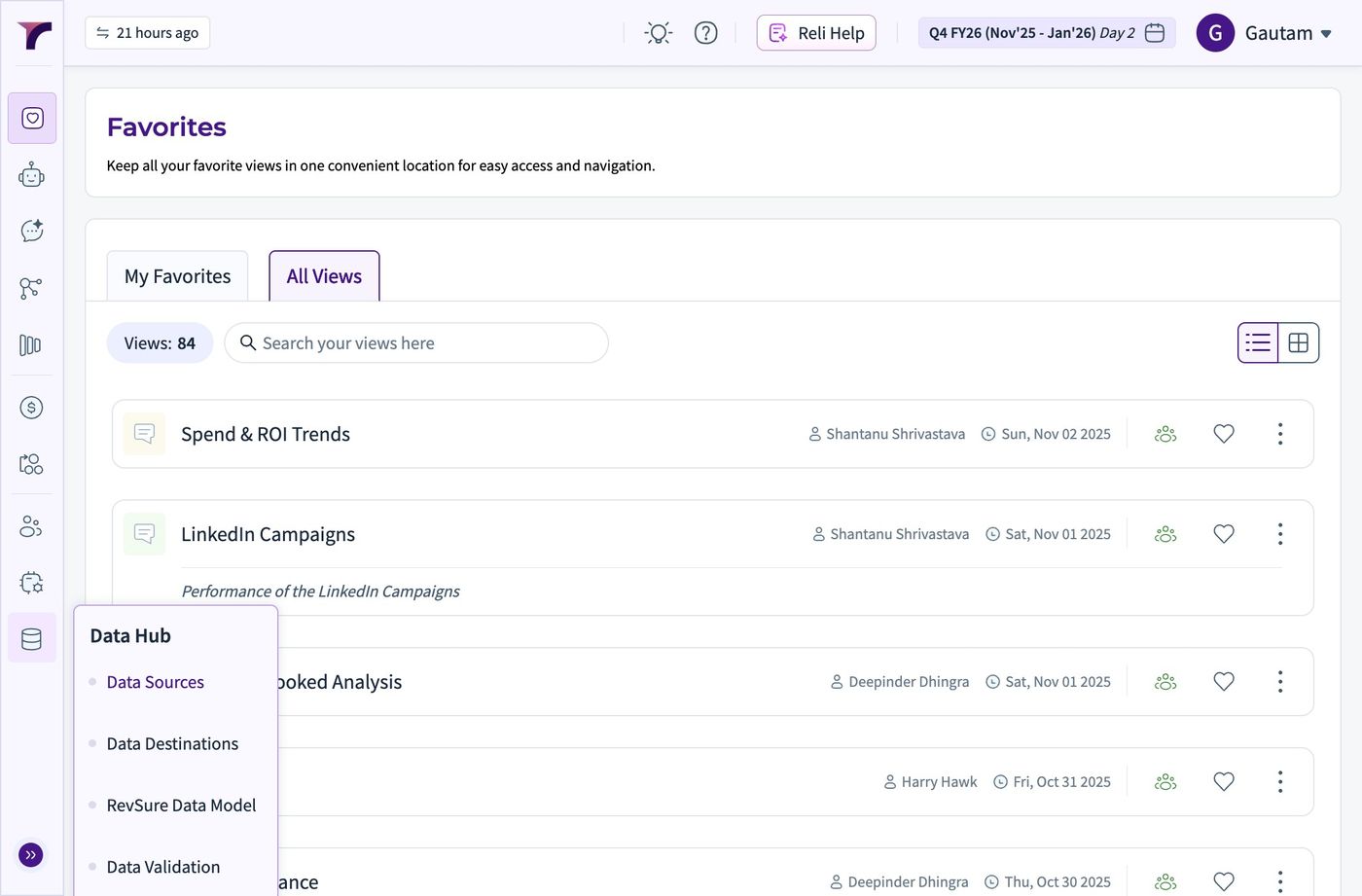
2. Click "Data Sources"
3. Click "Add New"
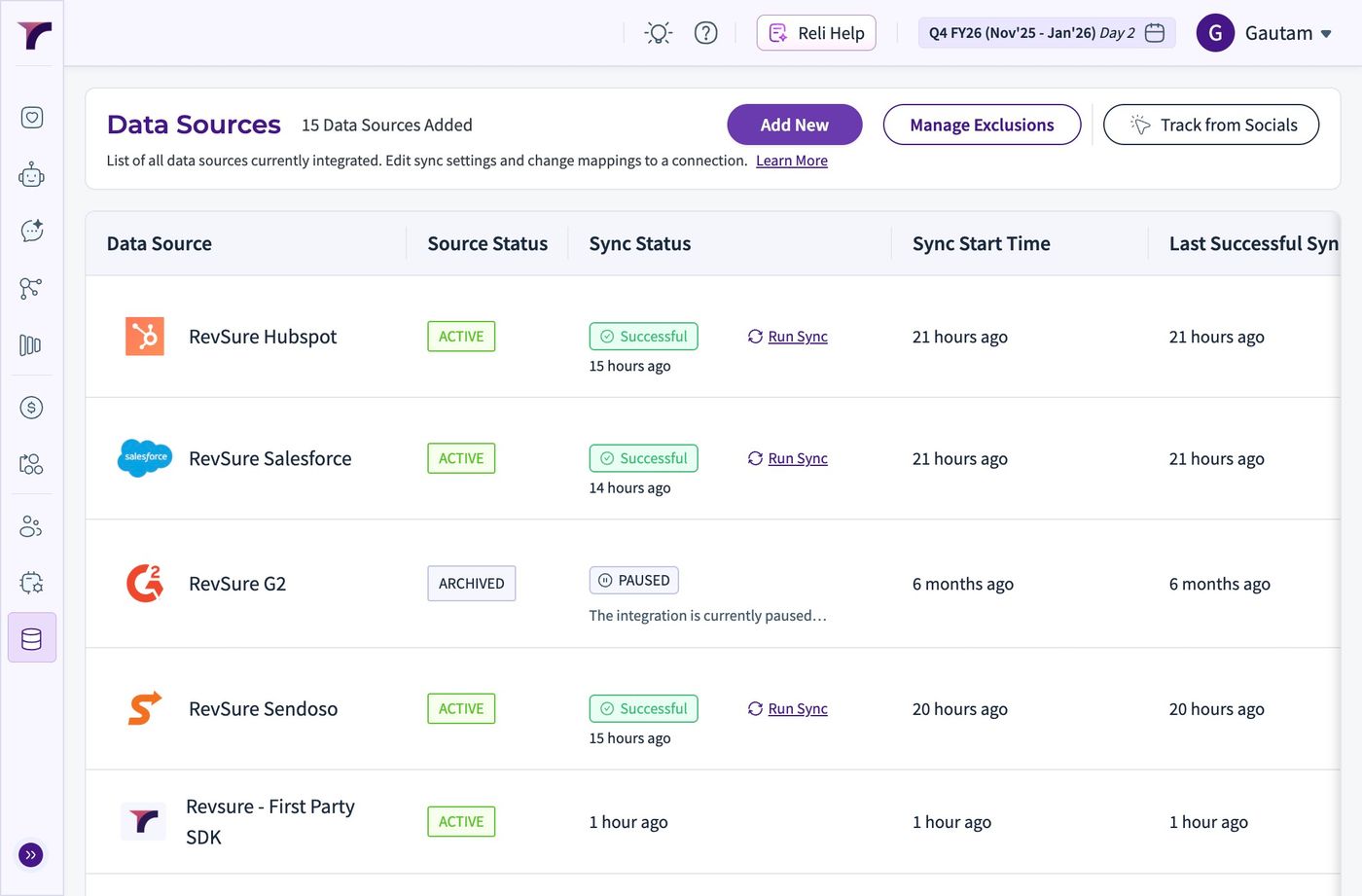
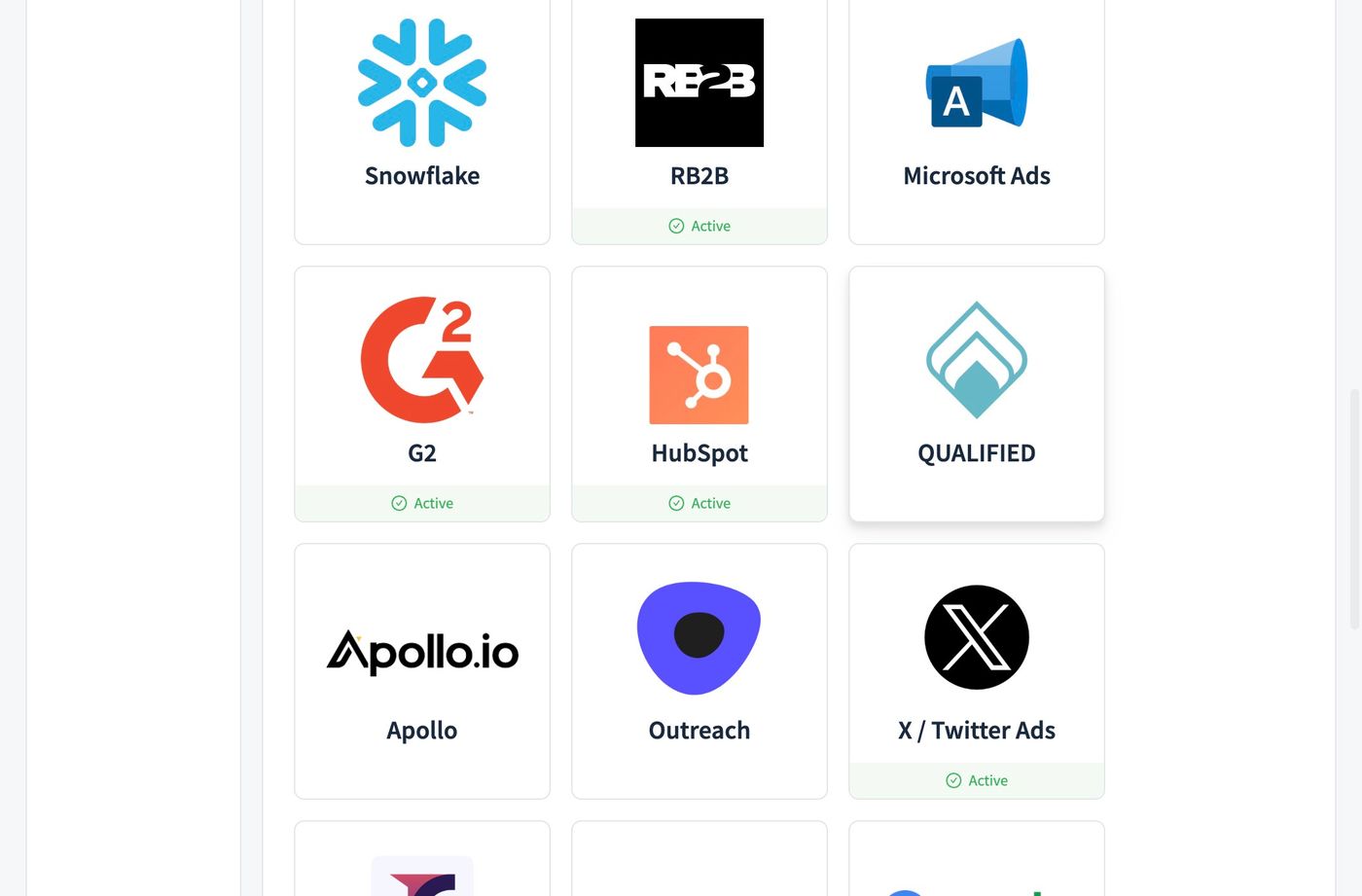
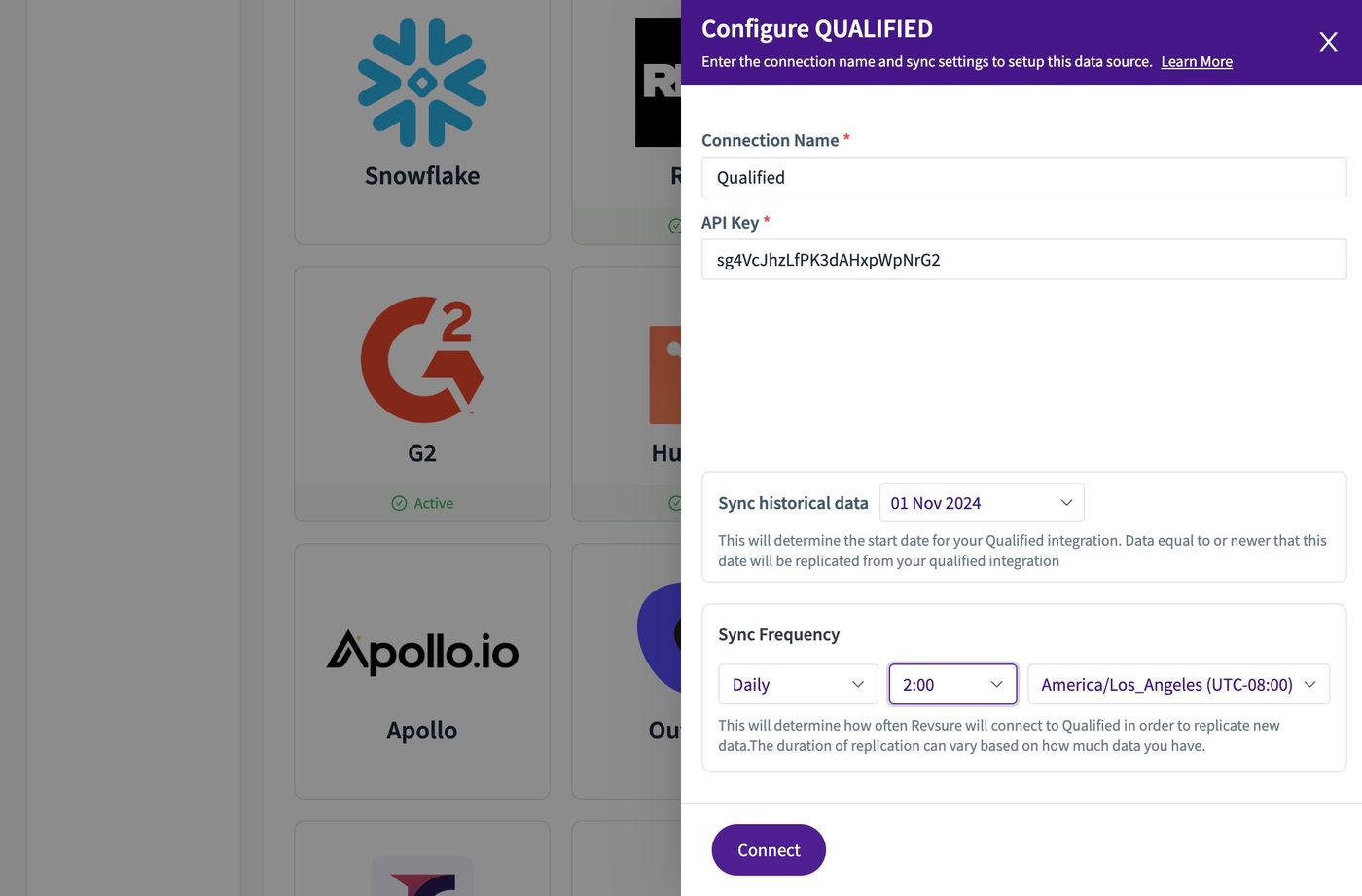
4. Click "QUALIFIED"
5. Add a connection name
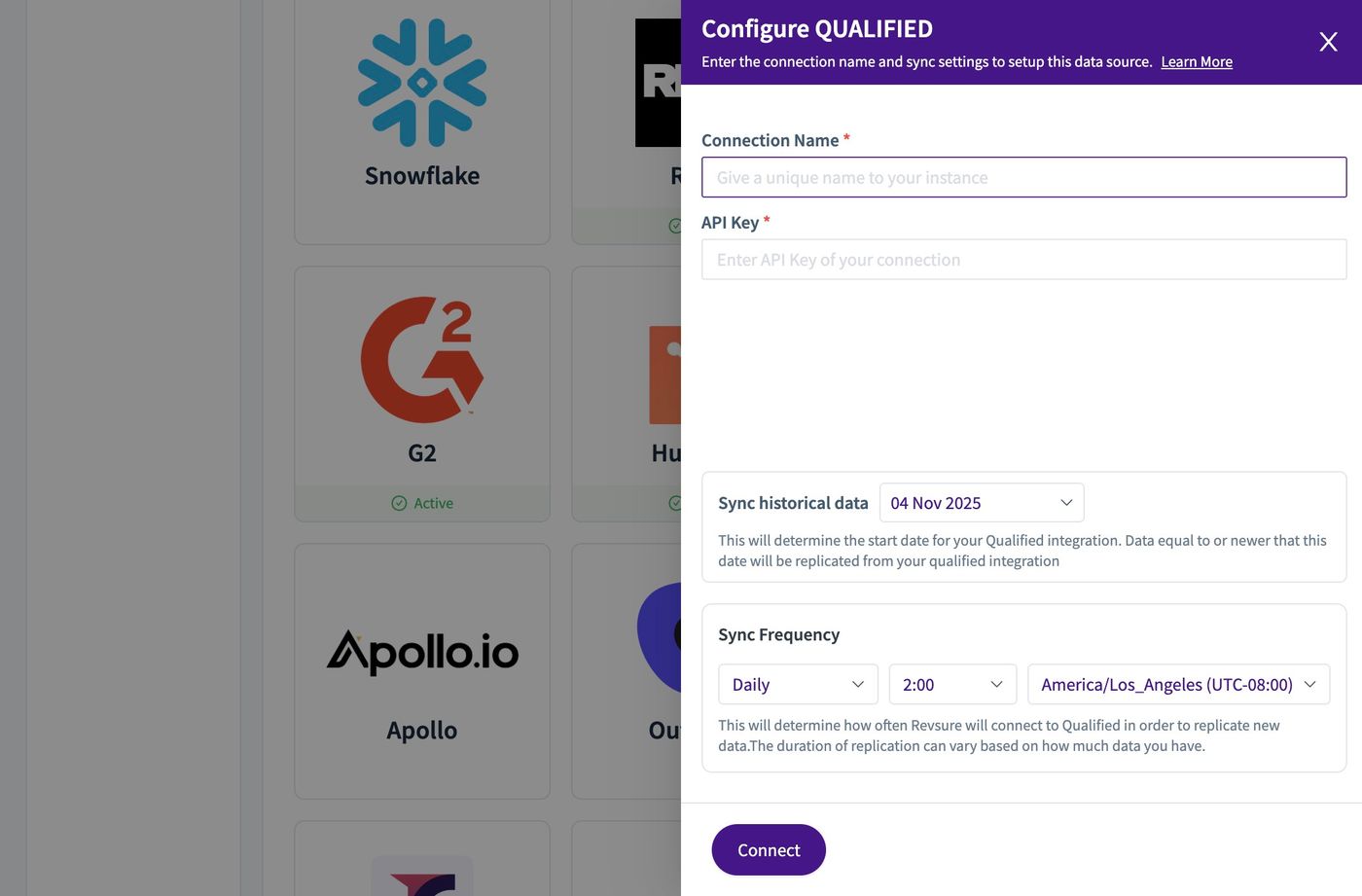
6. Add API Key
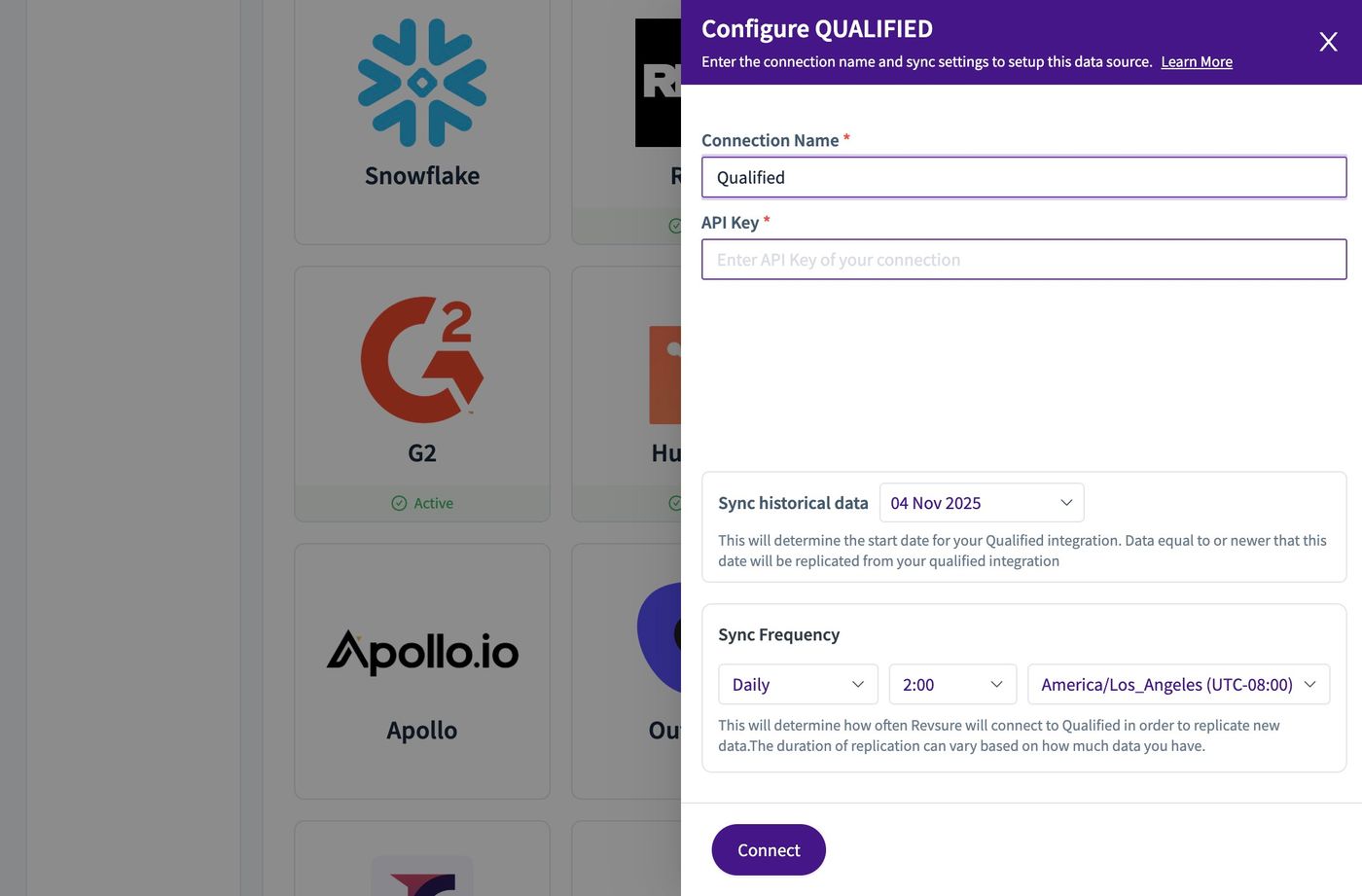
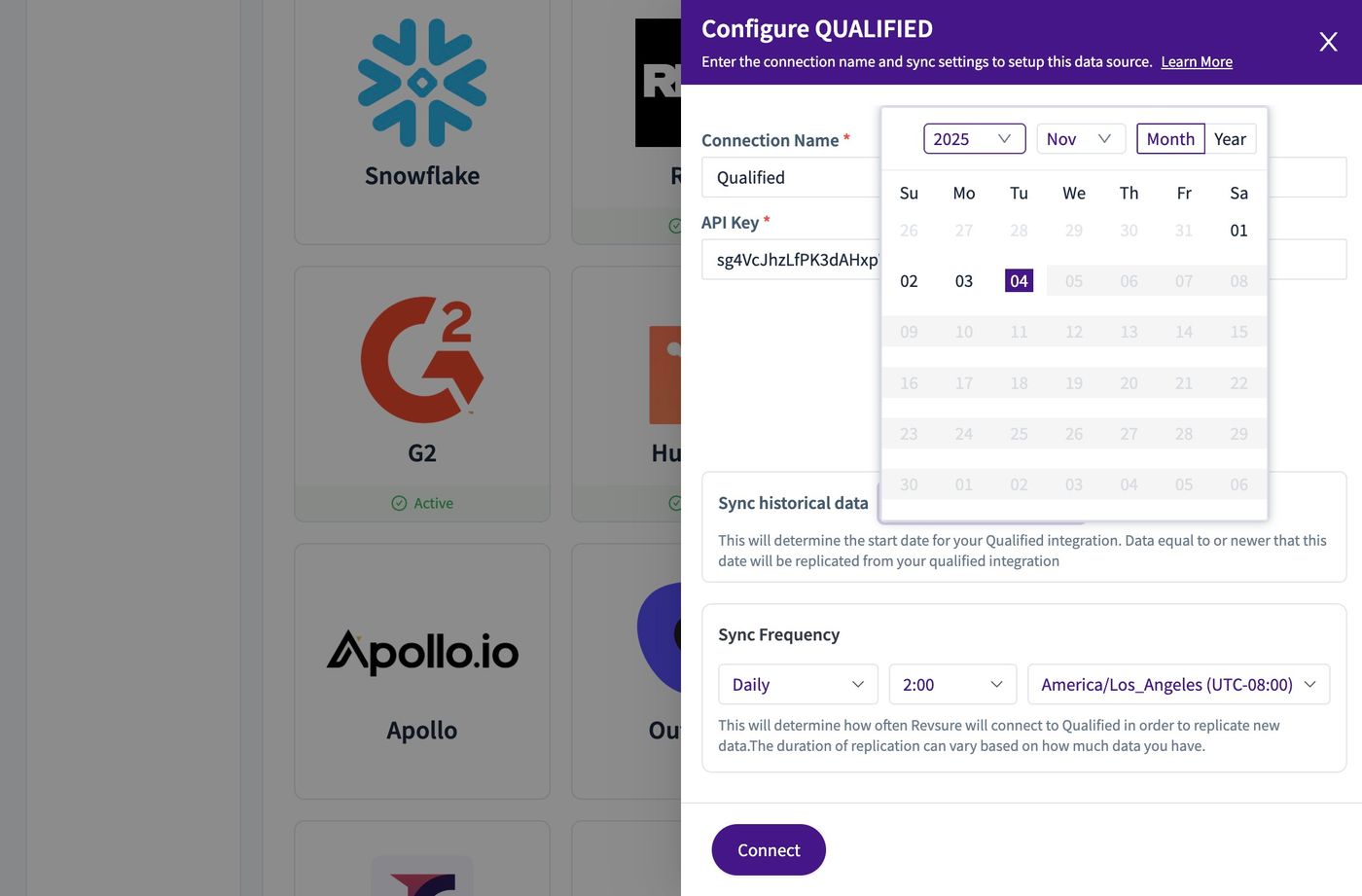
7. Choose date from when to extract data
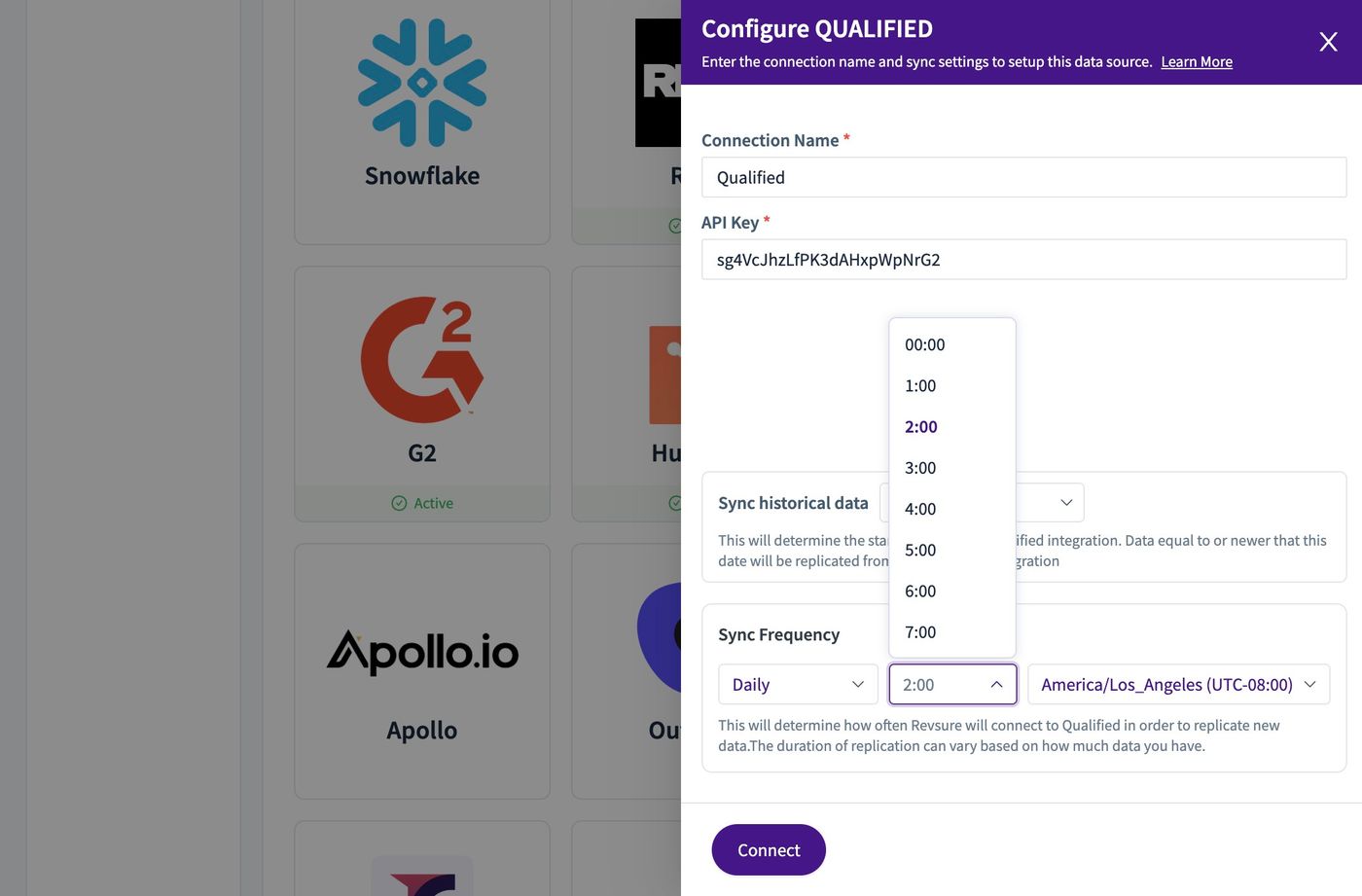
8. Choose sync frequency (This is the time at which Revsure will be pulling the data)
9. Click "Connect"
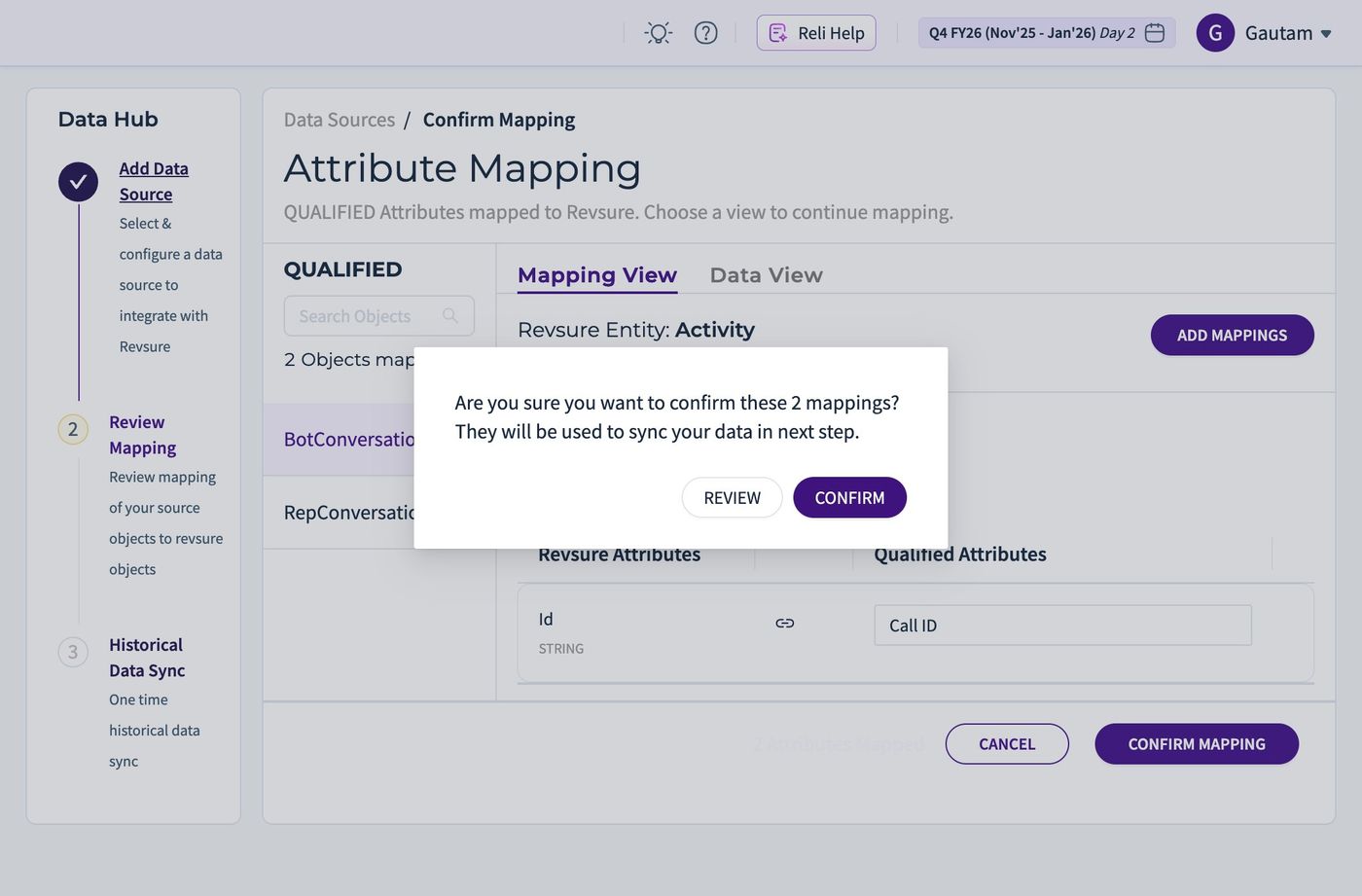
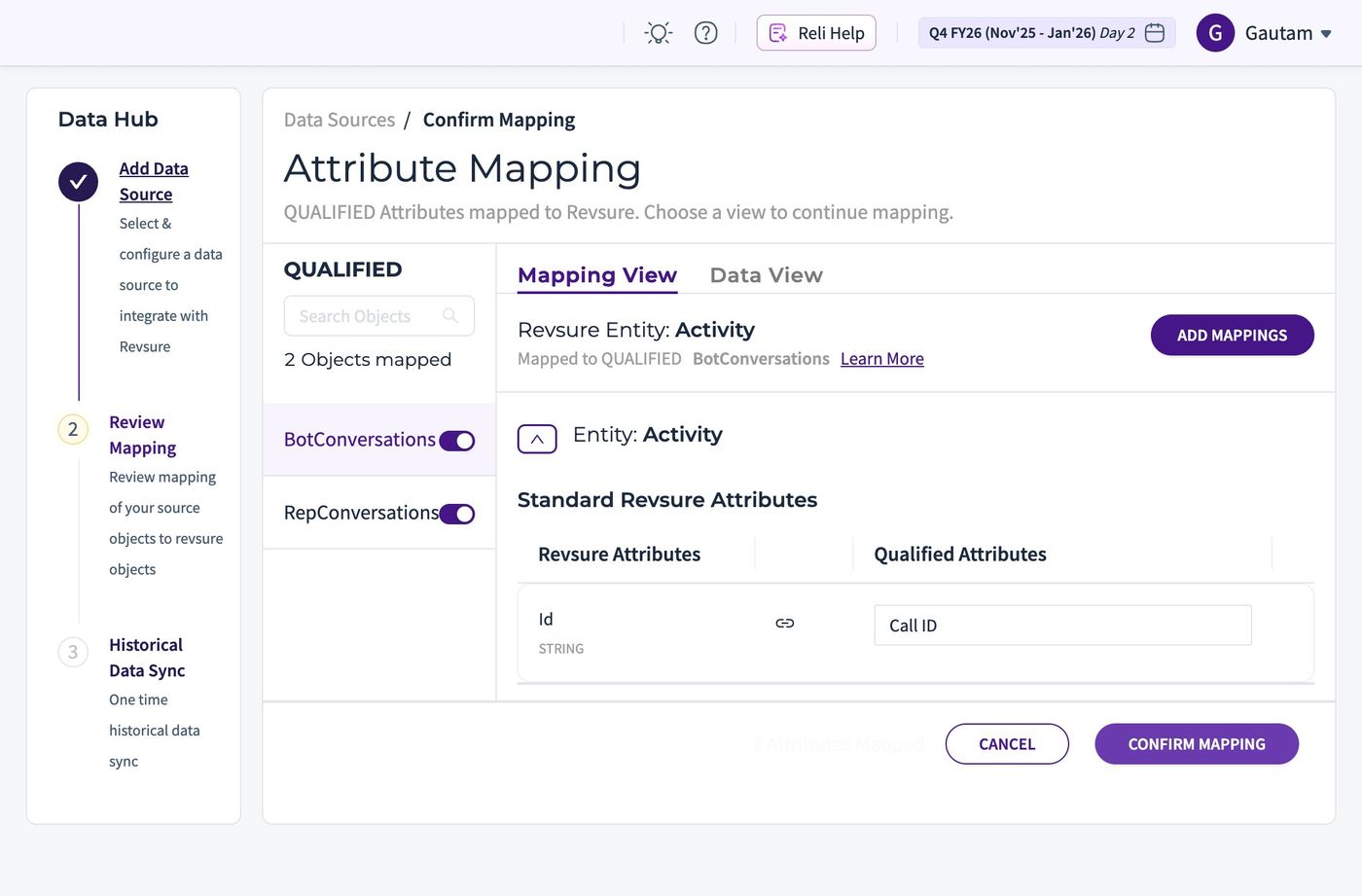
10. Click "Confirm Mapping"
11. Click "CONFIRM"