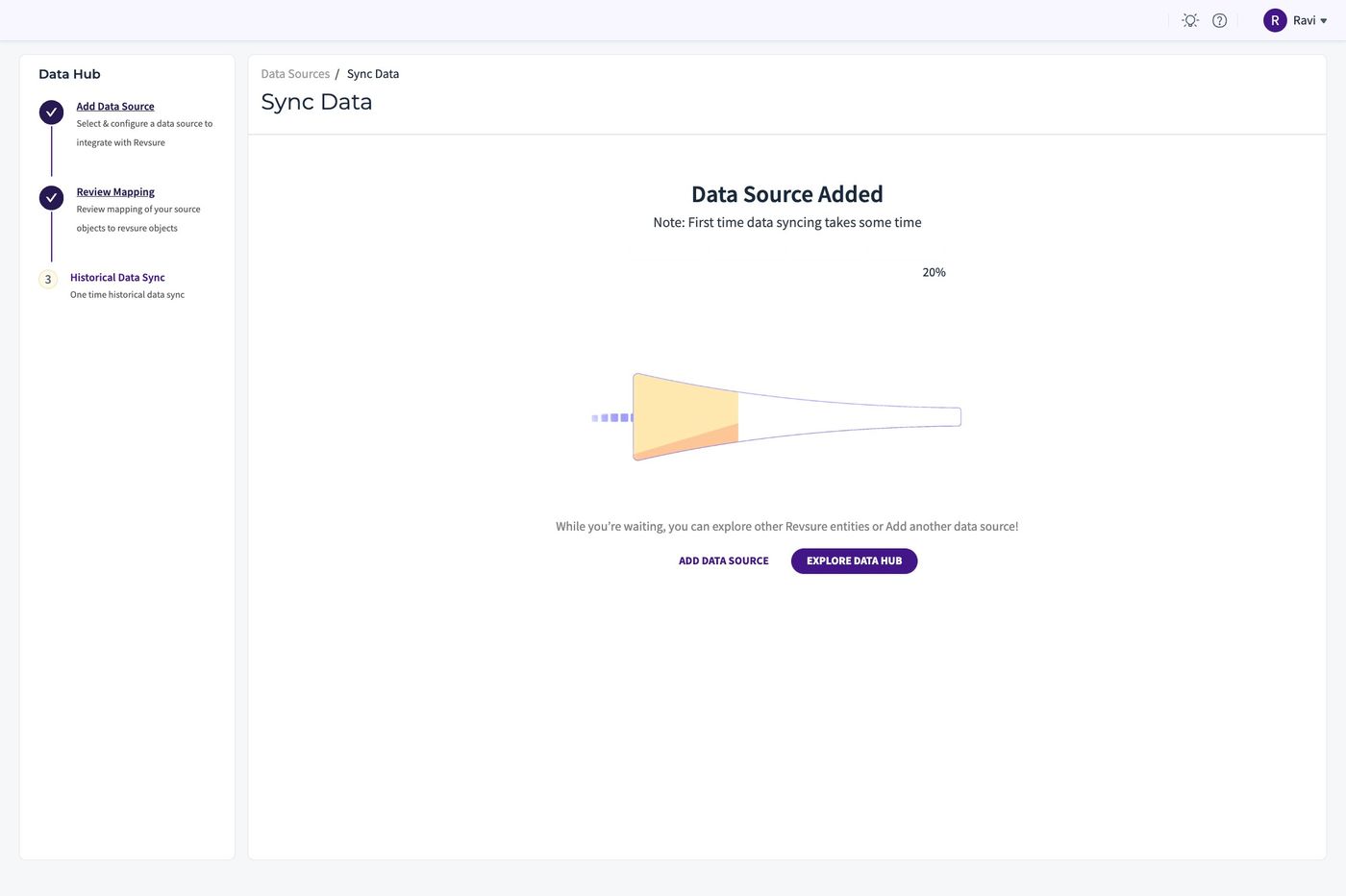
1. Go to Revsure App
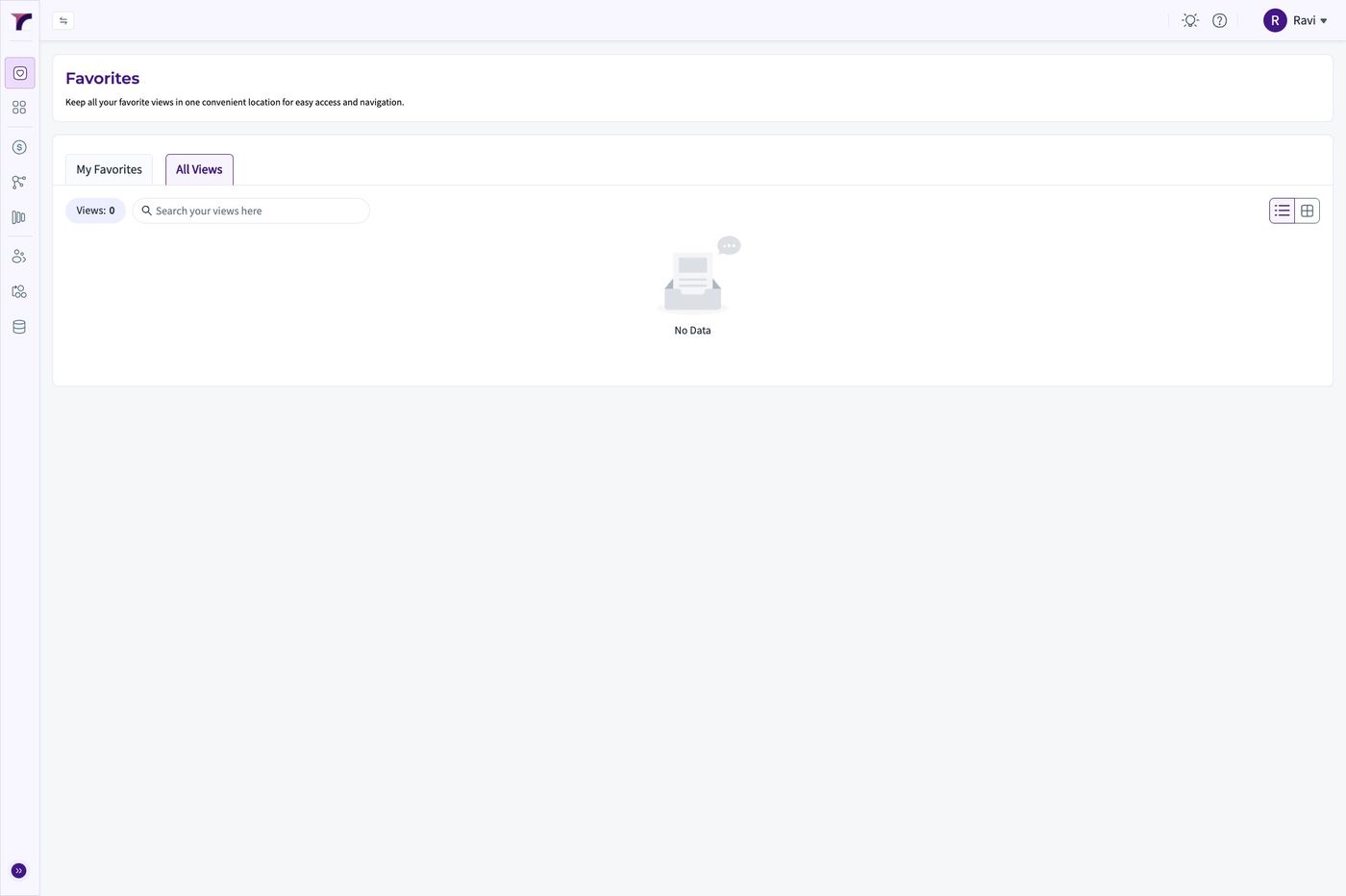
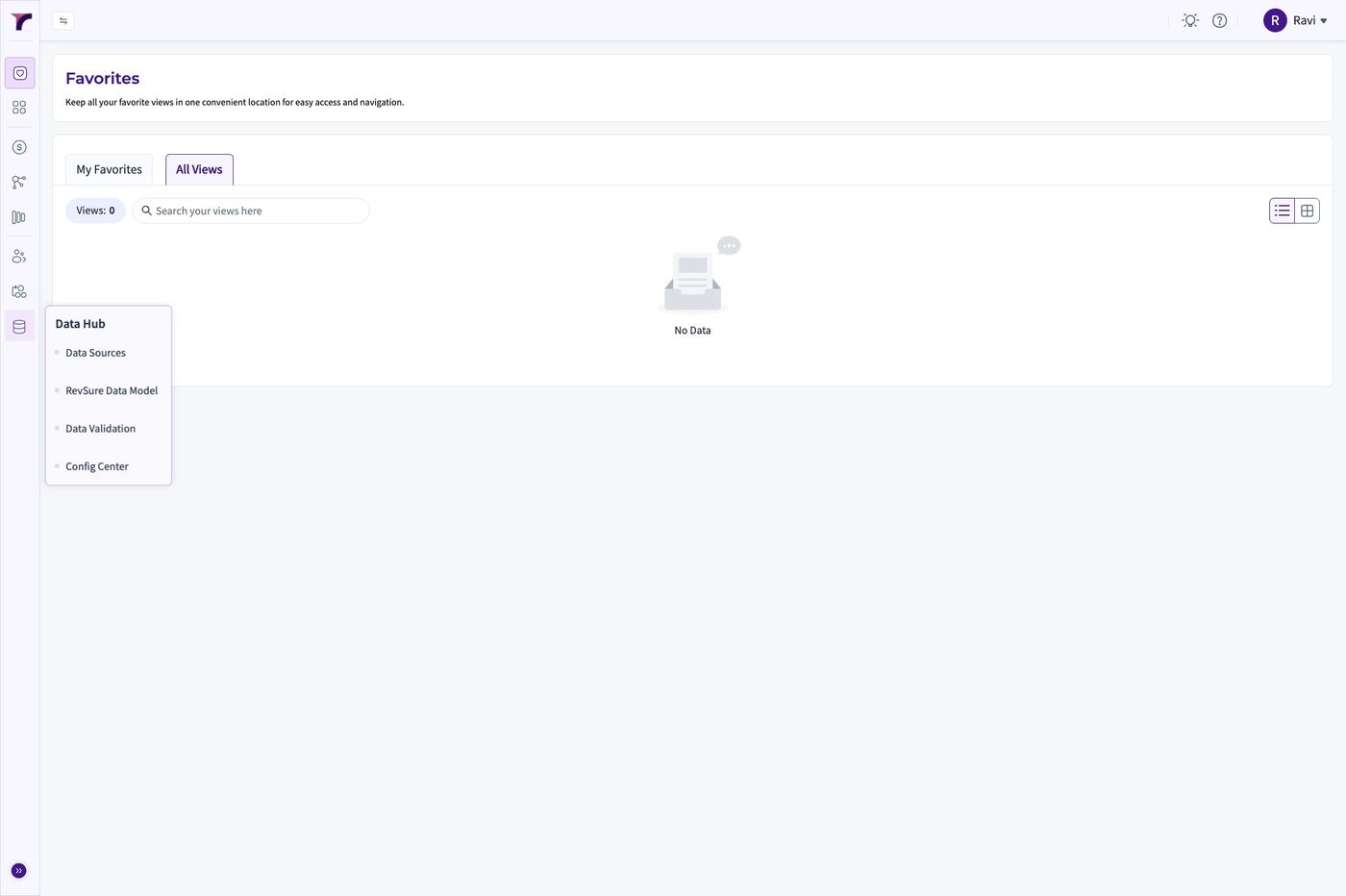
2. Click "Data Hub"
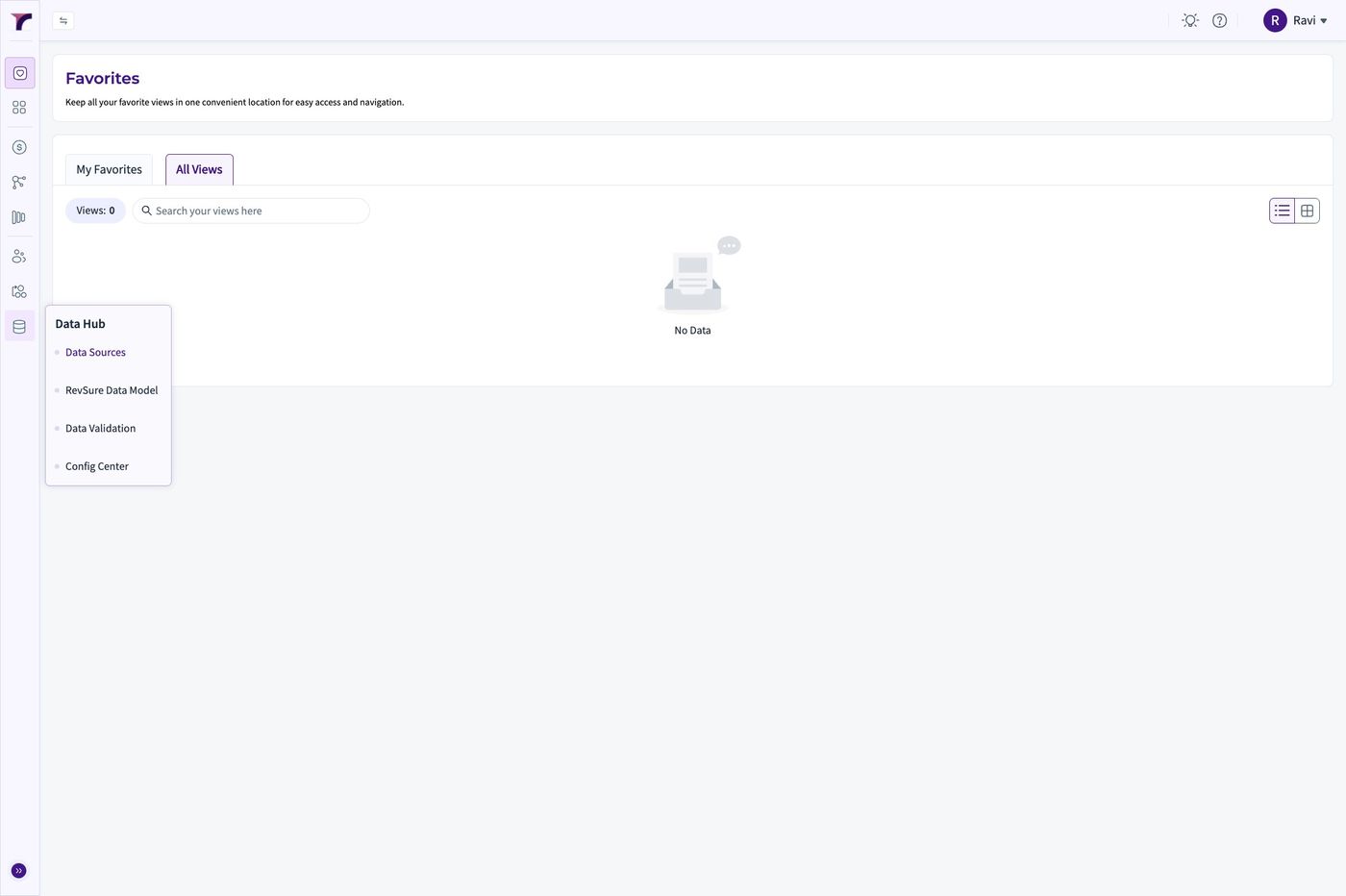
3. Click "Data Sources"
4. Click "Add New"
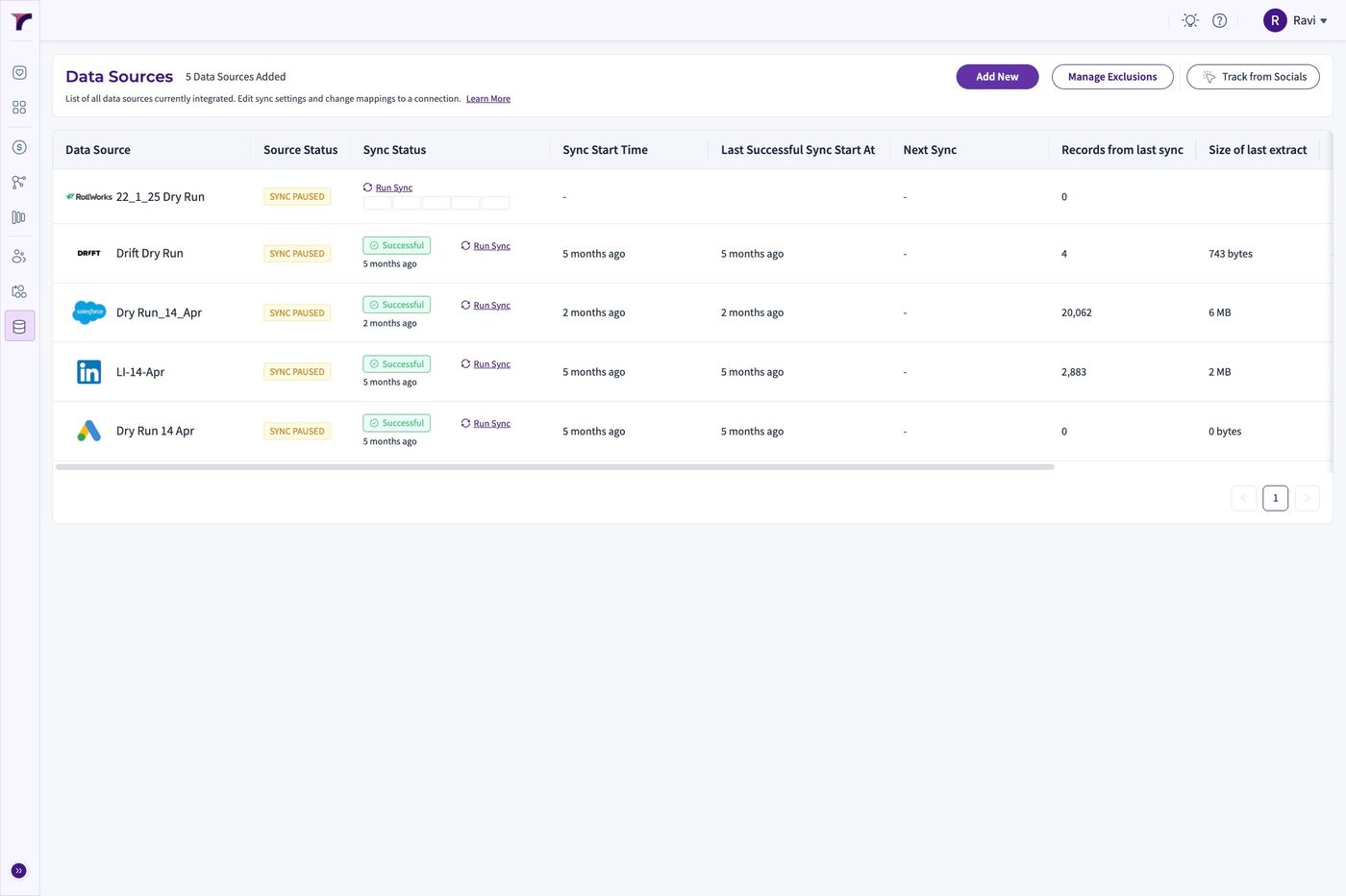
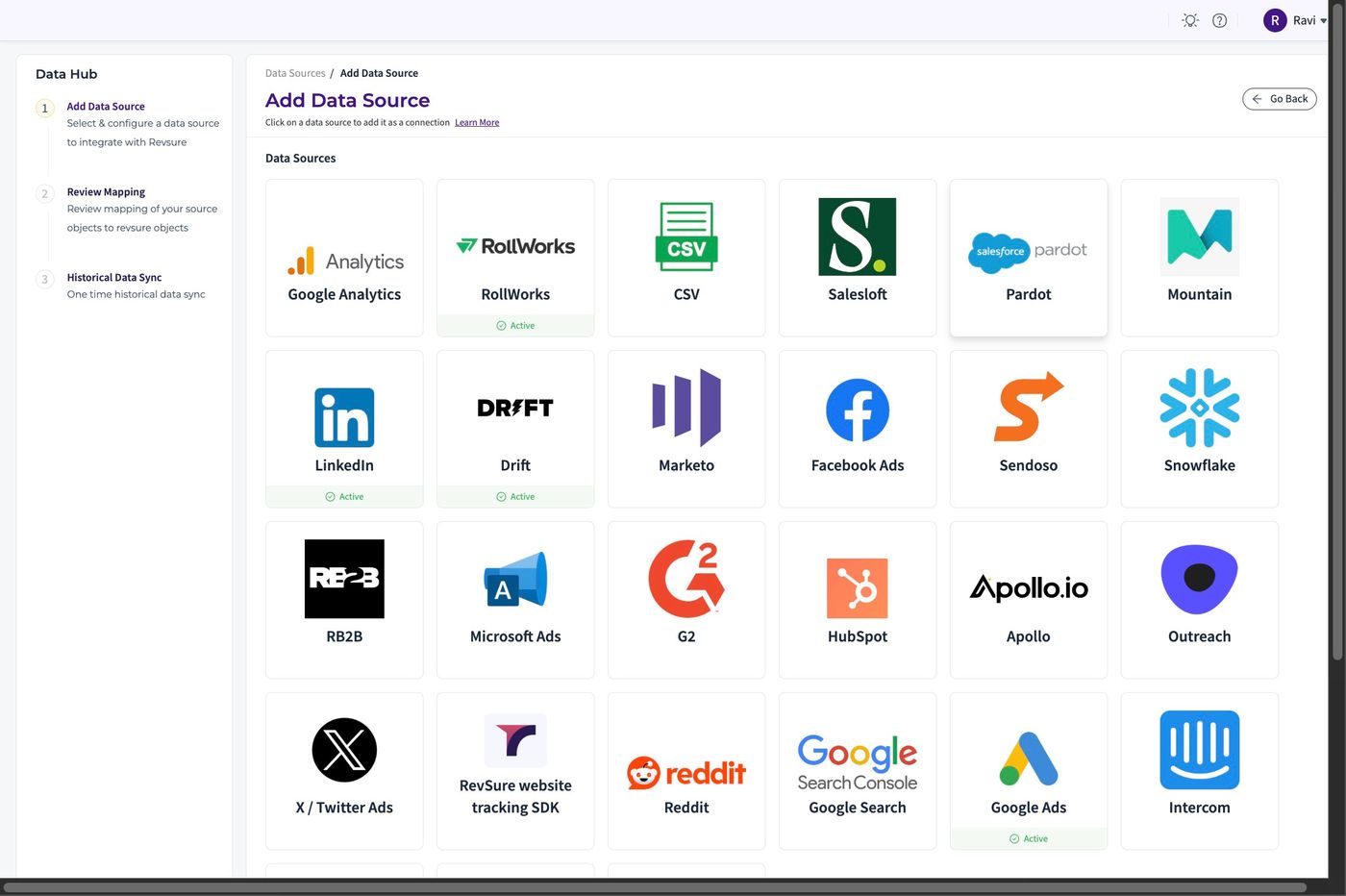
5. Click "Pardot"
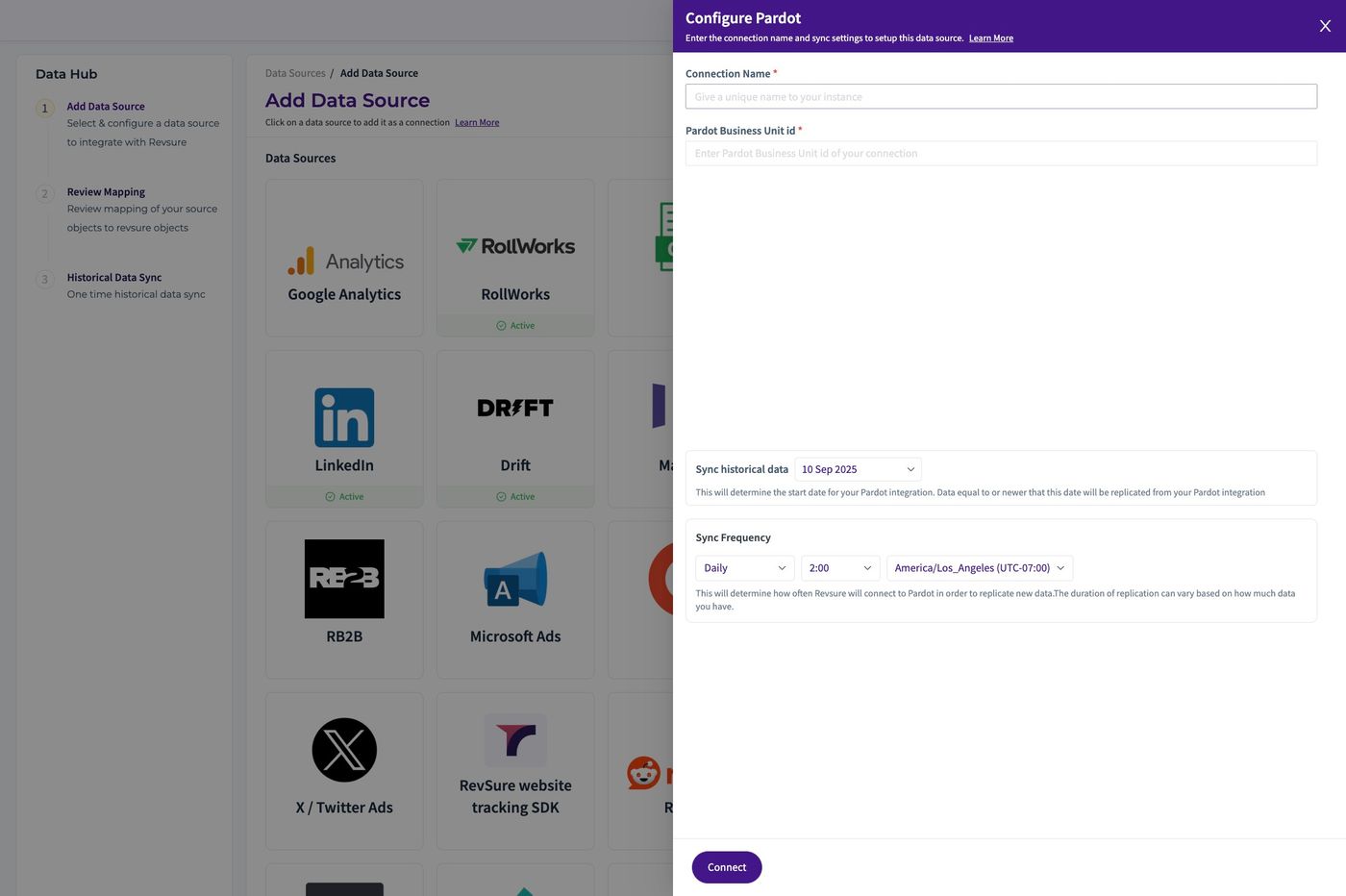
6. Set the "Connection Name *" field
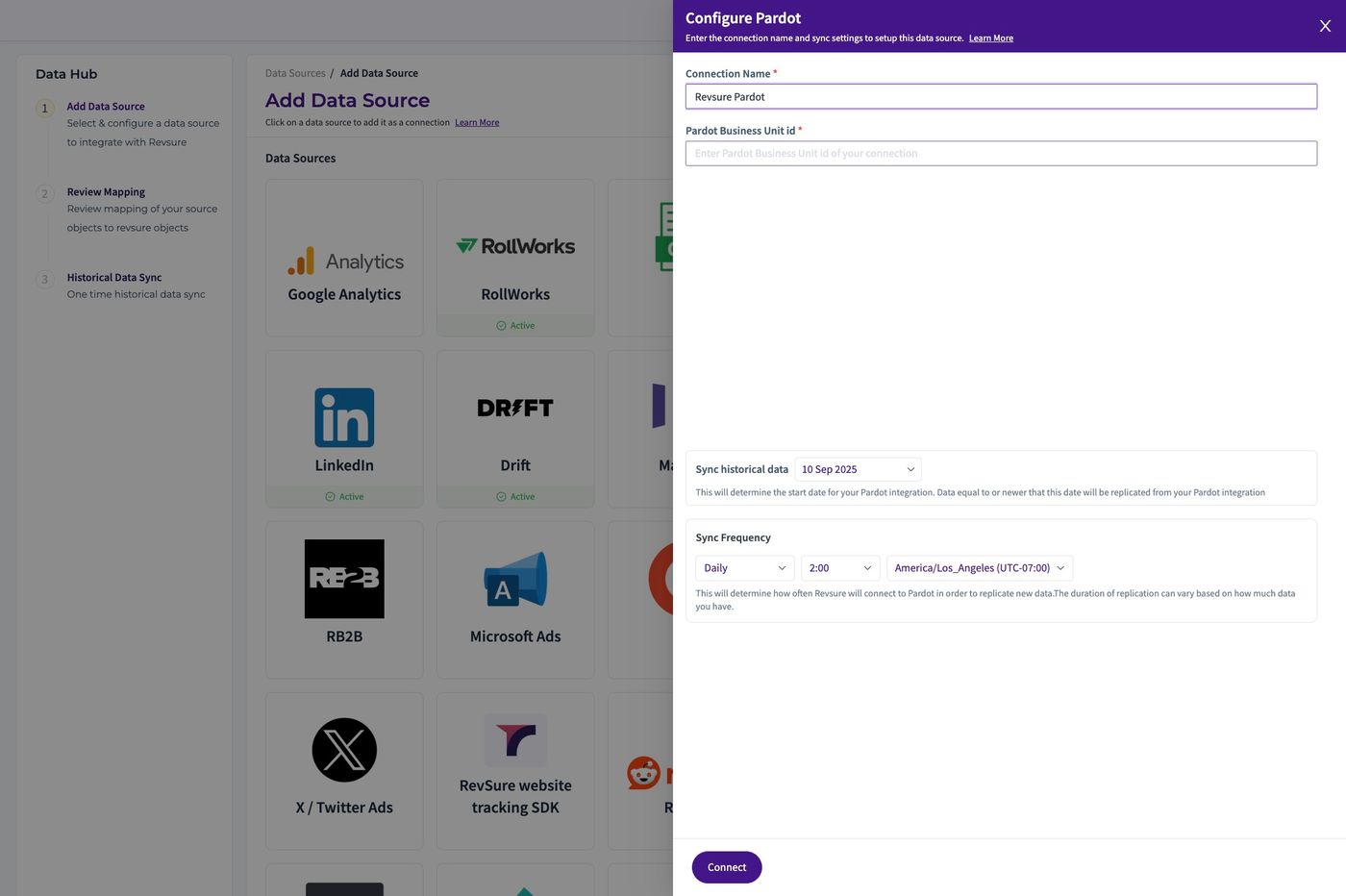
7. Set the "Pardot Business Unit id *" field
8. Using date widget, Select the Sync Historical Data Field
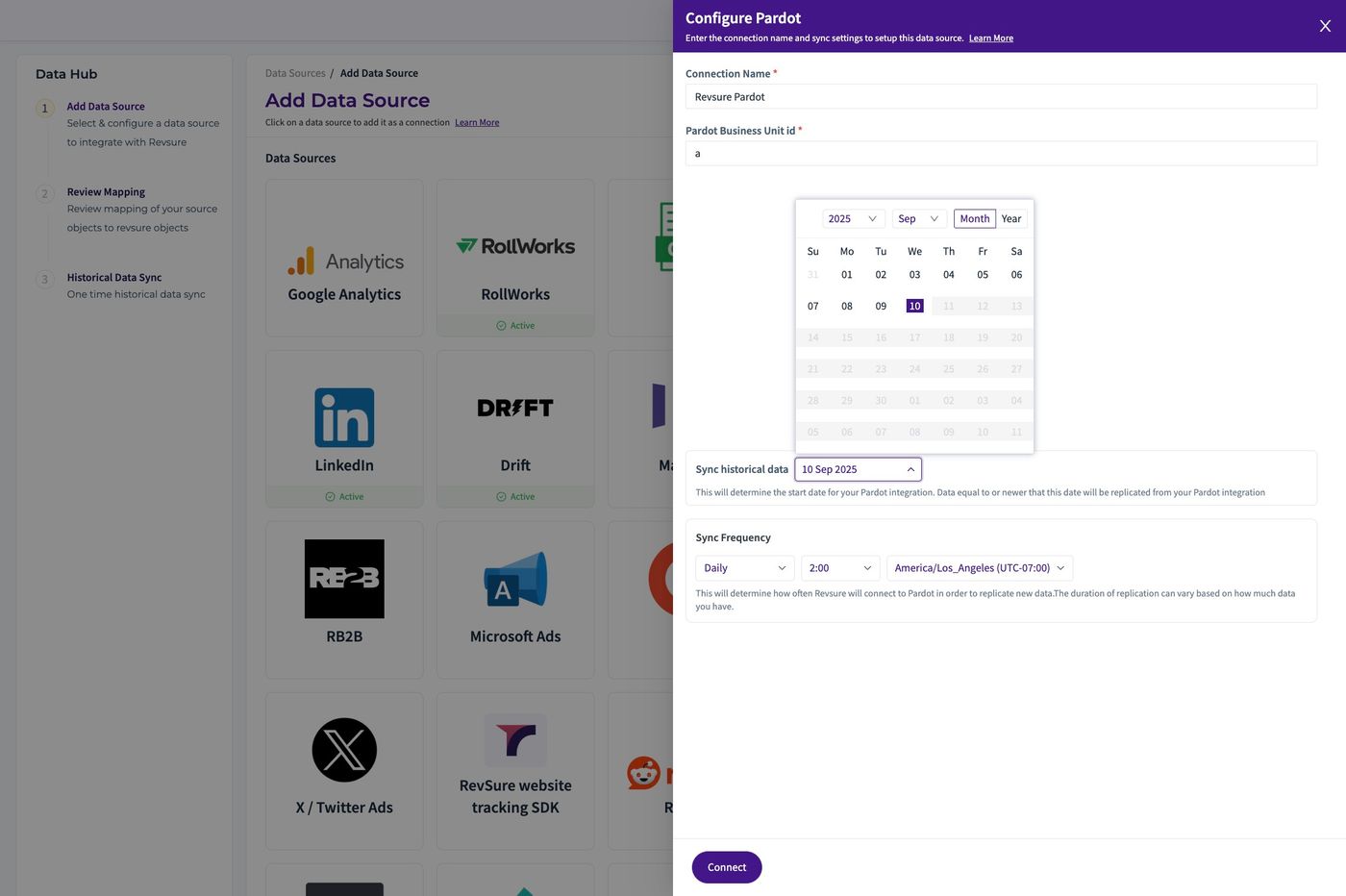
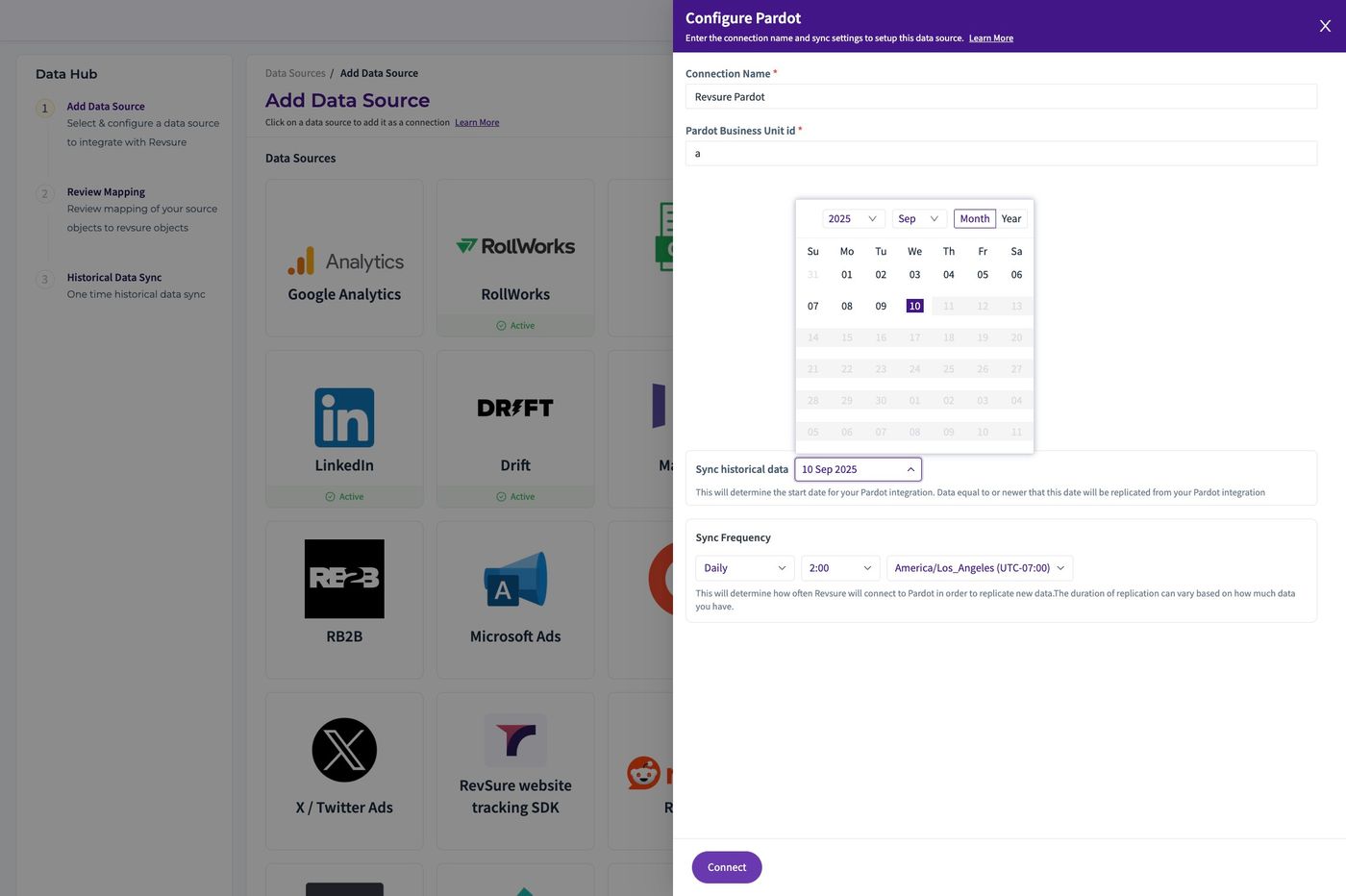
9. Click "Connect"
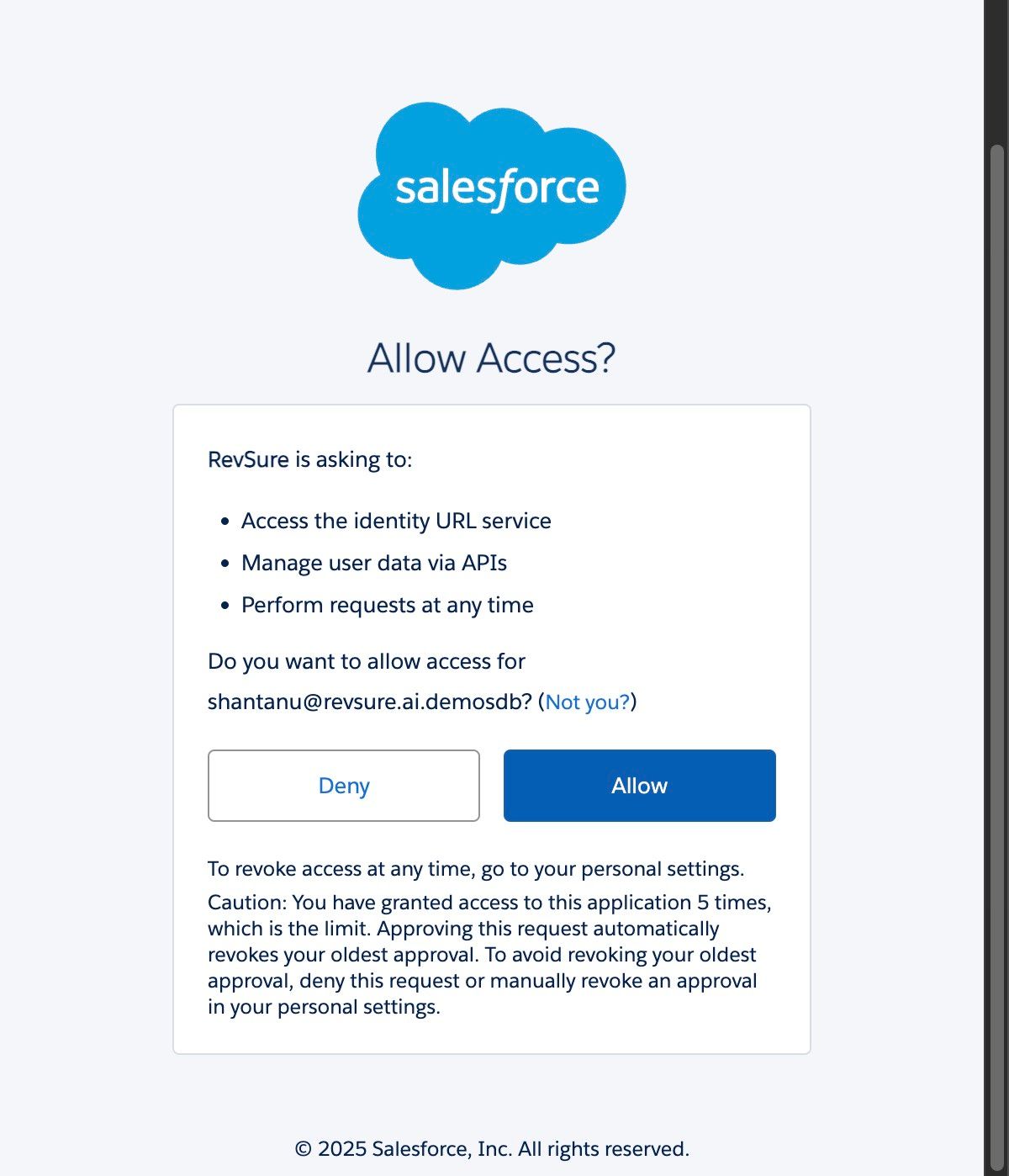
10. Authorize the Connection with Pardot Credentials
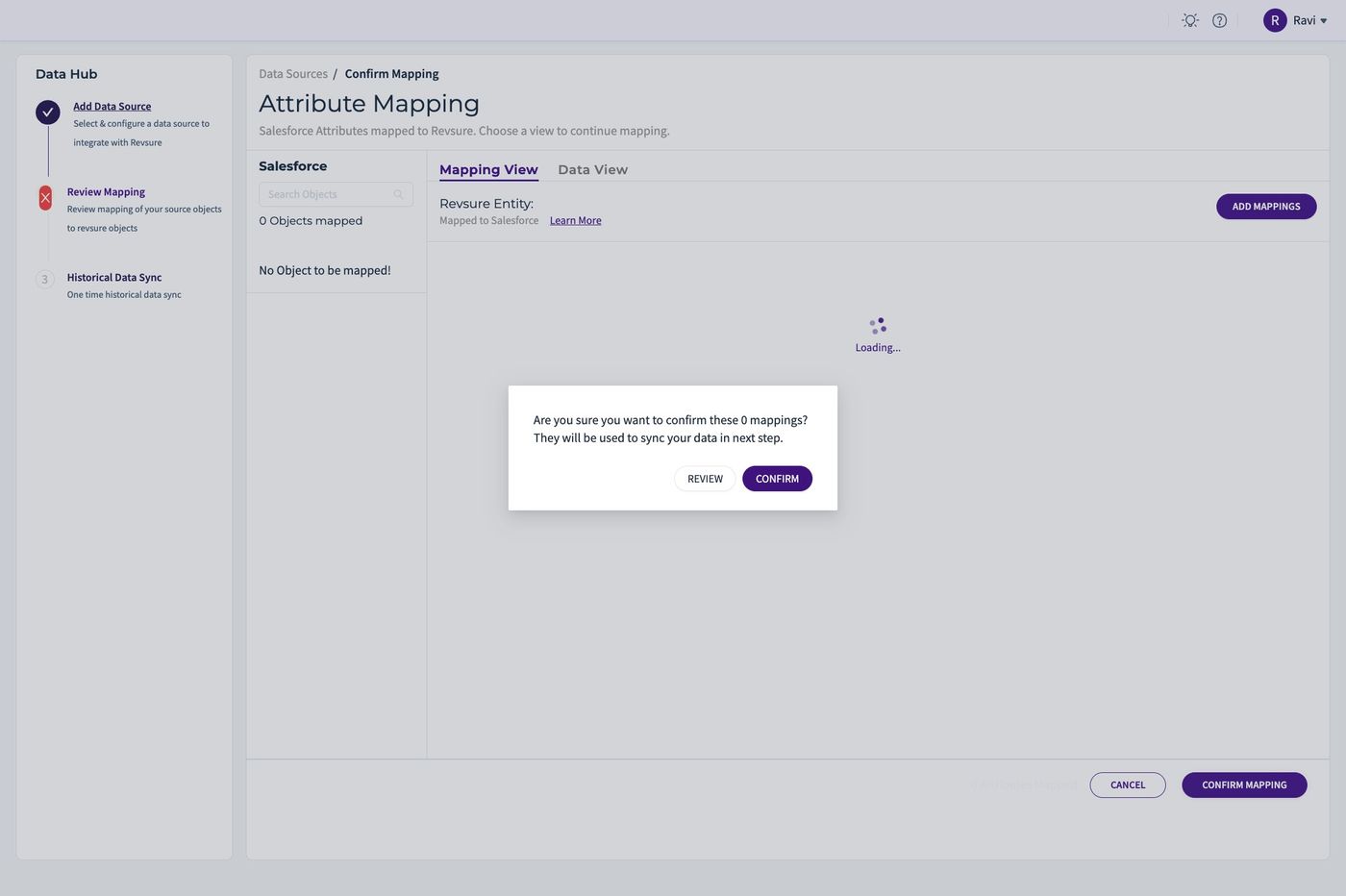
11. Click "Confirm Mapping"
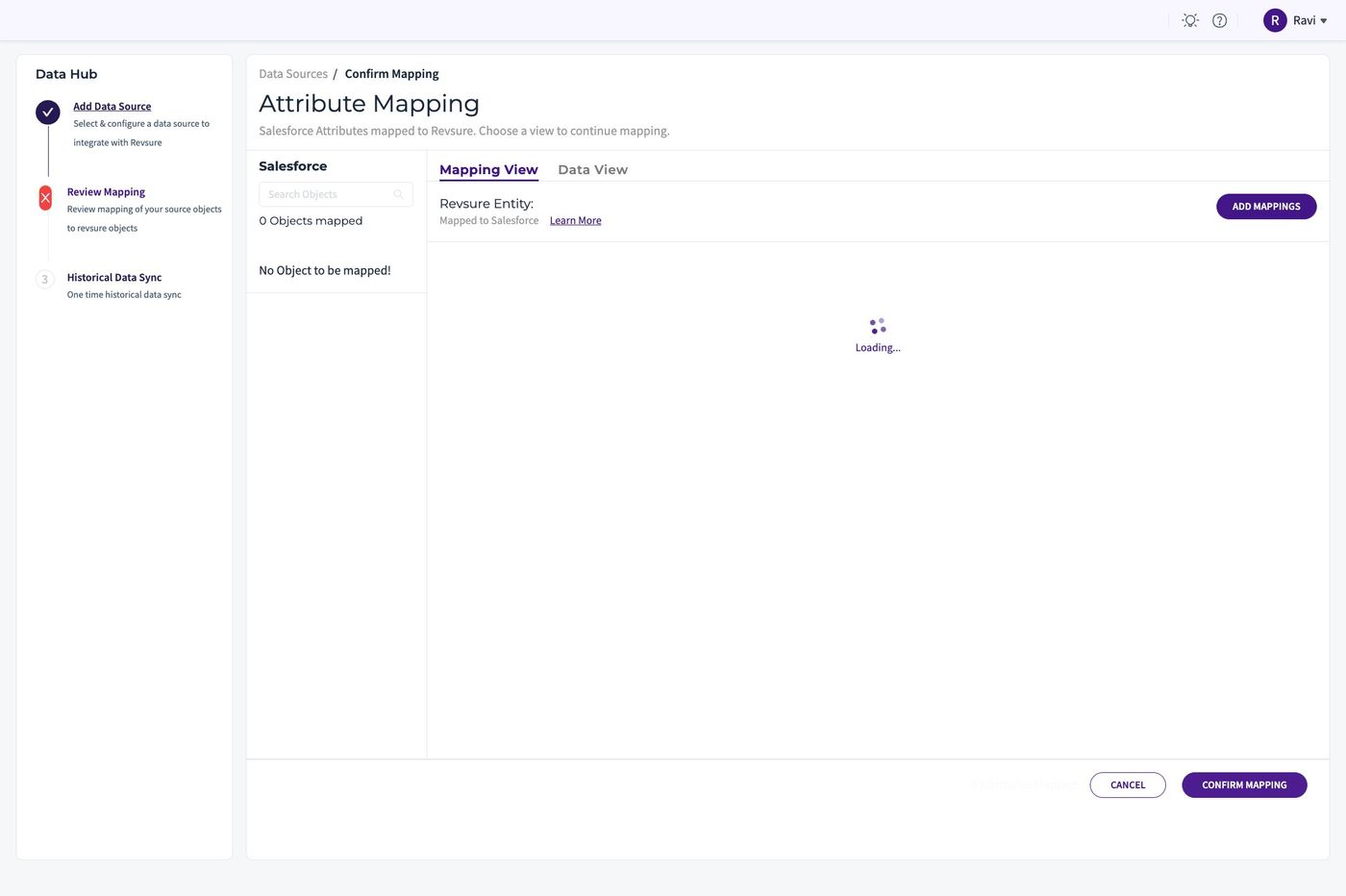
12. Click "CONFIRM"
13. The Pardot Instance is Connected with Revsure