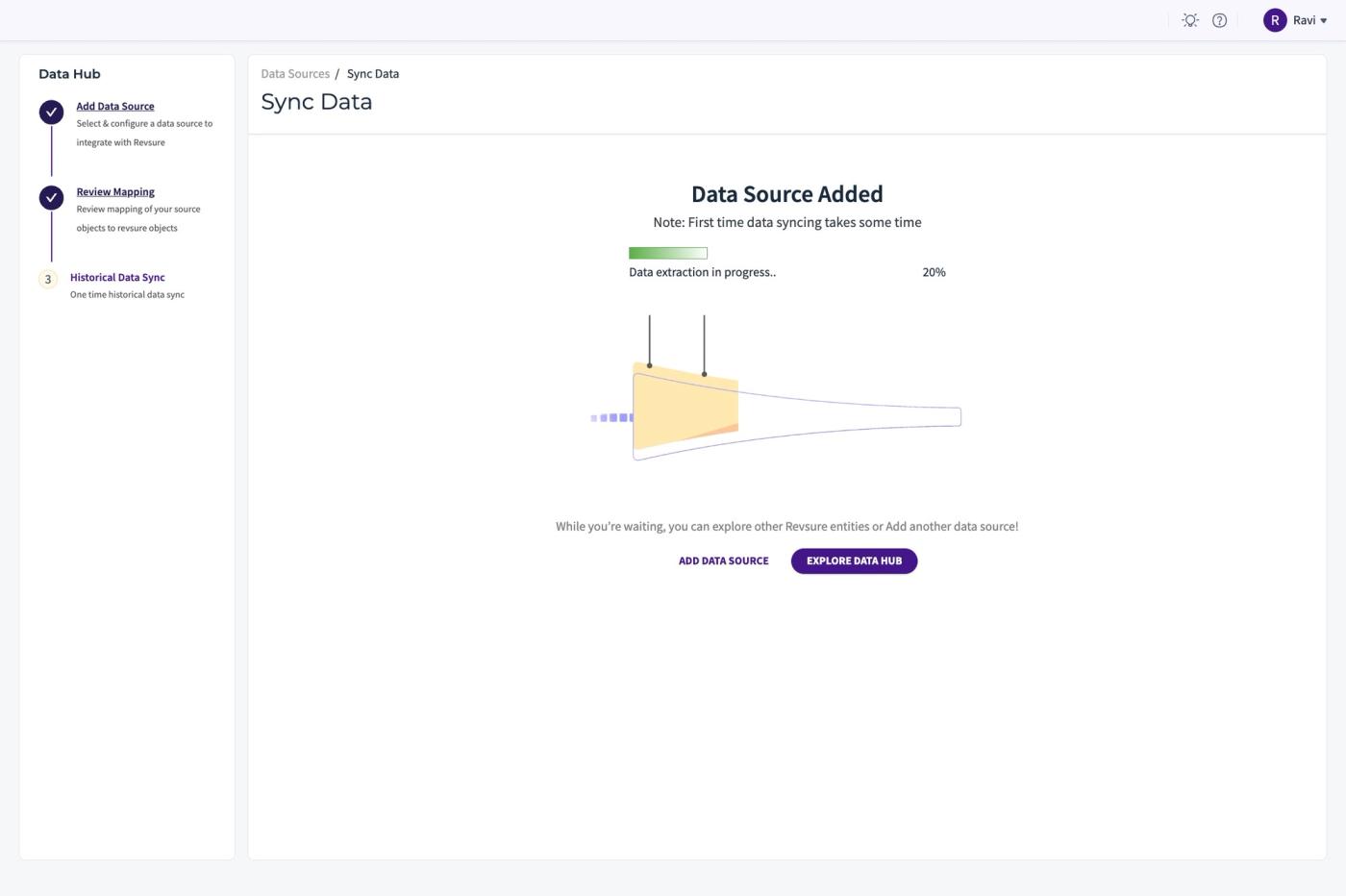
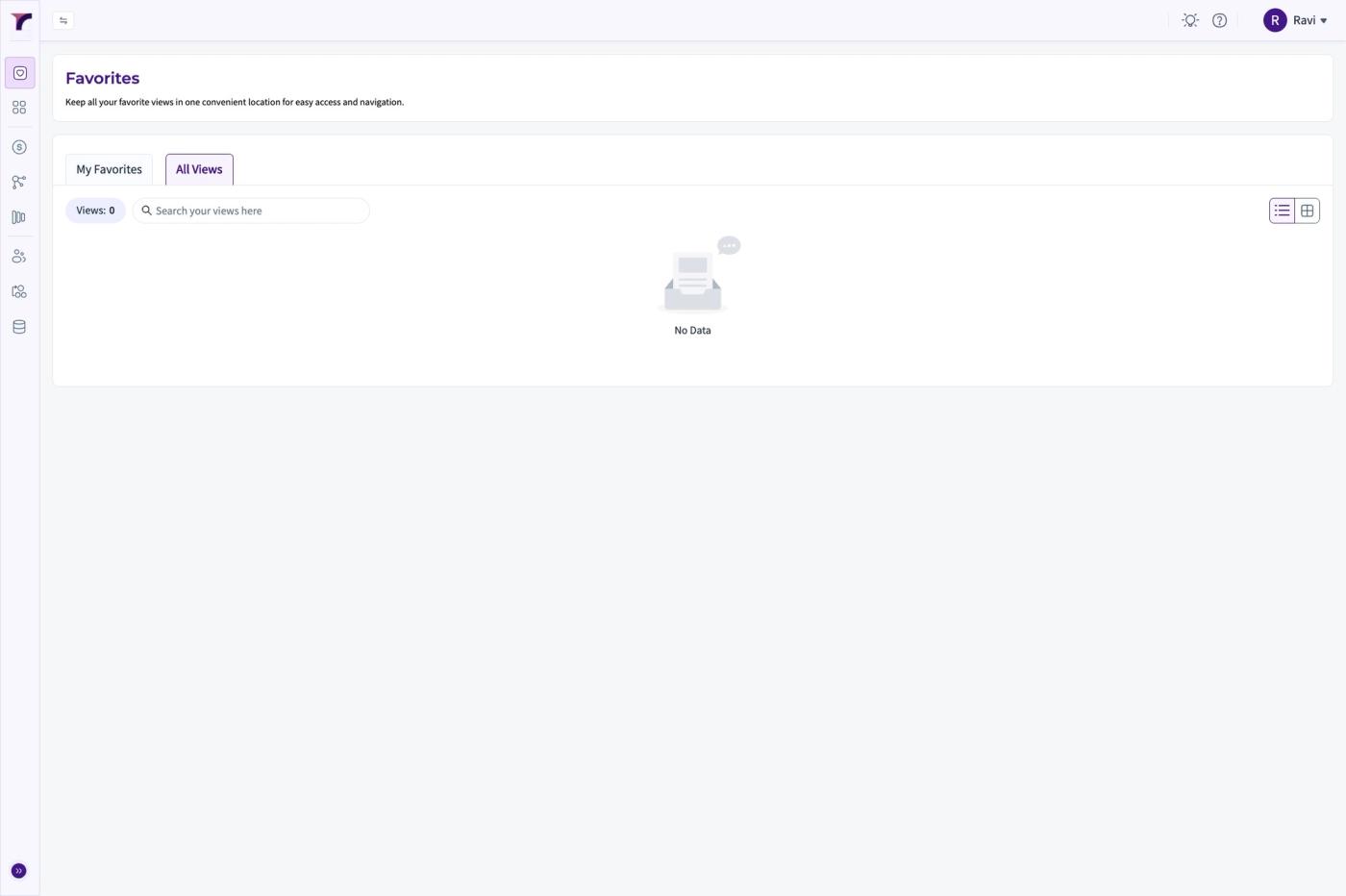
1. Go to Revsure App.
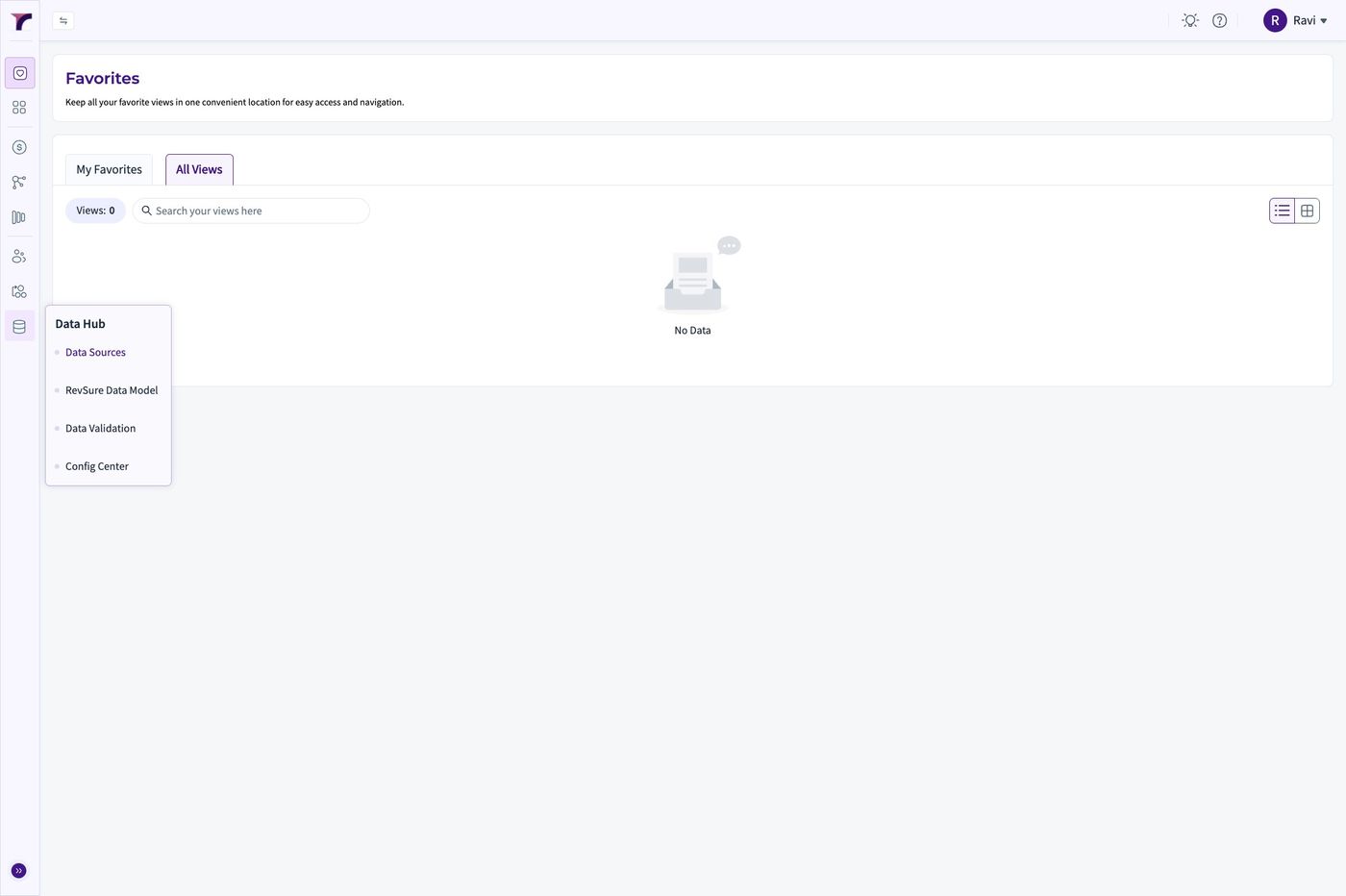
2. Click "Data Sources"
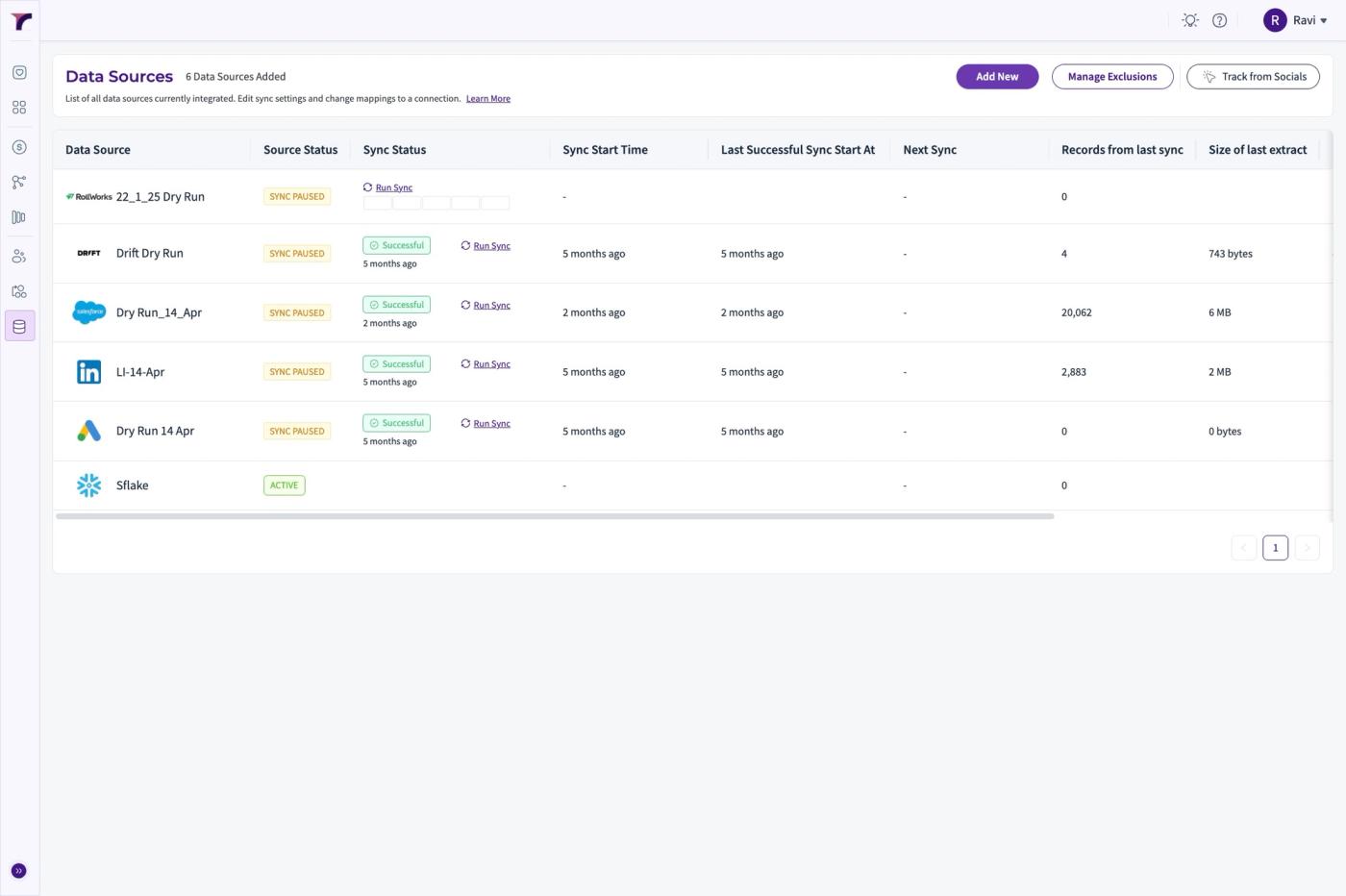
3. Click "Add New"
4. Select "Outreach" from the List of Sources
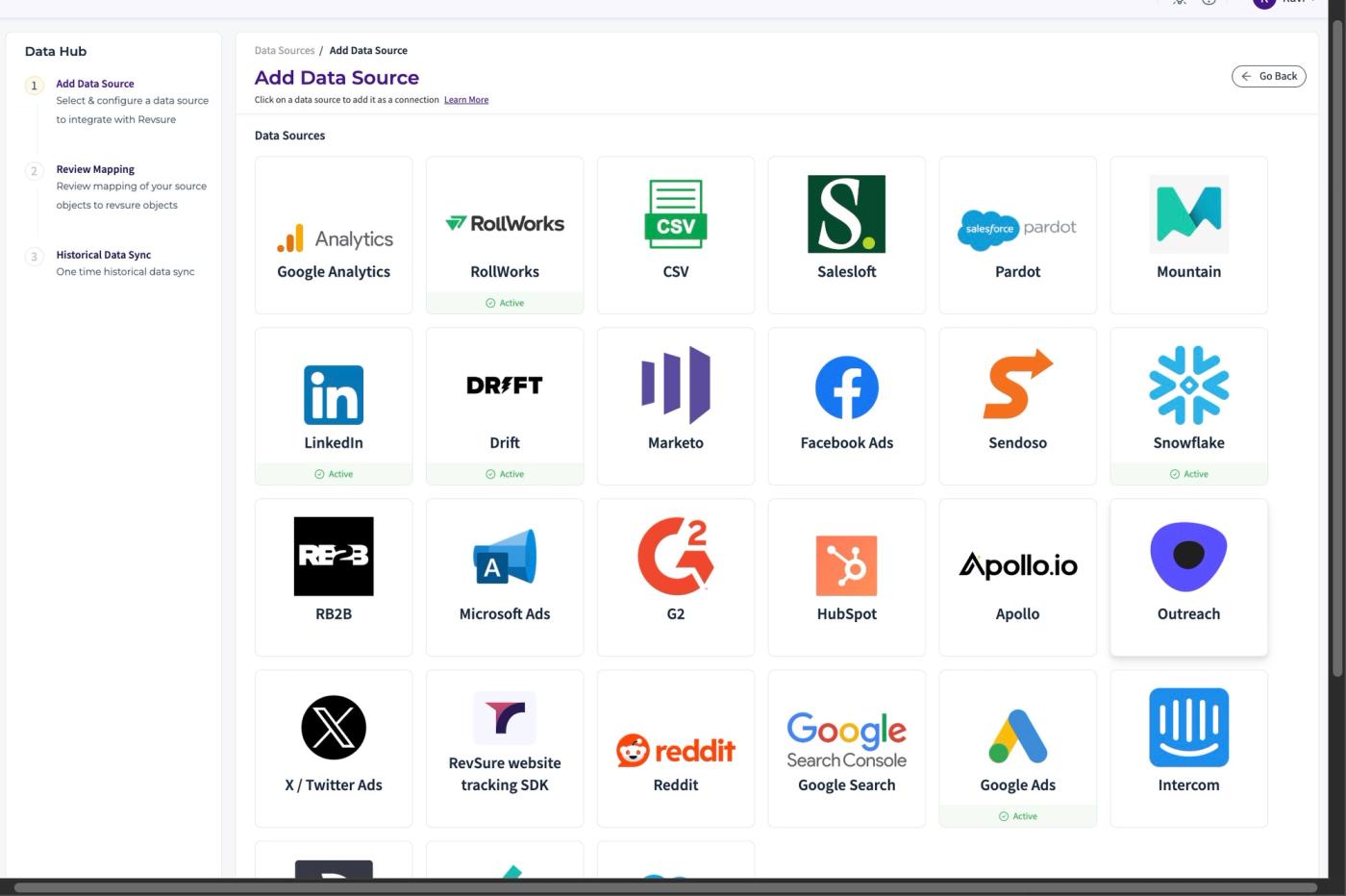
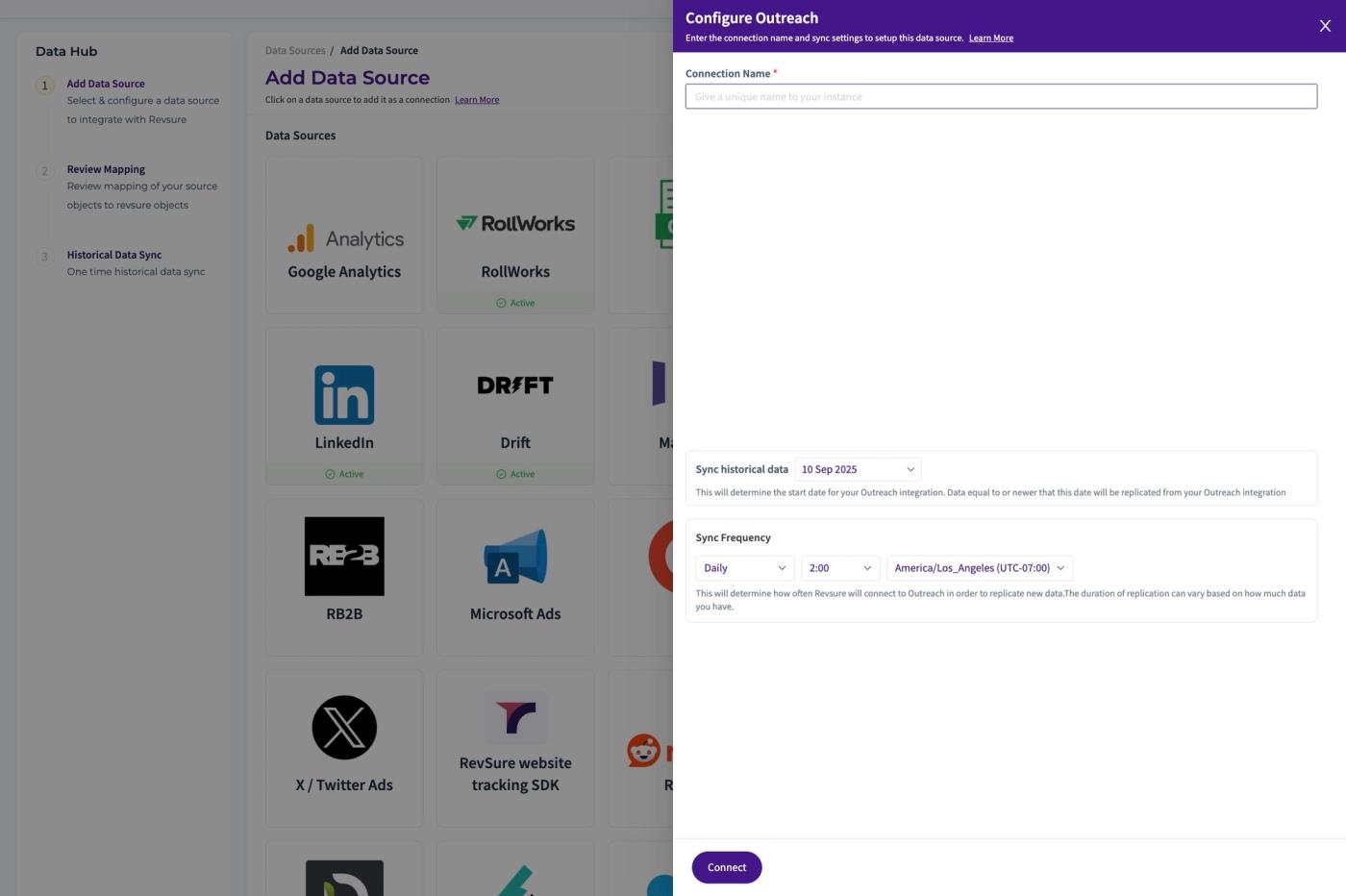
5. Set the "Connection Name *" field
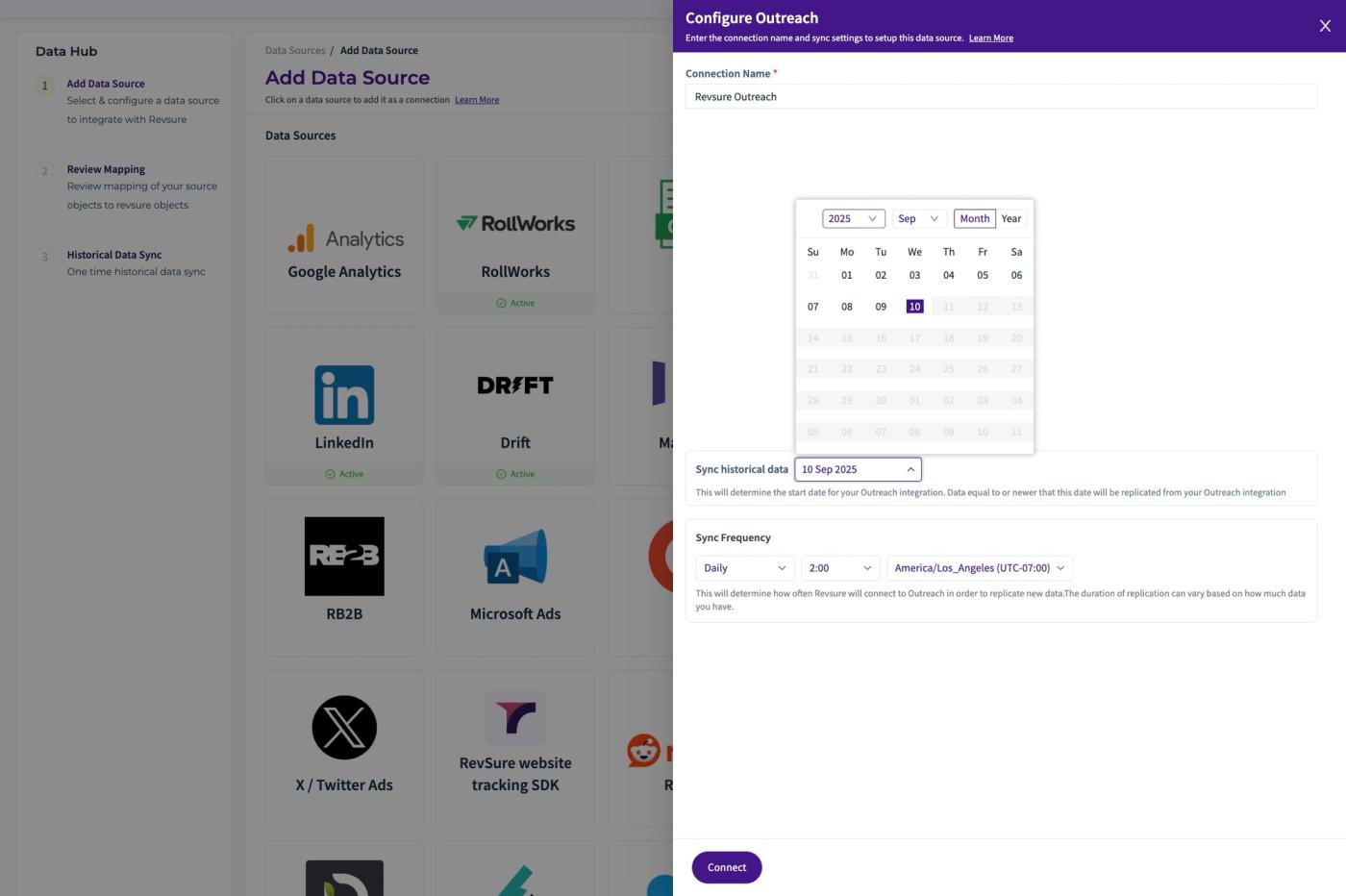
6. Select the "Sync Historical Date"
7. Click "Connect"
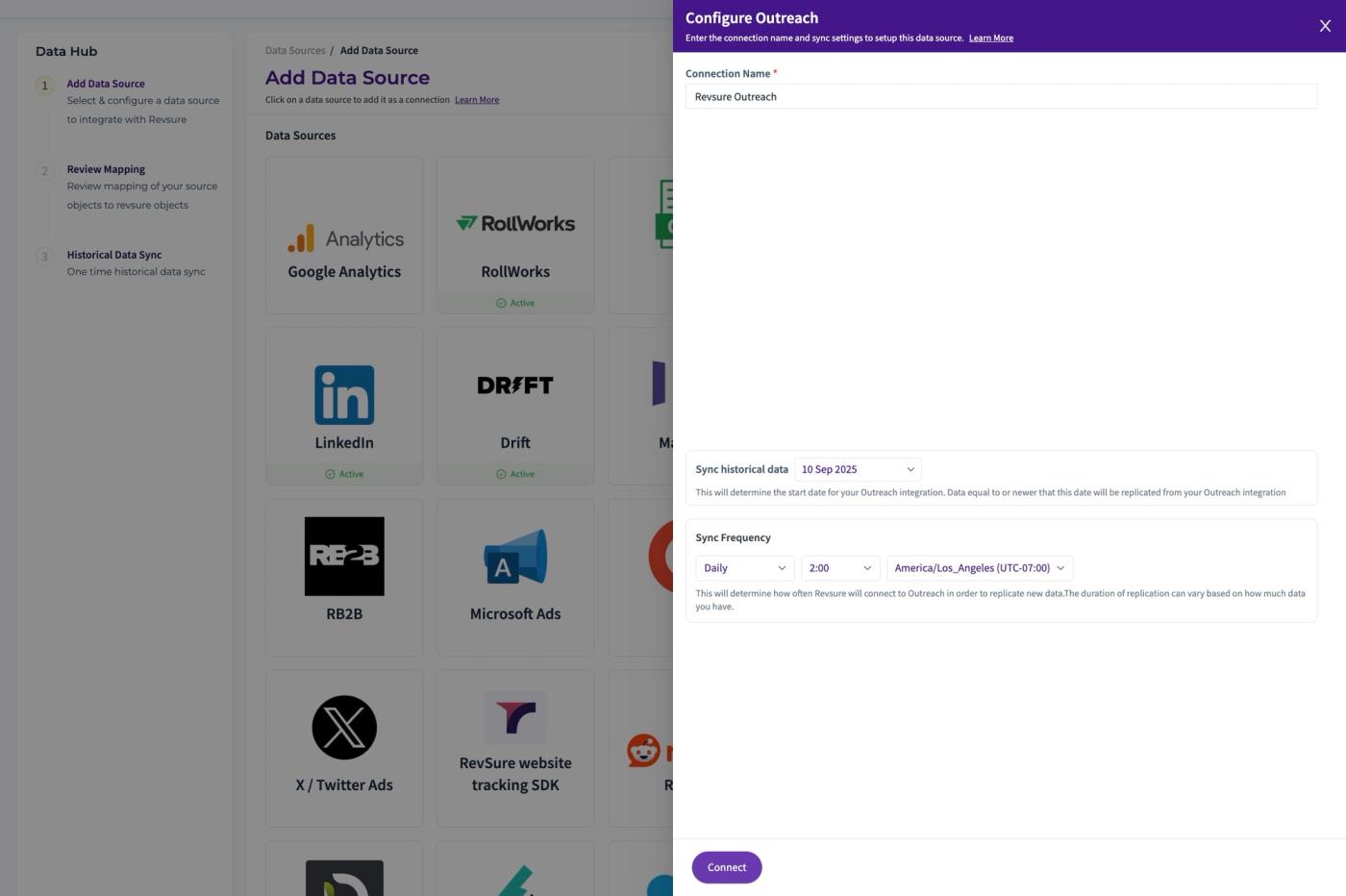
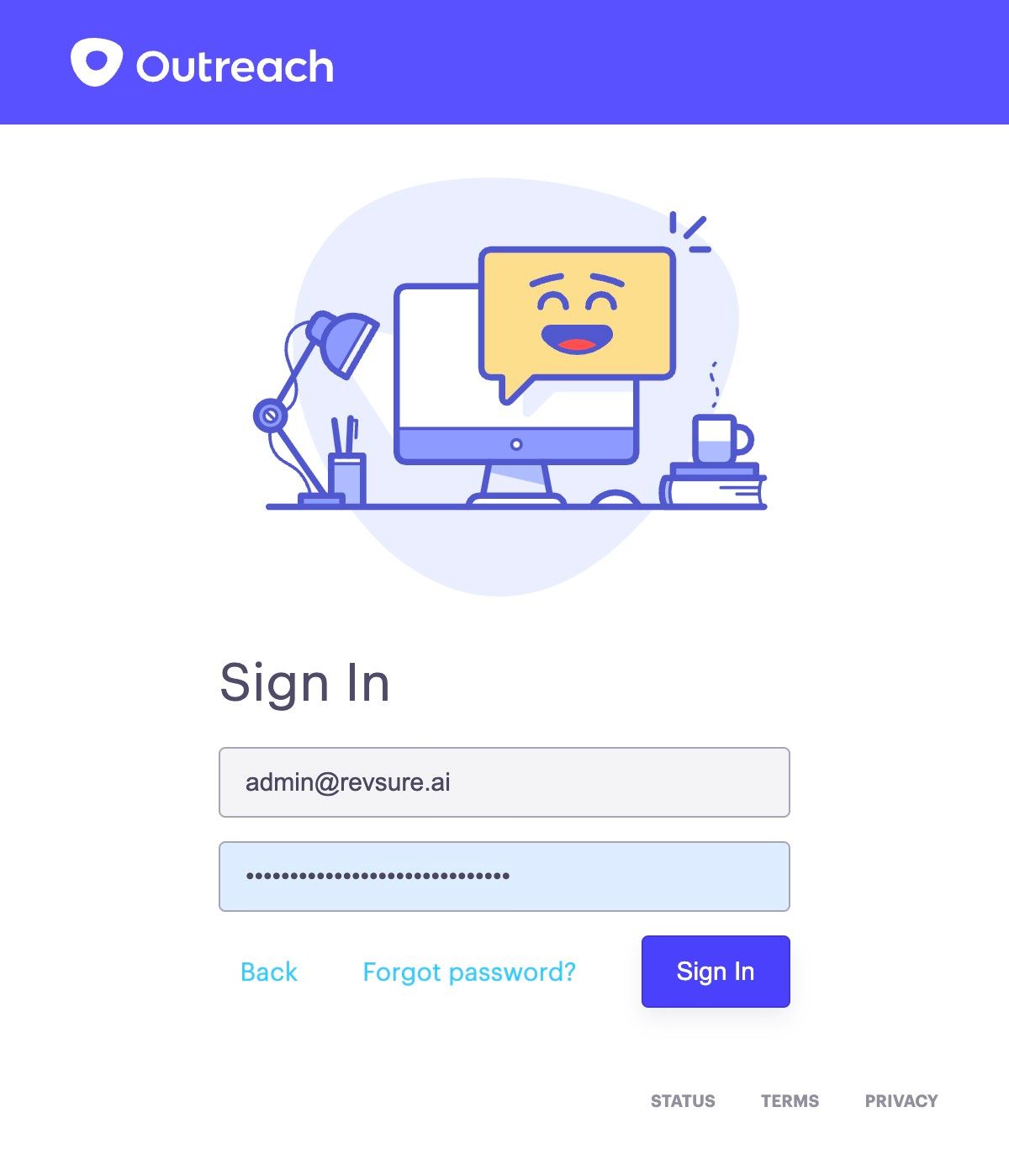
8. Sign In and Authenticate Revsure to access Data
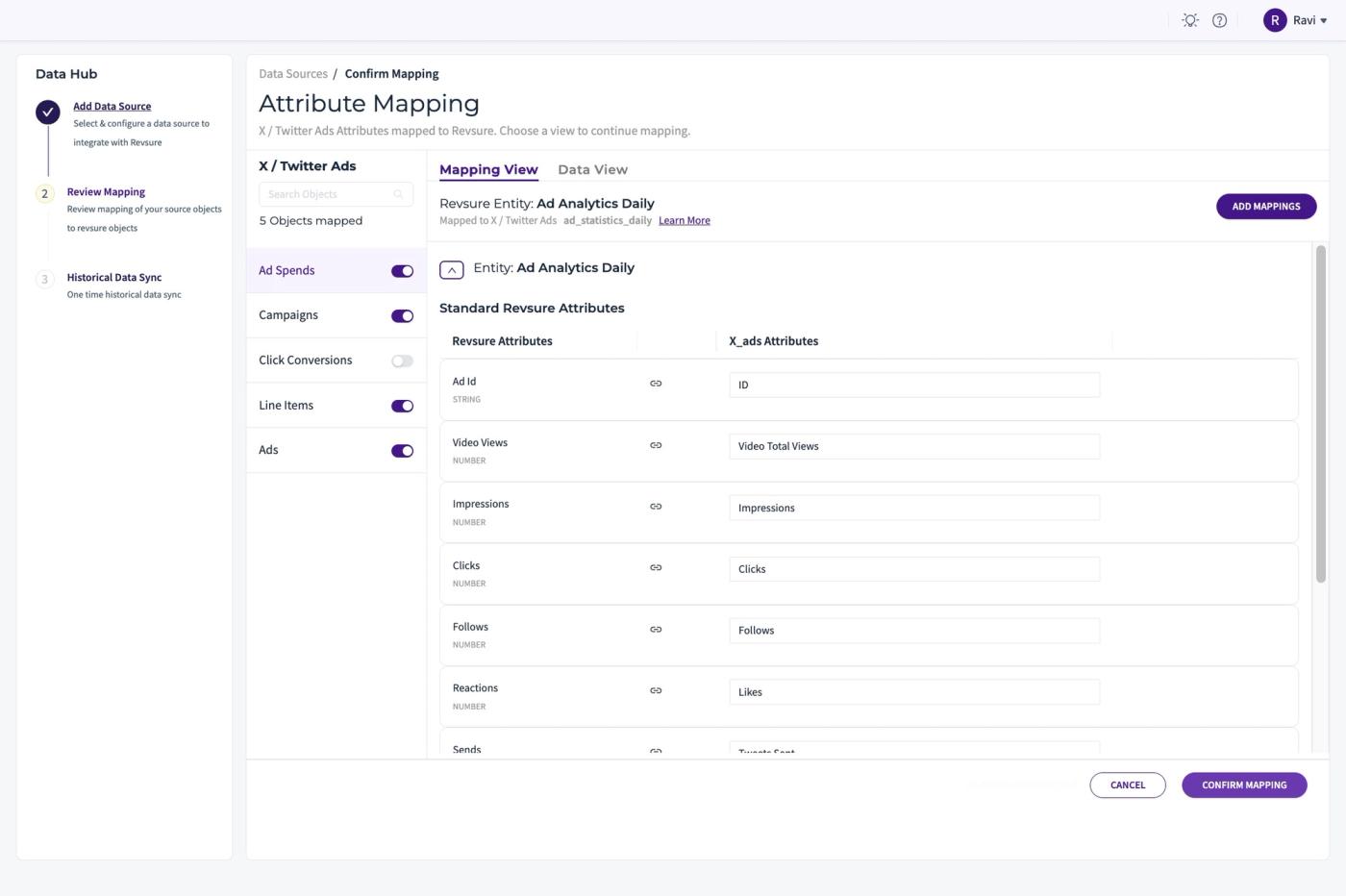
9. Click "Confirm Mapping"
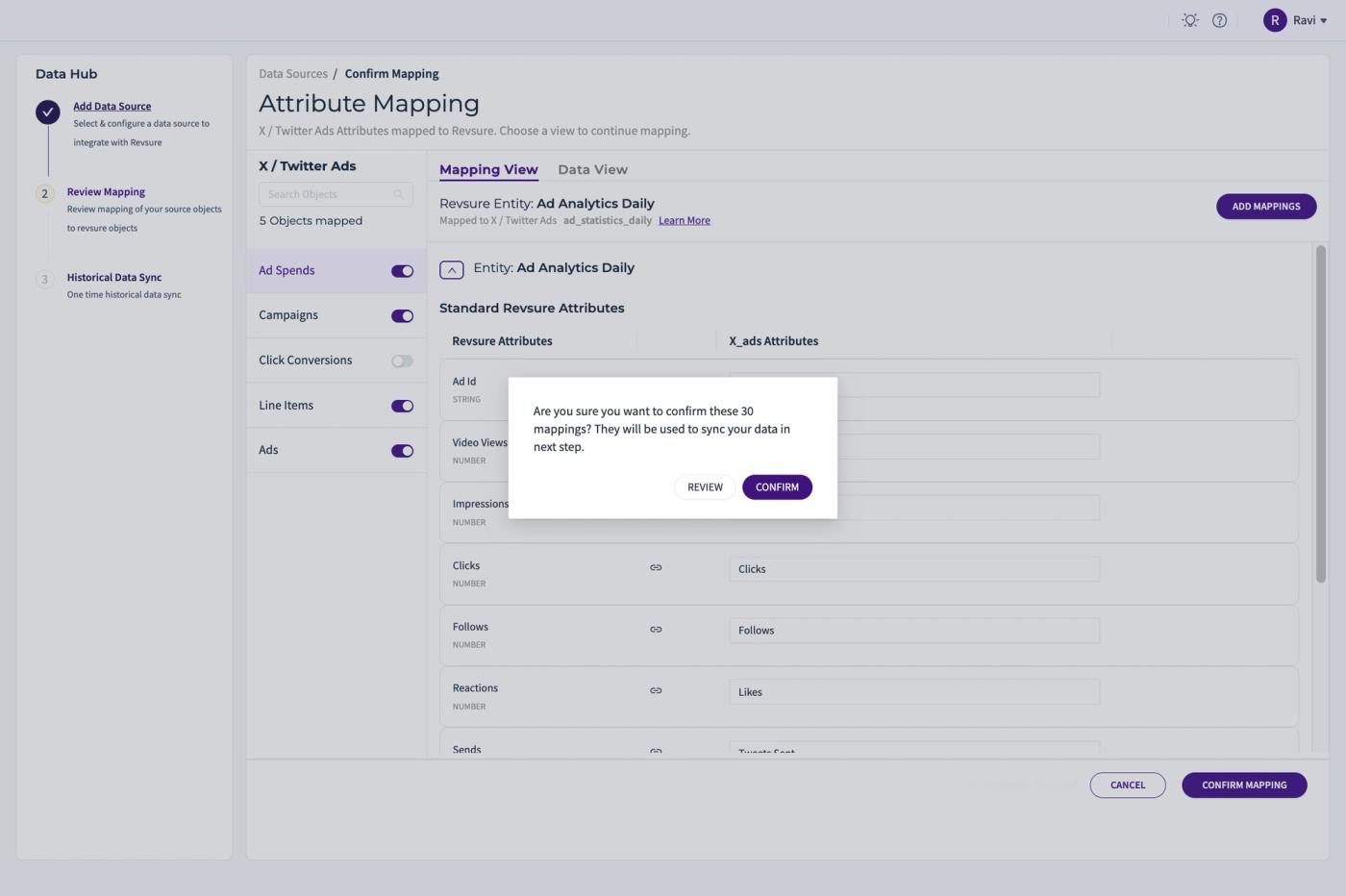
10. Click "CONFIRM"
11. The outreach connection is Set Up