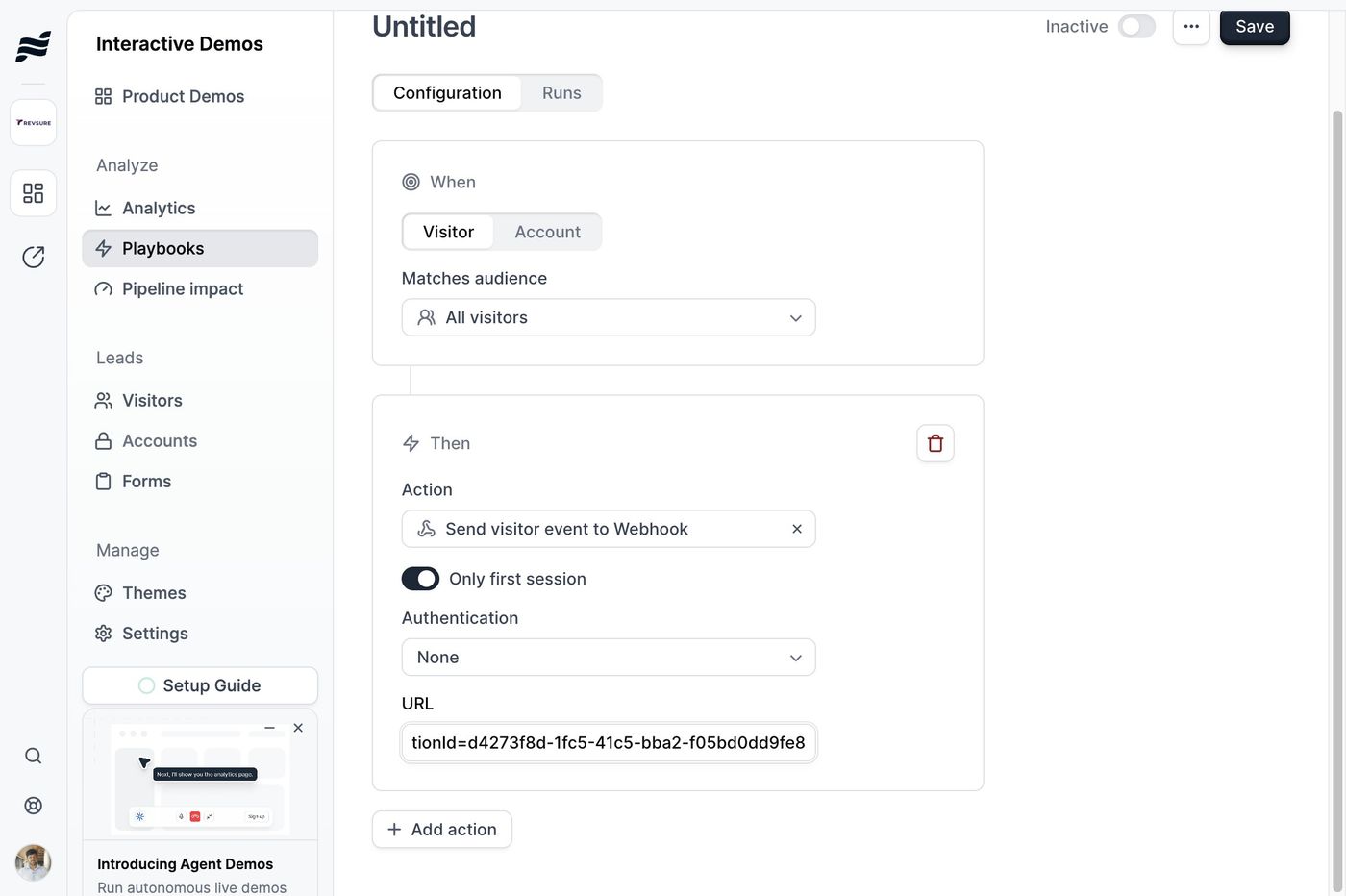
1. Log into the tenant
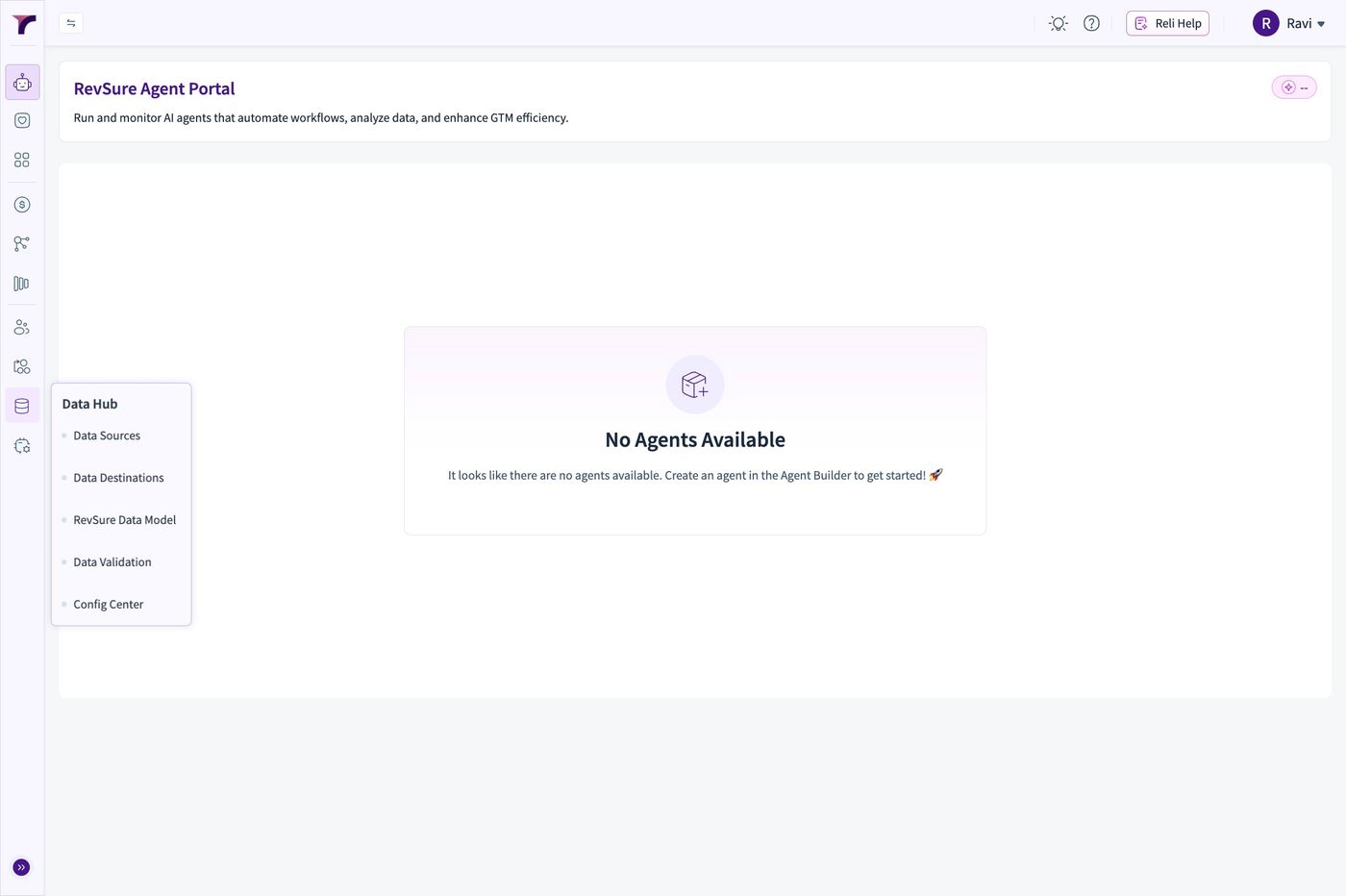
2. Go to Data Hub
3. Click "Data Sources"
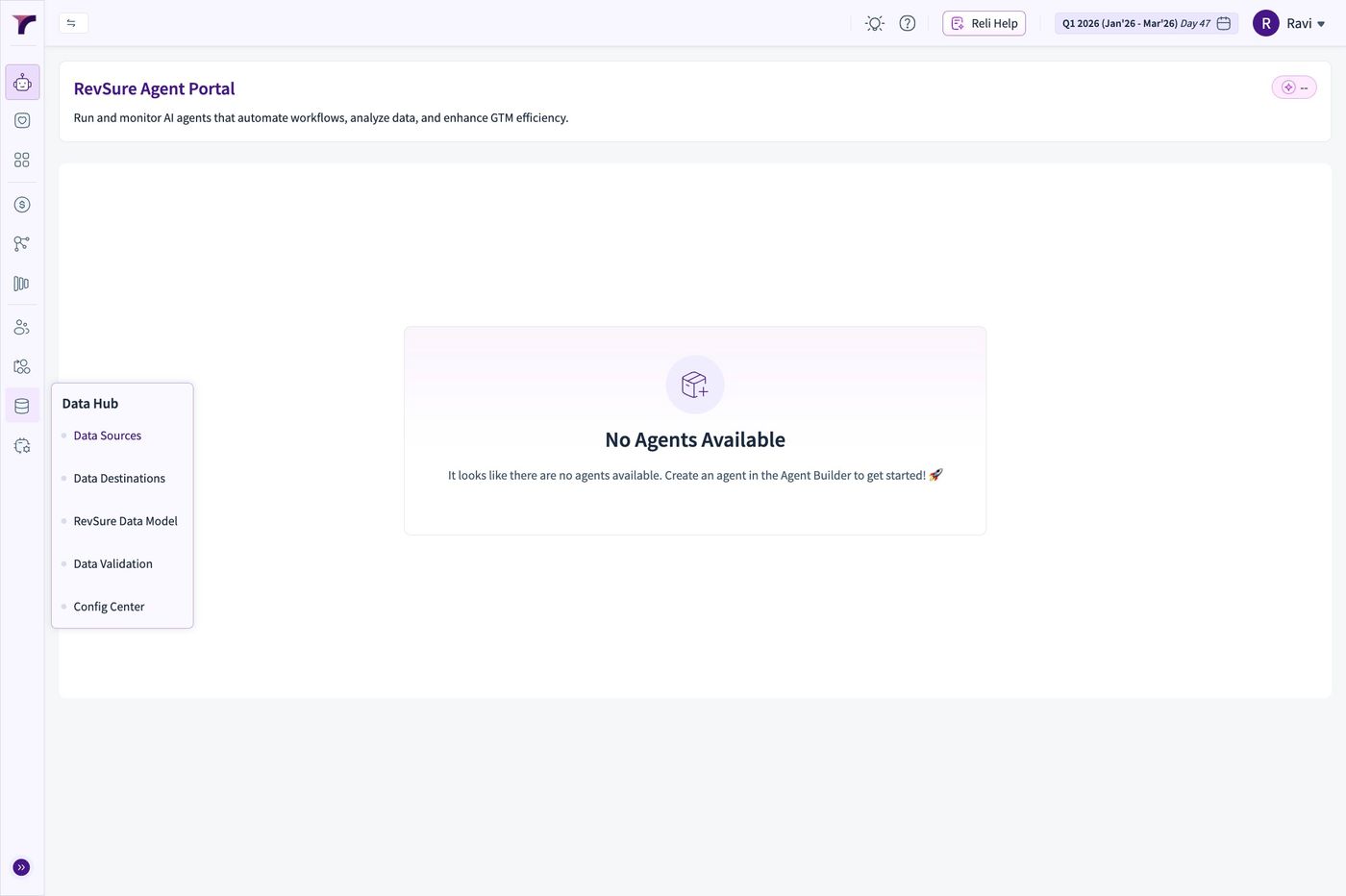
4. Click "Add New"
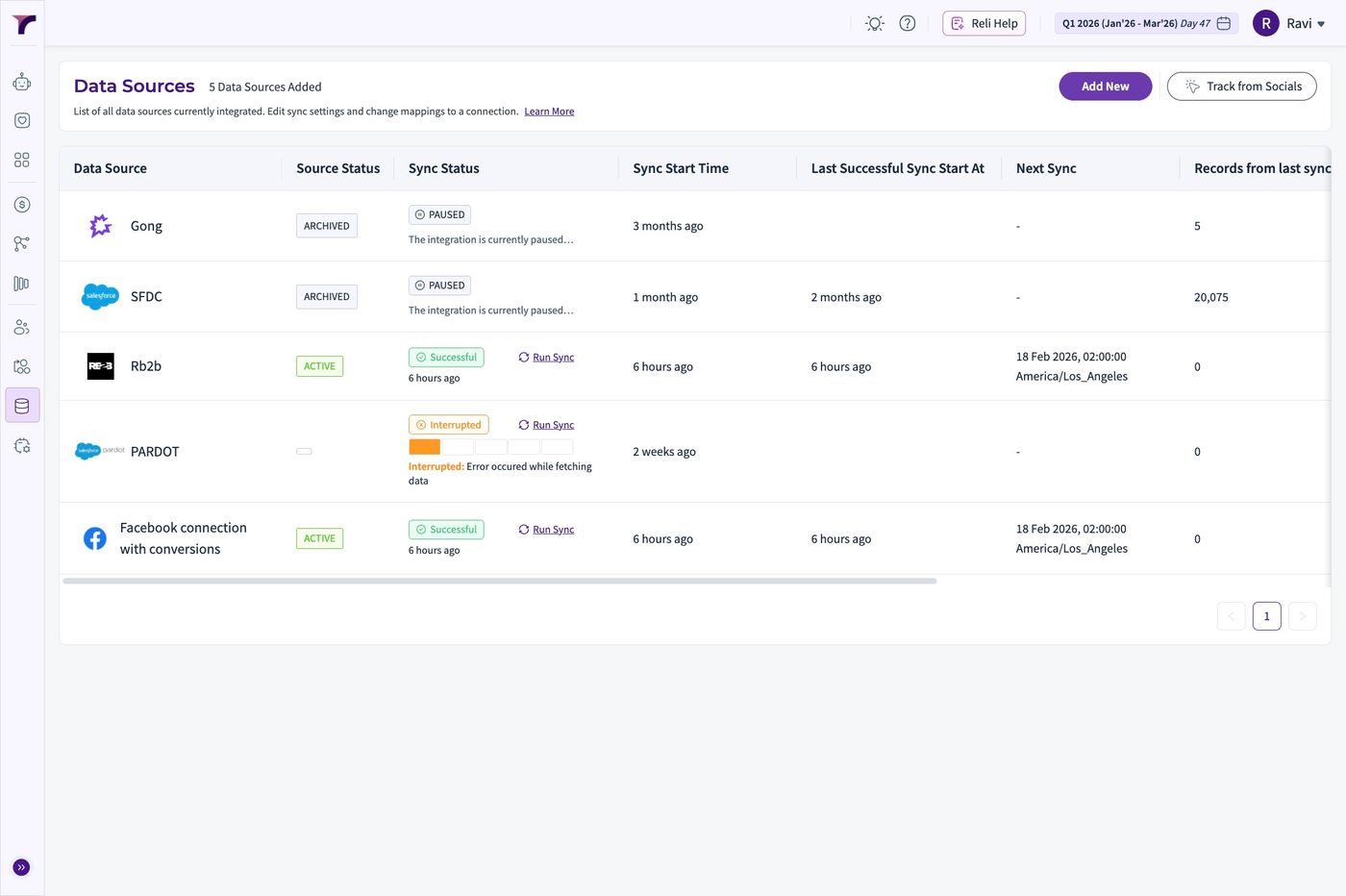
5. Select Navattic from options
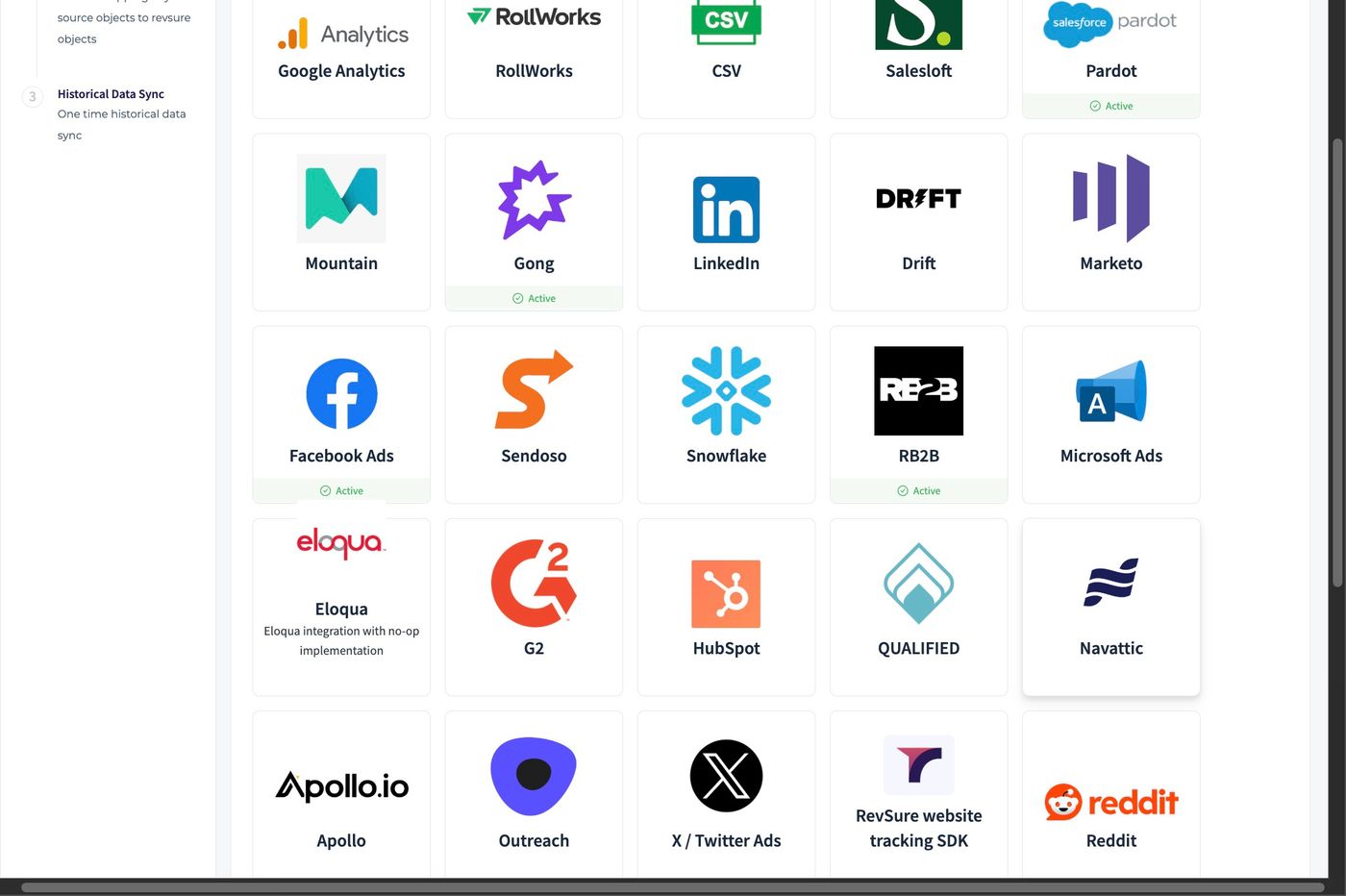
6. Set the "Connection Name" field.
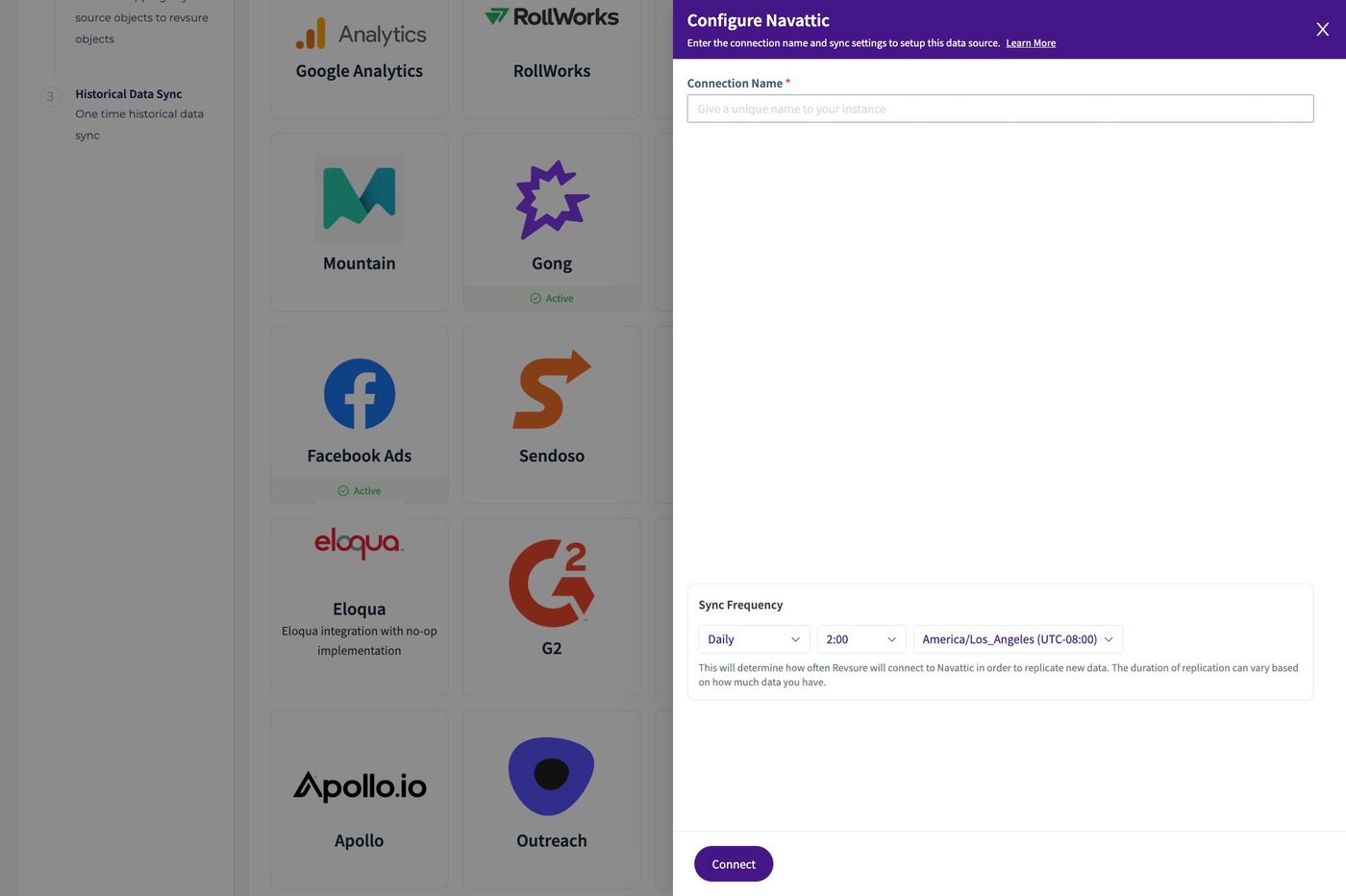
7. Set the schedule for the connection
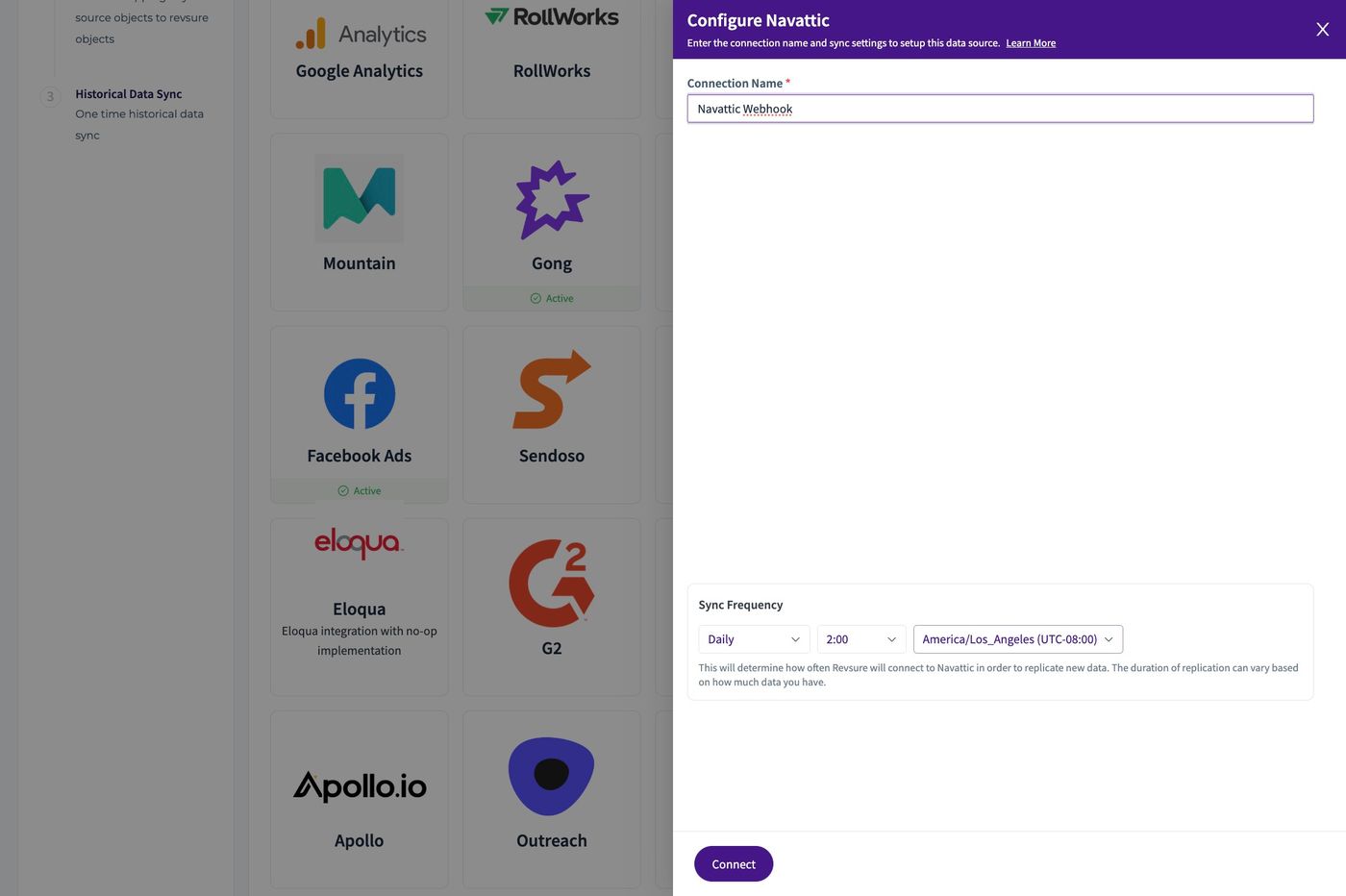
8. Click "Connect"
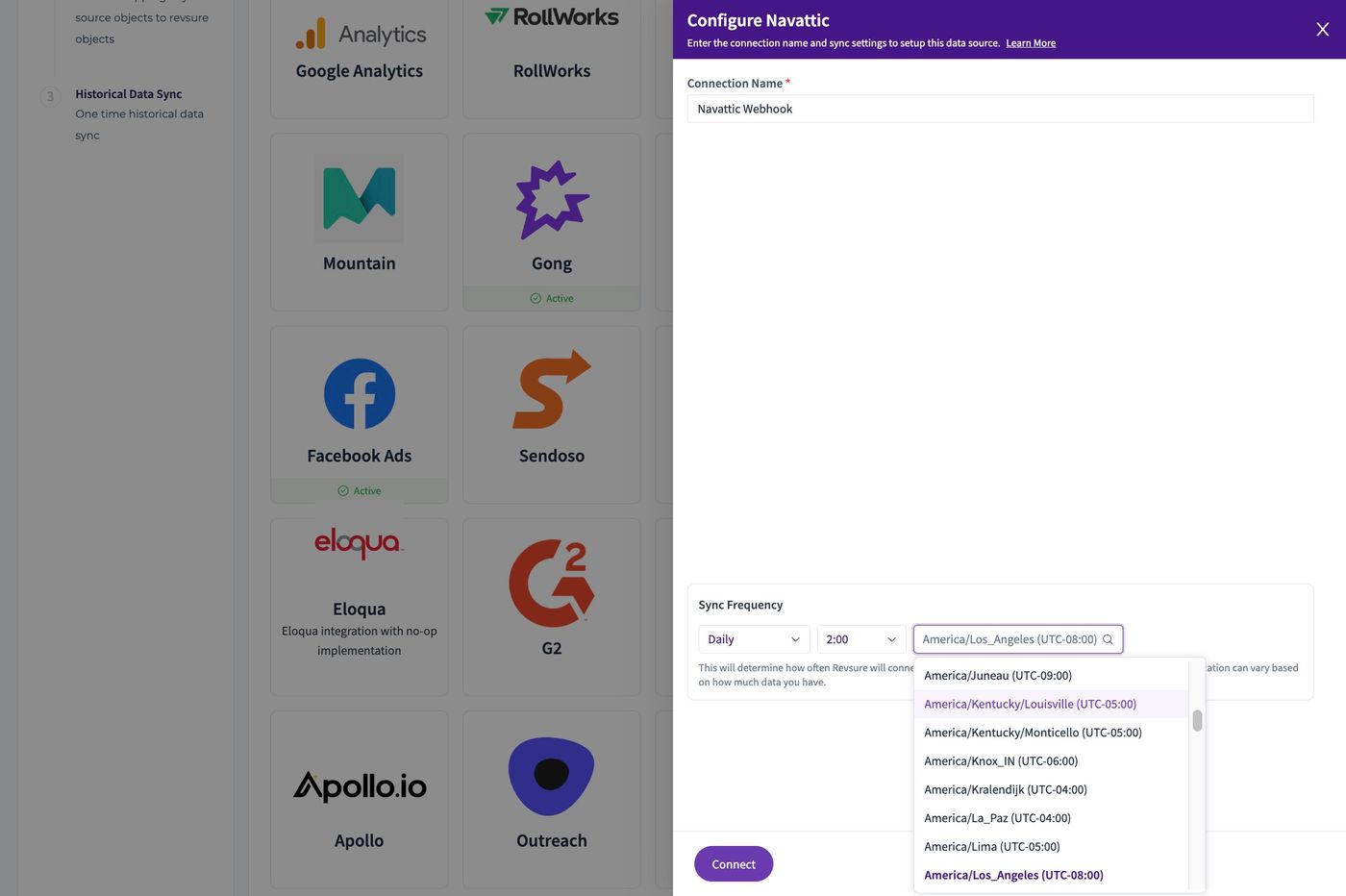
9. Click "Confirm Mapping"
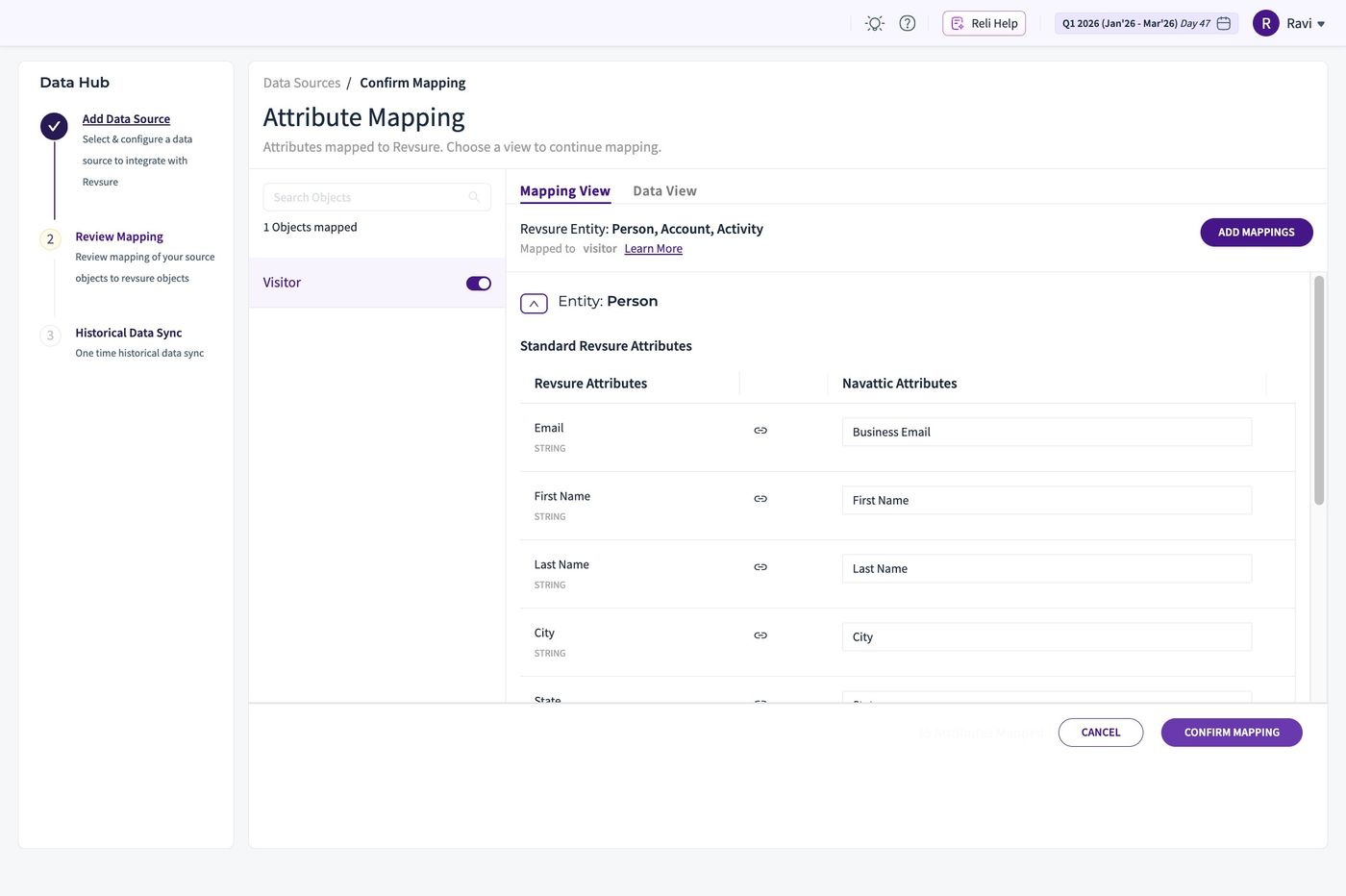
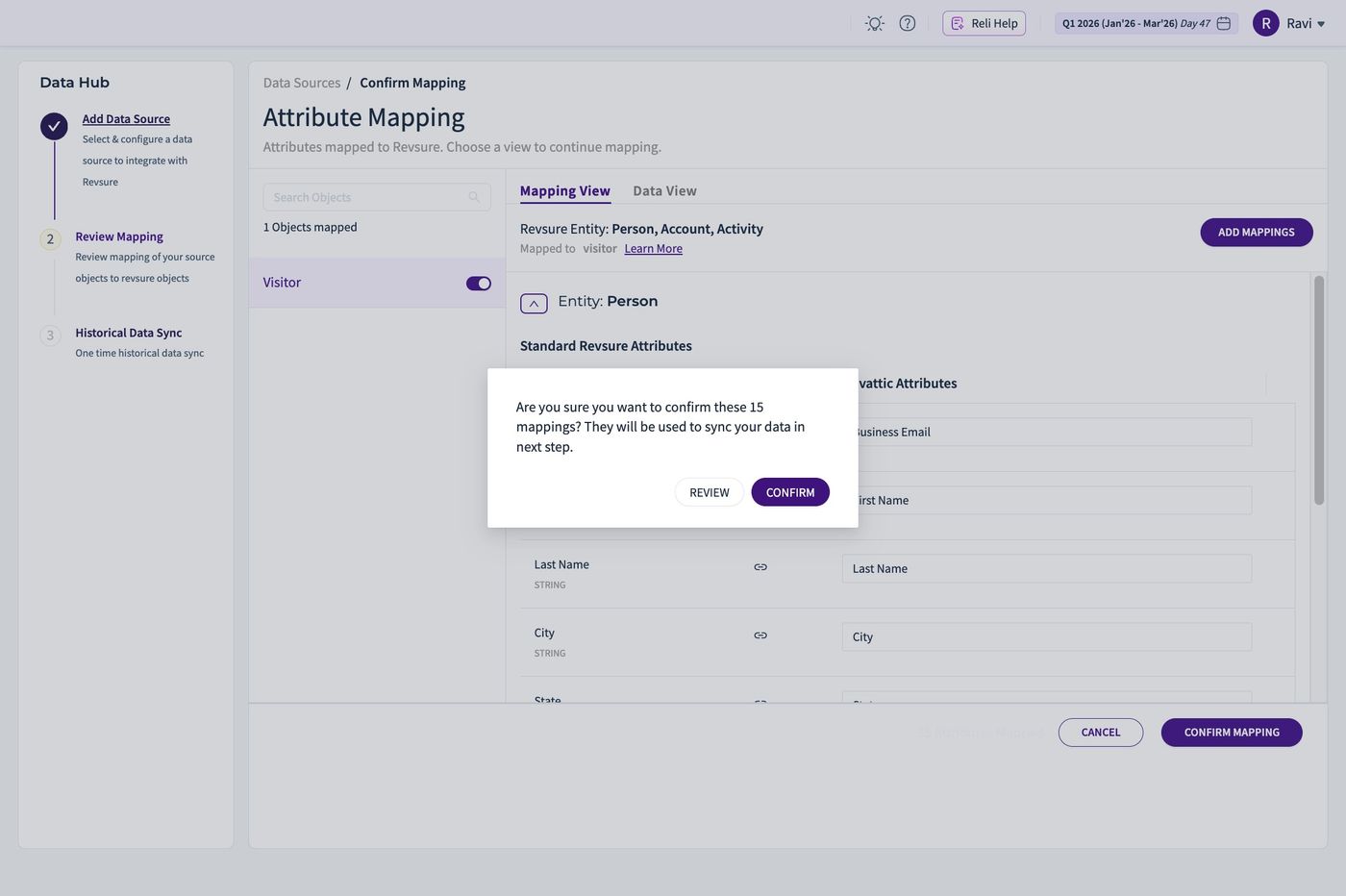
10. Click "CONFIRM"
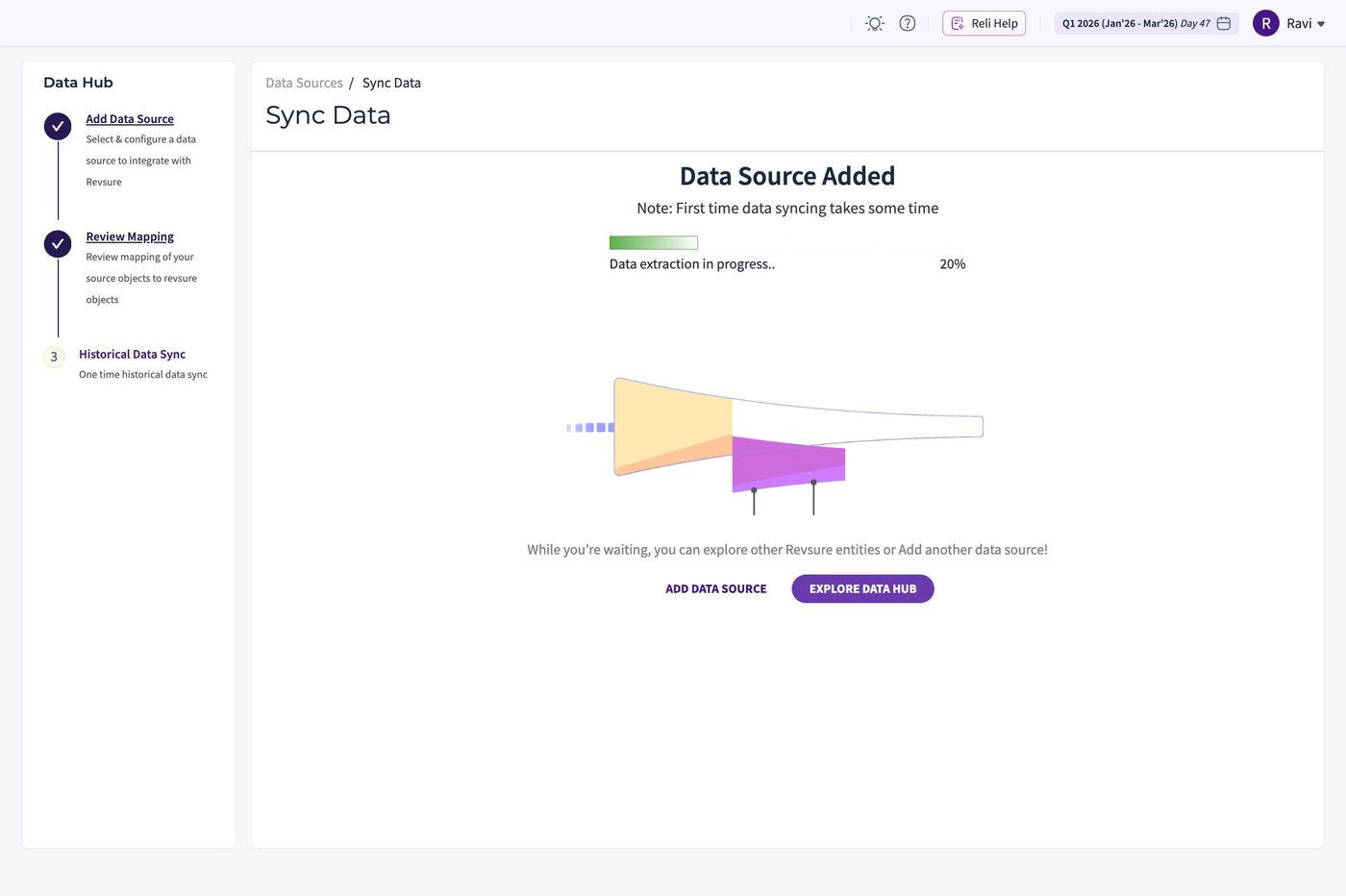
11. Go back to the list of connections, by clicking "EXPLORE DATA HUB"
12. Select the connection, just created
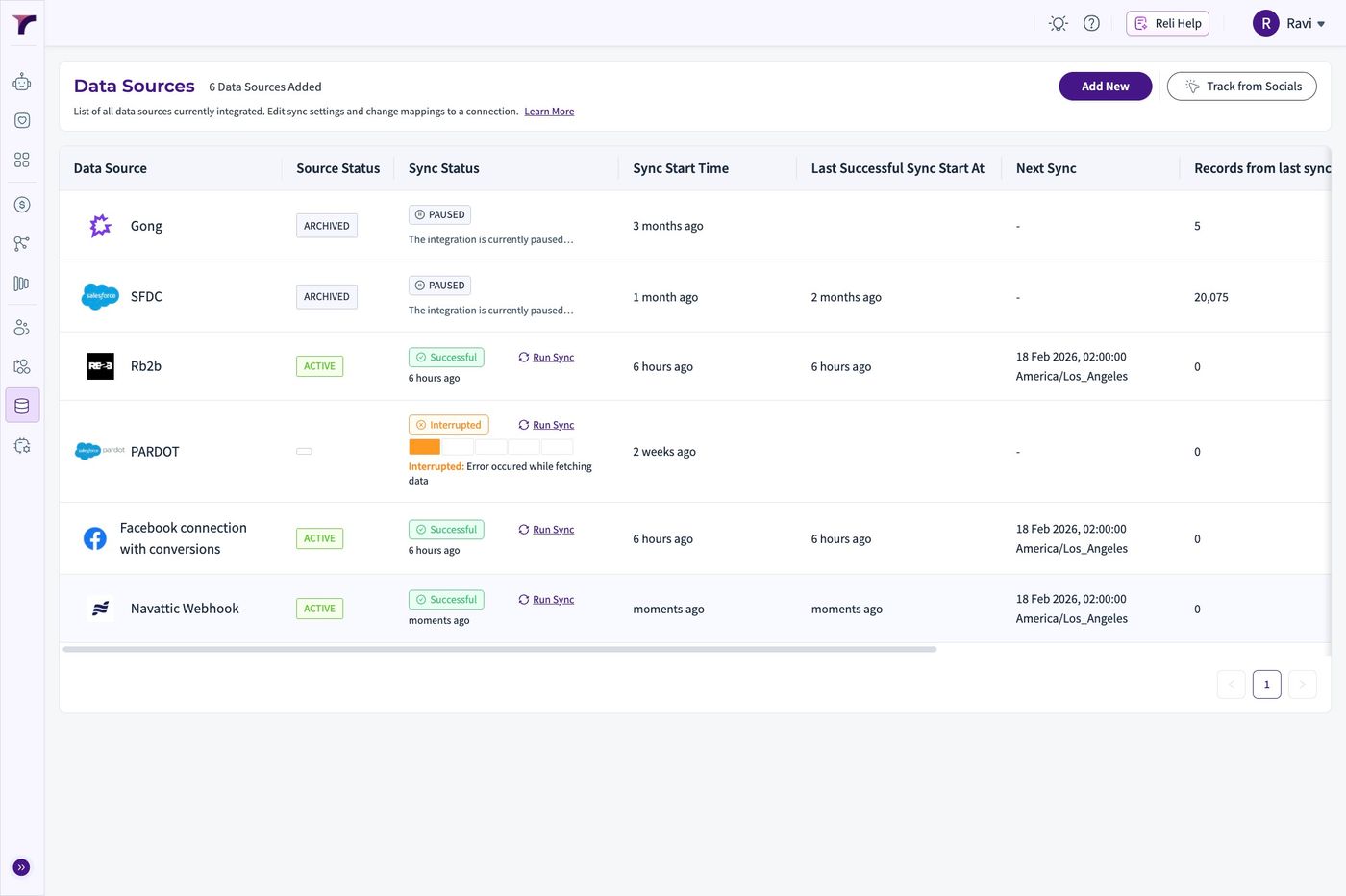
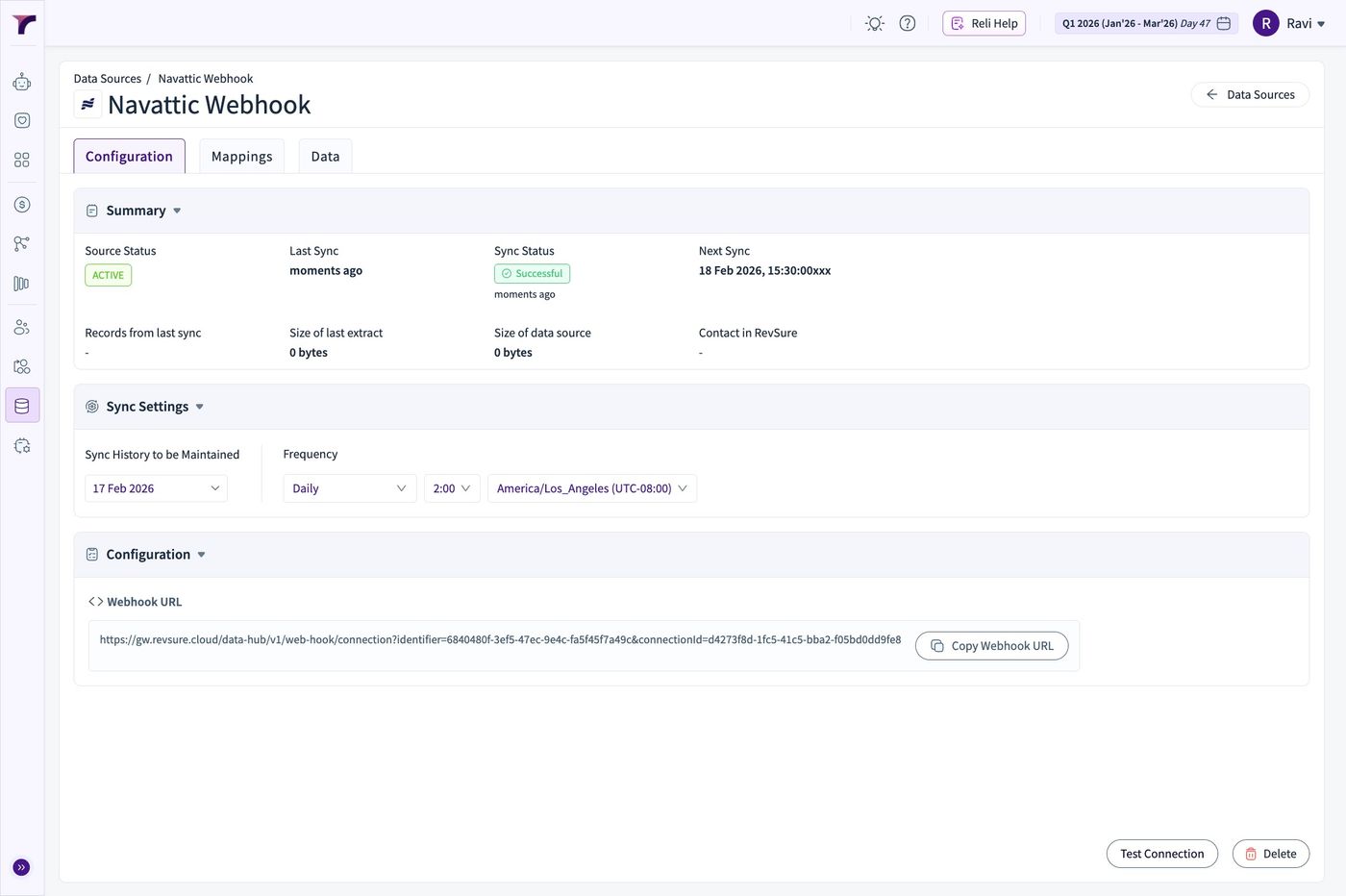
13. The Webhook URL is generated and can be set on the Navattic Playbook
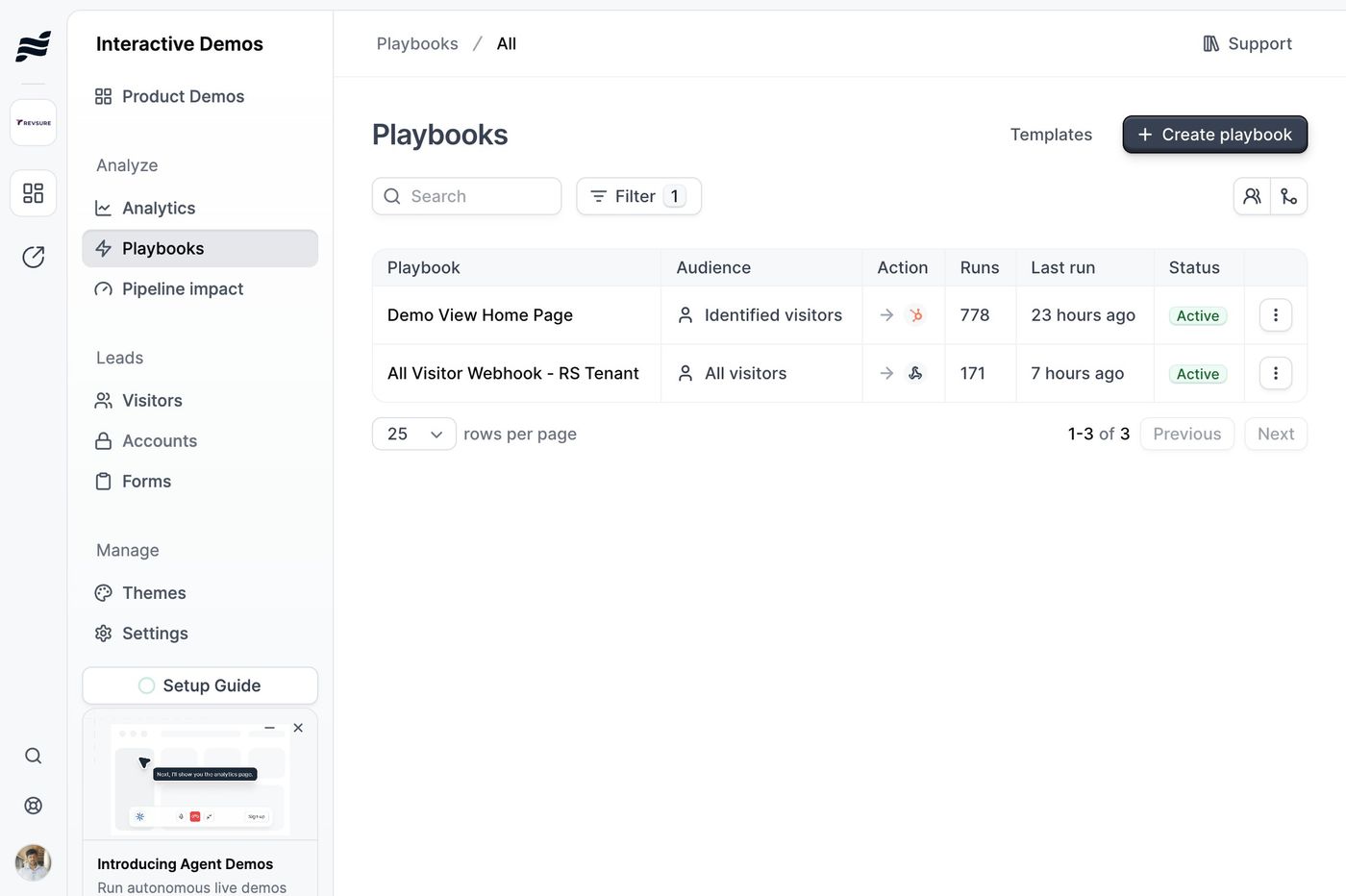
14. On the Navattic Instance, Go to Playbooks and Create Playbook
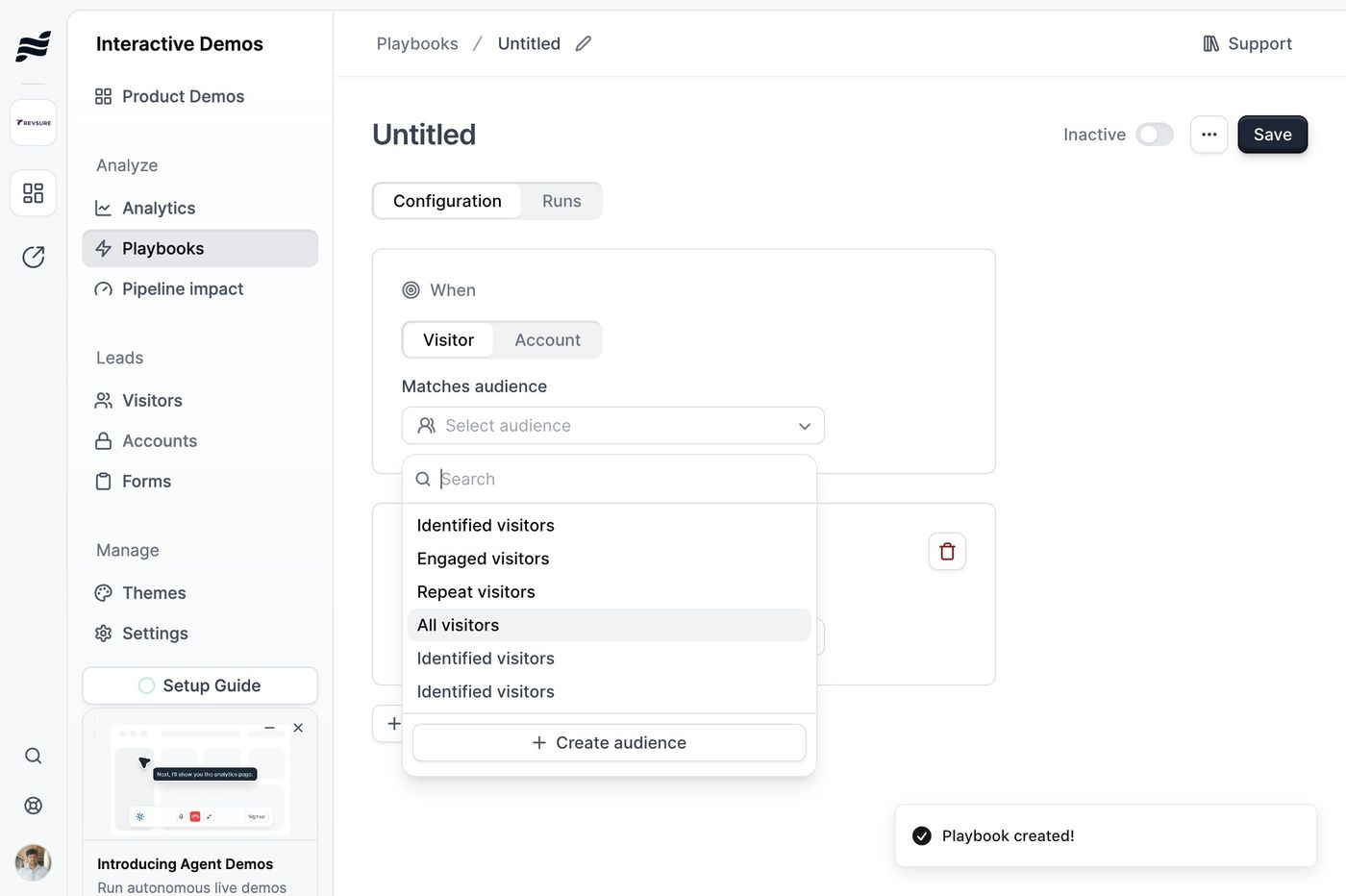
15. Select the right audience filter
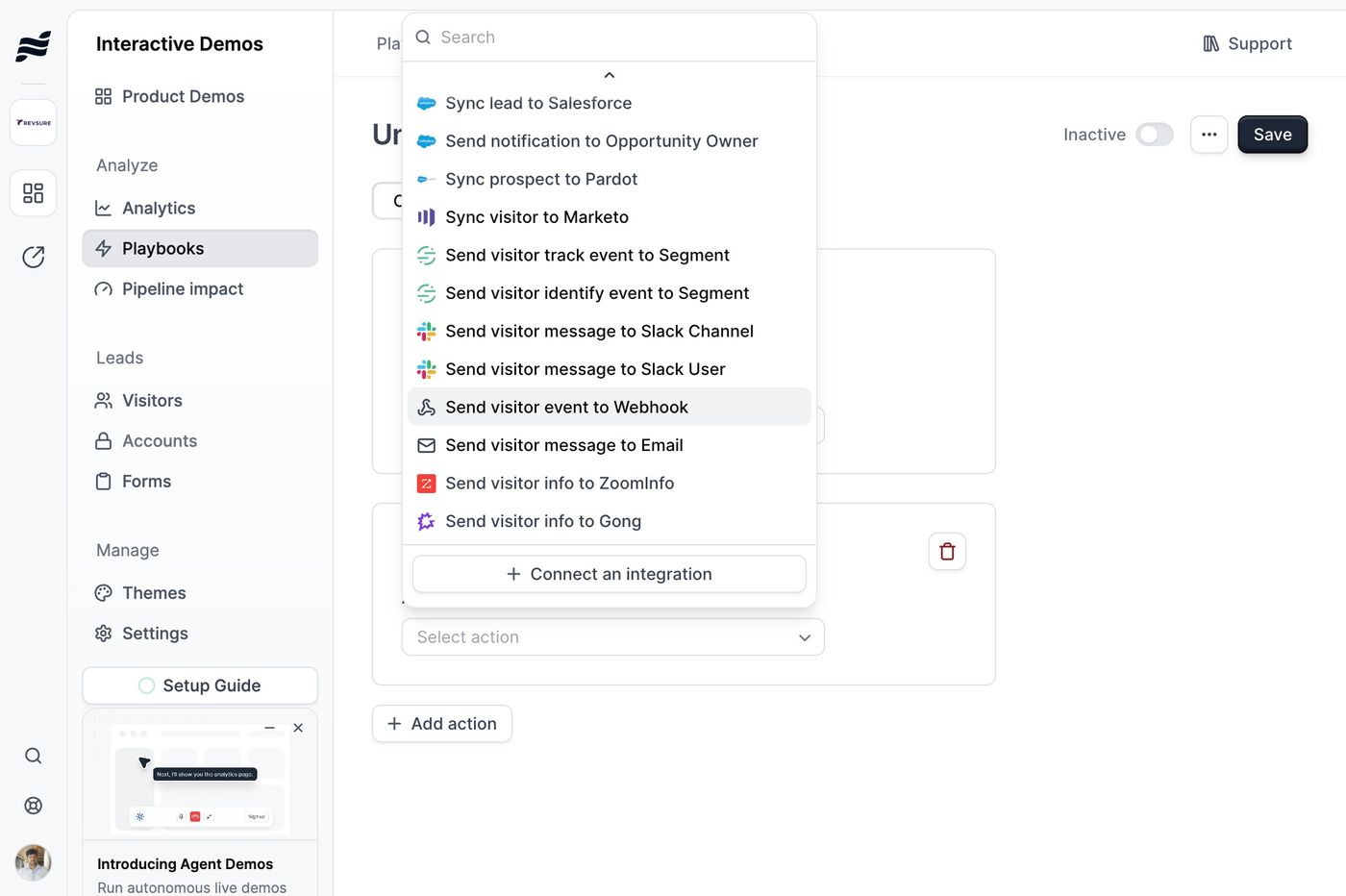
16. Under action, Click "Send visitor event to Webhook"
17. Paste the webhook in the URL Field
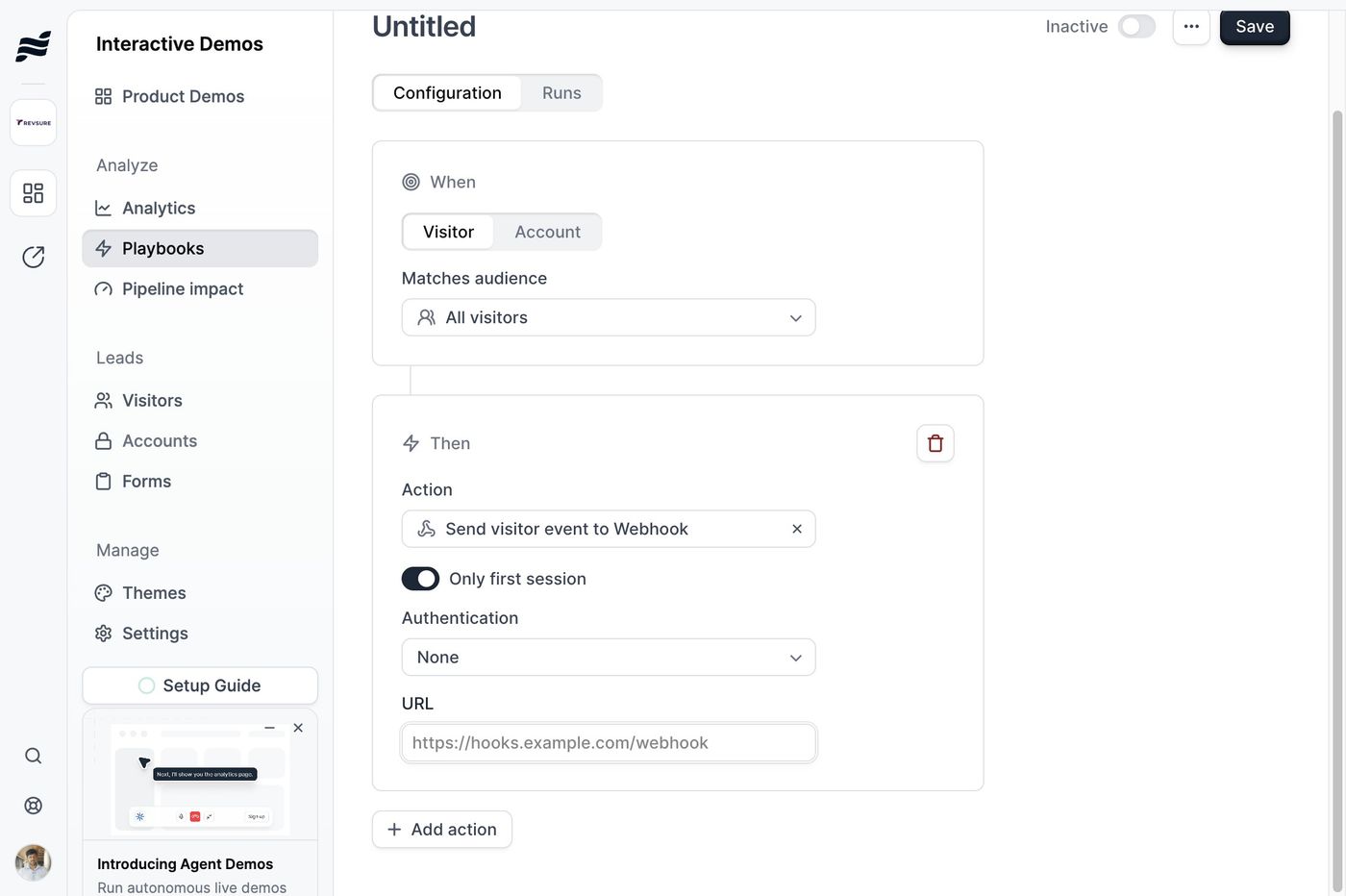
18. Click Save to complete the Playbook Setup