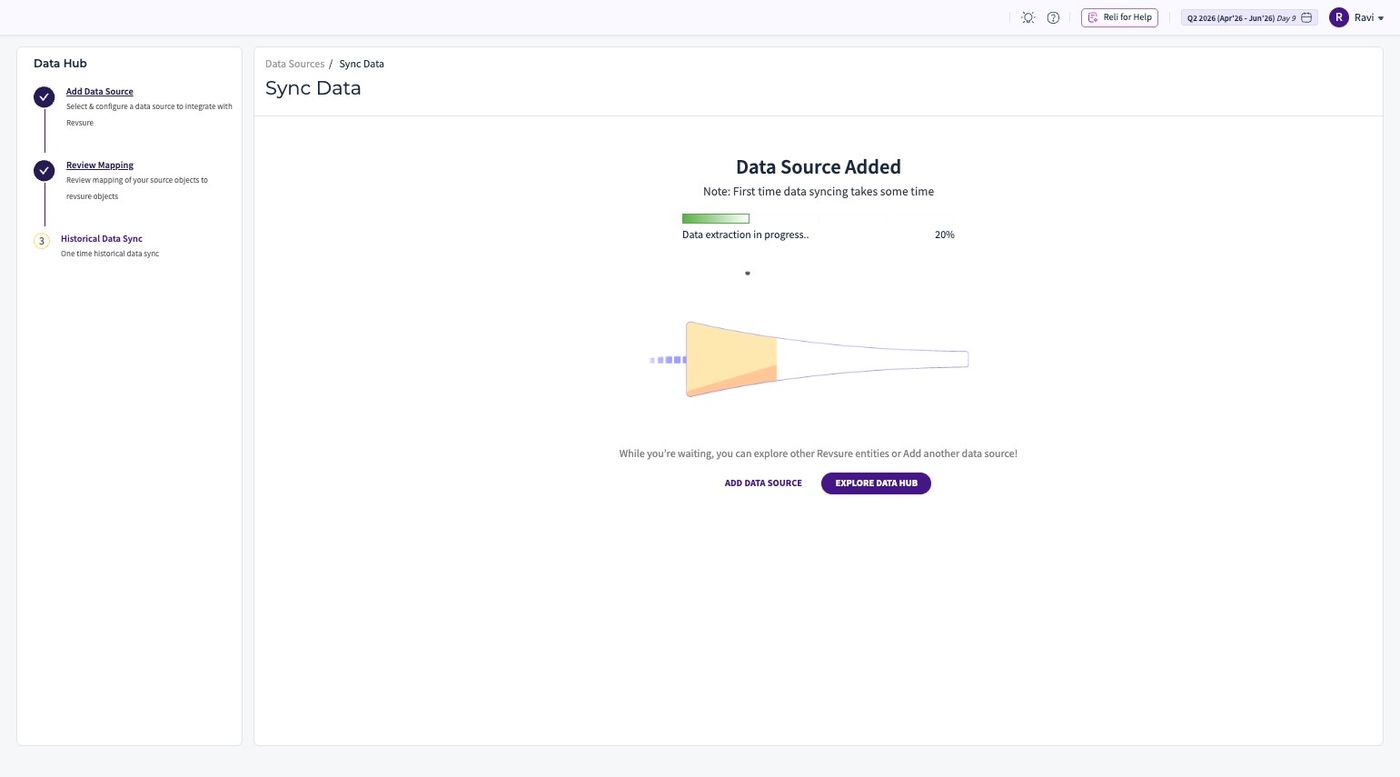
1. Navigate to Revsure App
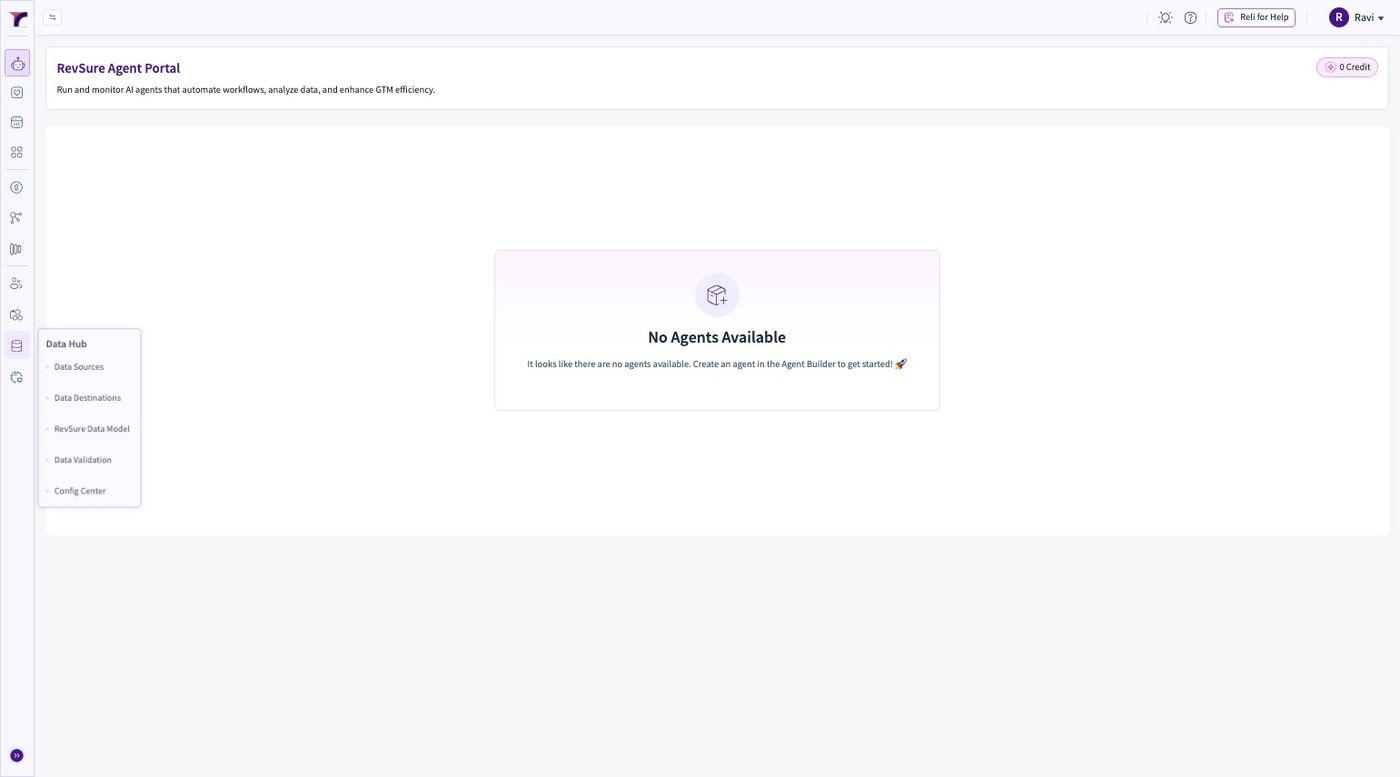
2. Click "Data Hub"
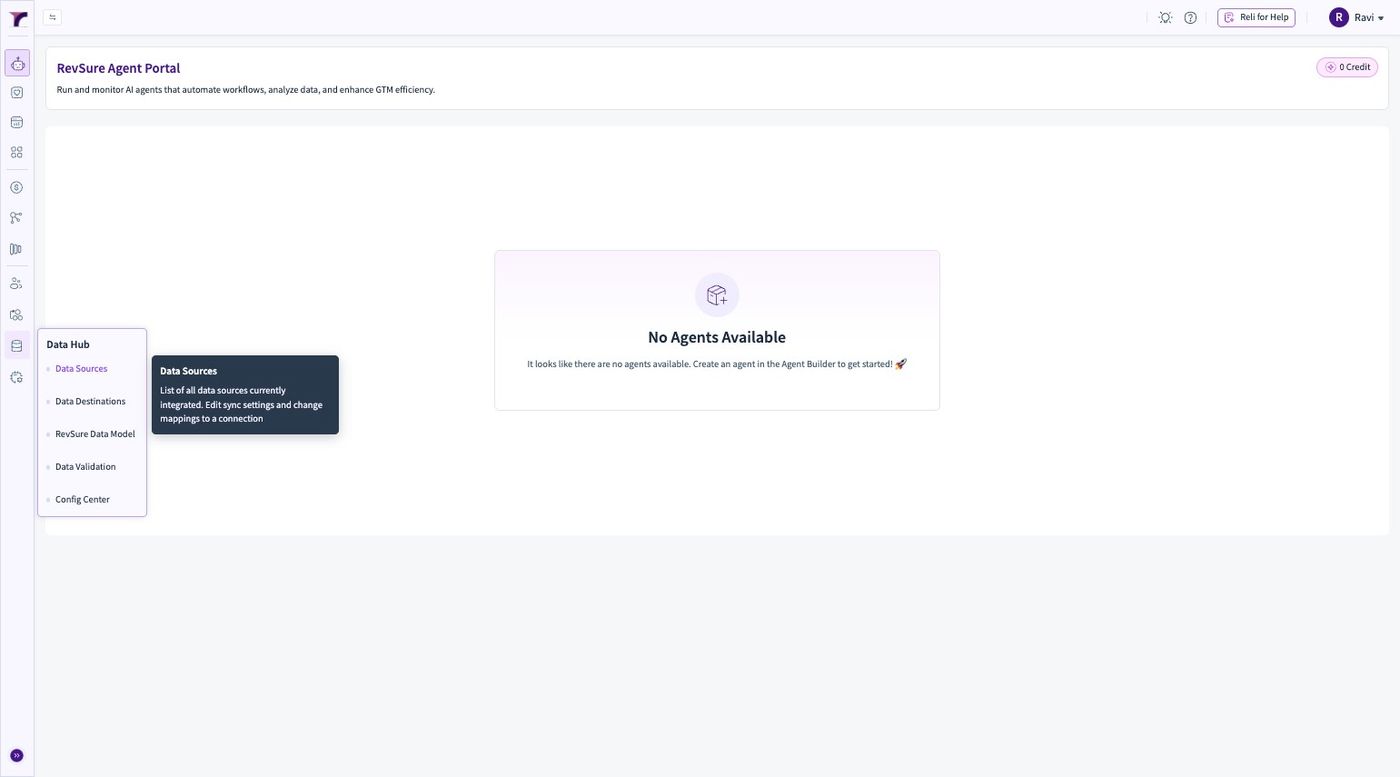
3. Click Data Sources
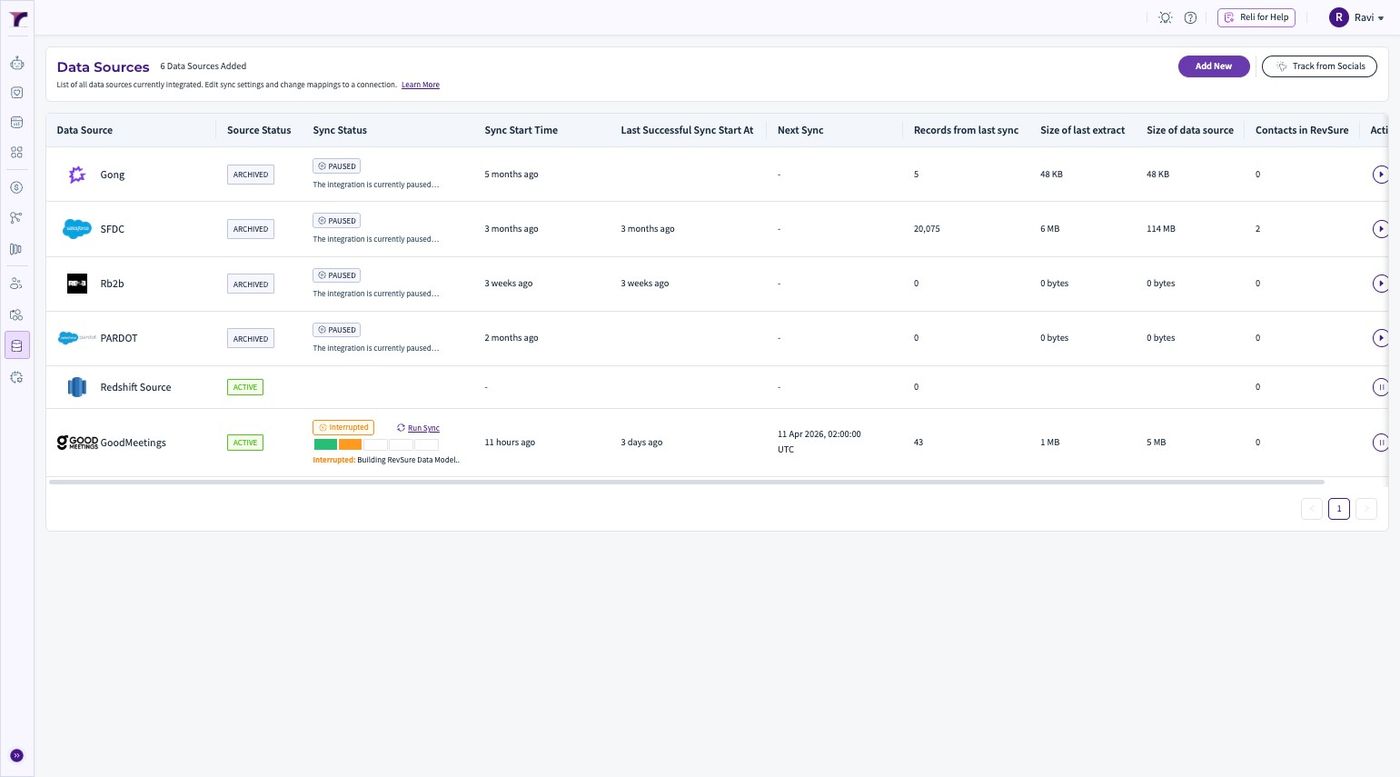
4. Click "Add New"
5. Select Mixpanel from the list of Sources
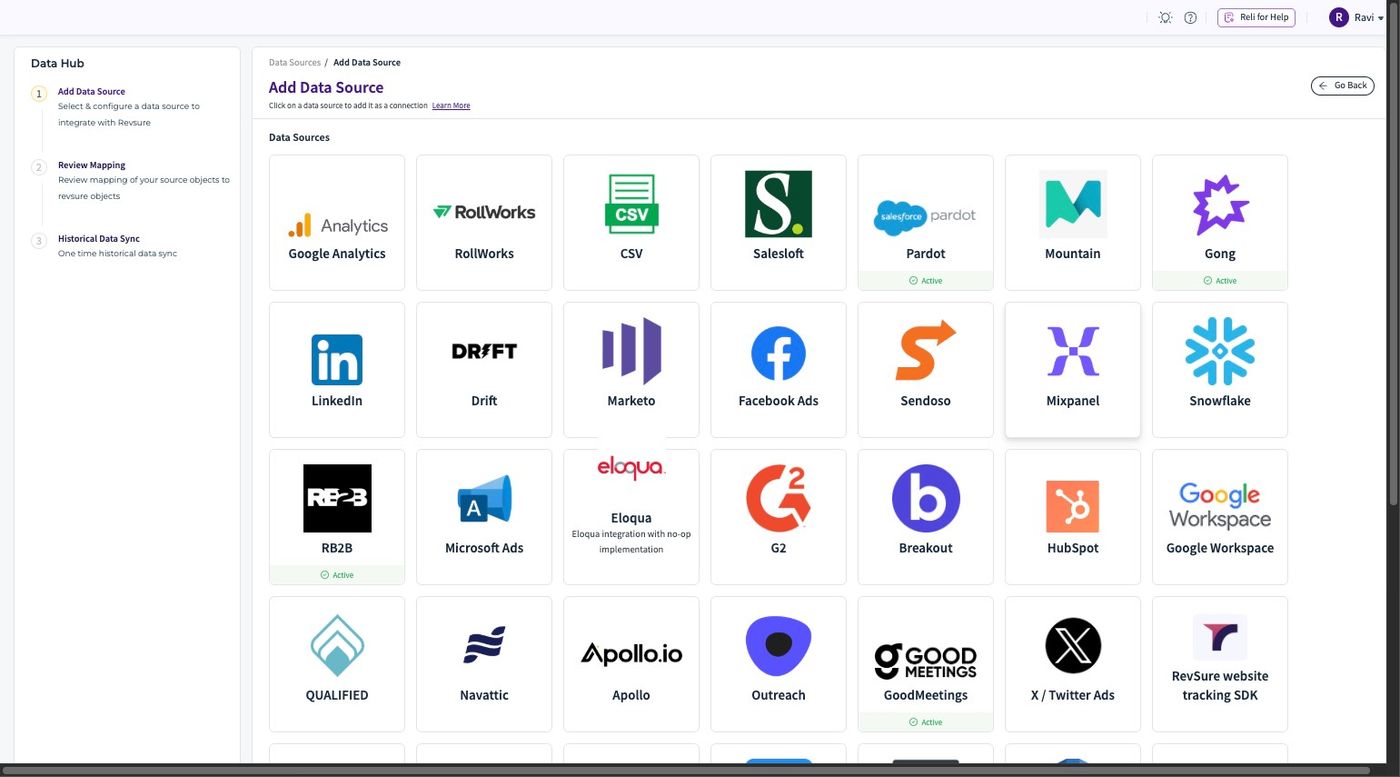
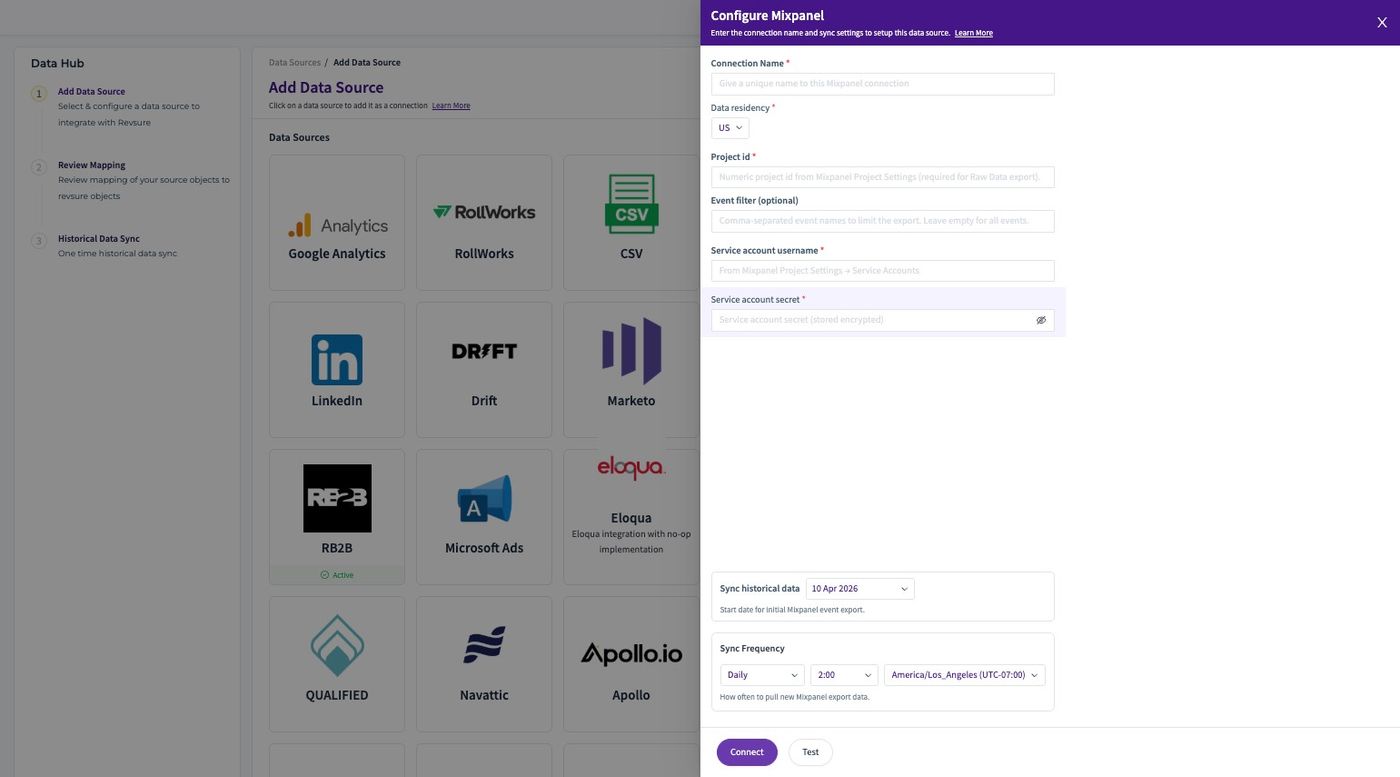
6. Click the "Connection Name *" field.
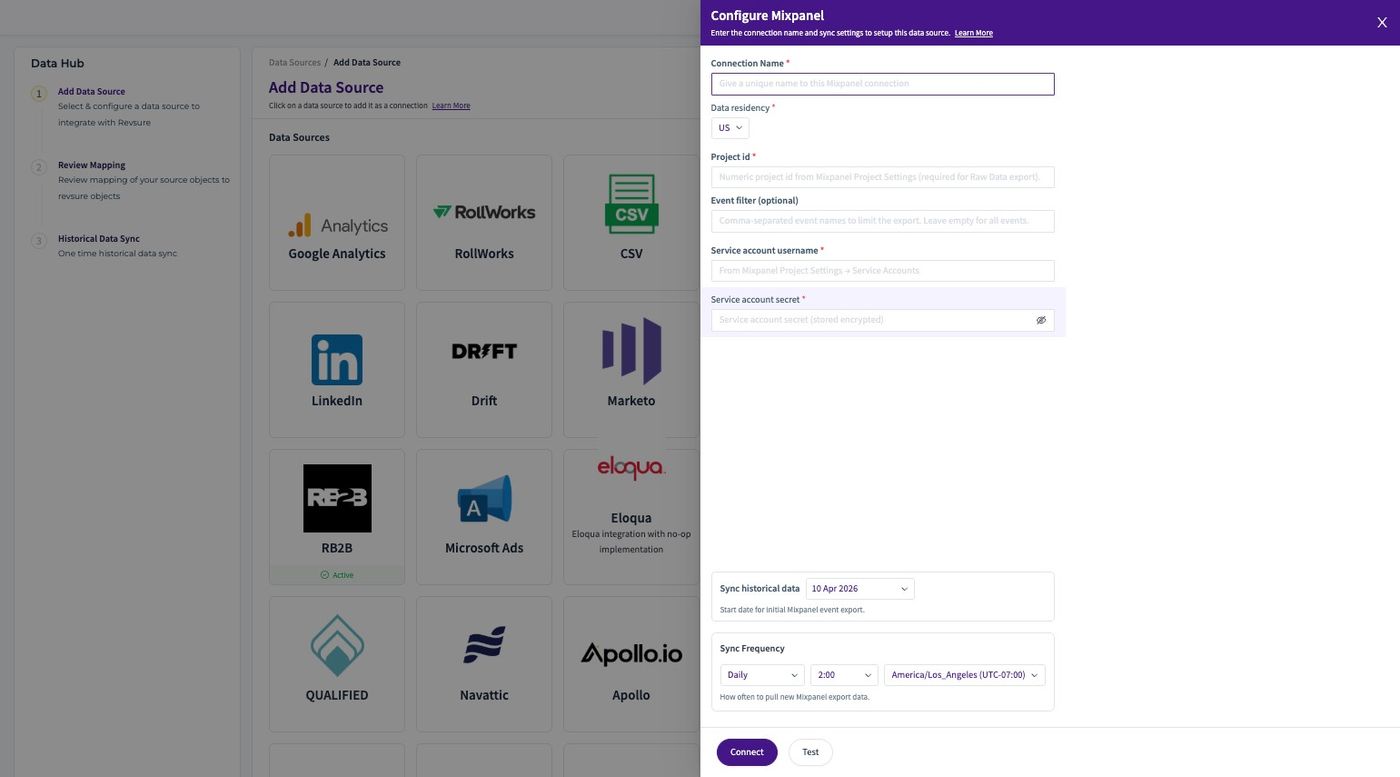
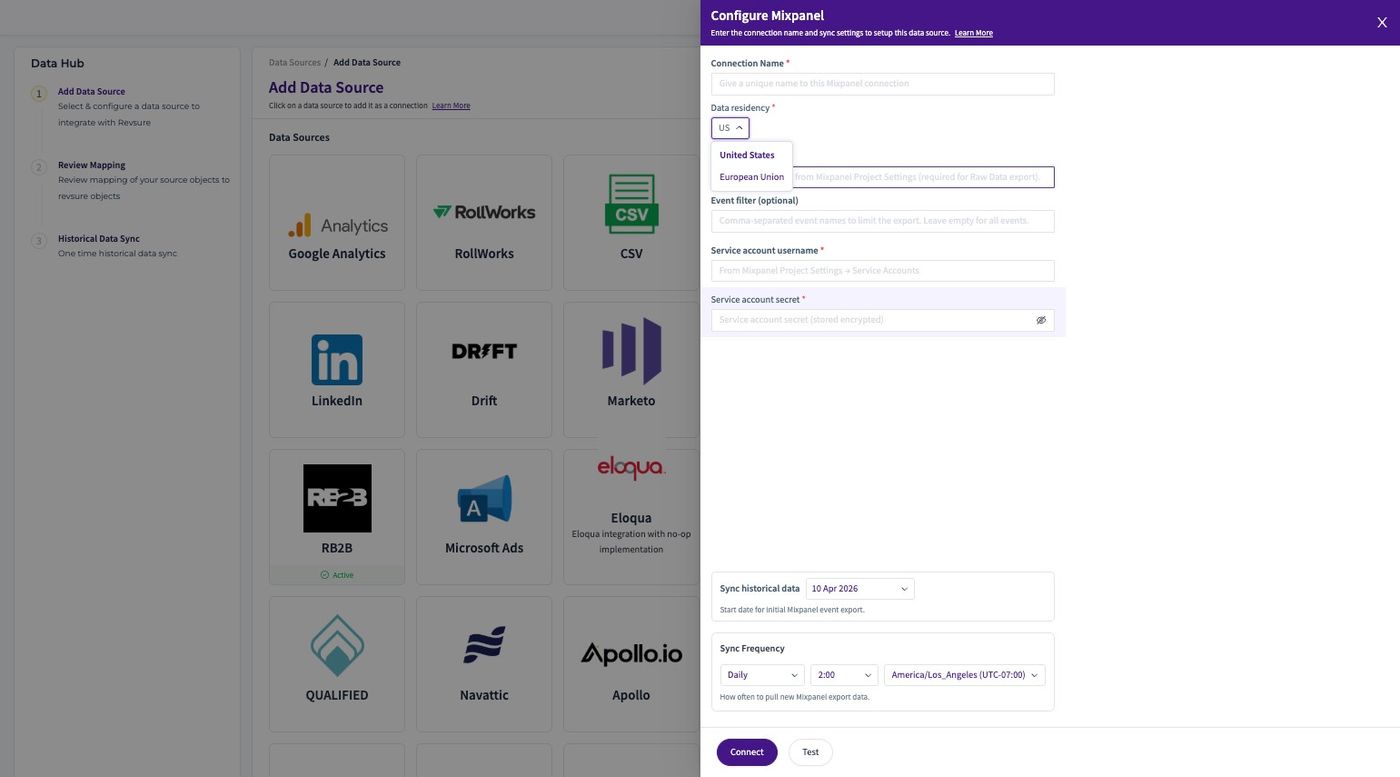
7. Select the Data Residency
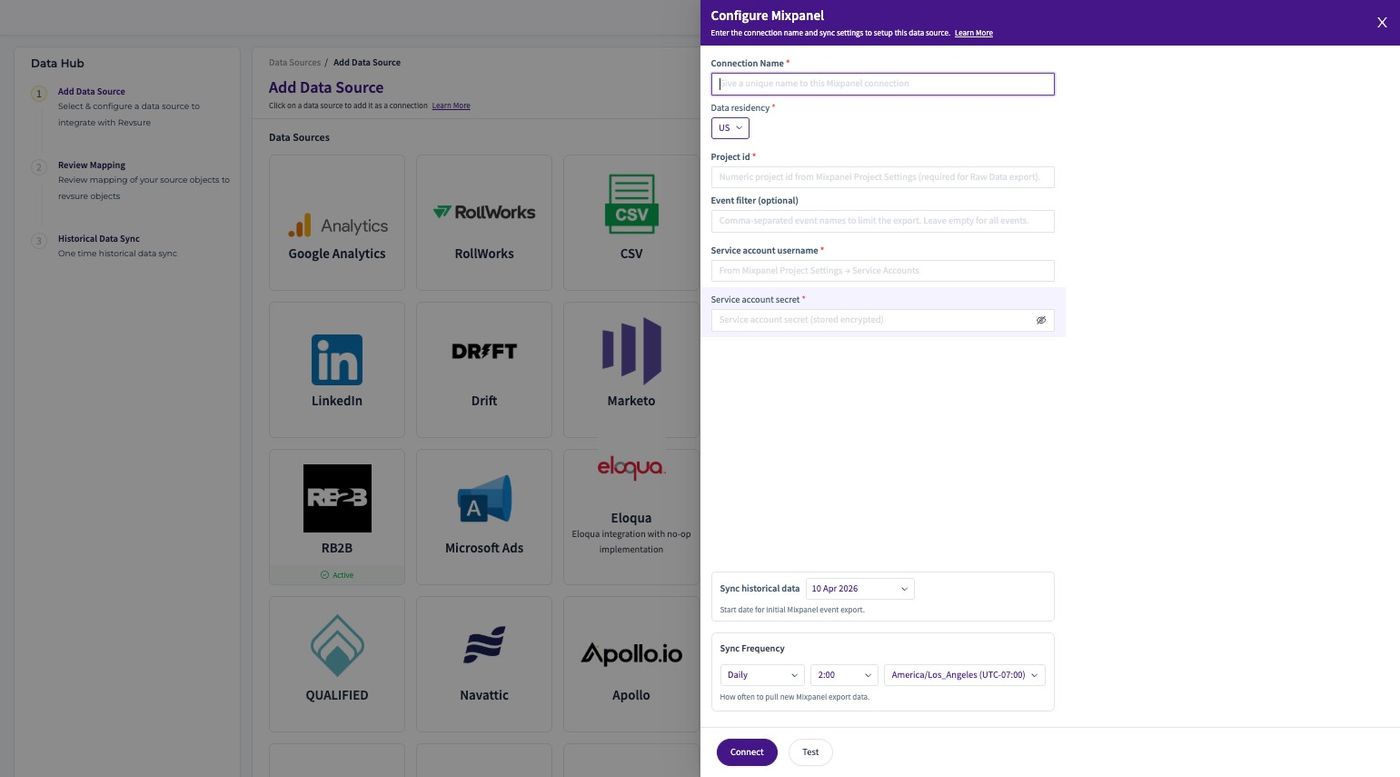
8. Fill the "Project id *" field
9. If Required we can fill the "Event filter (optional)" field.
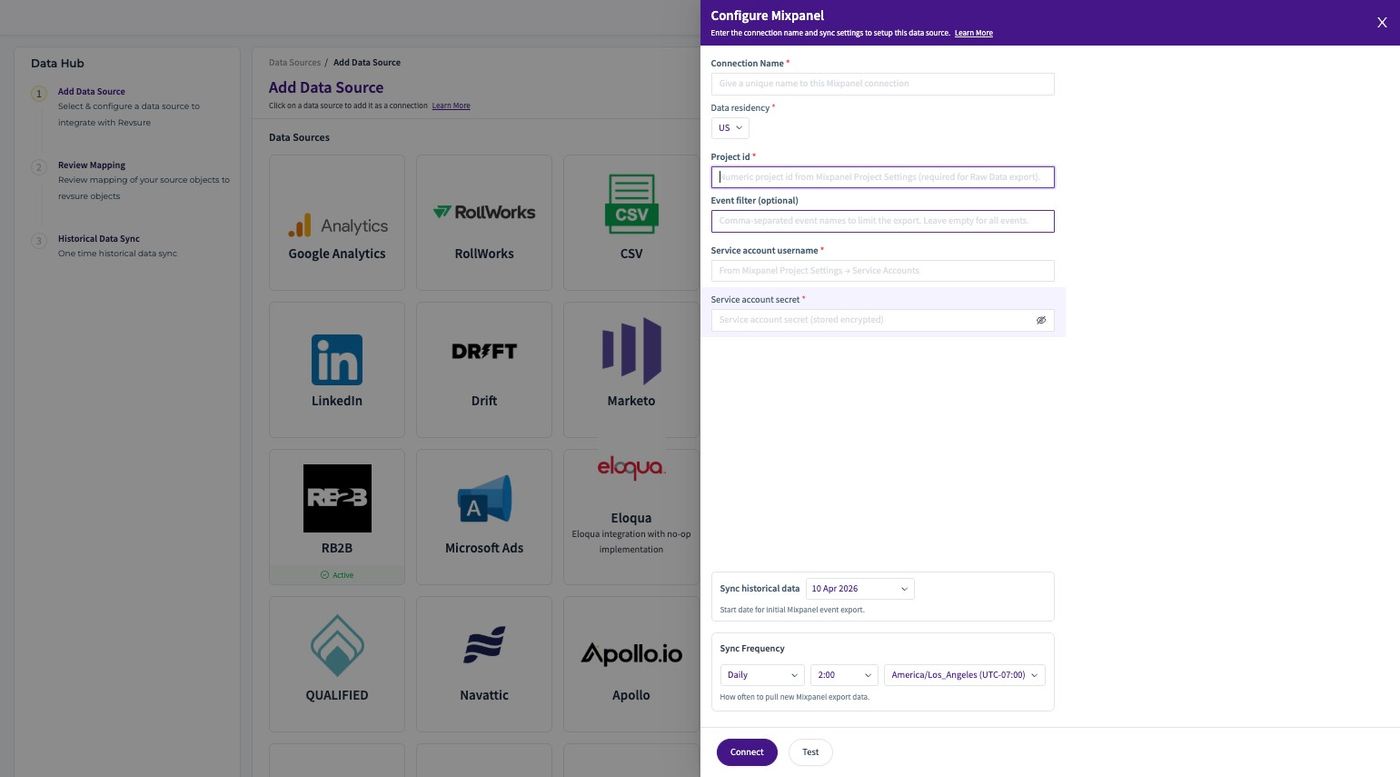
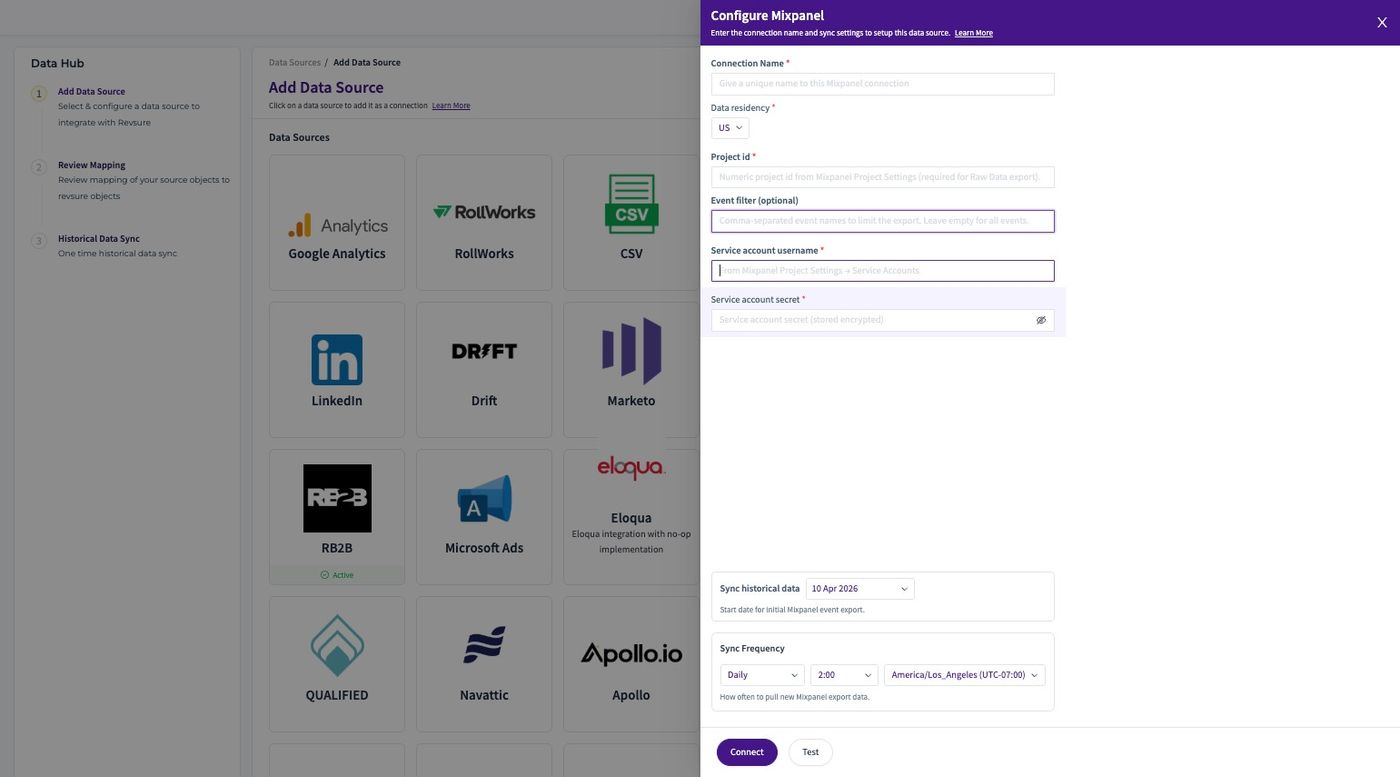
10. Fill the "Service account username *" field.
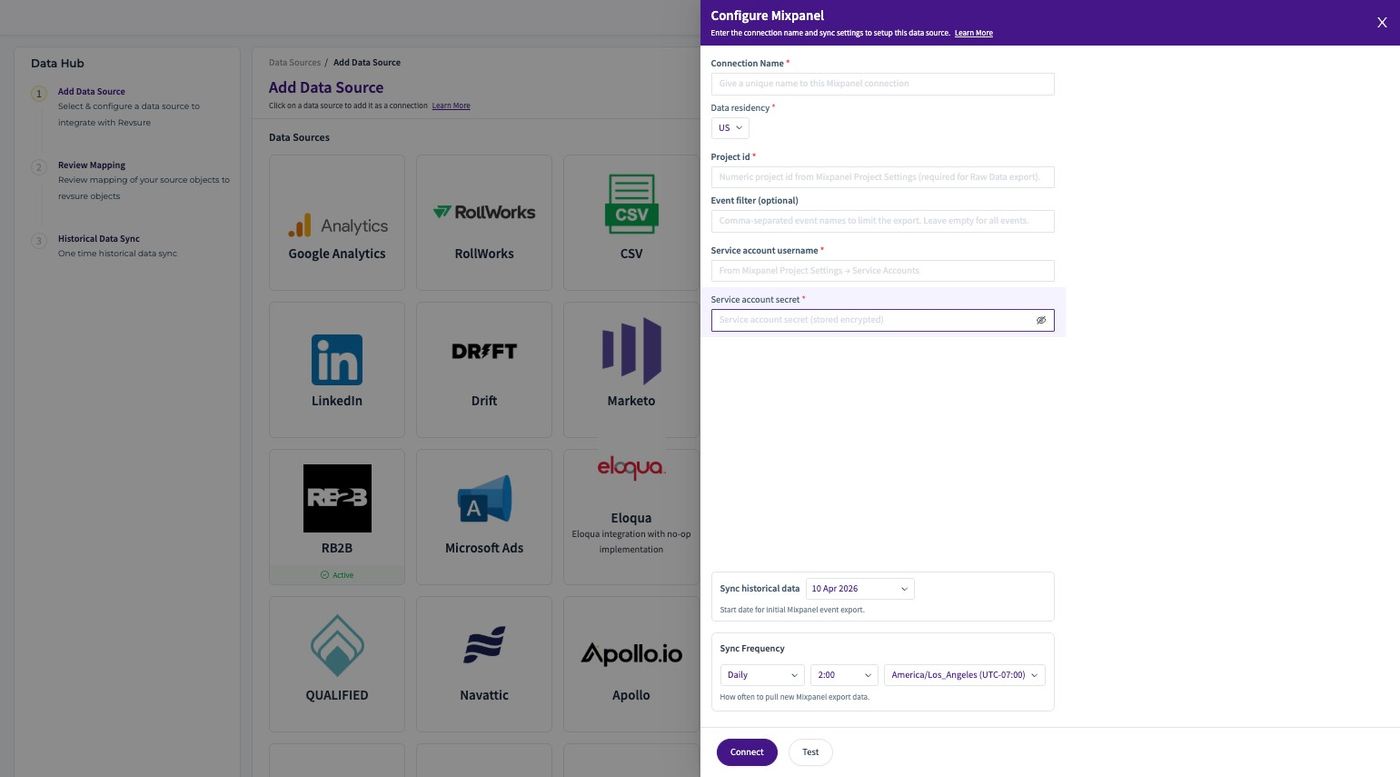
11. Fill the "Service account secret *" field.
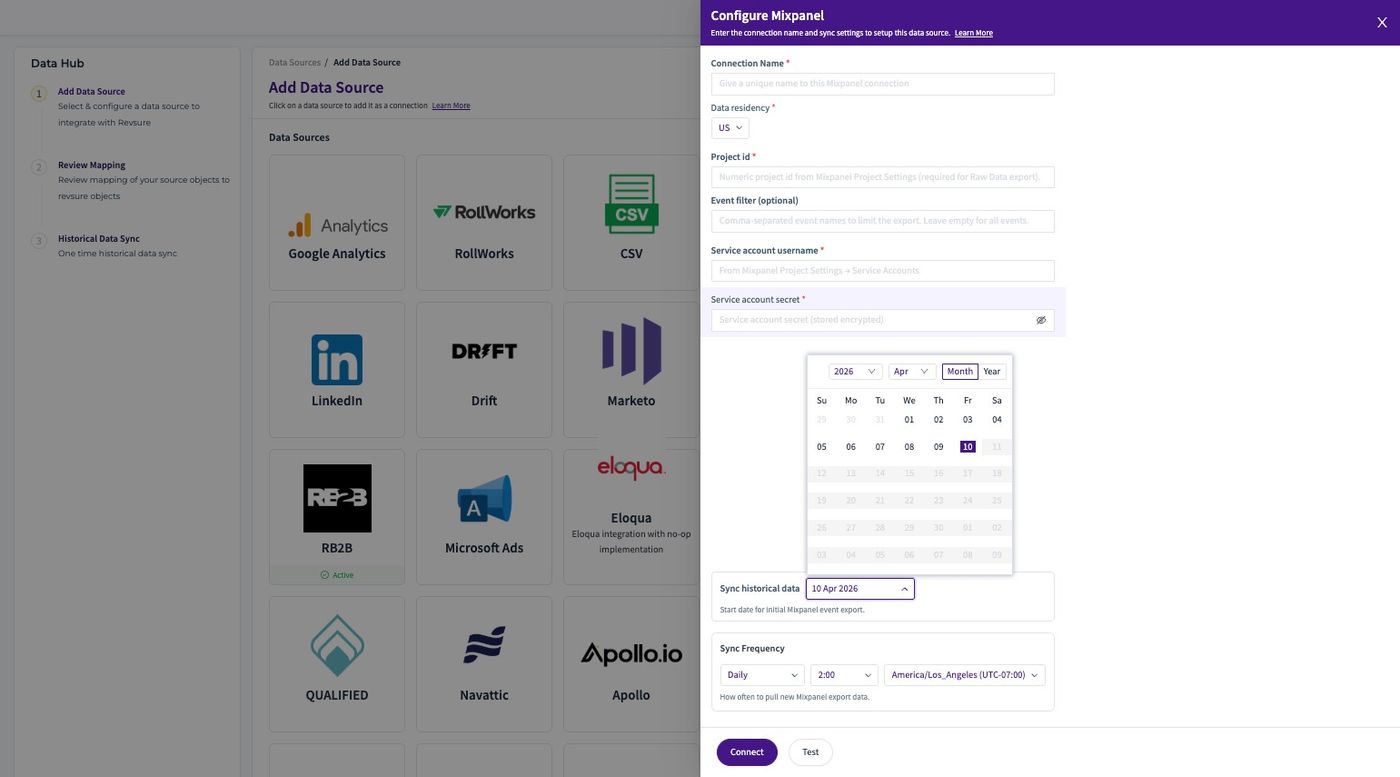
12. Select the Historical Date for the Connection
13. Click "Connect"
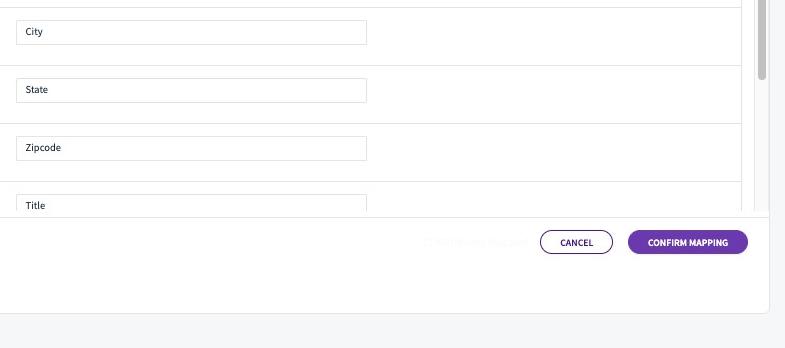
14. Click "Confirm Mapping"
15. The connection is successfully Added