FAQs/Integrations & tracking/RevSure Microsoft Ads Integration Implementation Guide
Integrations & tracking · RevSure FAQs

RevSure Microsoft Ads Integration Implementation Guide

1. Navigate to the data-hub module in the RevSure account. Click on the Add data source button

2. Select Microsoft Ads data source, and it will open a sidebar to configure the connection details
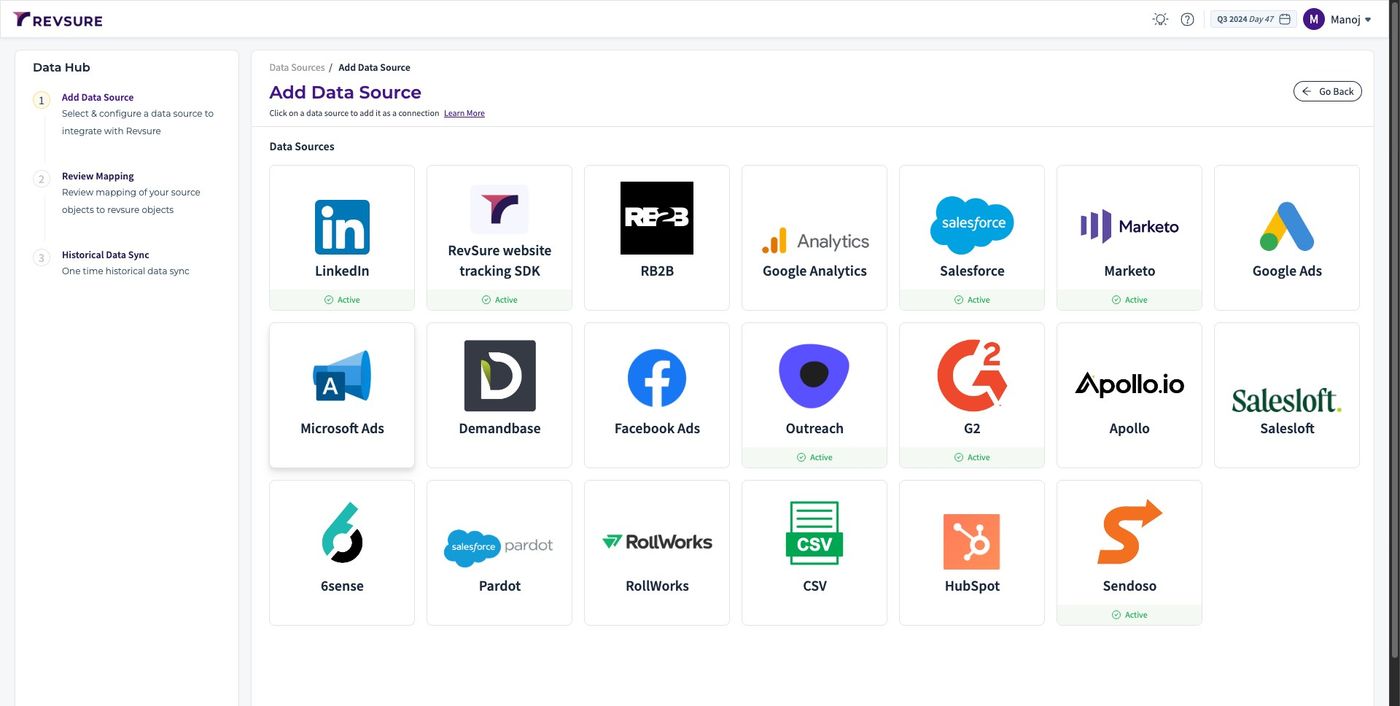
RevSure Microsoft Ads Integration Implementation Guide (figure 1)

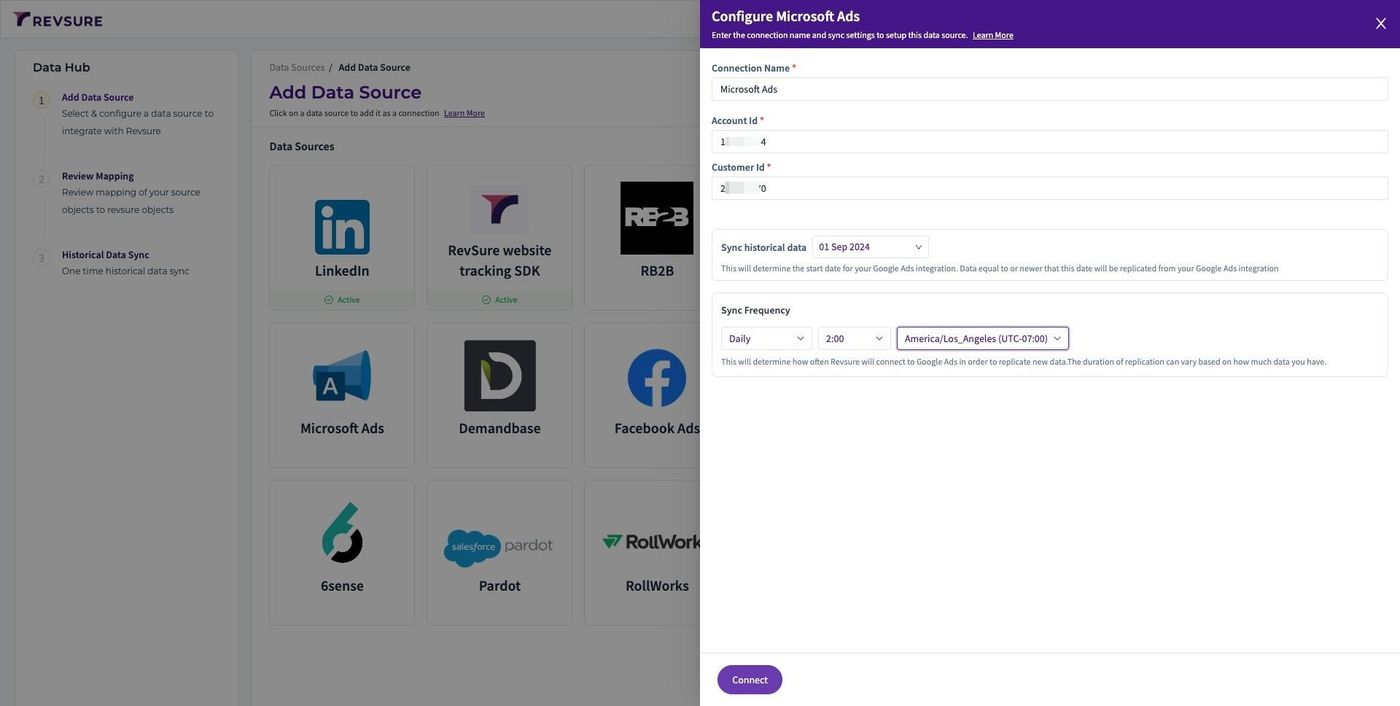
3. Enter a unique connection name to identify the connection
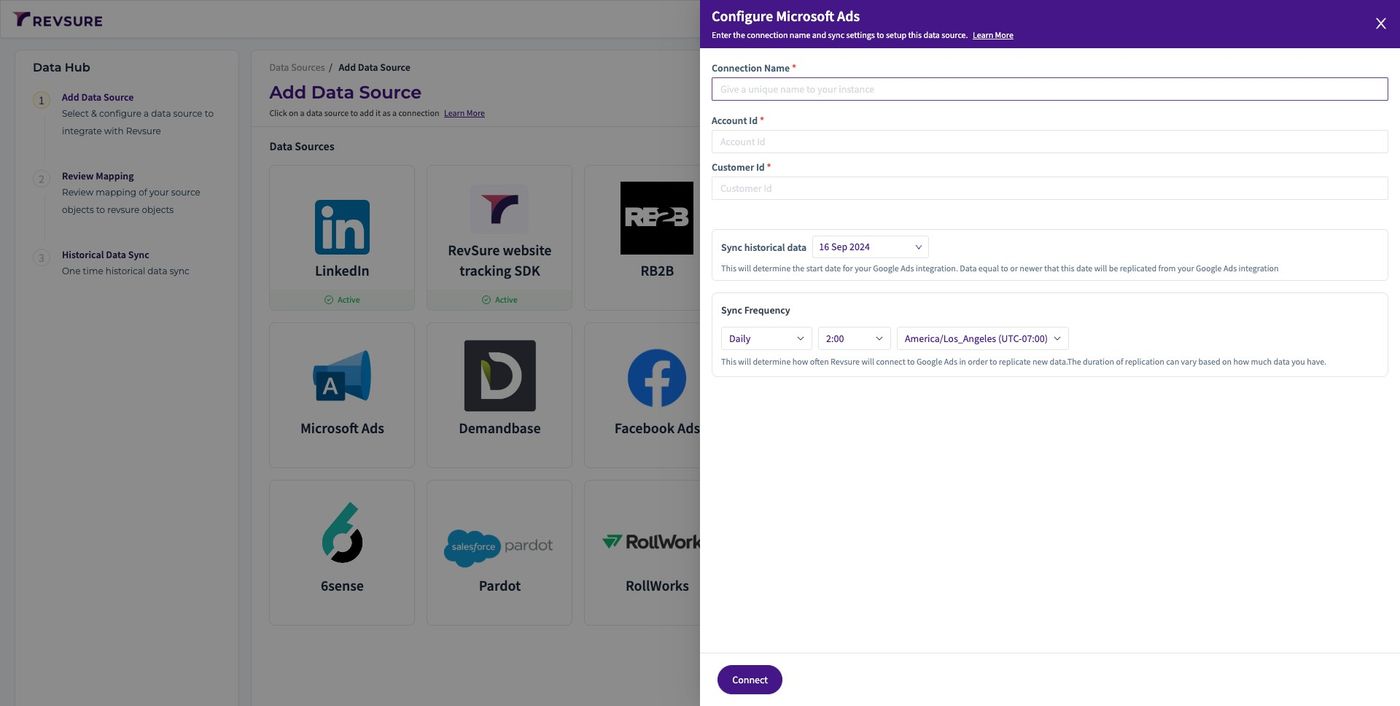
RevSure Microsoft Ads Integration Implementation Guide (figure 2)

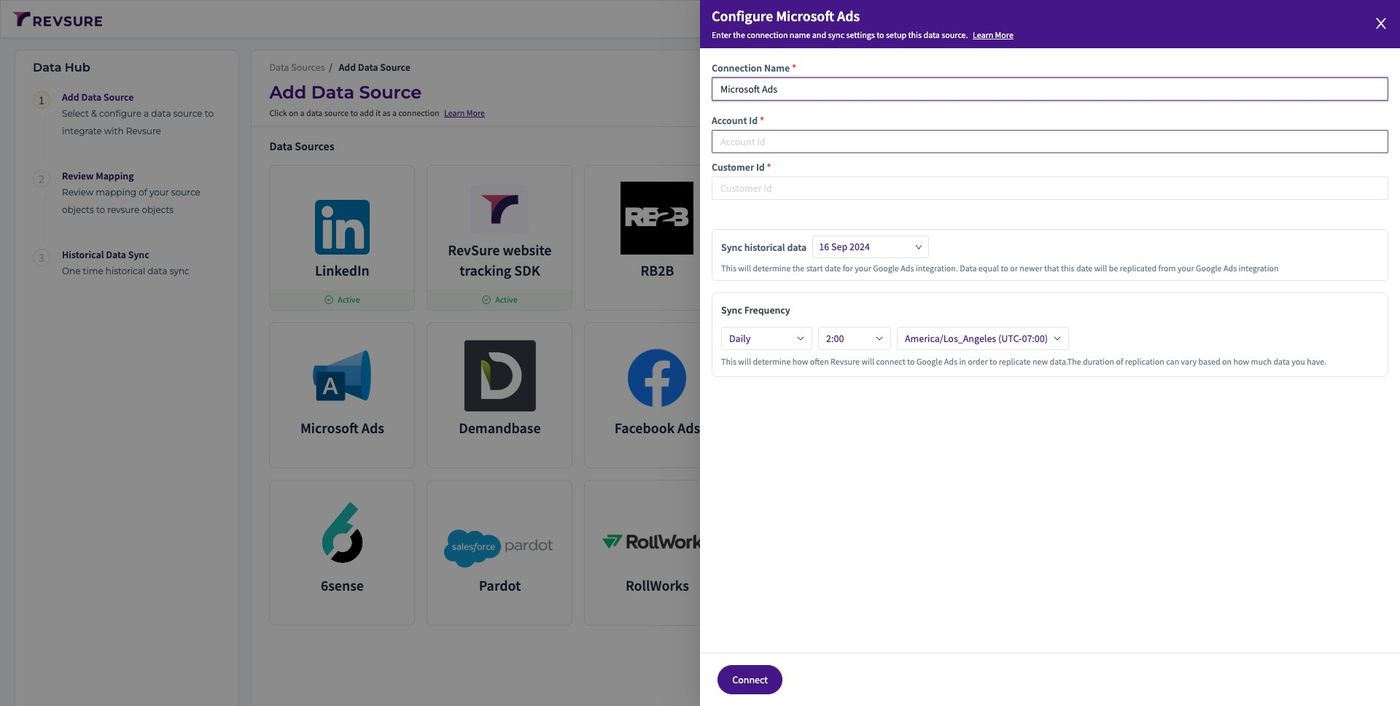
4. Click the "Account Id *" field

RevSure Microsoft Ads Integration Implementation Guide (figure 3)

5. Login to your Microsoft Ads account and Go to campaigns

6. You will be able to find the Account ID (aid) in the URL
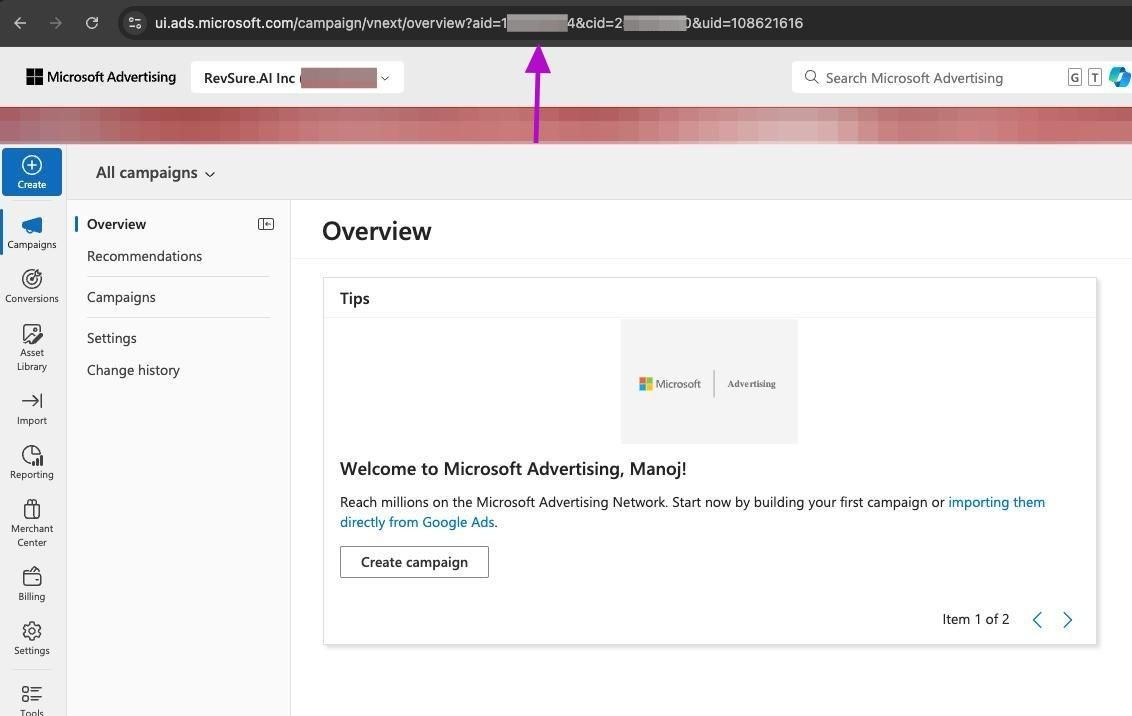
RevSure Microsoft Ads Integration Implementation Guide (figure 4)

7. Switch to tab "Add Data Source - Data Hub - RevSure"

8. Click the "Account Id *" field
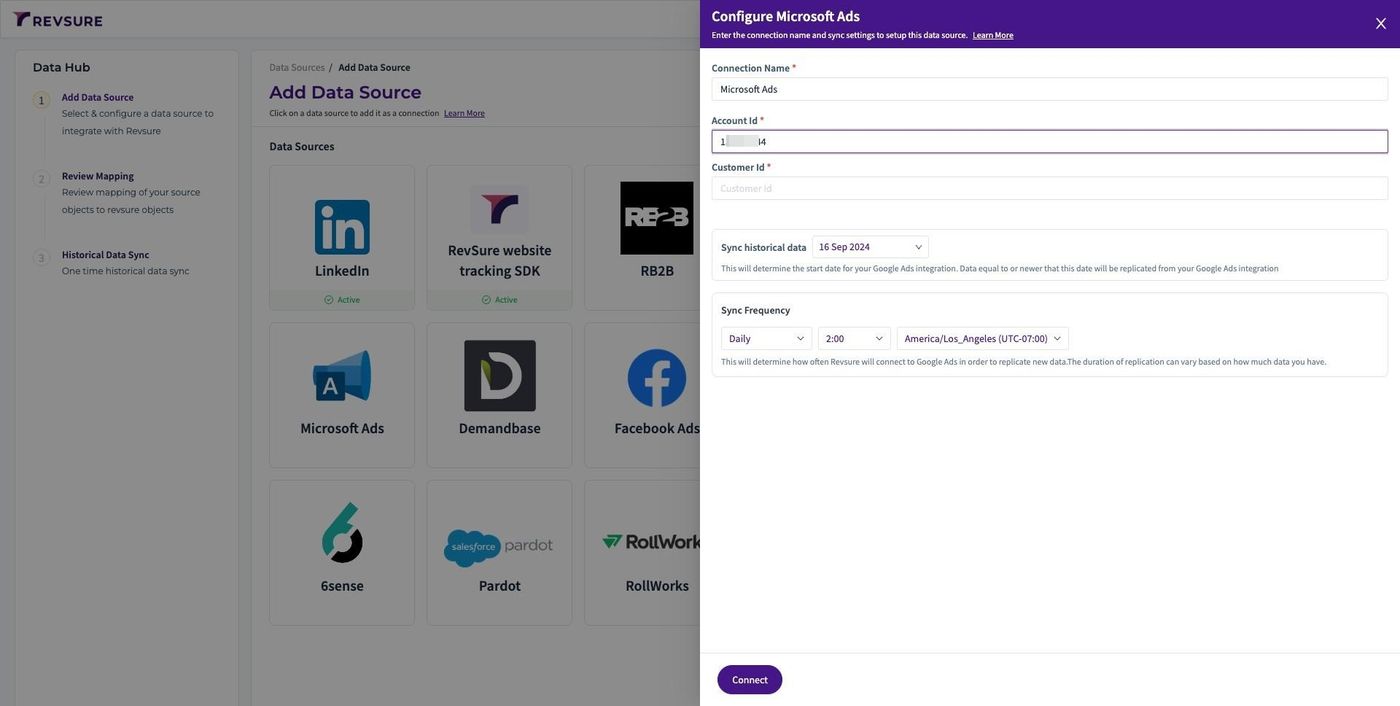
RevSure Microsoft Ads Integration Implementation Guide (figure 5)

9. Switch to tab "Add Data Source - Data Hub - RevSure"

10. Click the "Customer Id *" field
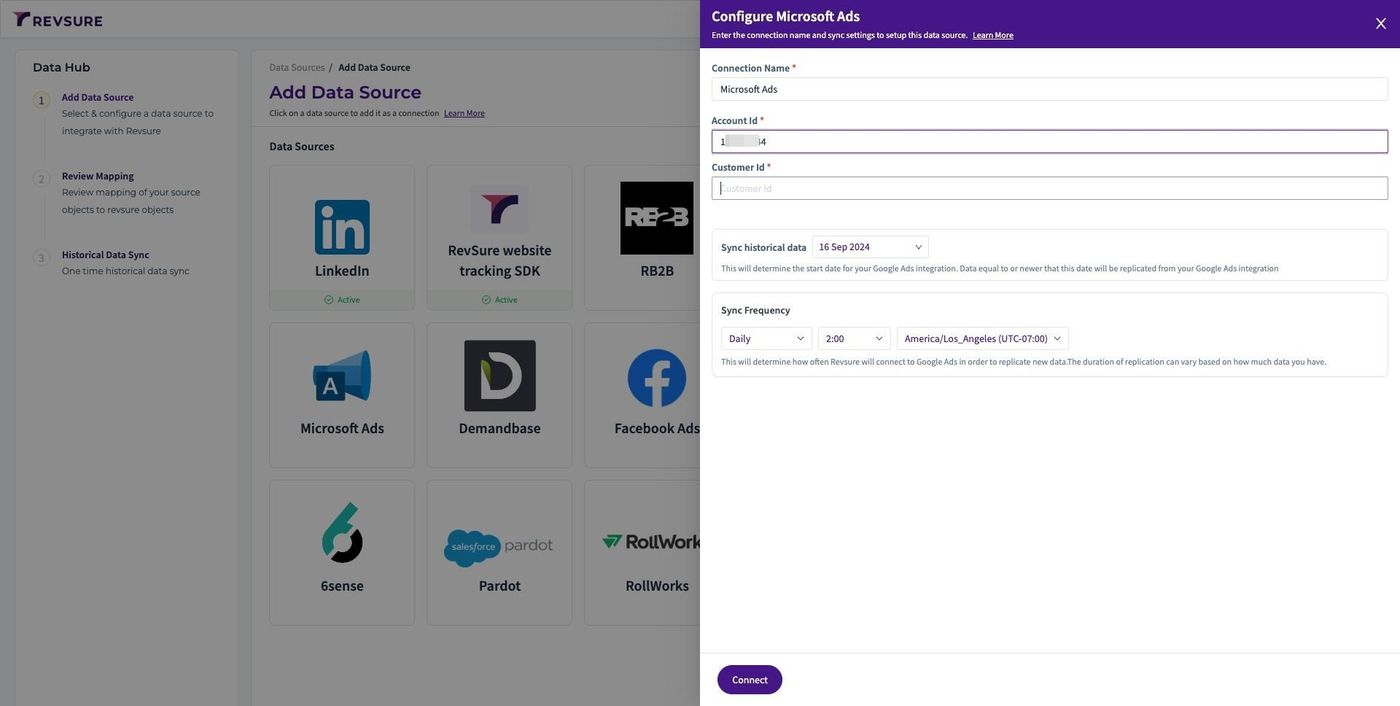
RevSure Microsoft Ads Integration Implementation Guide (figure 6)

11. You will be able to find the Custom ID (cid) in the URL
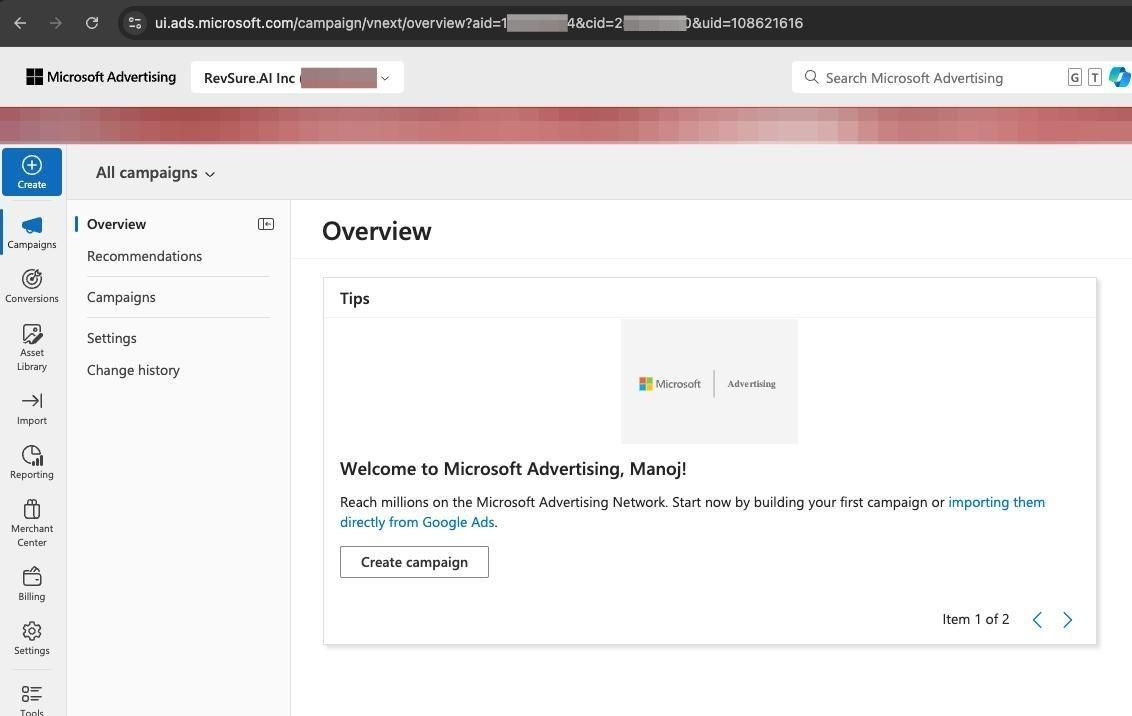
RevSure Microsoft Ads Integration Implementation Guide (figure 7)

12. Select historical date to sync from
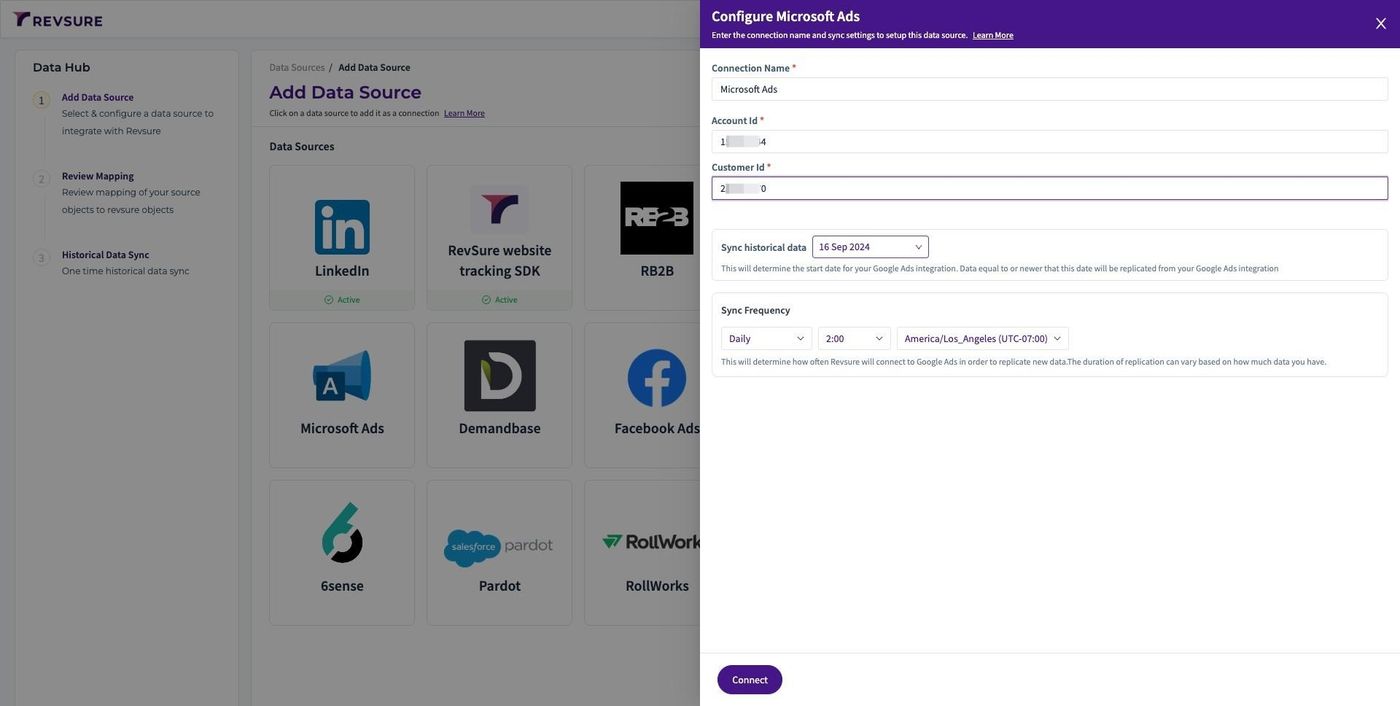
RevSure Microsoft Ads Integration Implementation Guide (figure 8)

13. Select sync frequency, time and timezone to trigger the sync
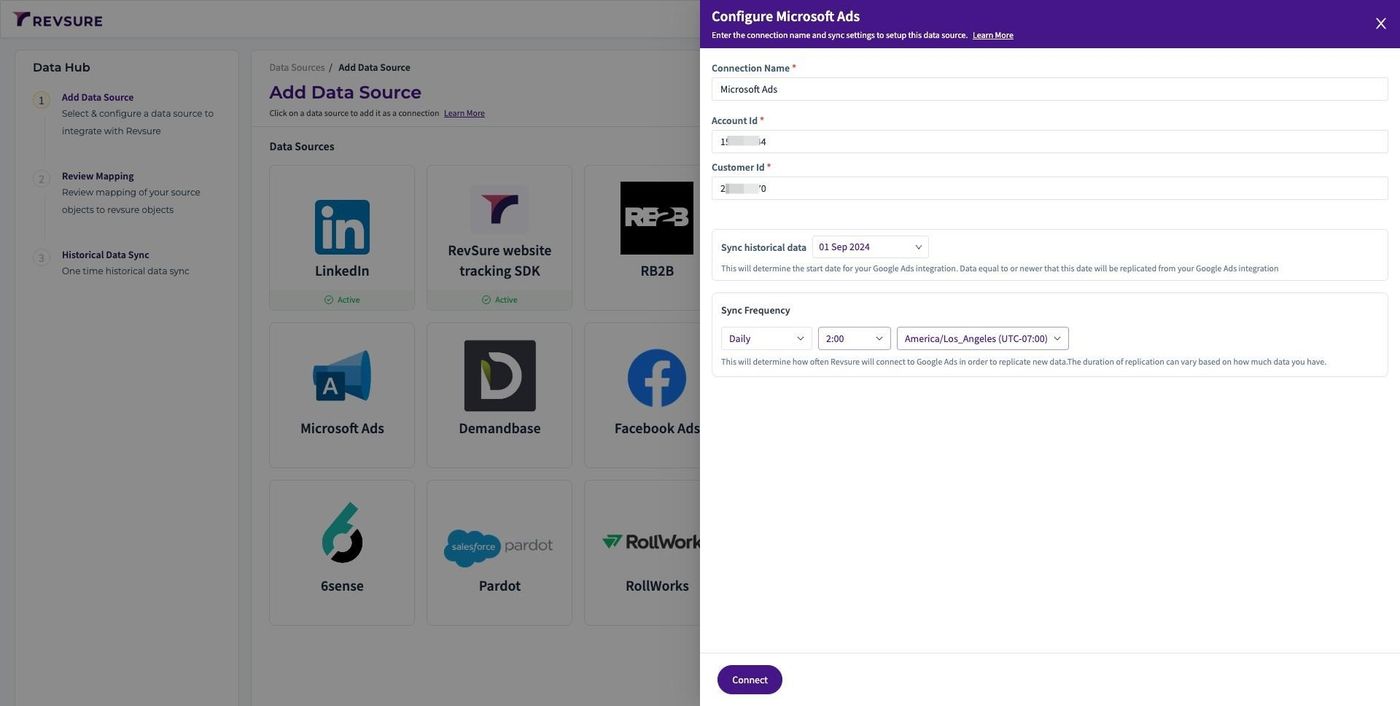
RevSure Microsoft Ads Integration Implementation Guide (figure 9)

14. Click "Connect"

RevSure Microsoft Ads Integration Implementation Guide (figure 10)

15. Login using your credentials in Microsoft Ads SSO pop up
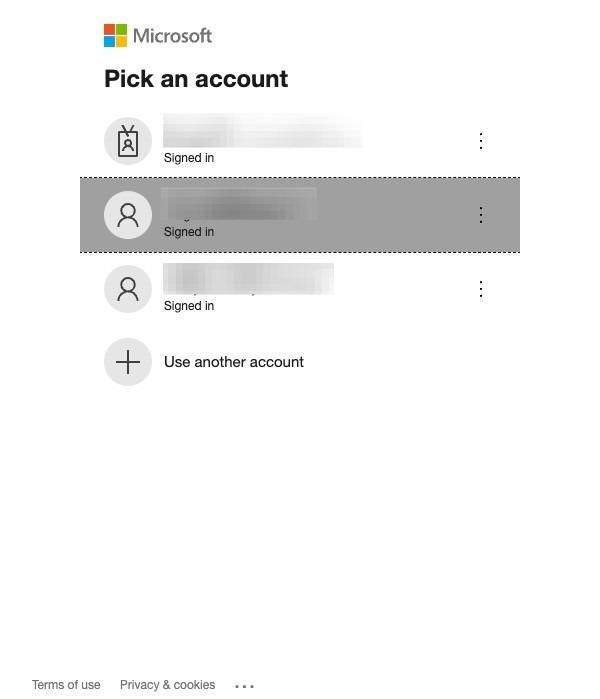
RevSure Microsoft Ads Integration Implementation Guide (figure 11)

16. Switch to tab "Add Data Source - Data Hub - RevSure"

17. Click "CONFIRM MAPPING" to confirm mapping
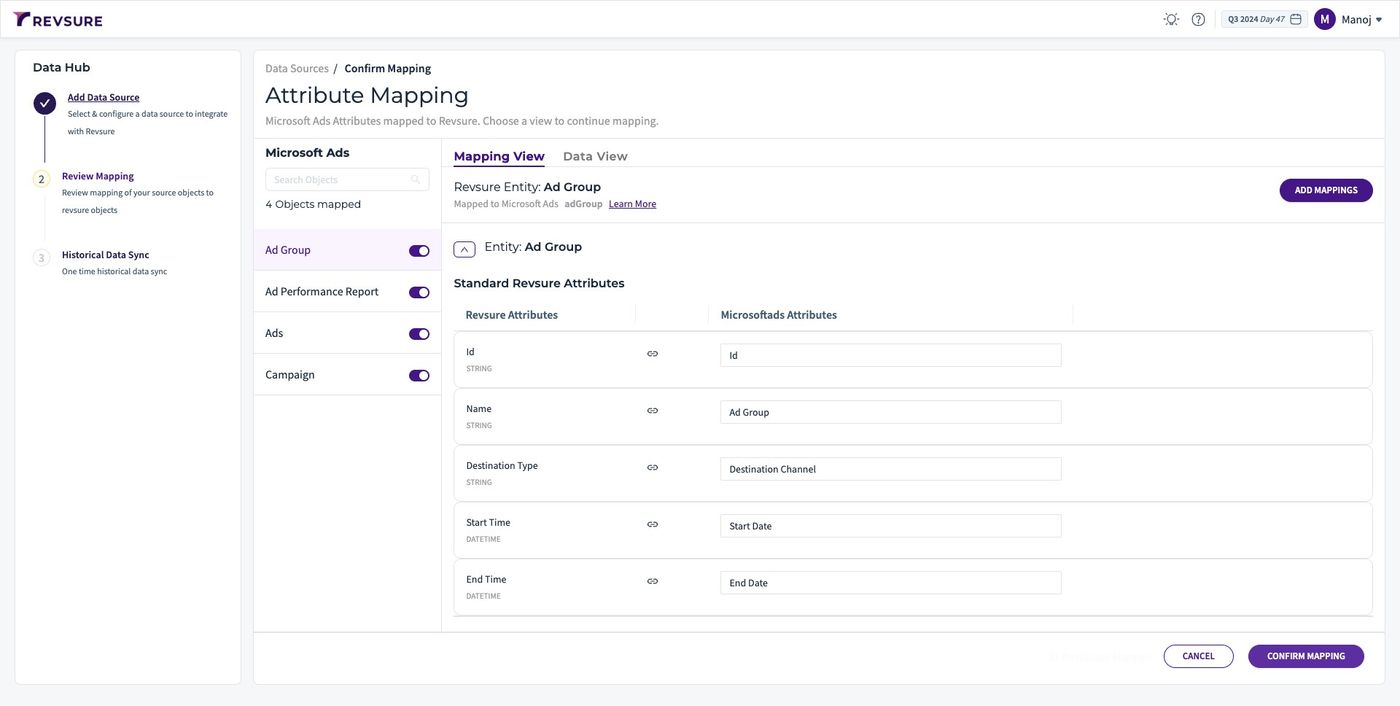
RevSure Microsoft Ads Integration Implementation Guide (figure 12)

18. Data source will be added, and you will be able to view sync status
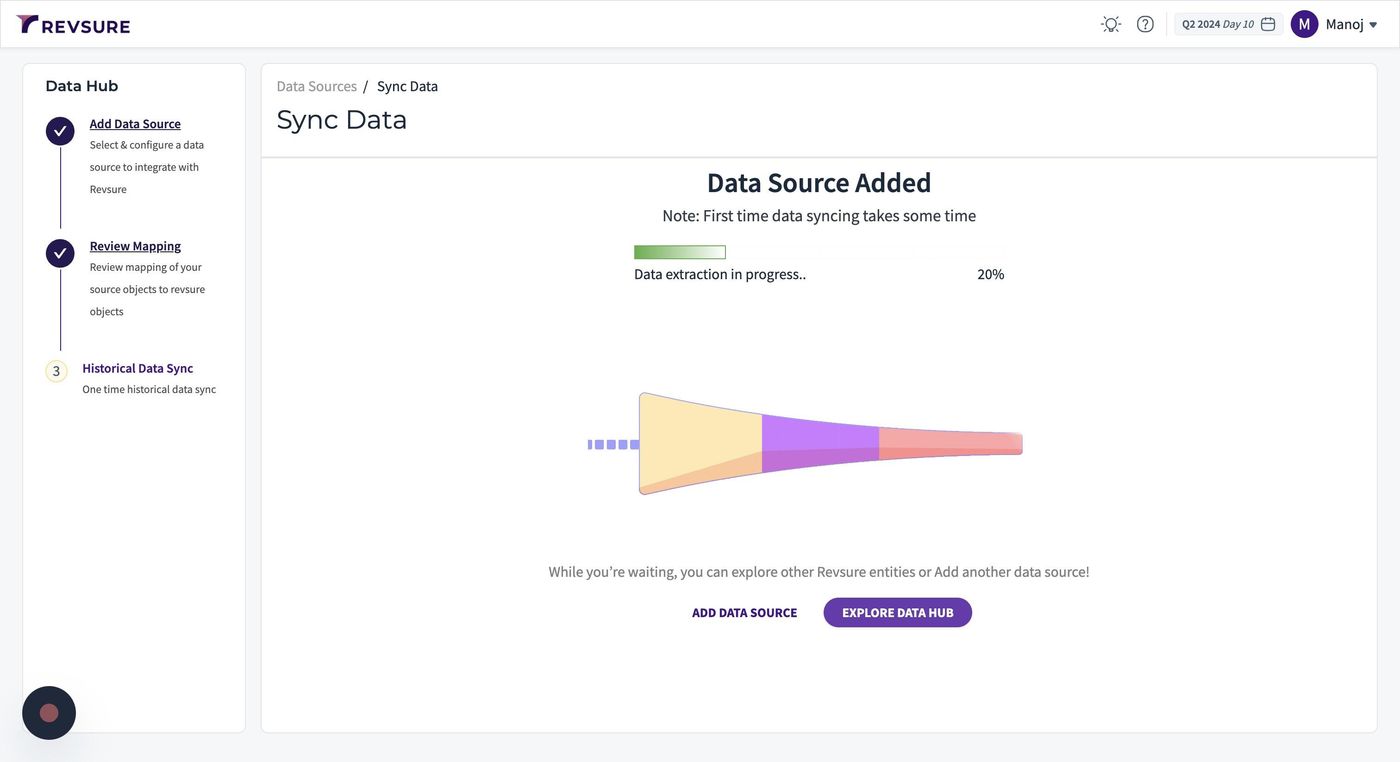
RevSure Microsoft Ads Integration Implementation Guide (figure 13)
Ready when your stack is

Still stuck? Bring it to the session

A RevSure engineer walks your exact setup on a 30-minute working session.