FAQs/Integrations & tracking/RevSure Gong Integration Implementation Guide
Integrations & tracking · RevSure FAQs

RevSure Gong Integration Implementation Guide

Short answer

This guide connects Gong to RevSure. In Data Hub, add a new Gong source, name the connection, choose a historical sync date, connect, and authorize access. This pulls Gong conversation and call data into RevSure.

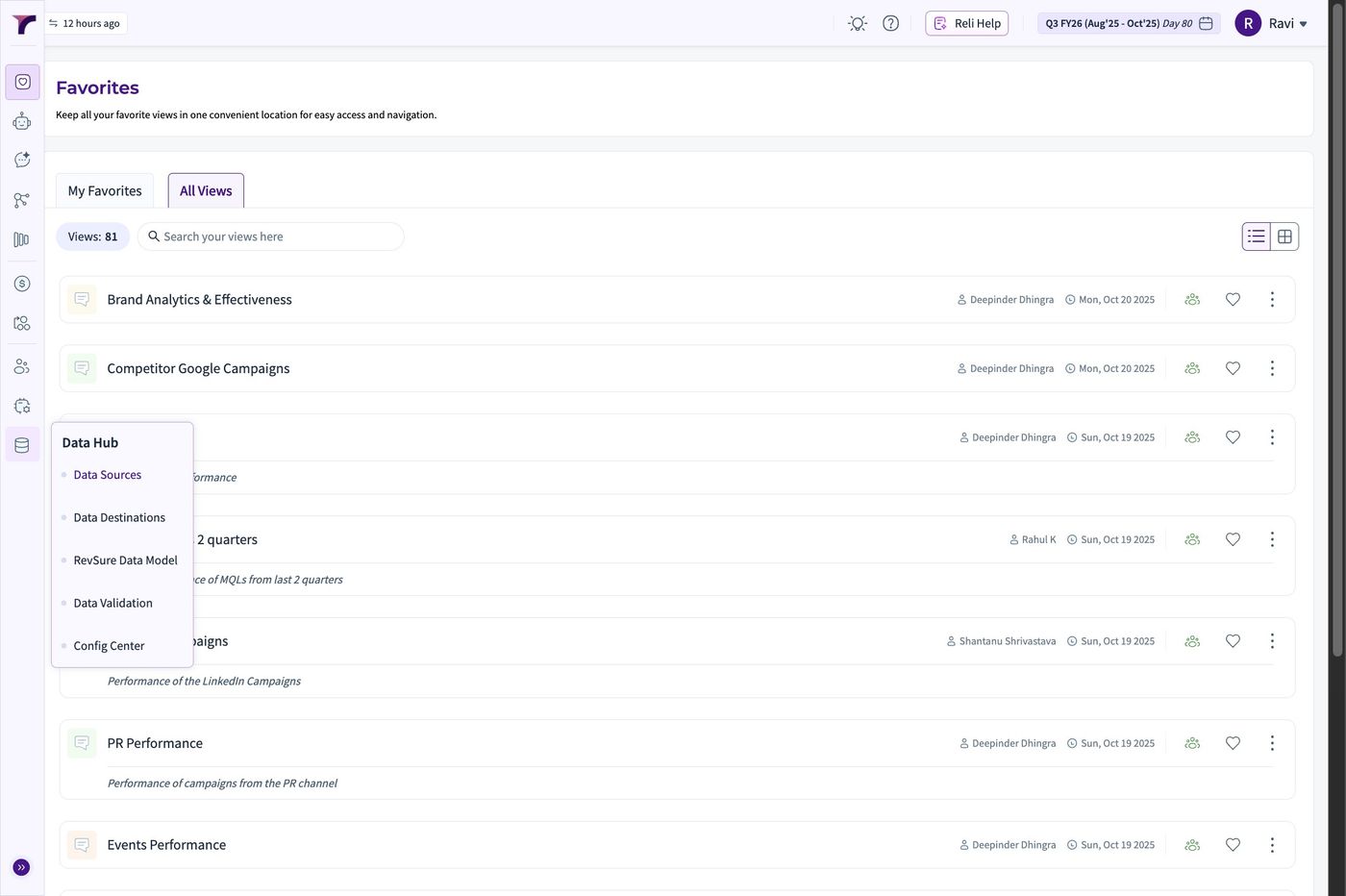
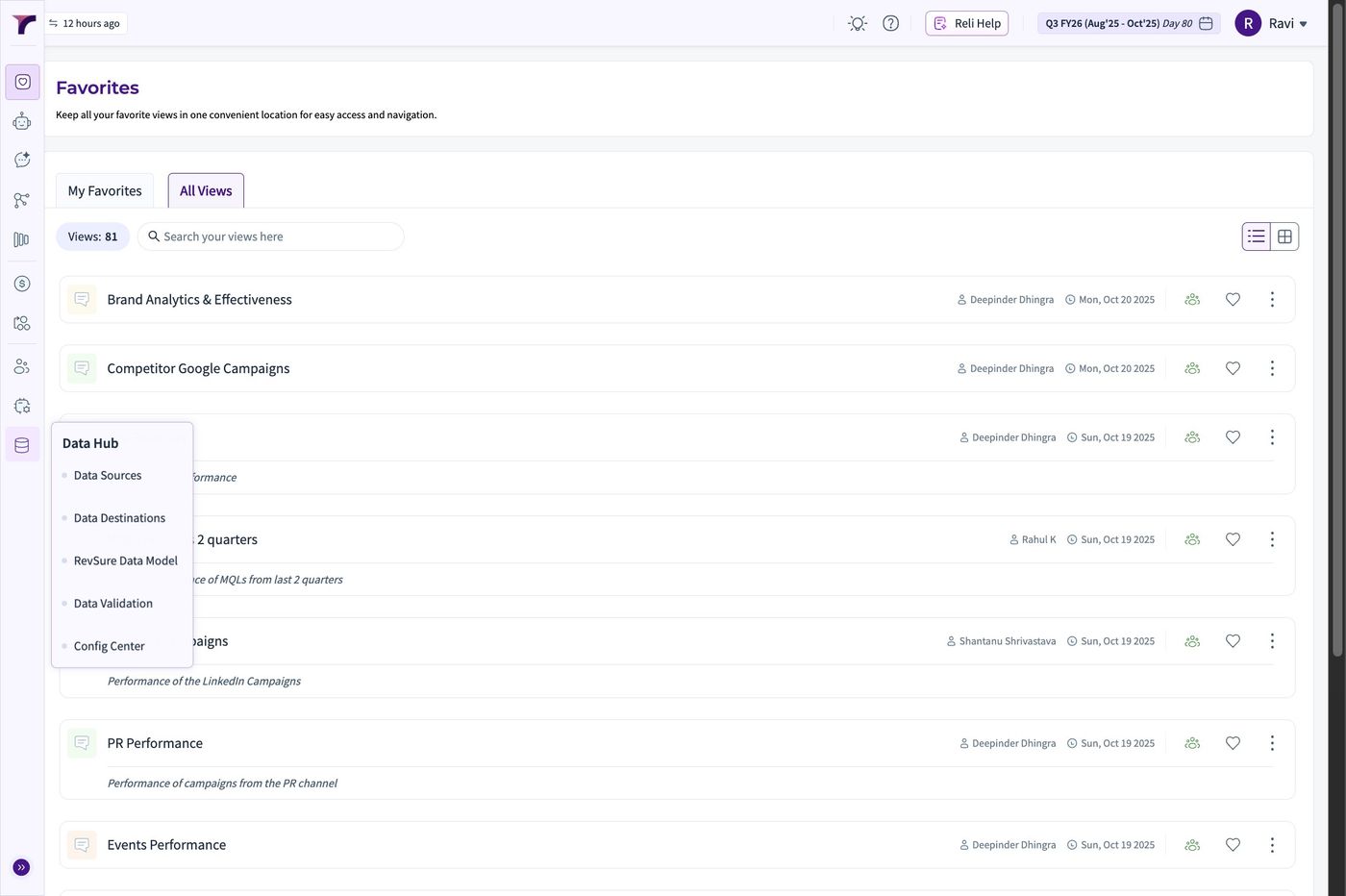
1. Navigate to https://rs.revsure.cloud/app/favorites
RevSure Gong Integration Implementation Guide (figure 1)

2. Click "Data Hub"

RevSure Gong Integration Implementation Guide (figure 2)

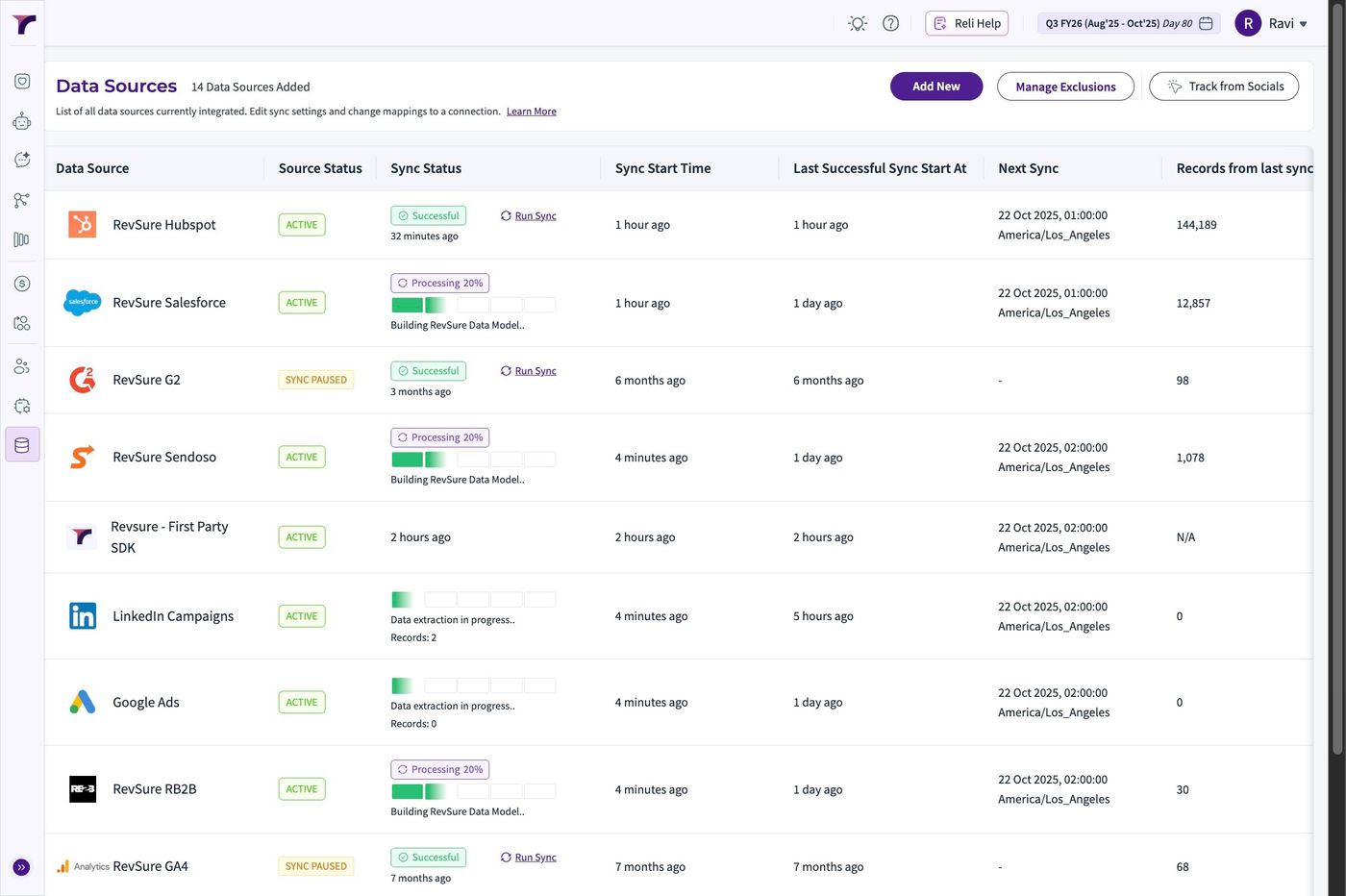
3. Click "Data Sources"

RevSure Gong Integration Implementation Guide (figure 3)

4. Click "Add New"

RevSure Gong Integration Implementation Guide (figure 4)

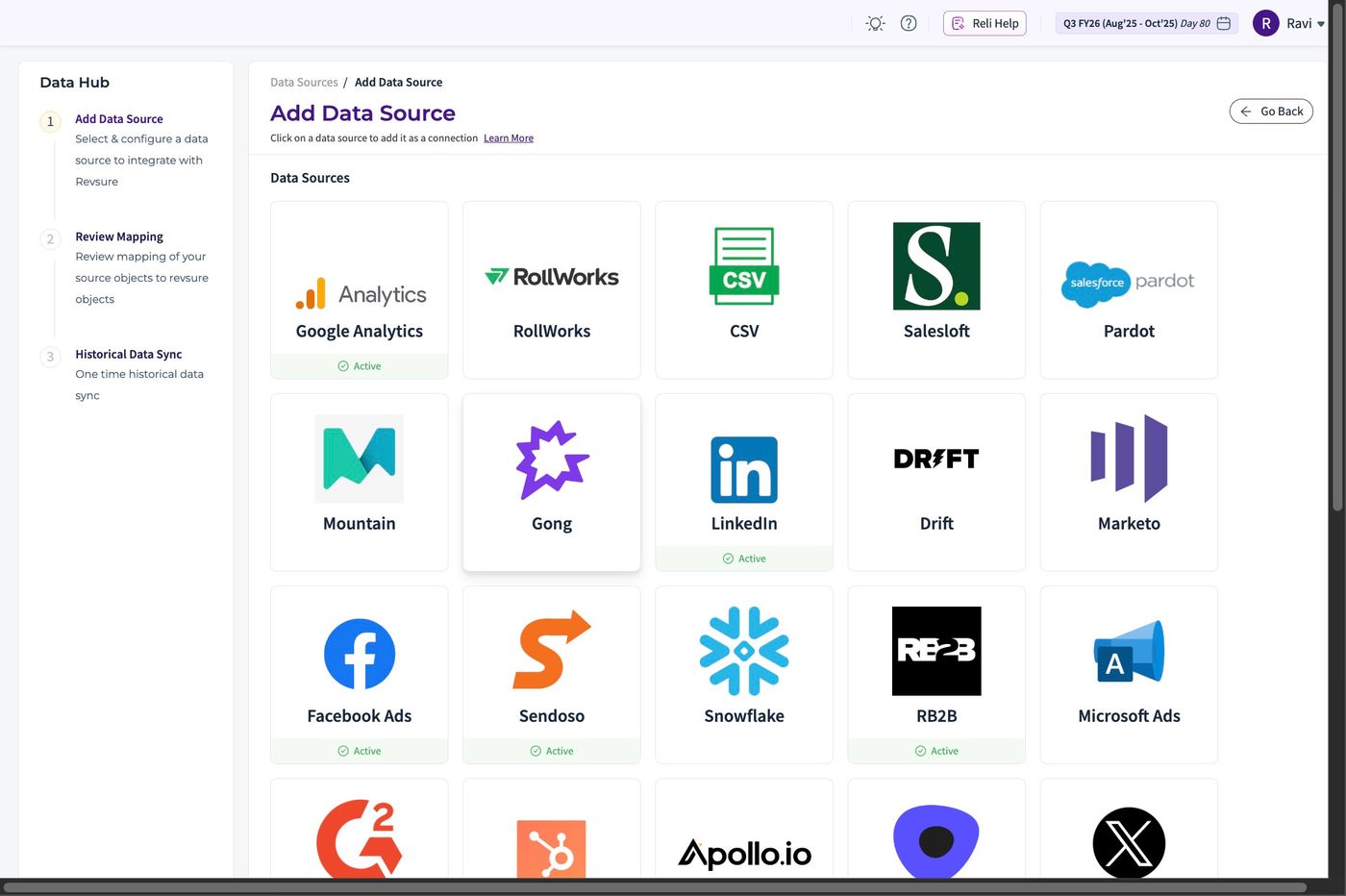
5. Select Gong from the list of Sources
RevSure Gong Integration Implementation Guide (figure 5)

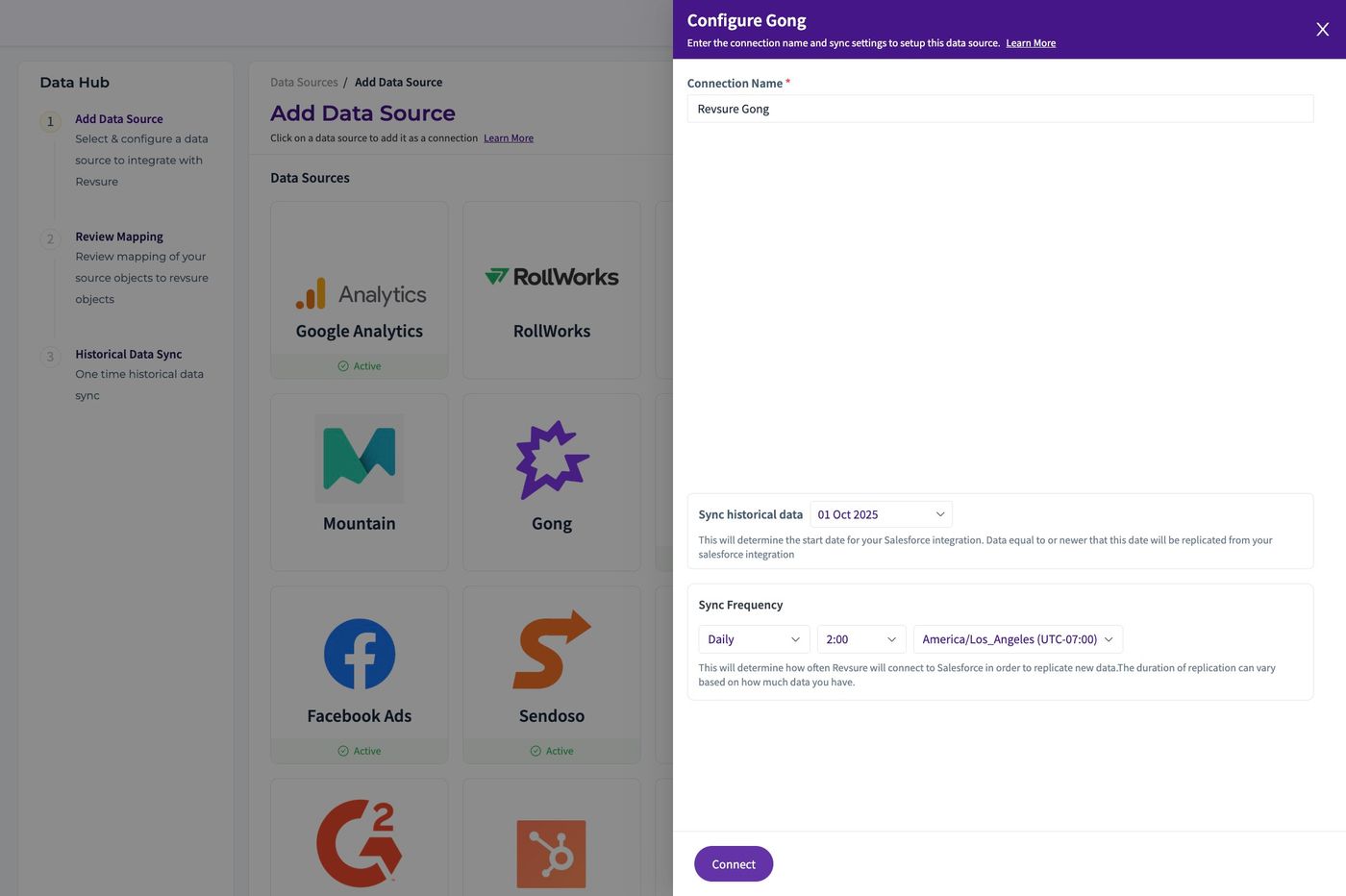
6. Fill the "Connection Name *" field.
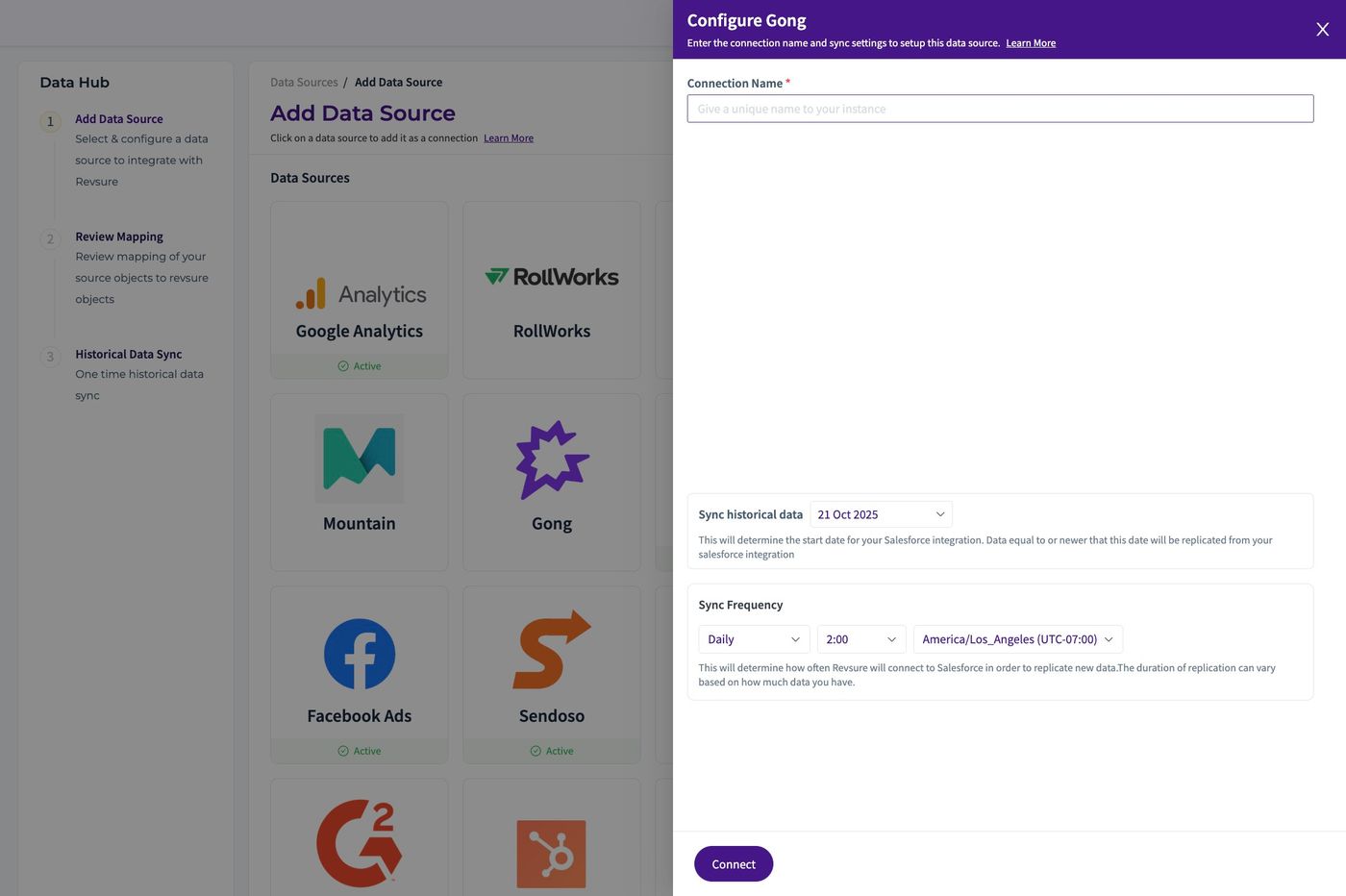
RevSure Gong Integration Implementation Guide (figure 6)

7. Use the Sync Historical Data Date Widget to fill the date from which we want data to be pulled
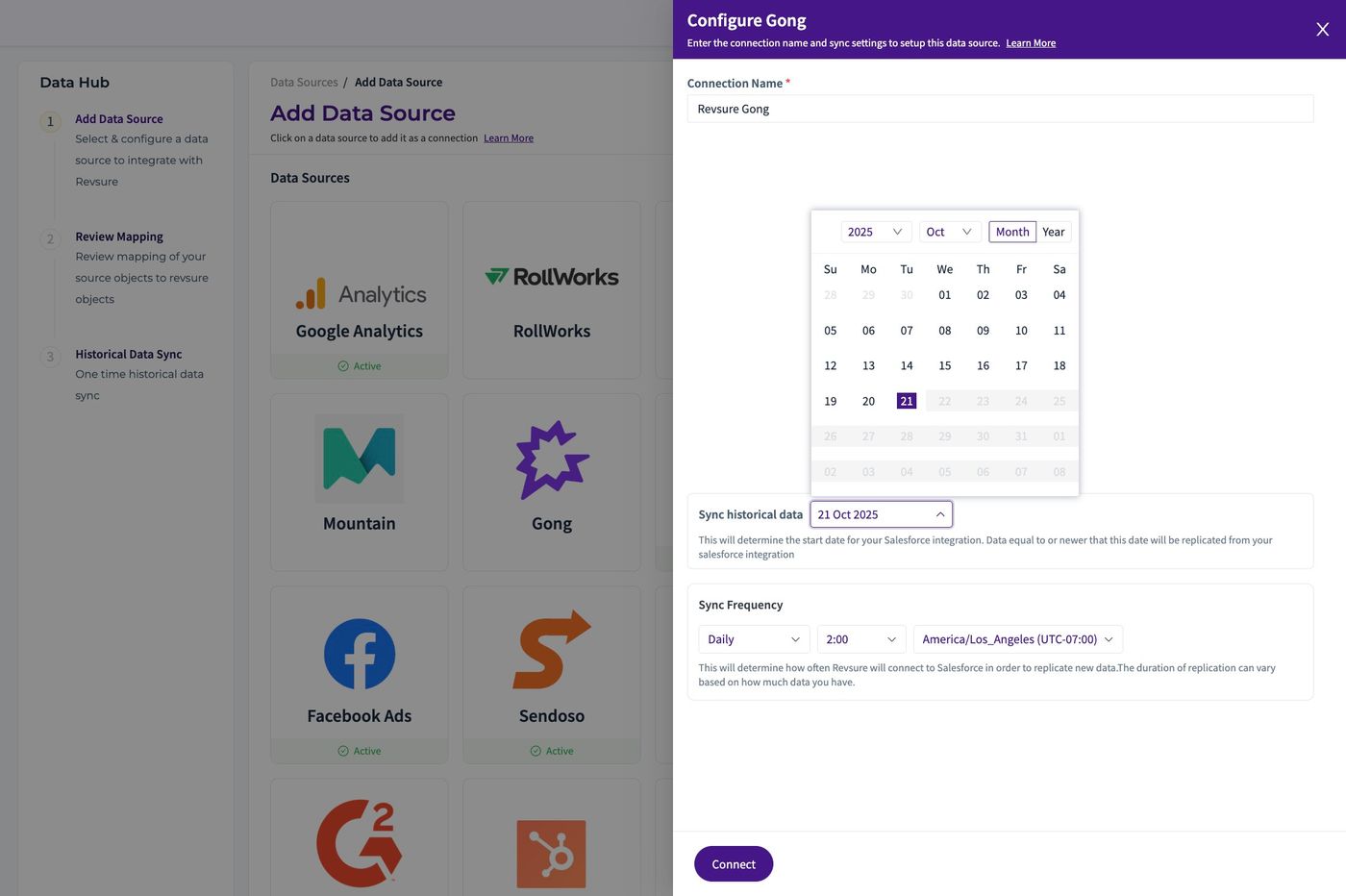
RevSure Gong Integration Implementation Guide (figure 7)

8. Click "Connect"

RevSure Gong Integration Implementation Guide (figure 8)

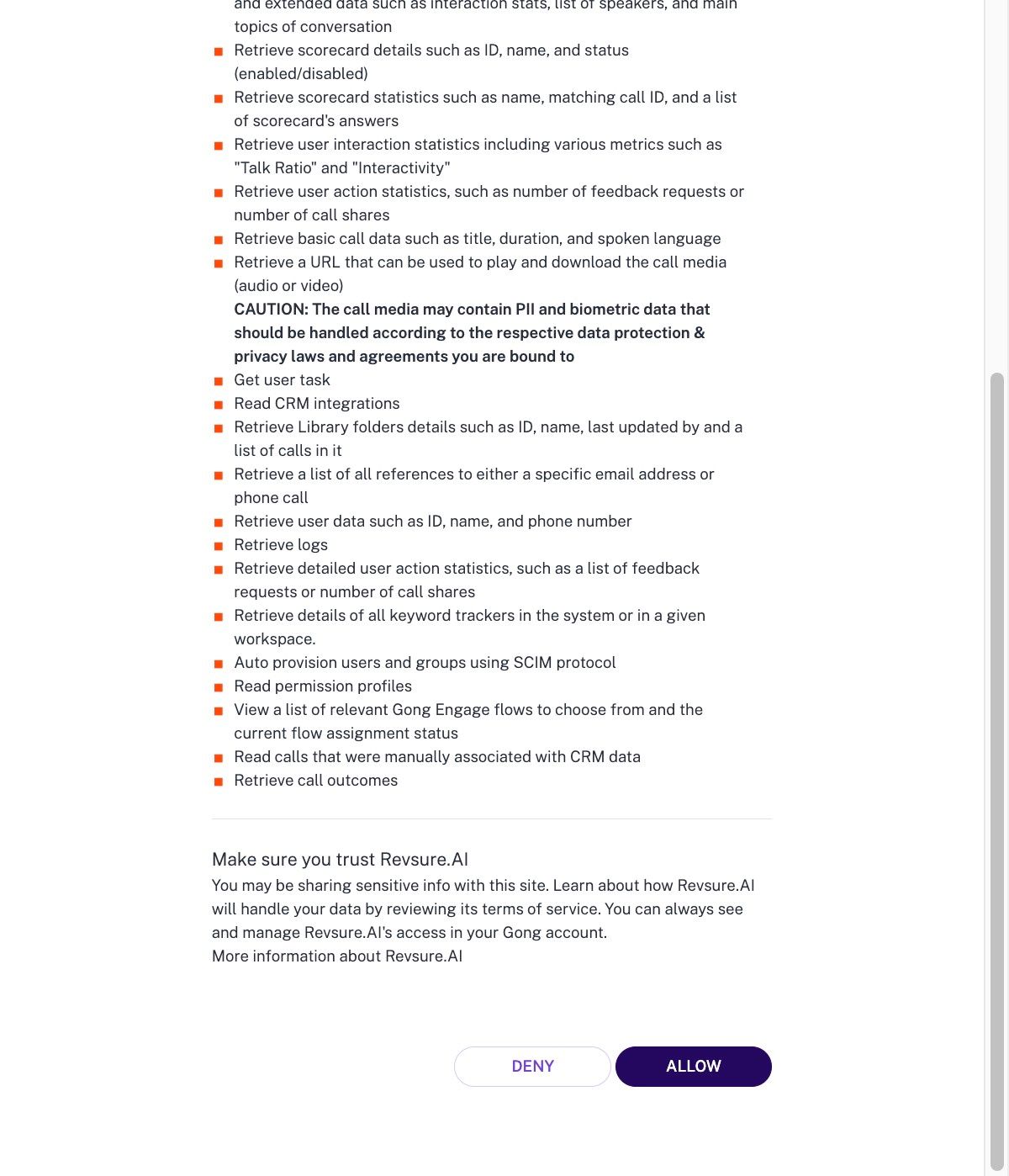
9. Click "Allow"

RevSure Gong Integration Implementation Guide (figure 9)

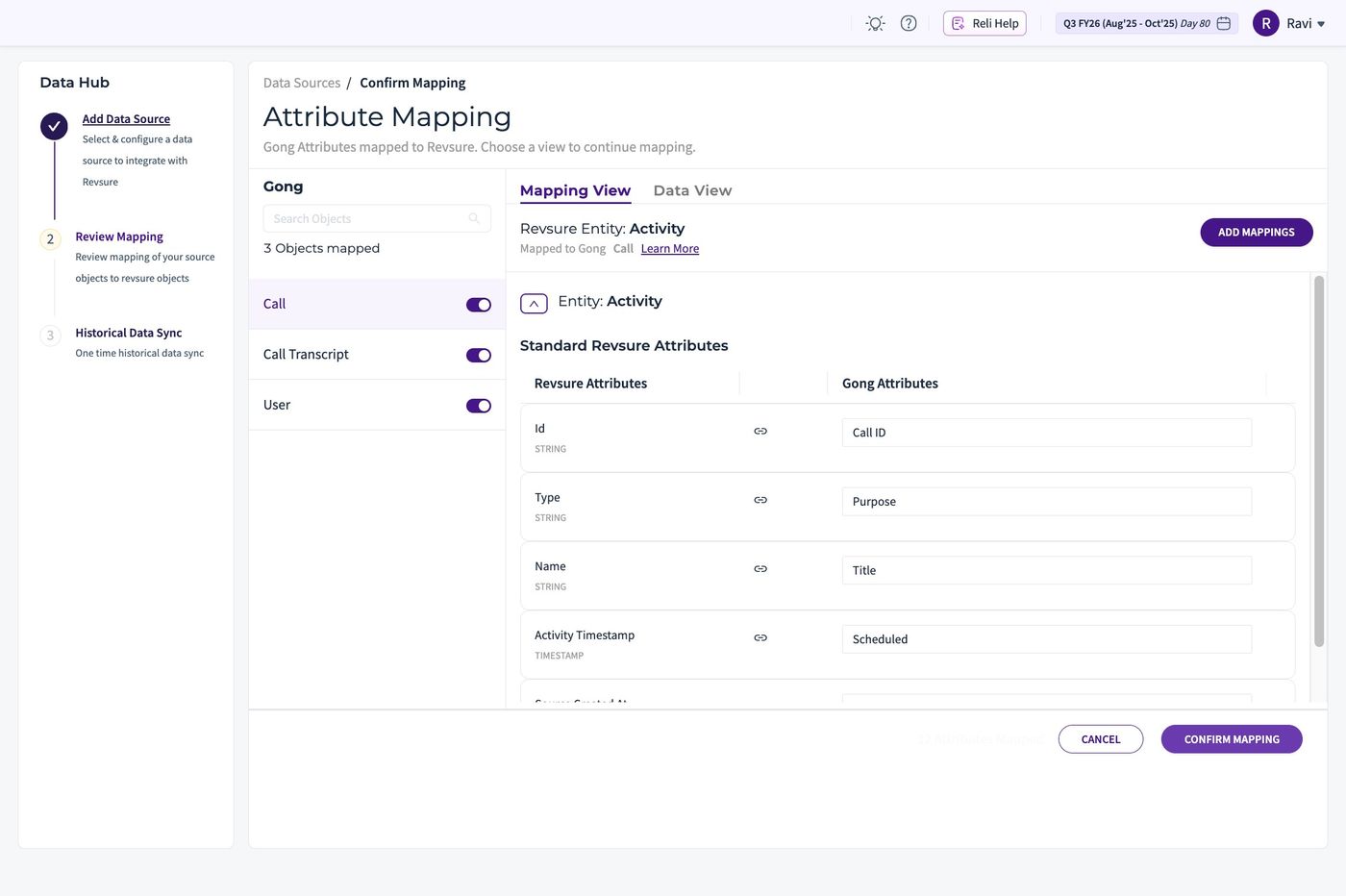
10. Click "Confirm Mapping"

RevSure Gong Integration Implementation Guide (figure 10)

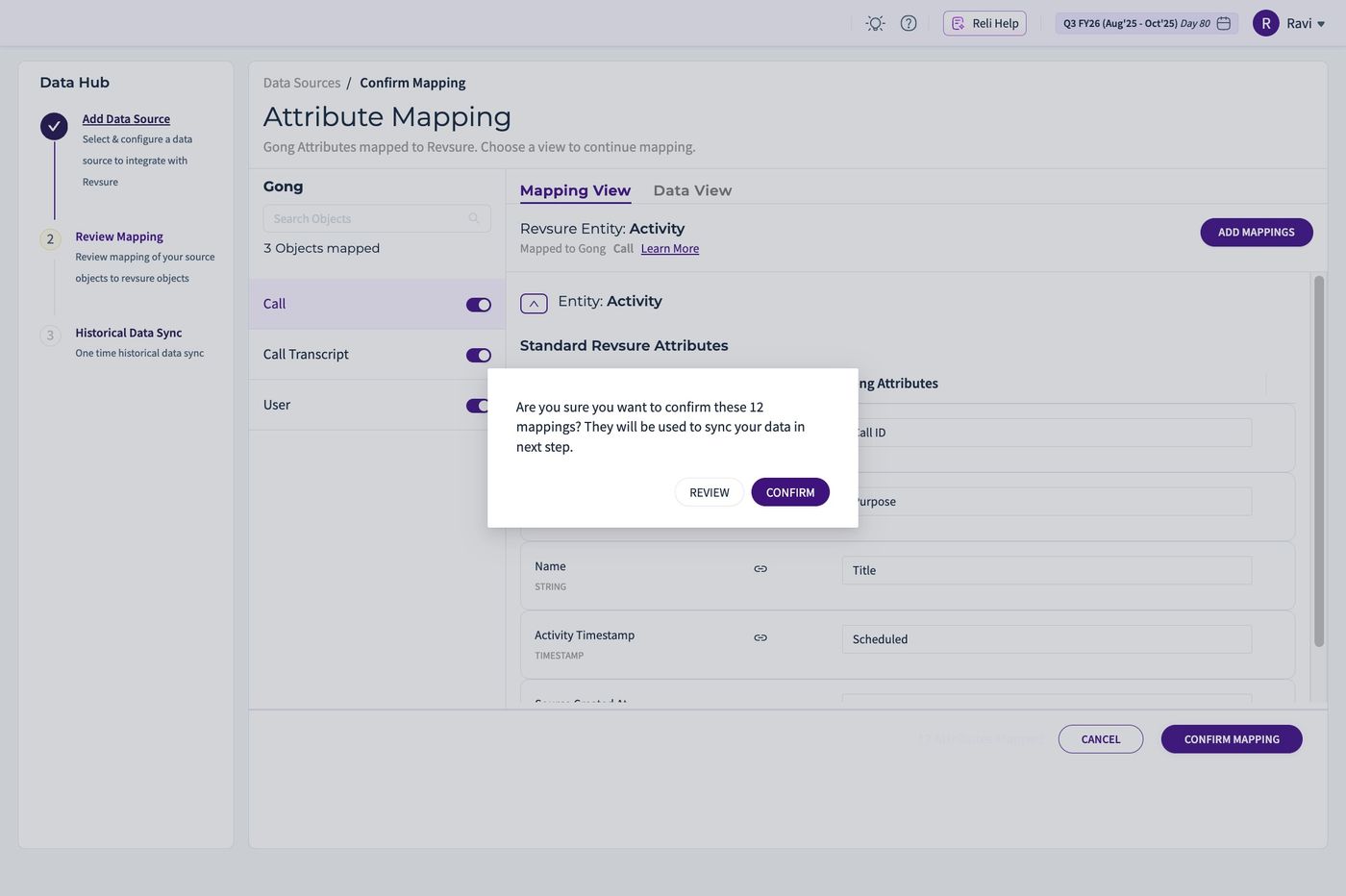
11. Click "CONFIRM"

RevSure Gong Integration Implementation Guide (figure 11)
Ready when your stack is

Still stuck? Bring it to the session

A RevSure engineer walks your exact setup on a 30-minute working session.