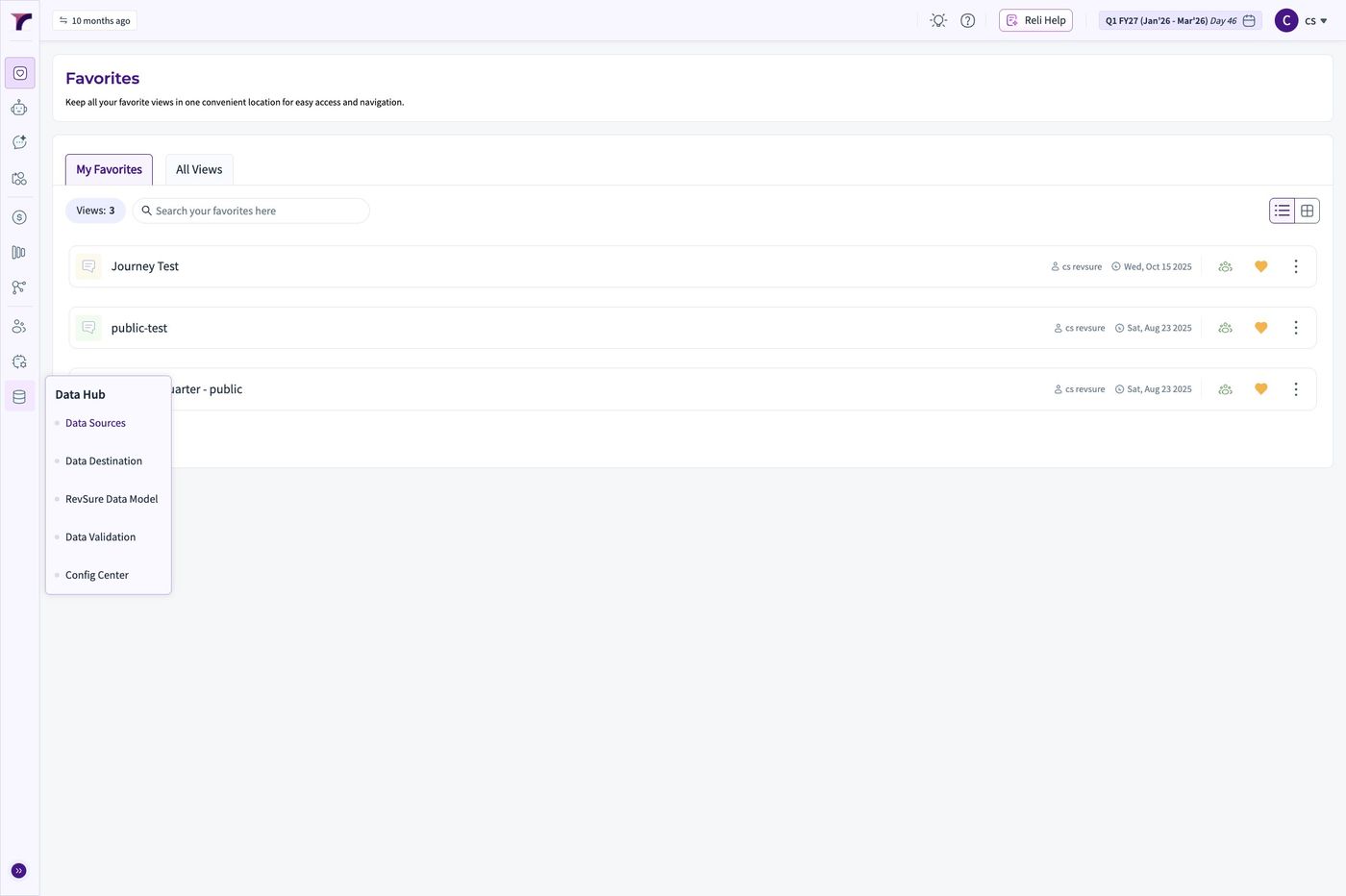
1. Log into the Revsure Instance
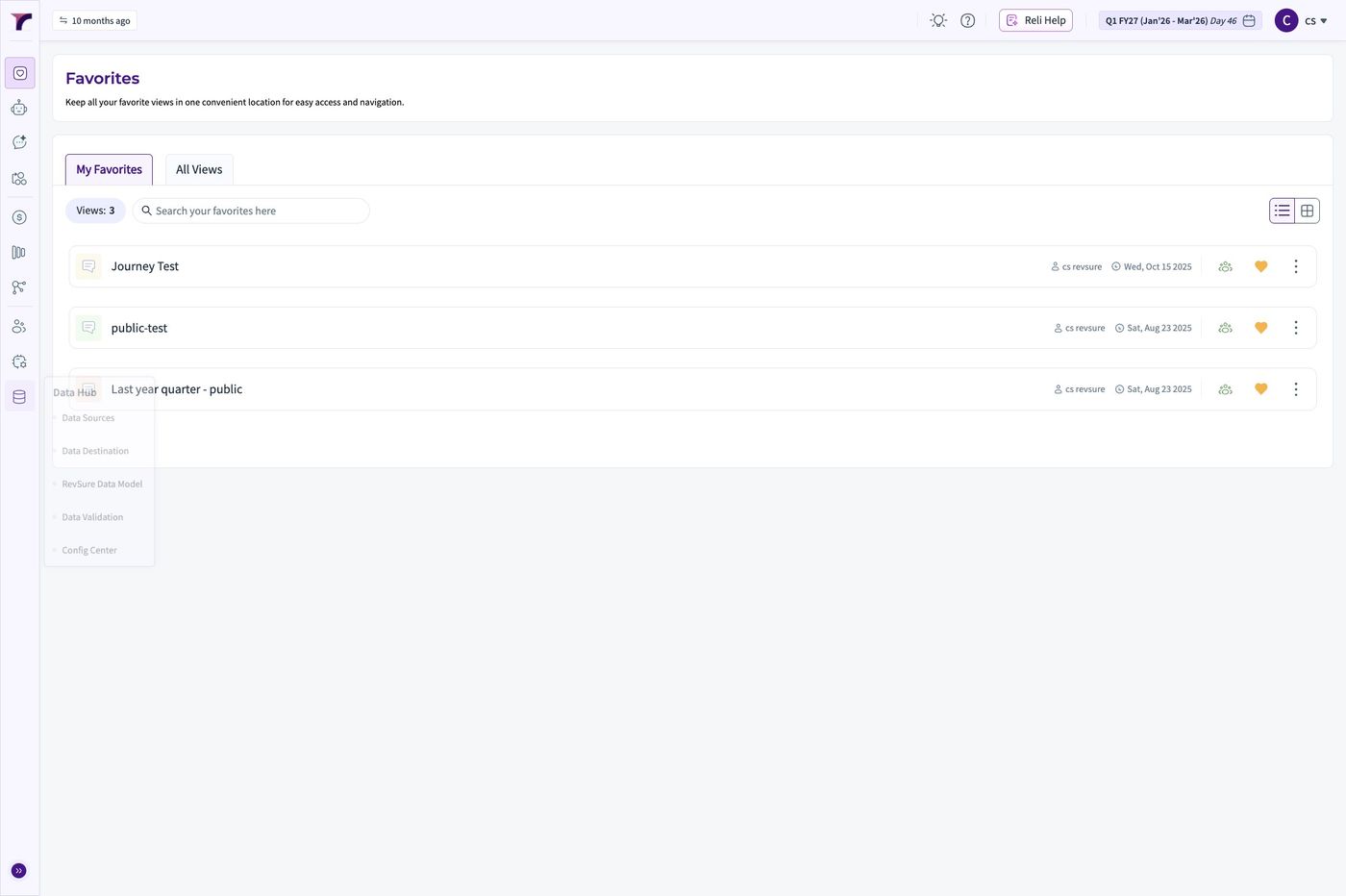
2. Click "Data Hub"
3. Click "Data Sources"
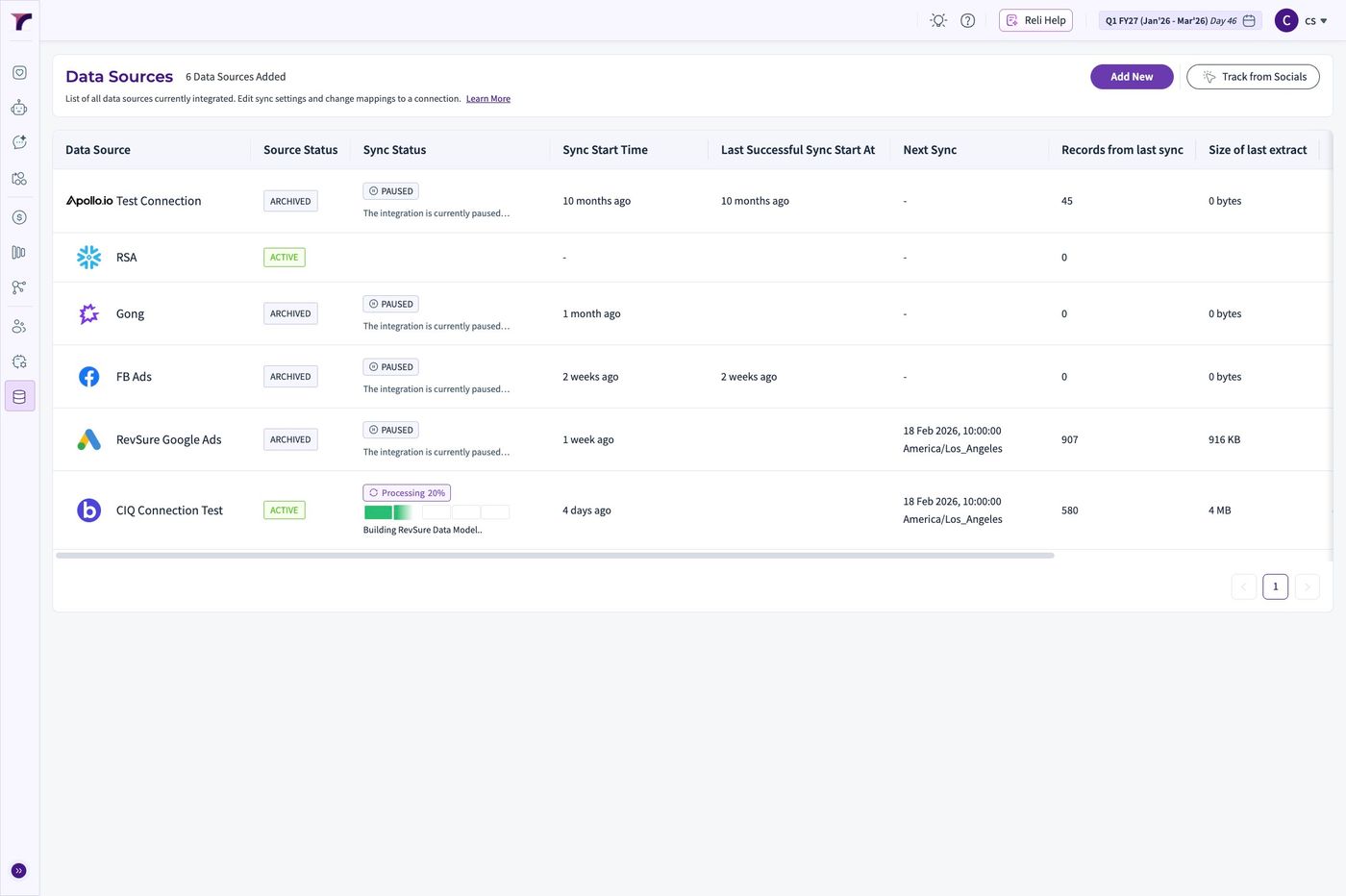
4. Click "Add New"
5. Click "Breakout" from the Source options
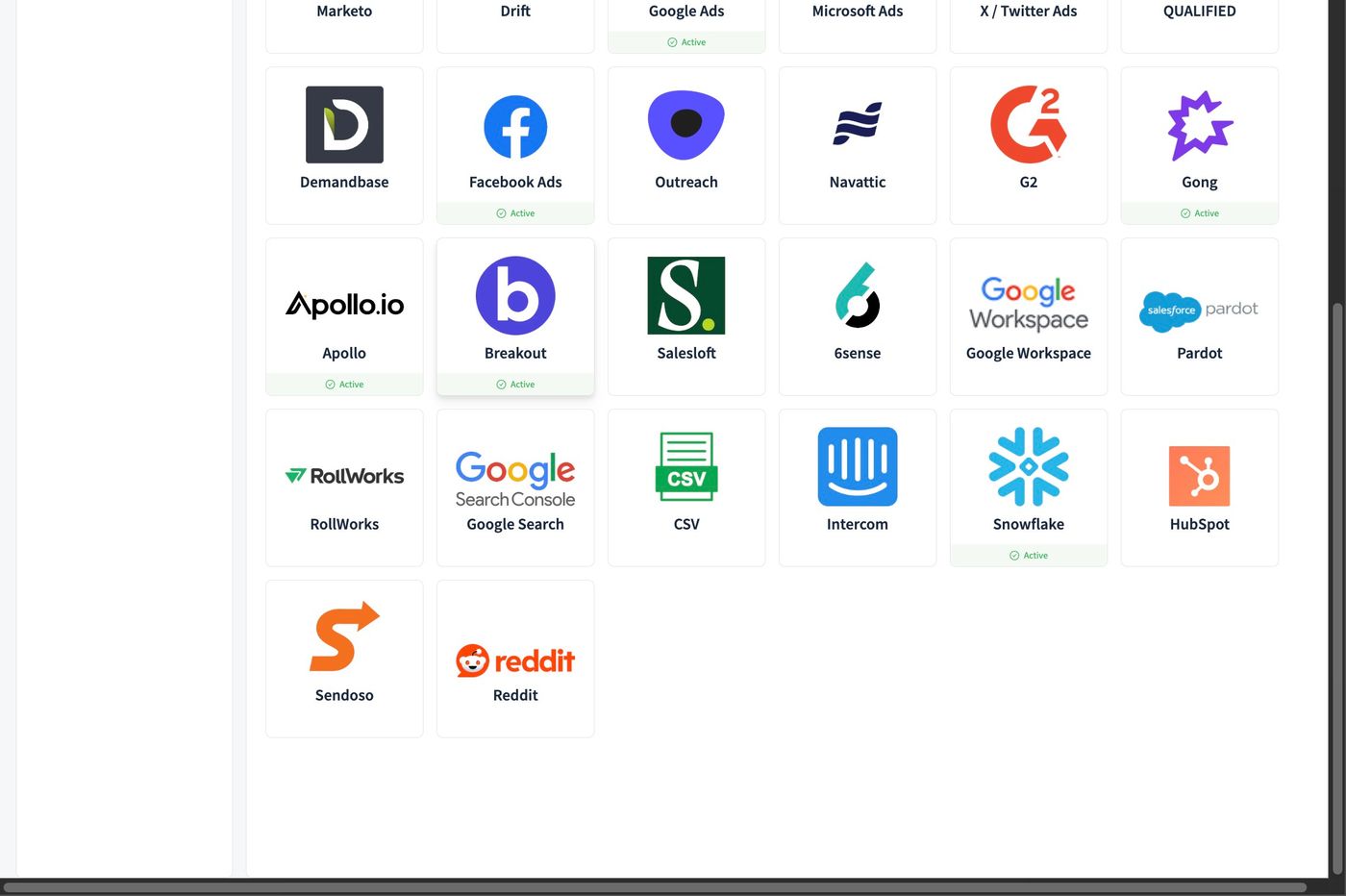
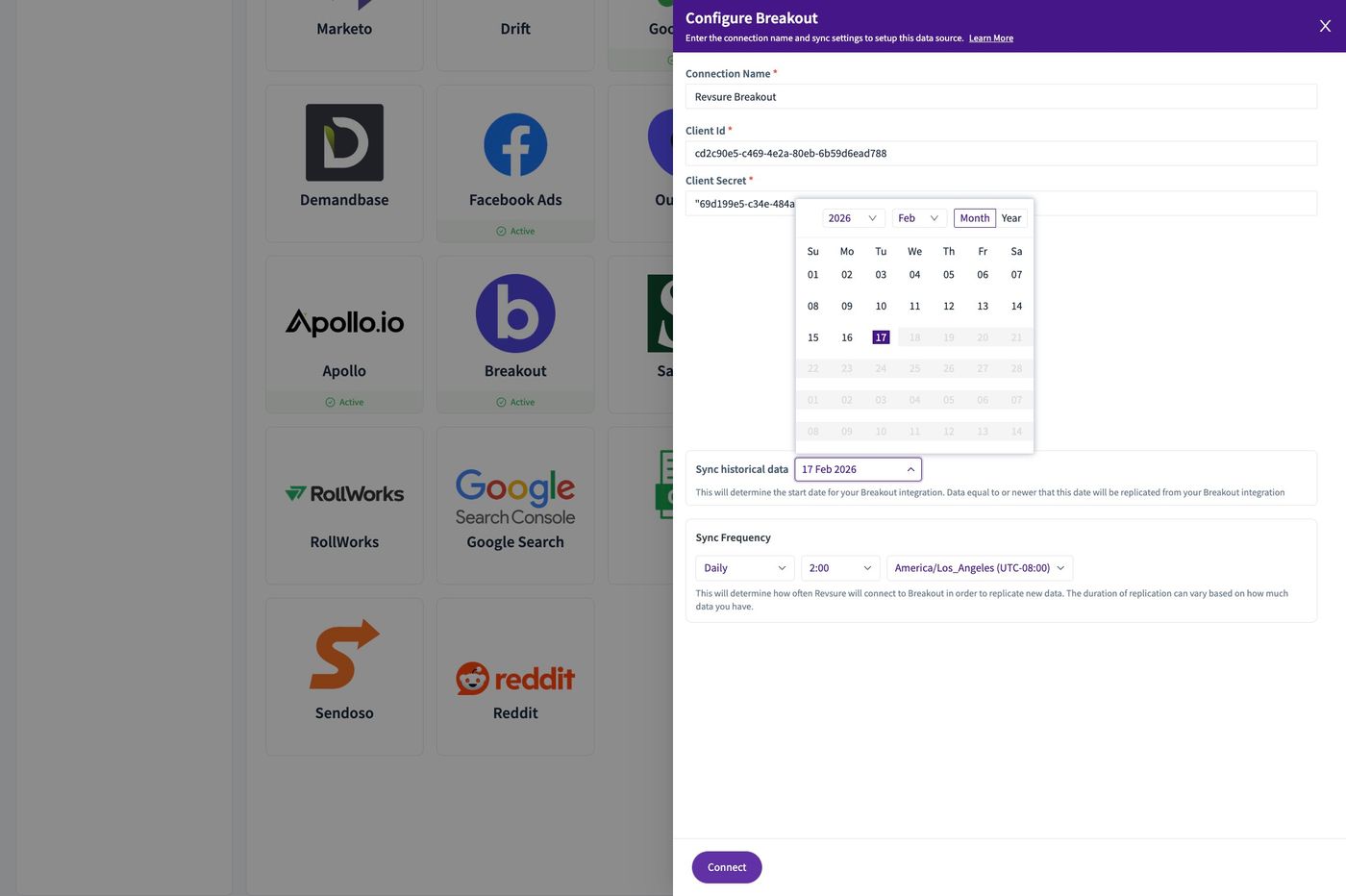
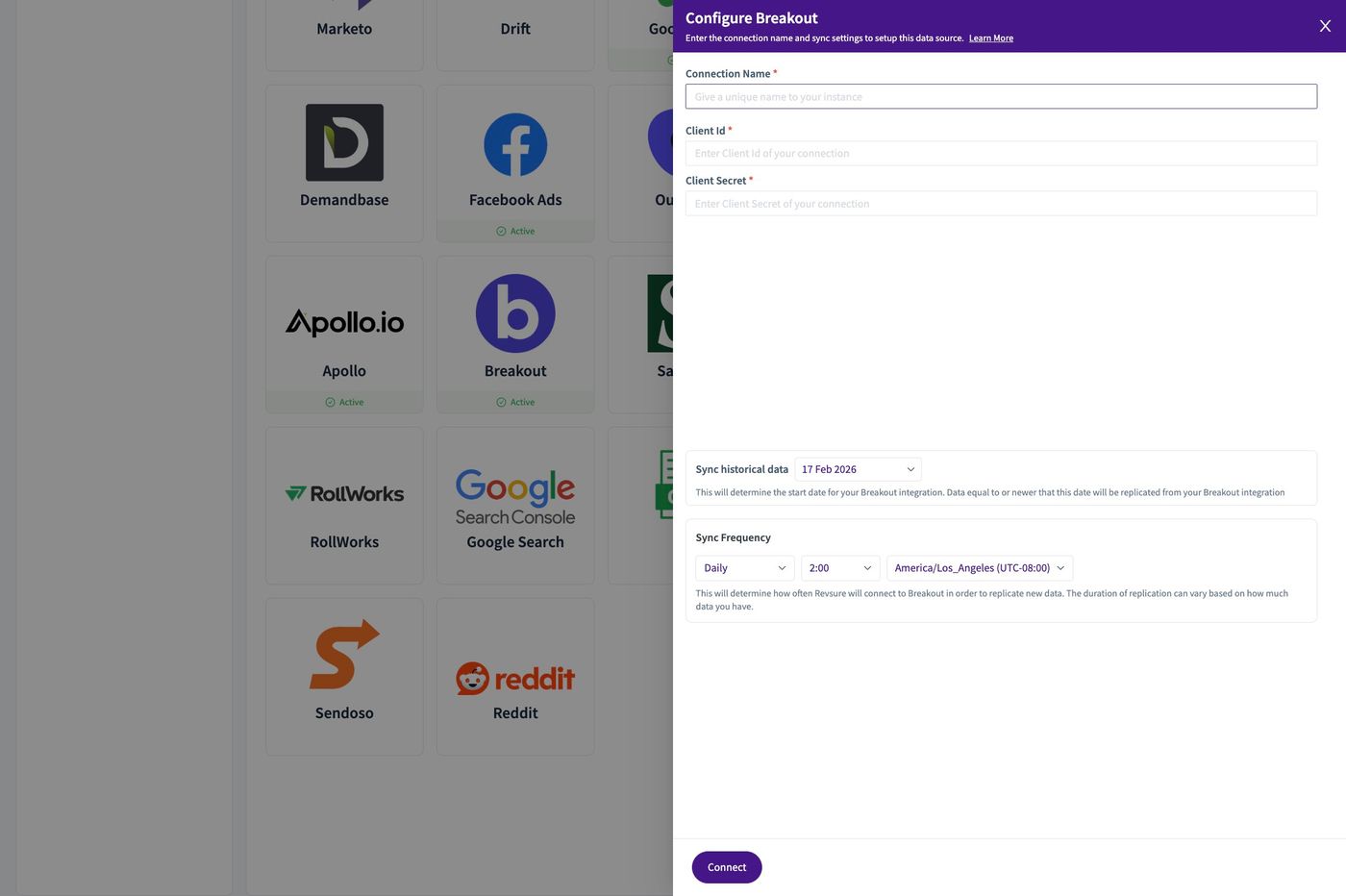
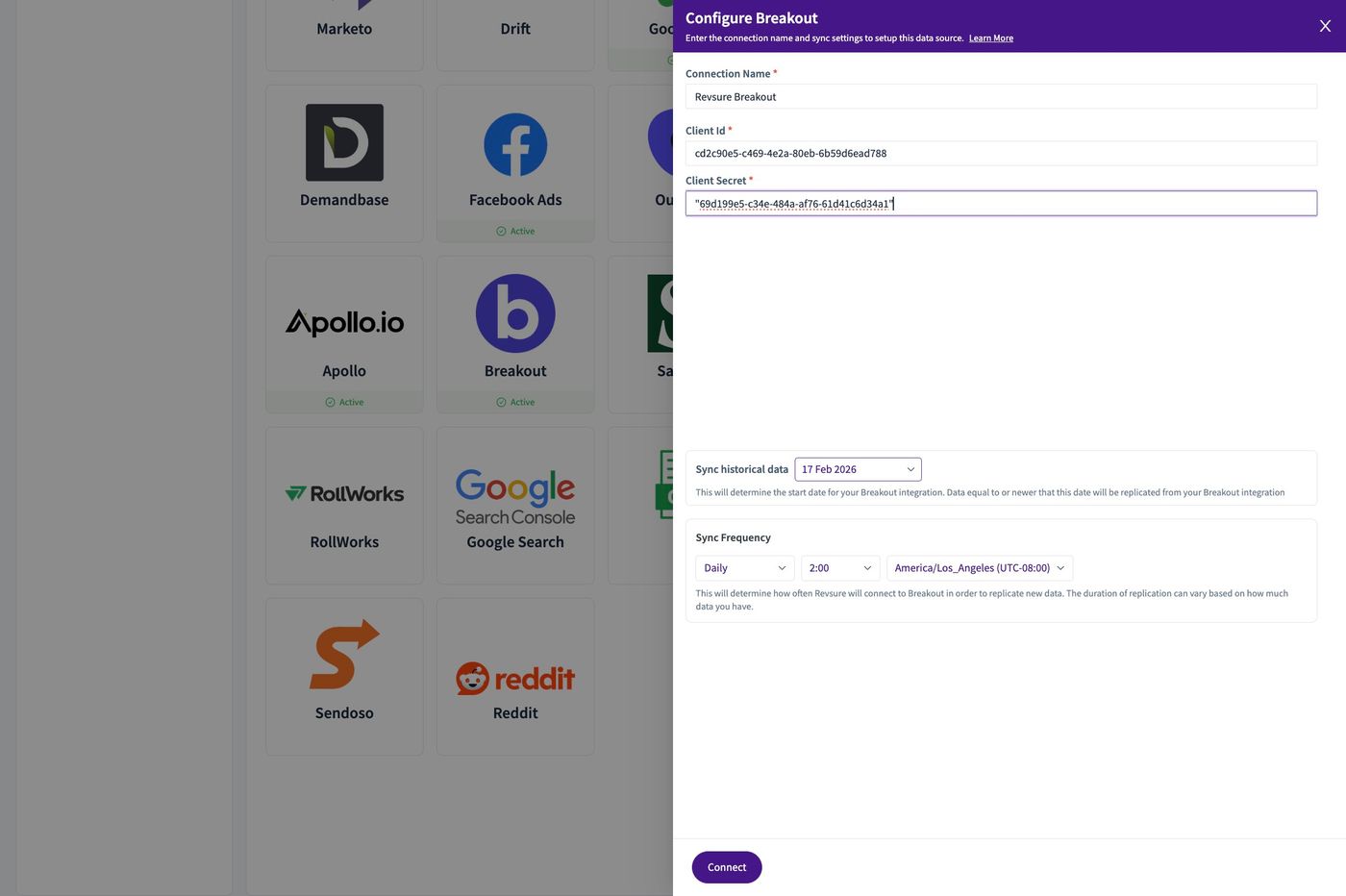
6. Set the "Connection Name *" field.
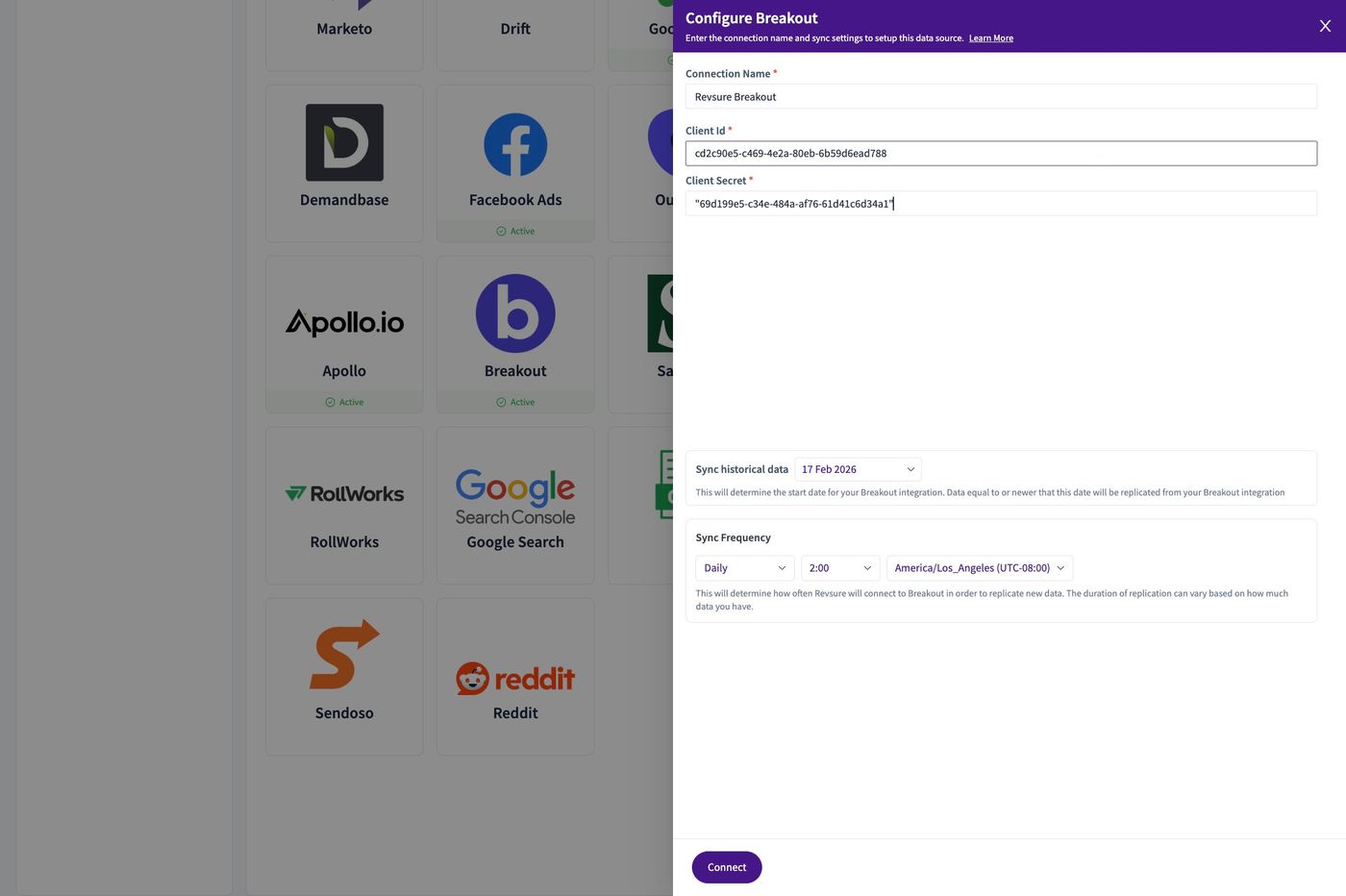
7. Set the "Client Id *" field.
8. Set the "Client Secret *" field.
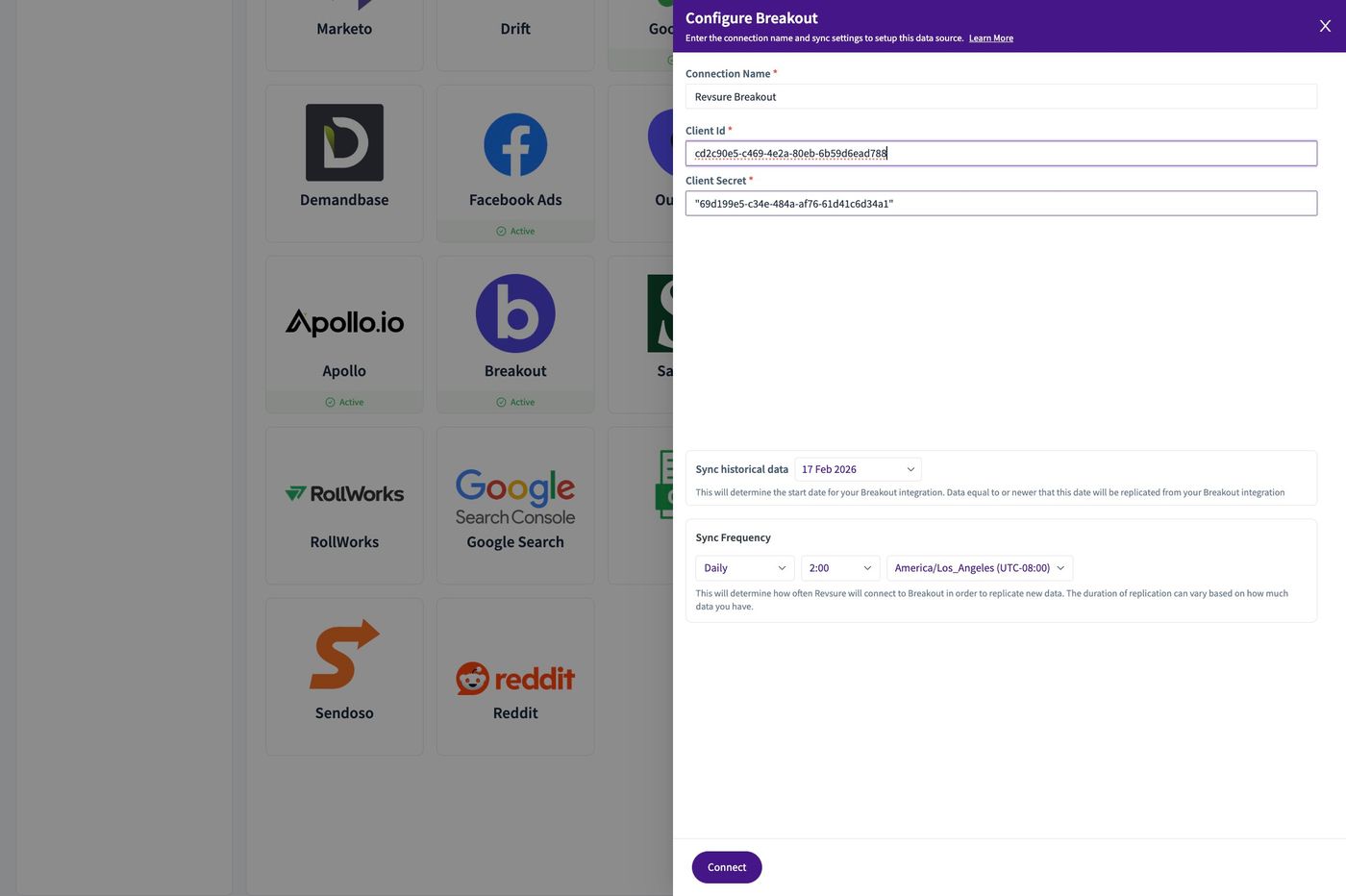
9. Click "17 Feb 2026"
10. Set the historical date field
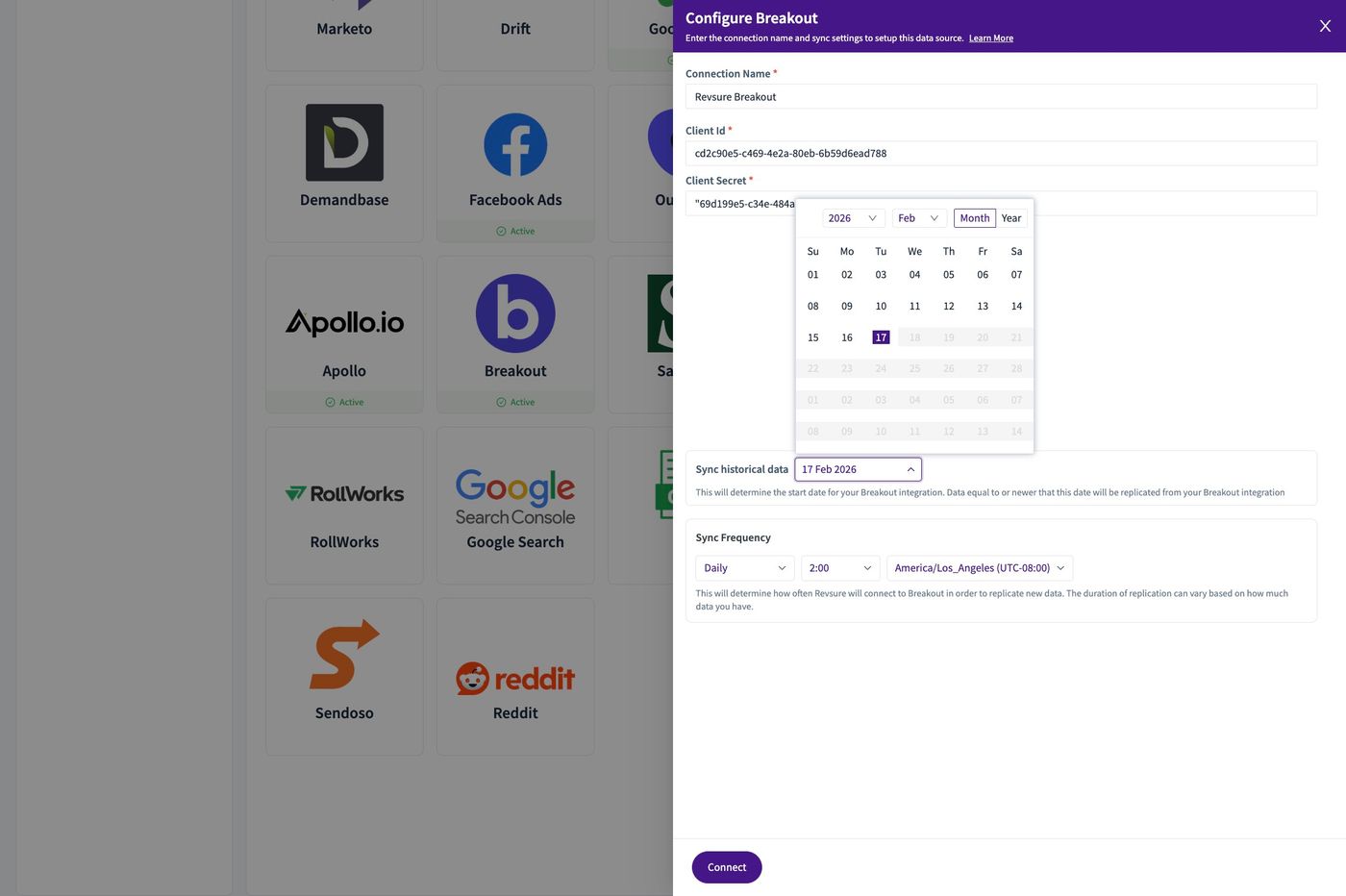
11. Click "Connect"