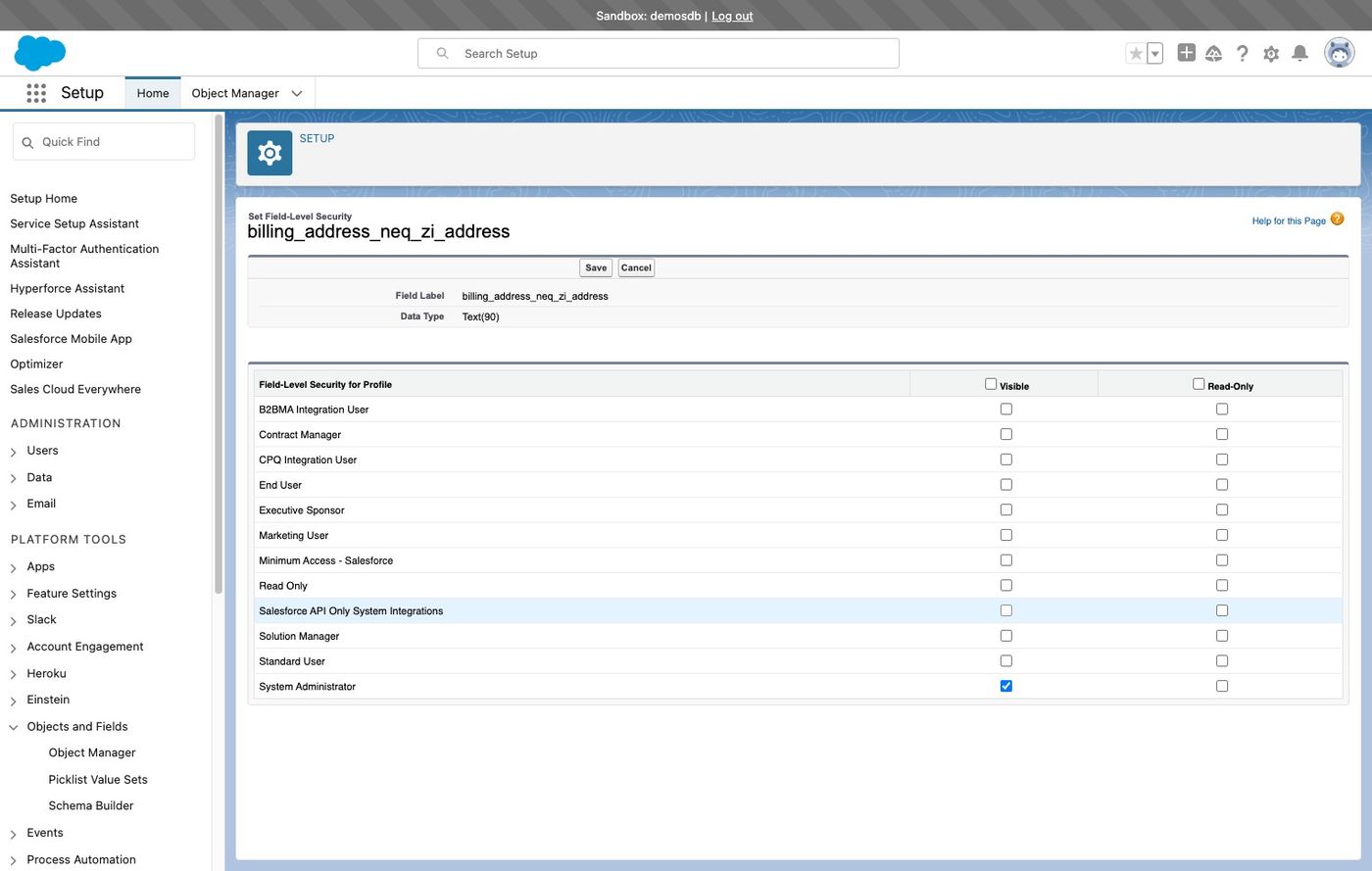
1. Navigate to your Salesforce instance
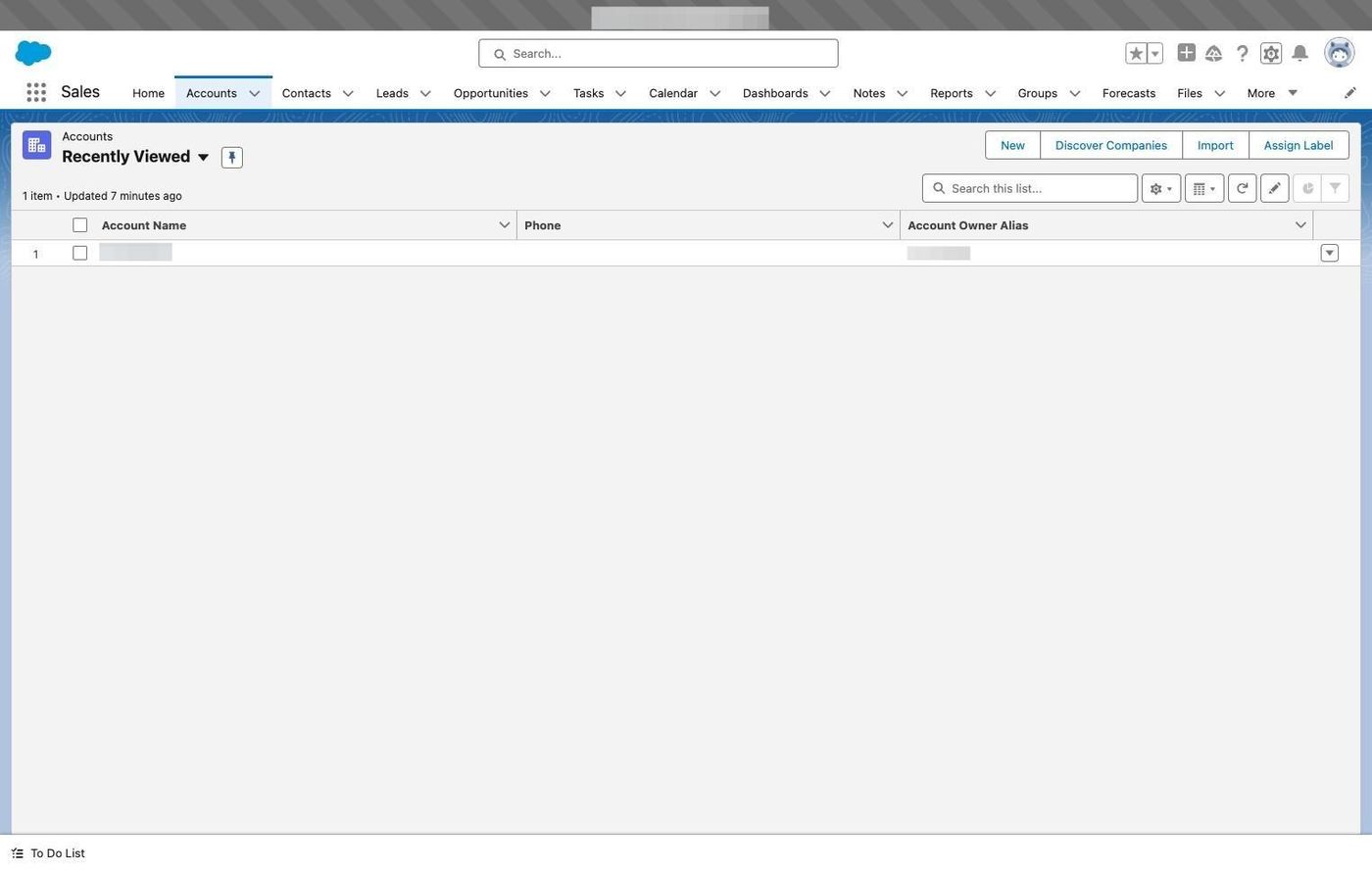
2. Click here
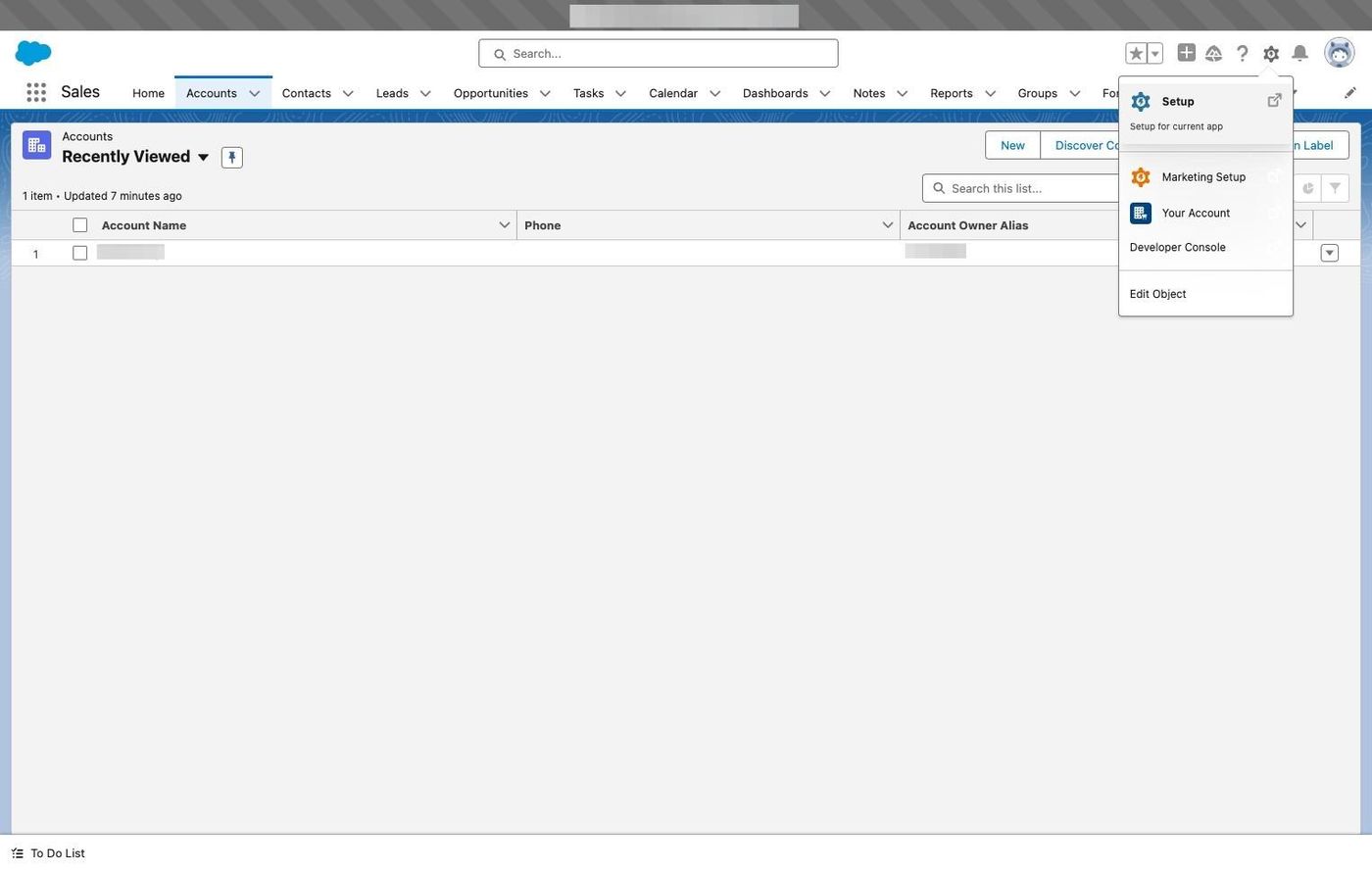
3. Click "Setup for current app"
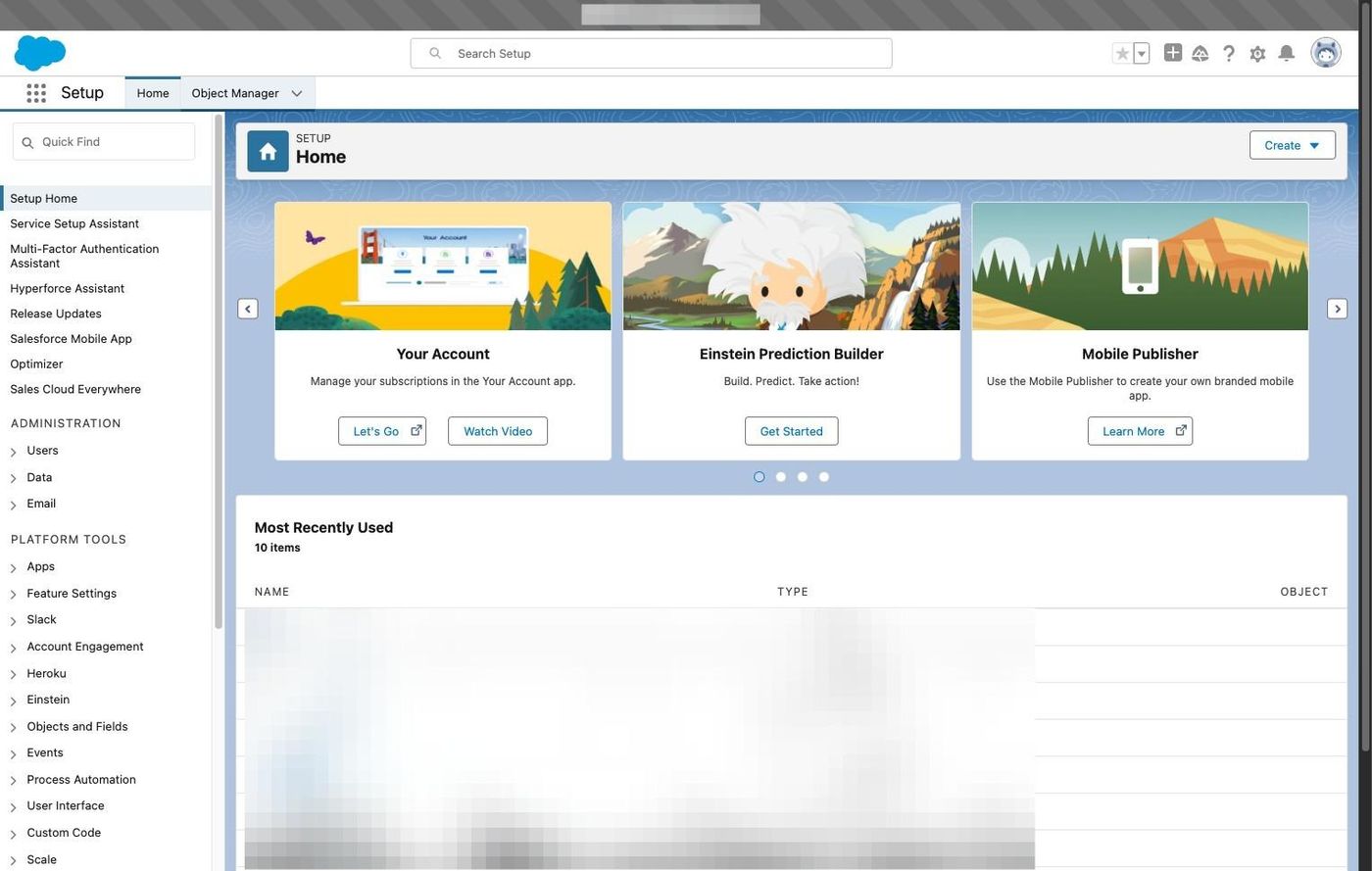
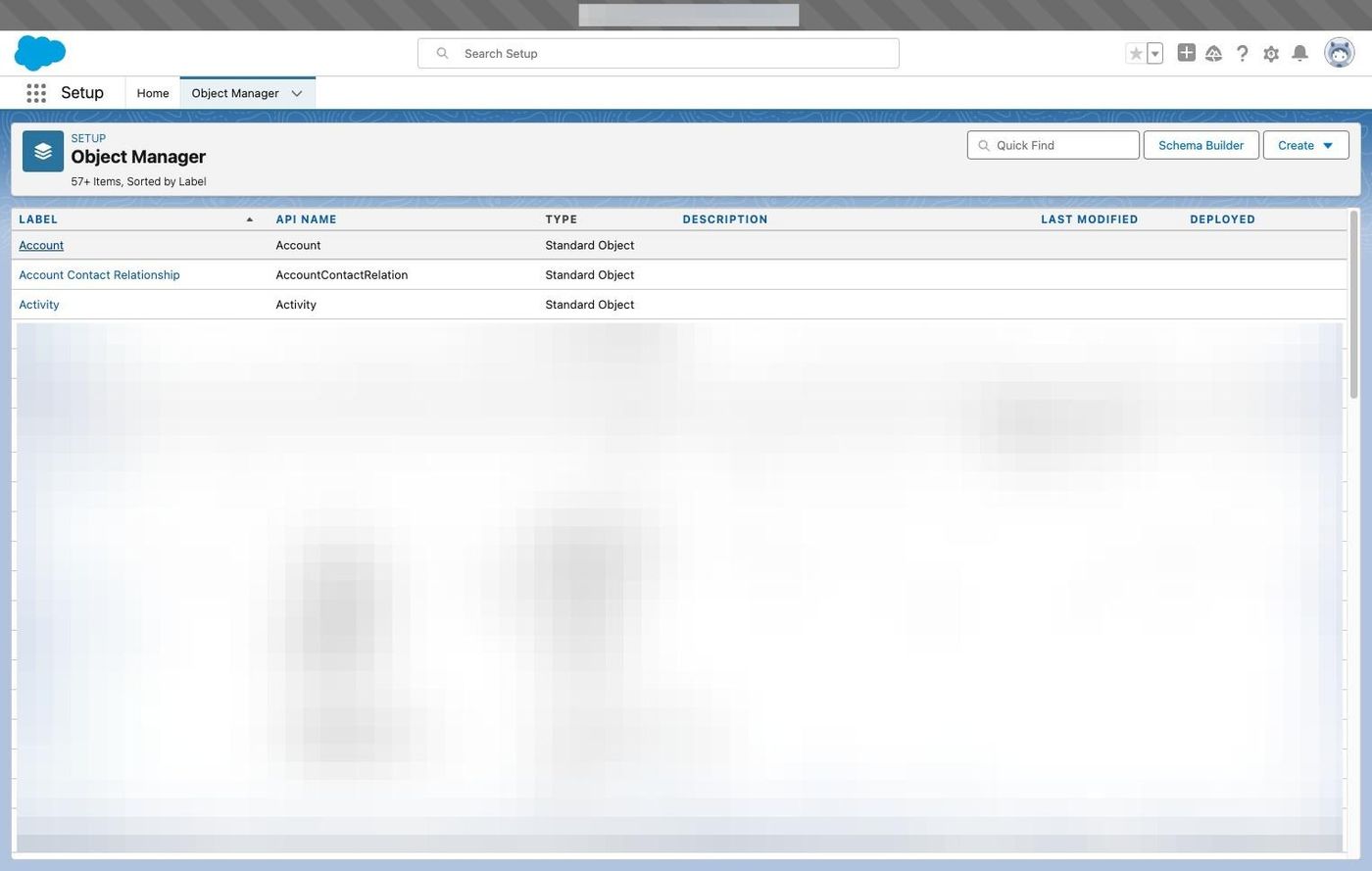
4. Click "Object Manager"
5. Click salesforce object
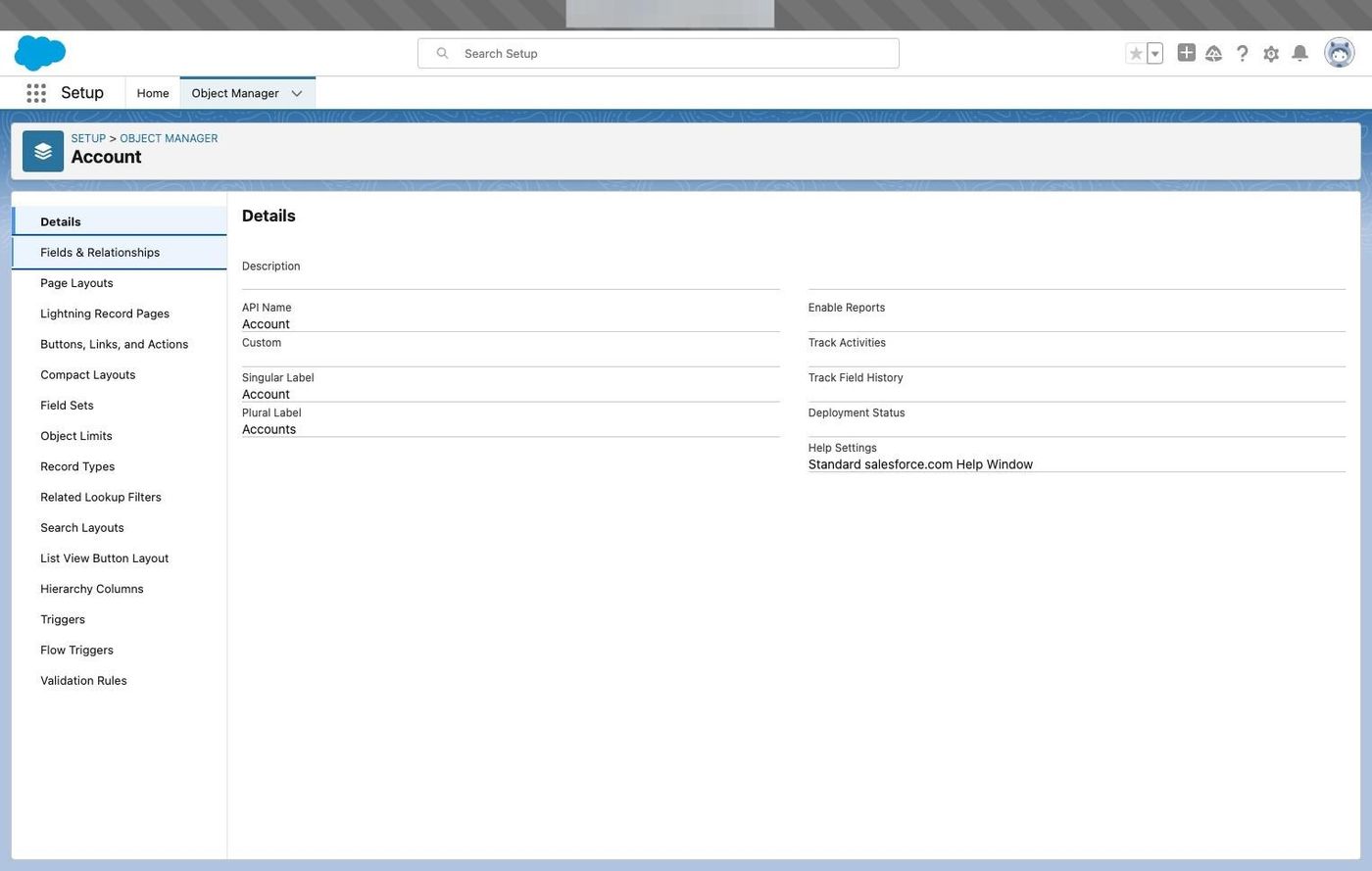
6. Click "Fields & Relationships"
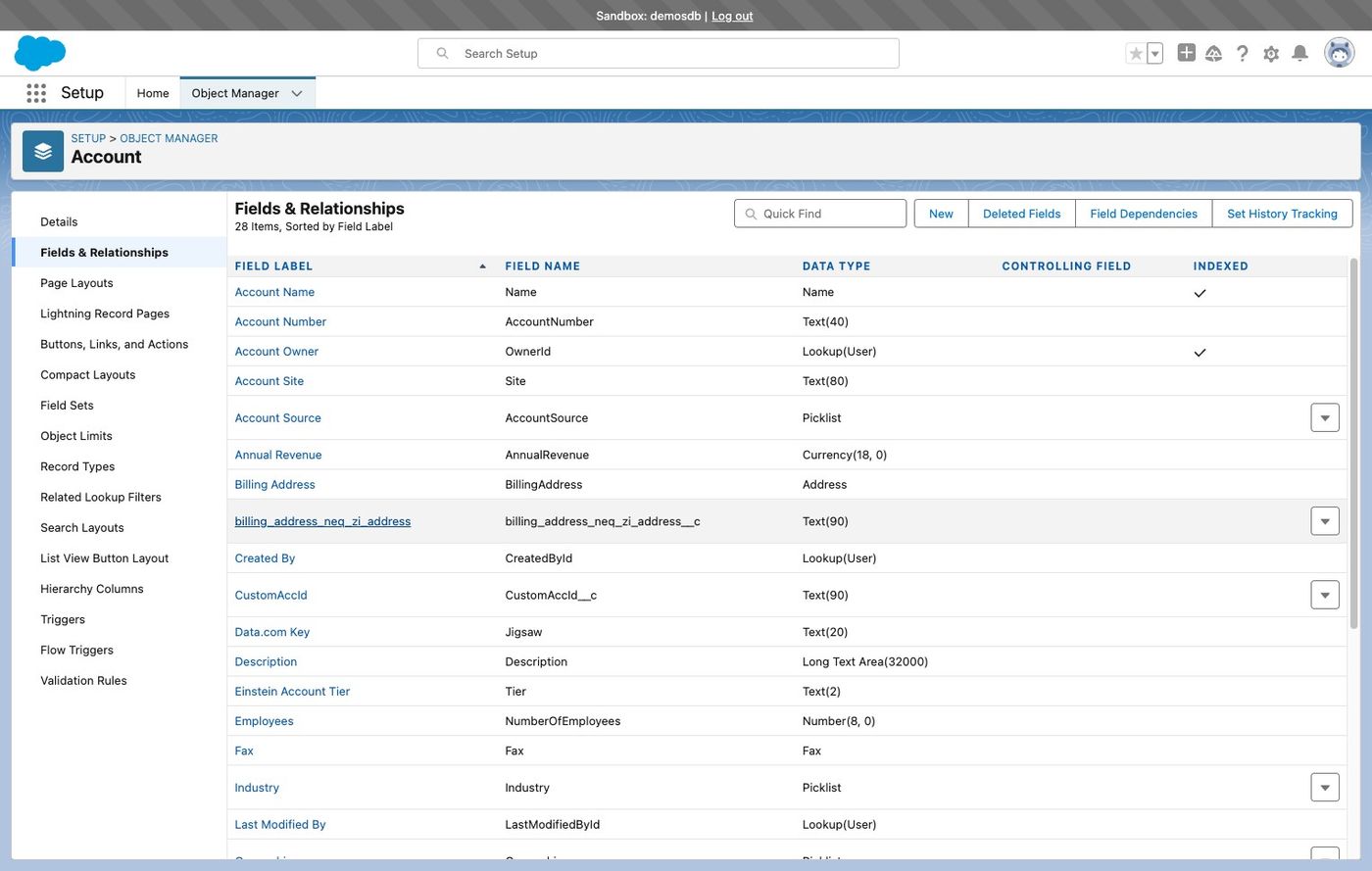
7. Click the custom field
8. Click the profile that RevSure Integration email belongs to and click the save button