1. Navigate to your salesforce instance
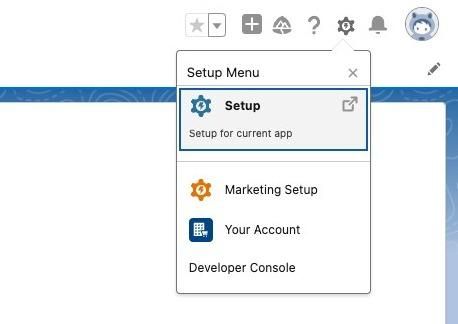
2. Click on settings icon and then "Setup"
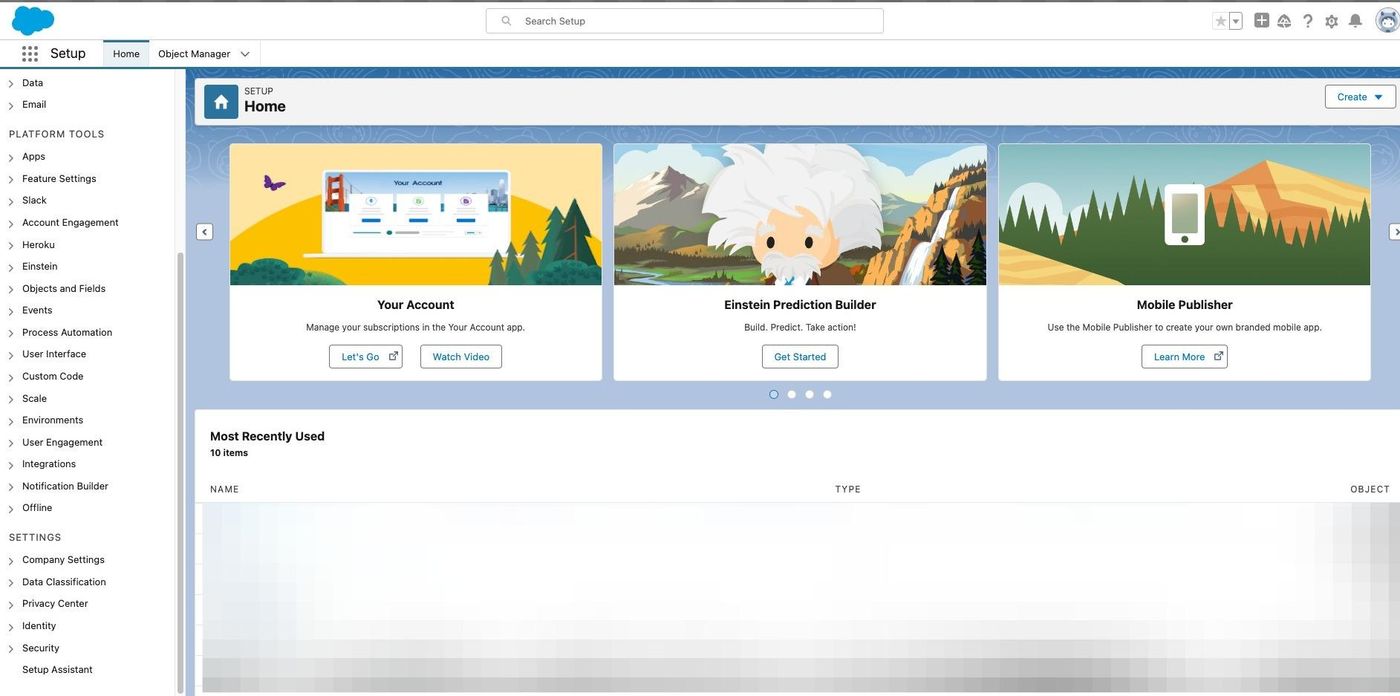
3. Click the "Search Setup" field.
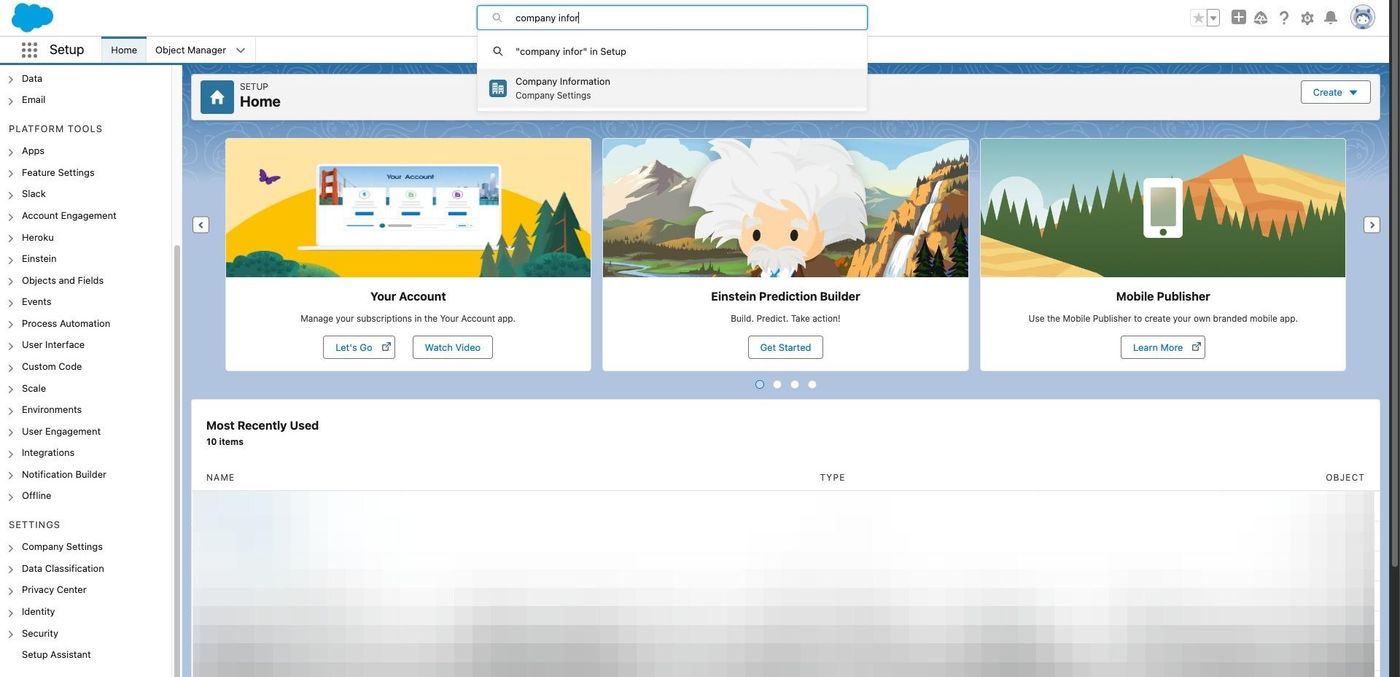
4. Search and Click on "Company Information"
5. Check if Activate Multiple Currencies is enabled or not.
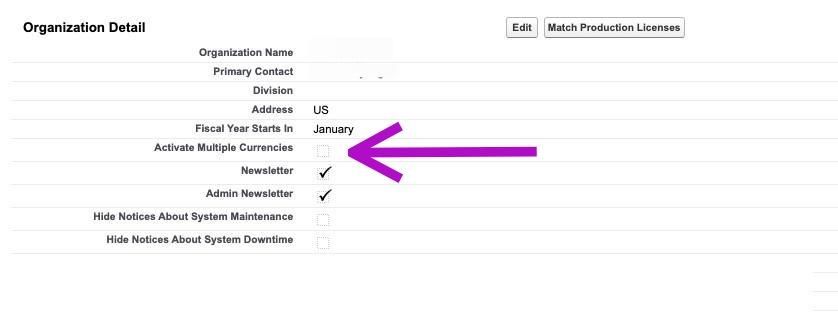
To check whether multi-currency is enabled in Salesforce, open Setup, search for Company Information, and look for whether Activate Multiple Currencies is turned on. RevSure needs this to handle currency correctly when syncing Salesforce data.
1. Navigate to your salesforce instance
2. Click on settings icon and then "Setup"
3. Click the "Search Setup" field.
4. Search and Click on "Company Information"
5. Check if Activate Multiple Currencies is enabled or not.
A RevSure engineer walks your exact setup on a 30-minute working session.