1. Navigate to SquareSpace website
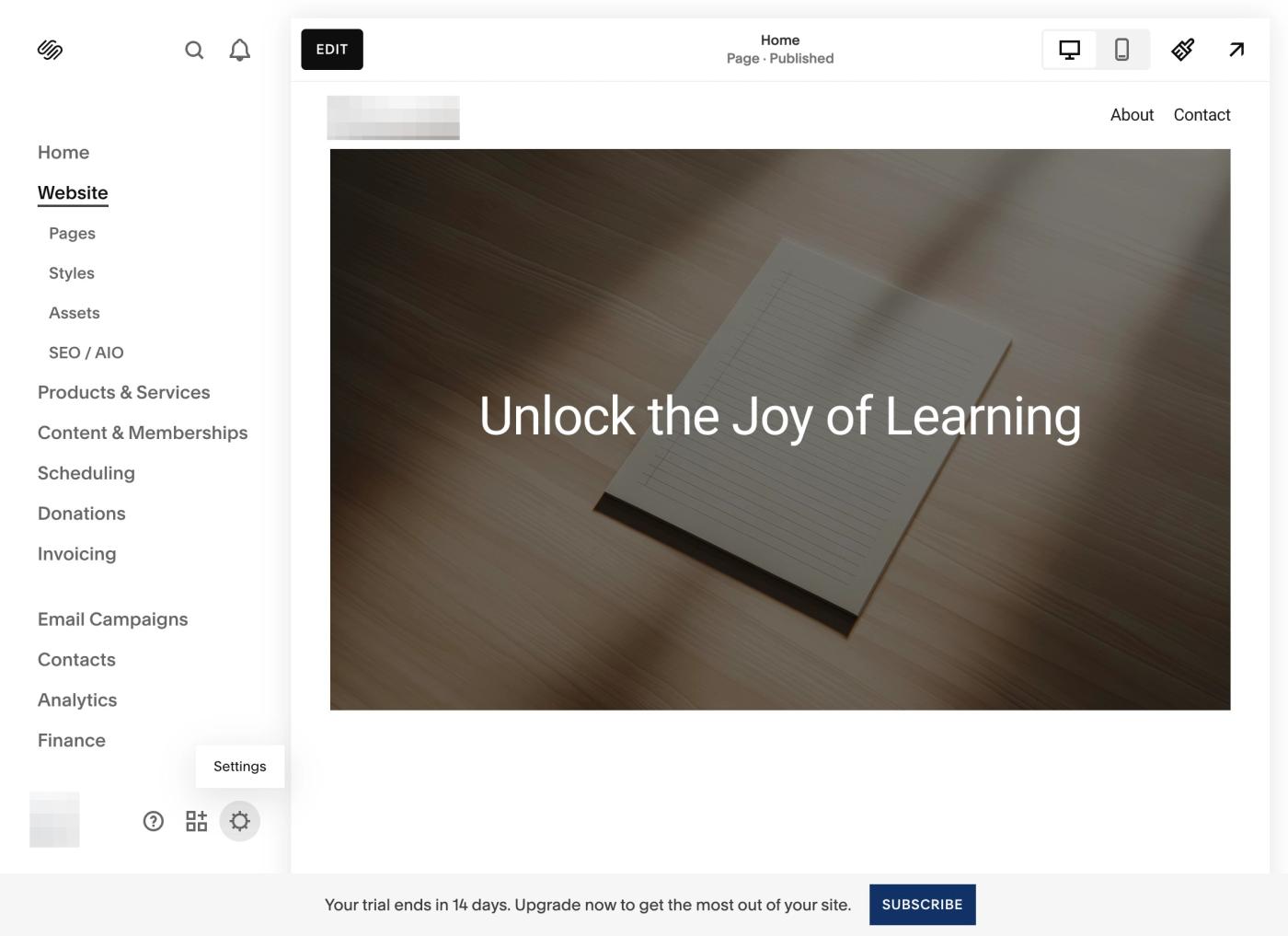
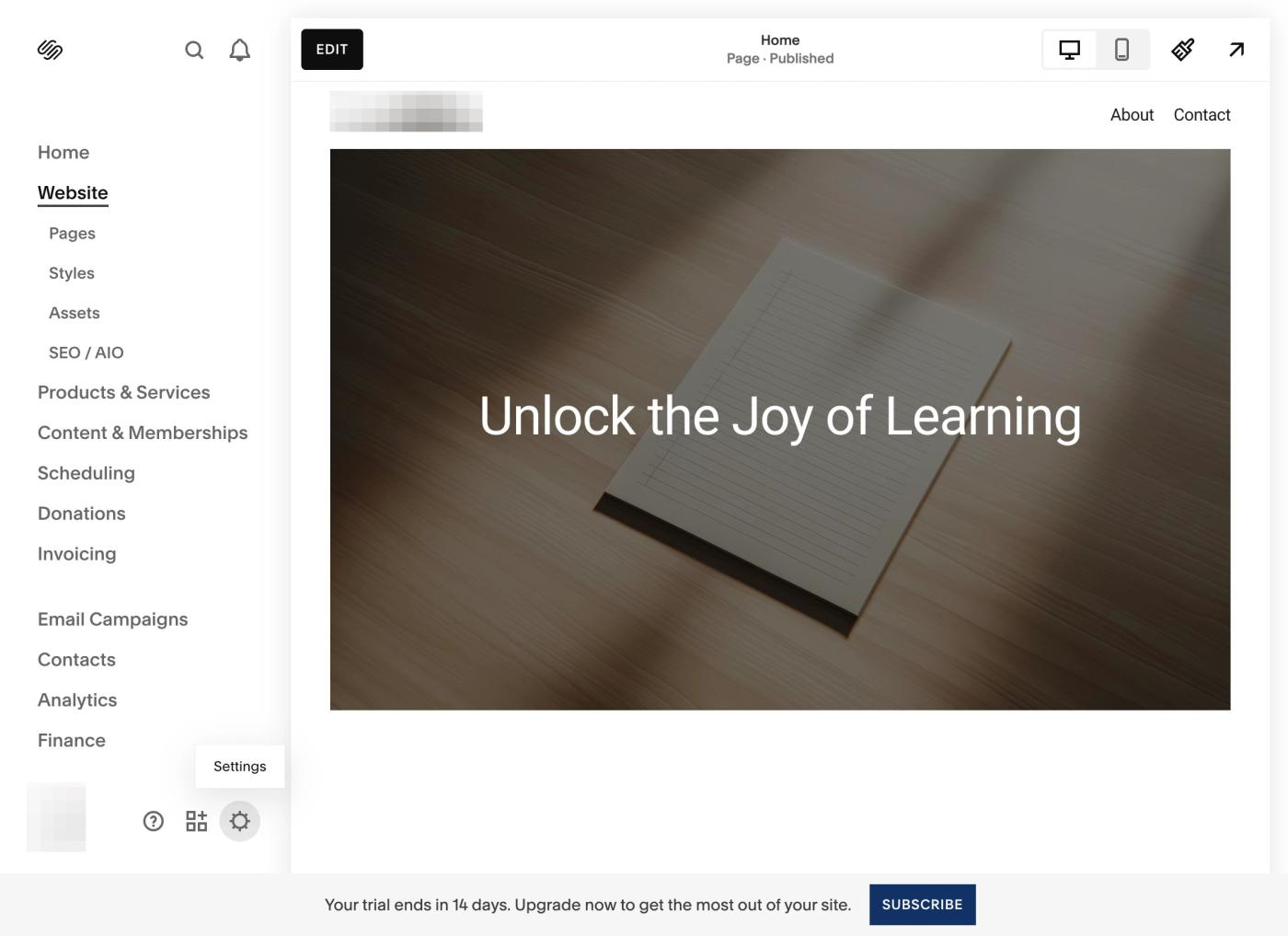
2. Click on Settings Icon
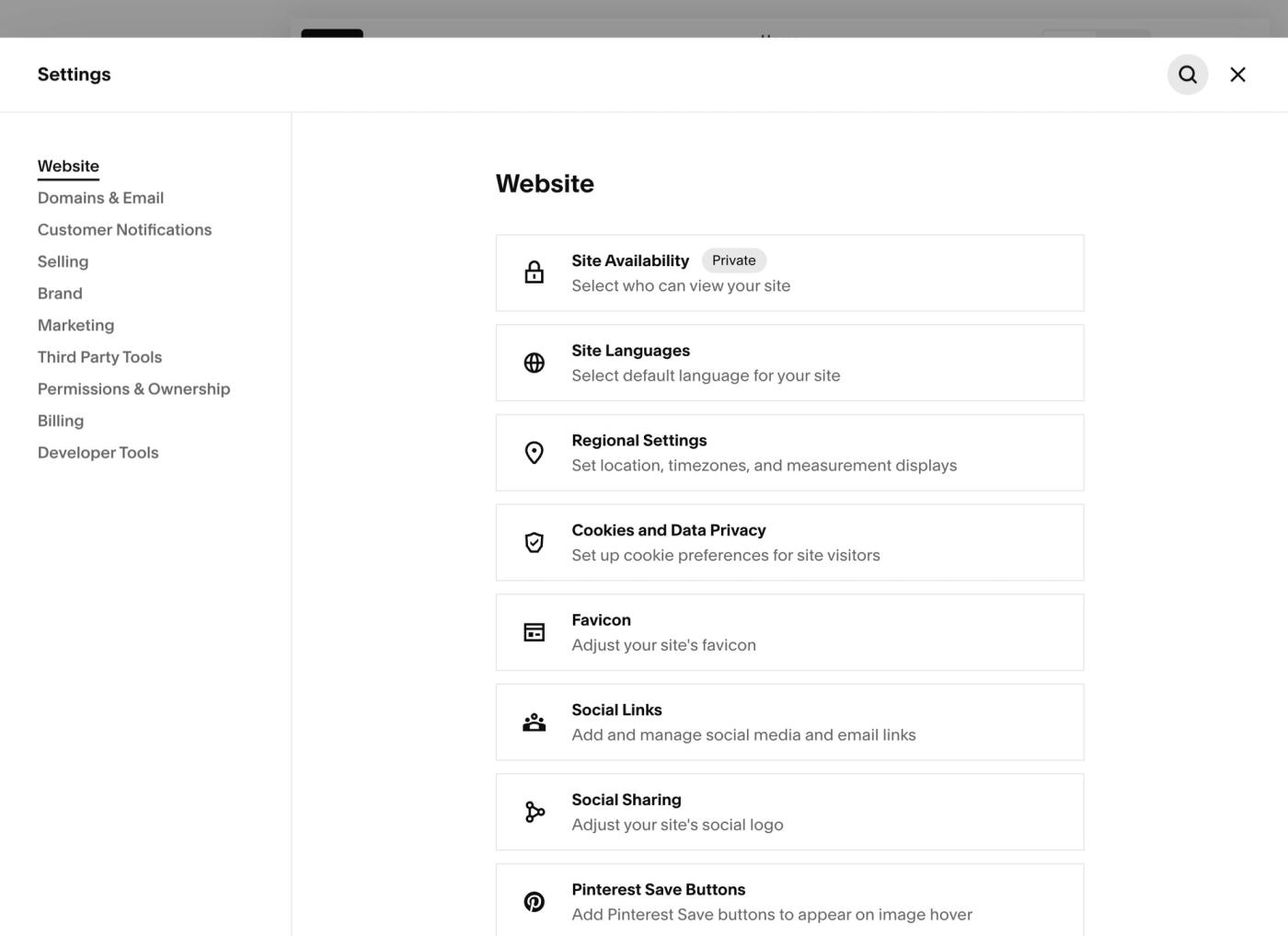
3. Click on Search
4. And Search for "Code Injection", click on Code Injection option.
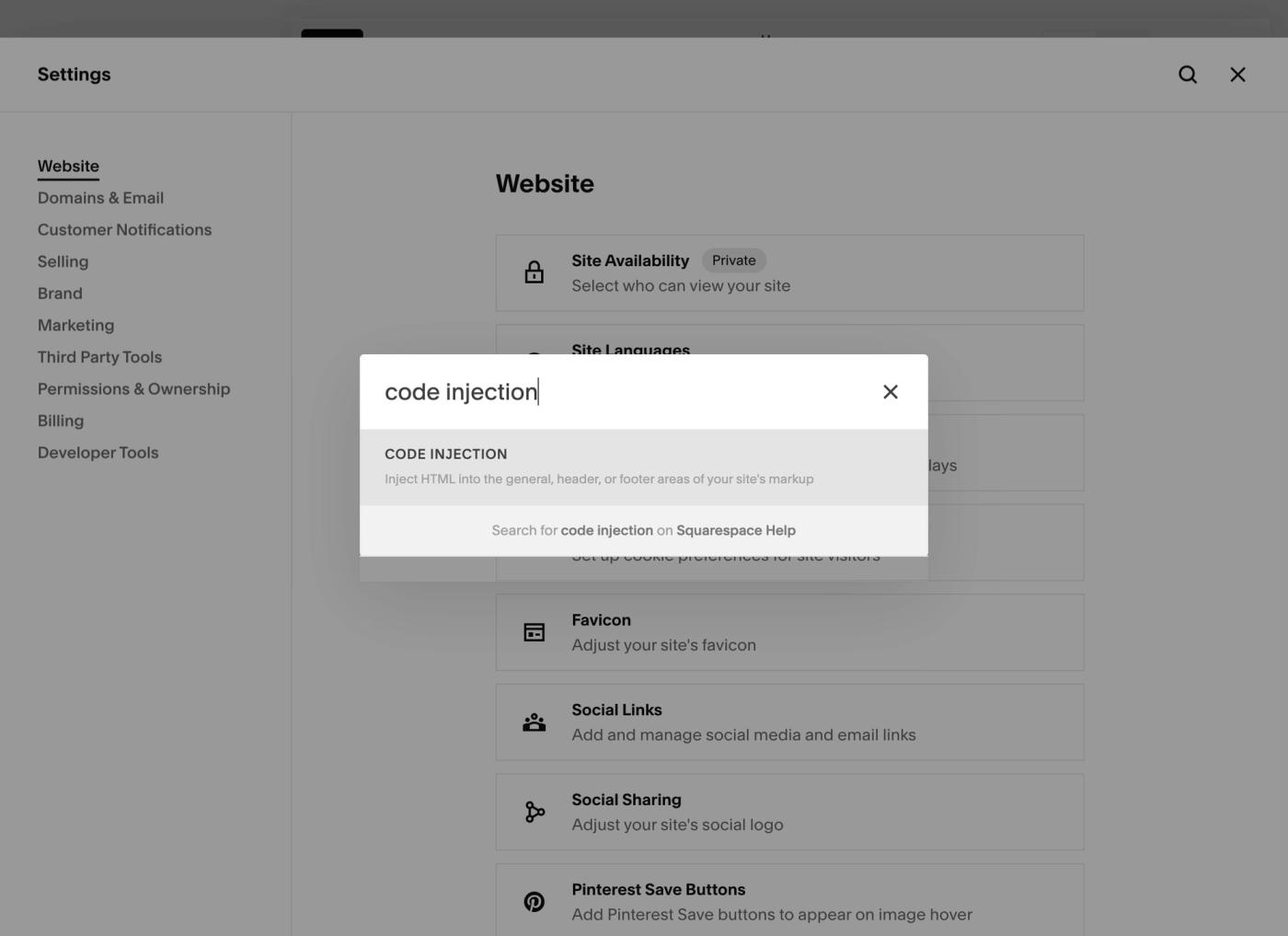
5. This would open the "Code Injection" panel.
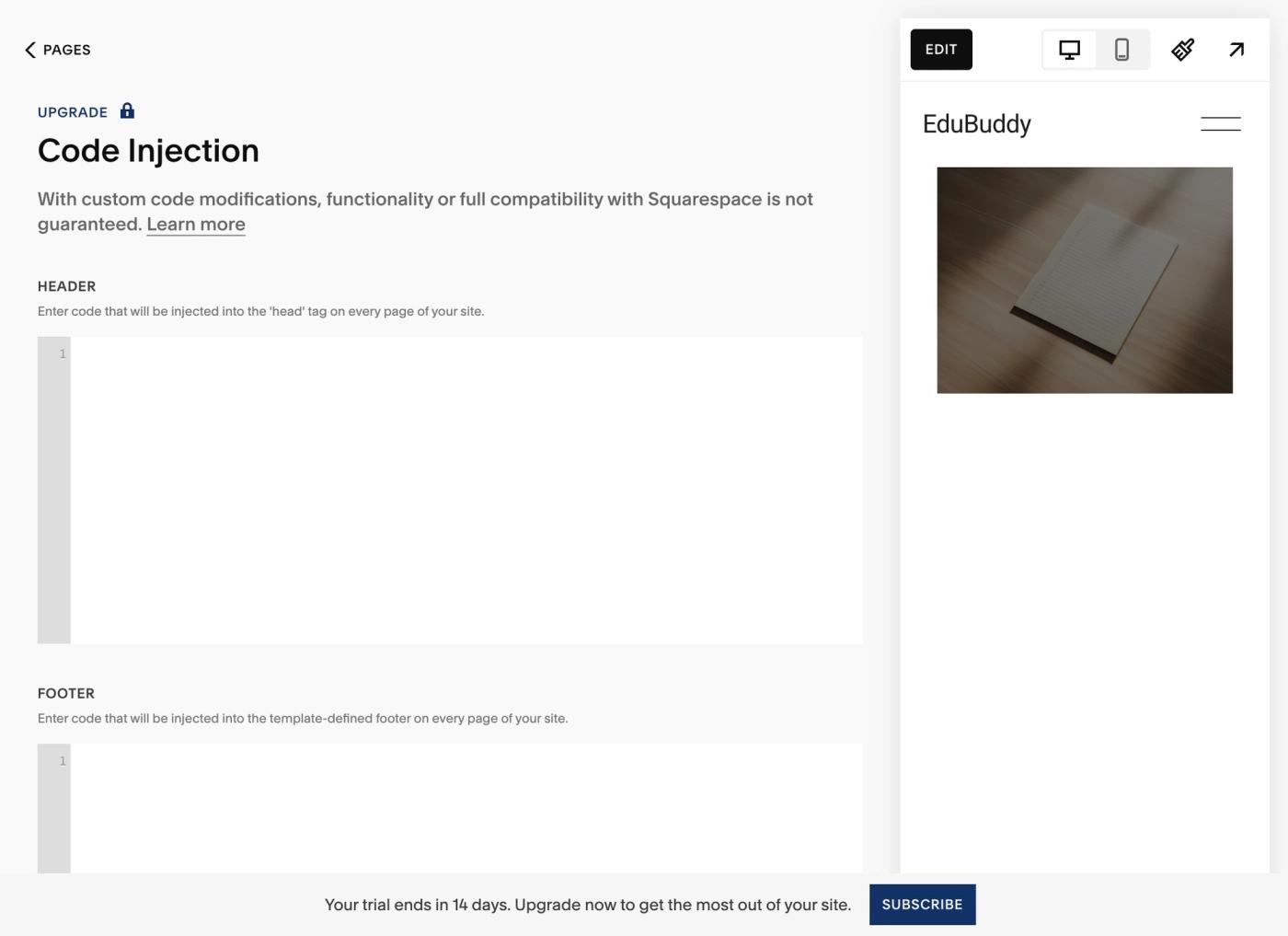
6. In the "HEADER" section enter the complete script shared by RevSure for First Party Pixel Click.
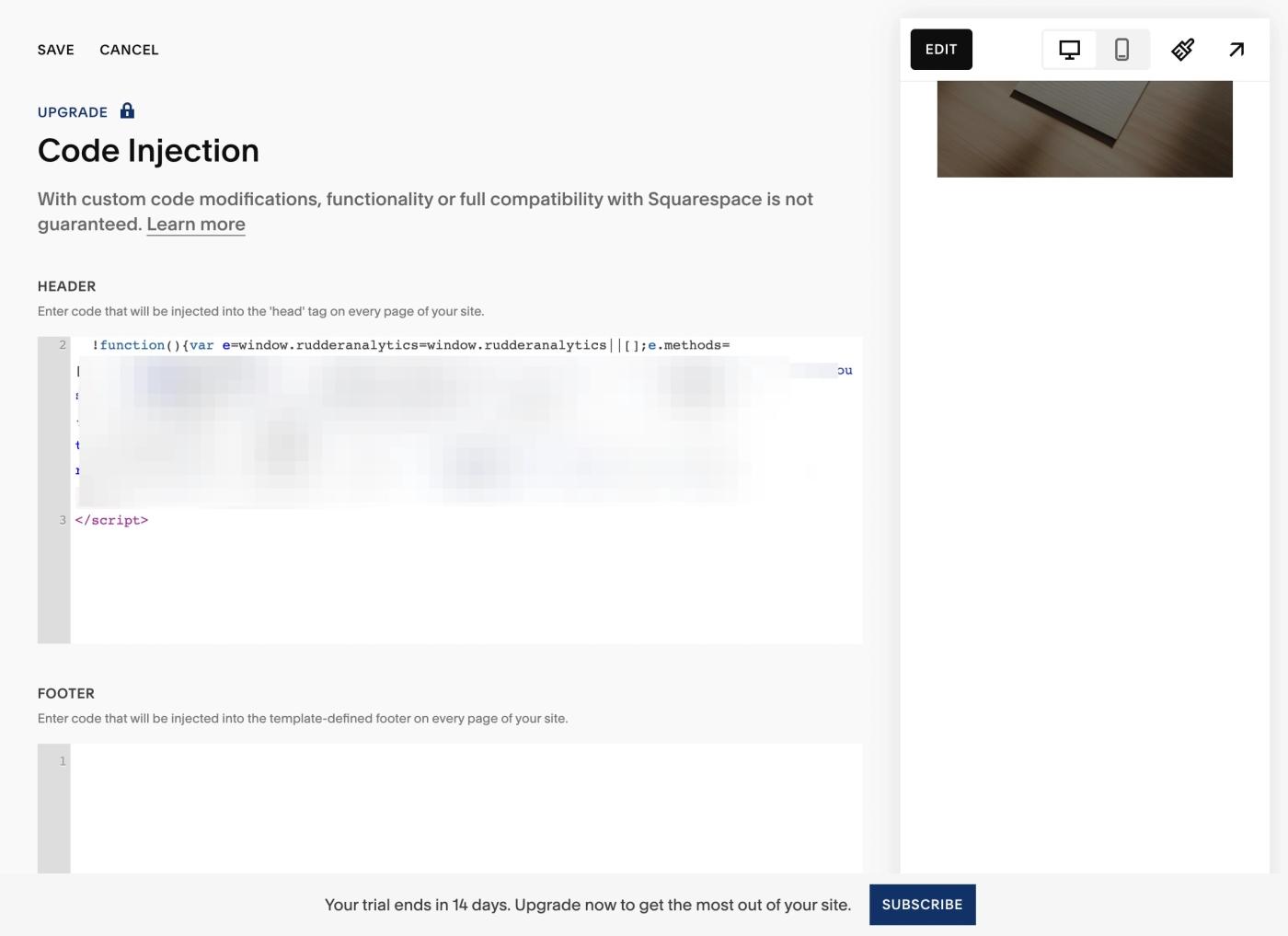
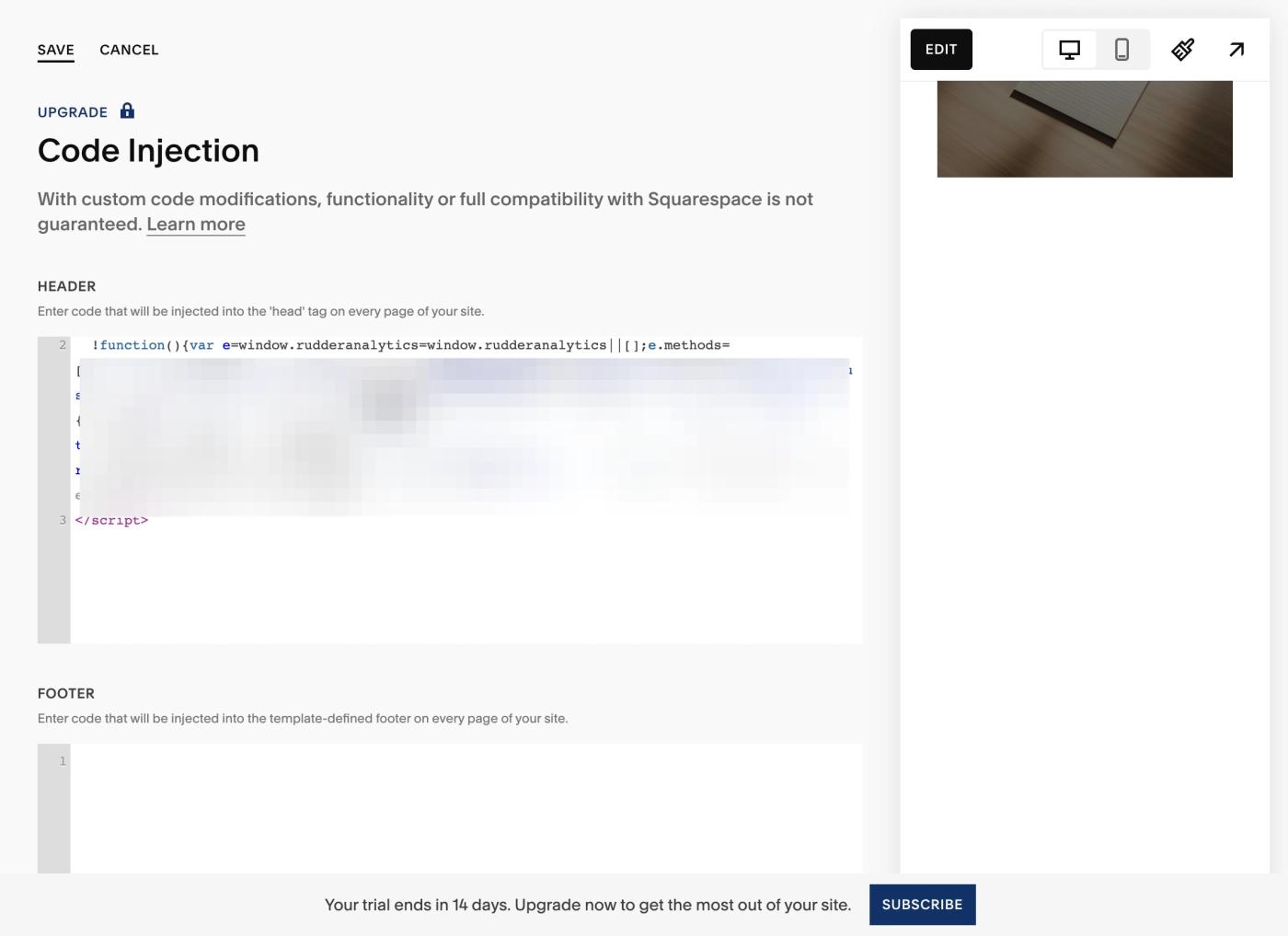
7. Click "Save"
8. For more details, you can check out the official documentation from SquareSpace at: https://support.squarespace.com/hc/en-us/articles/205815908-Using-code-injection?platform=v6&websiteId=688246a15278bb178ede0137